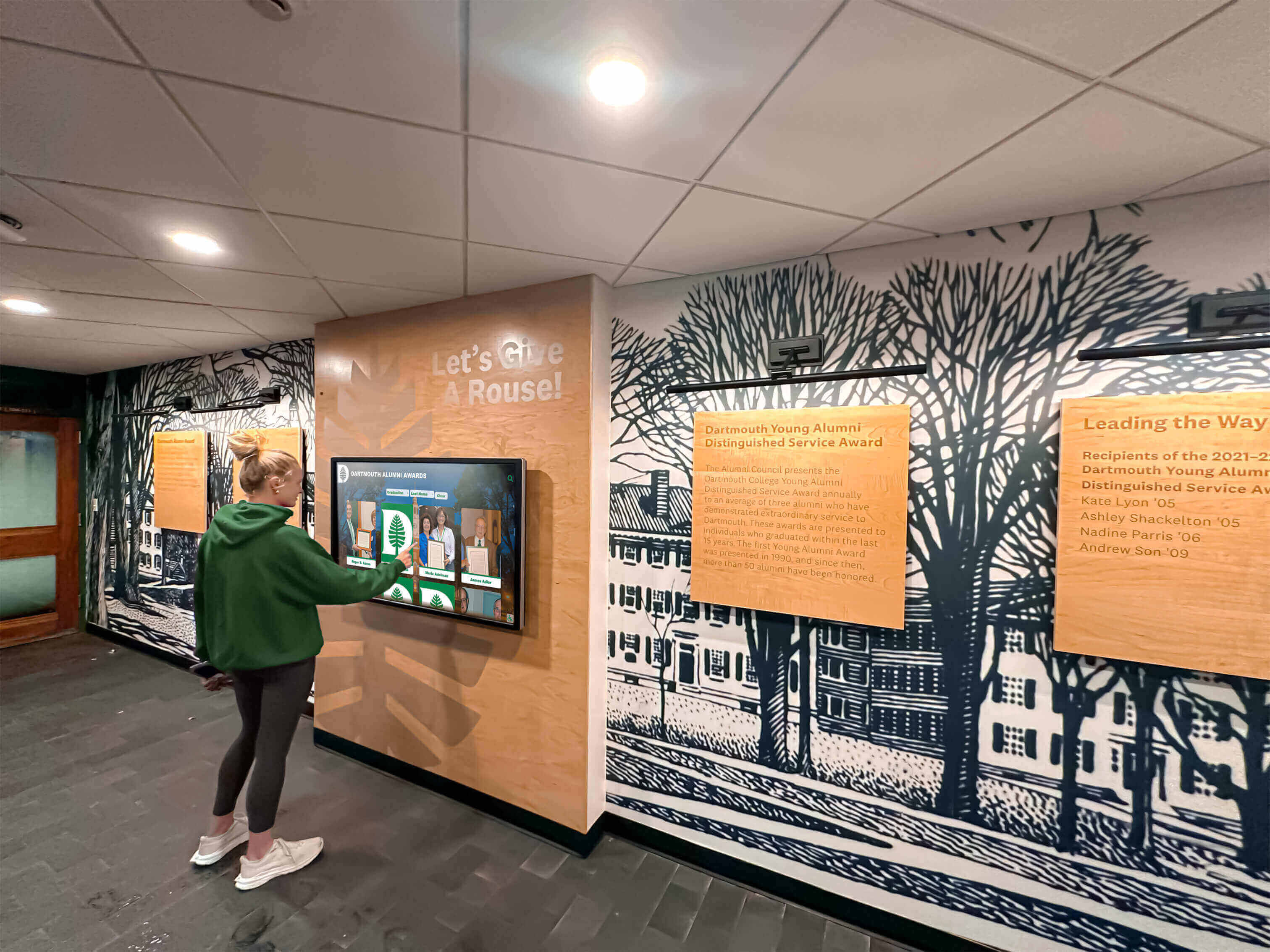
Recognition Display USB Selective Suspend Test: Prevent Touchscreen Disconnects
Intent: diagnose — this guide walks school IT coordinators through a recognition display USB selective suspend test to identify and eliminate the power management setting that causes intermittent touchscreen disconnects on hall-of-fame kiosks, donor walls, and athletic record boards.
Read More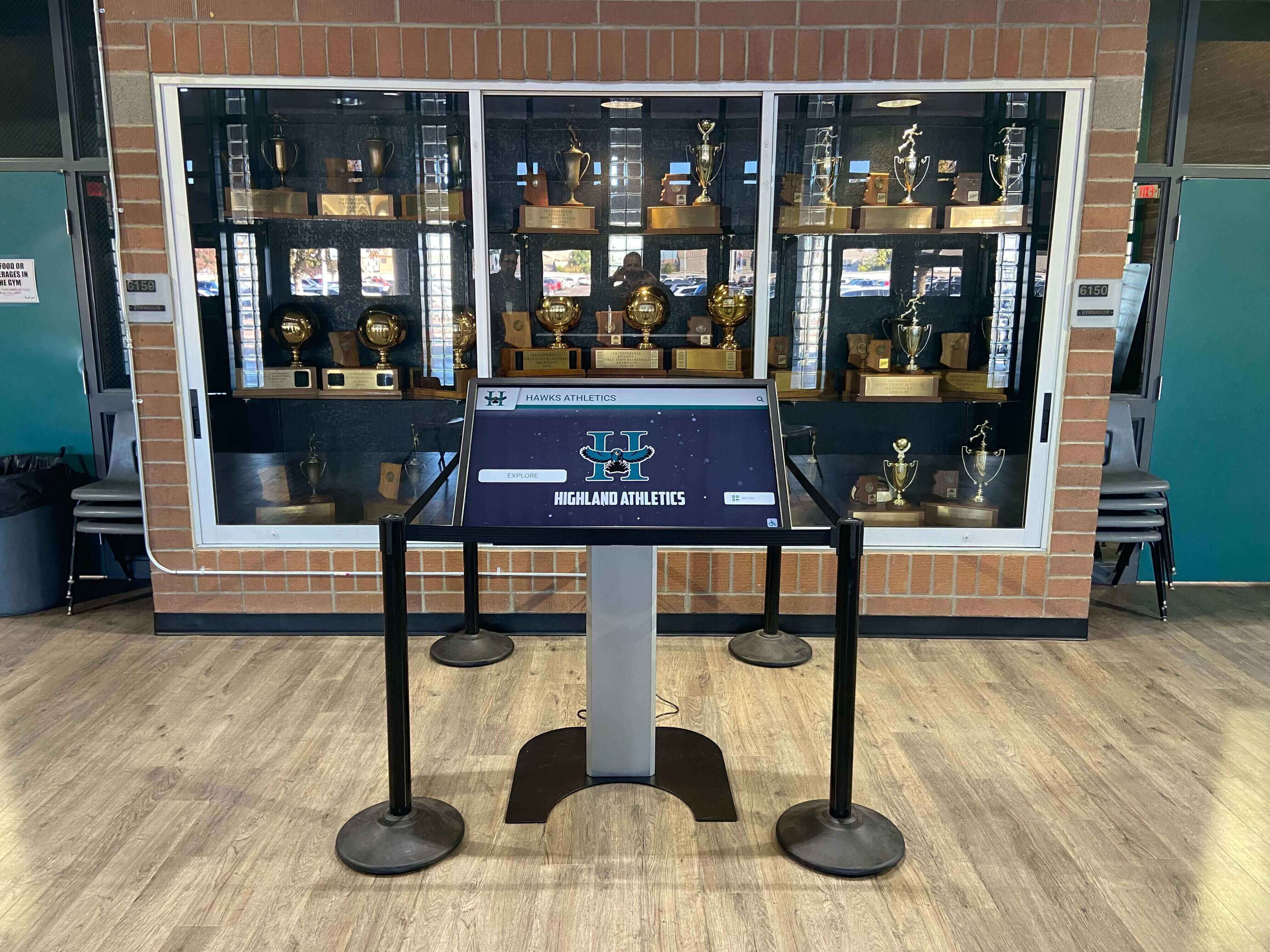
School Recognition Display Screen Flicker Troubleshooting Checklist
Intent: research. A school recognition display flickering in the lobby sends the wrong message—that the institution’s digital investment is unreliable. Here is how to diagnose and resolve it systematically.
Read More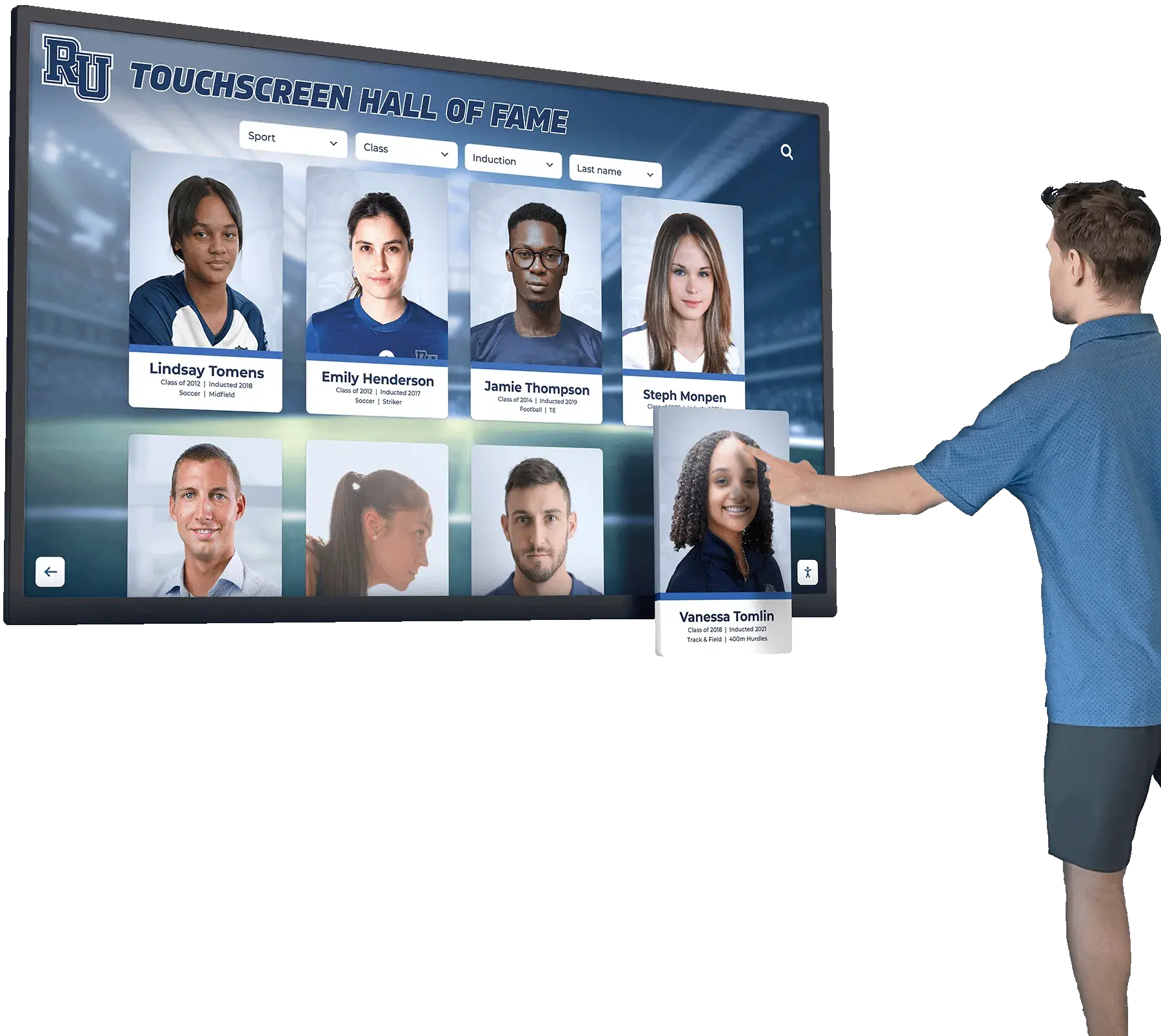
Touchscreen Recognition Display Ghost Touch Troubleshooting: Diagnose False Taps Before Service
Intent: demonstrate — this guide walks school IT coordinators, facilities teams, and athletic administrators through touchscreen recognition display ghost touch troubleshooting so they can identify the root cause before scheduling a service call.
Read More