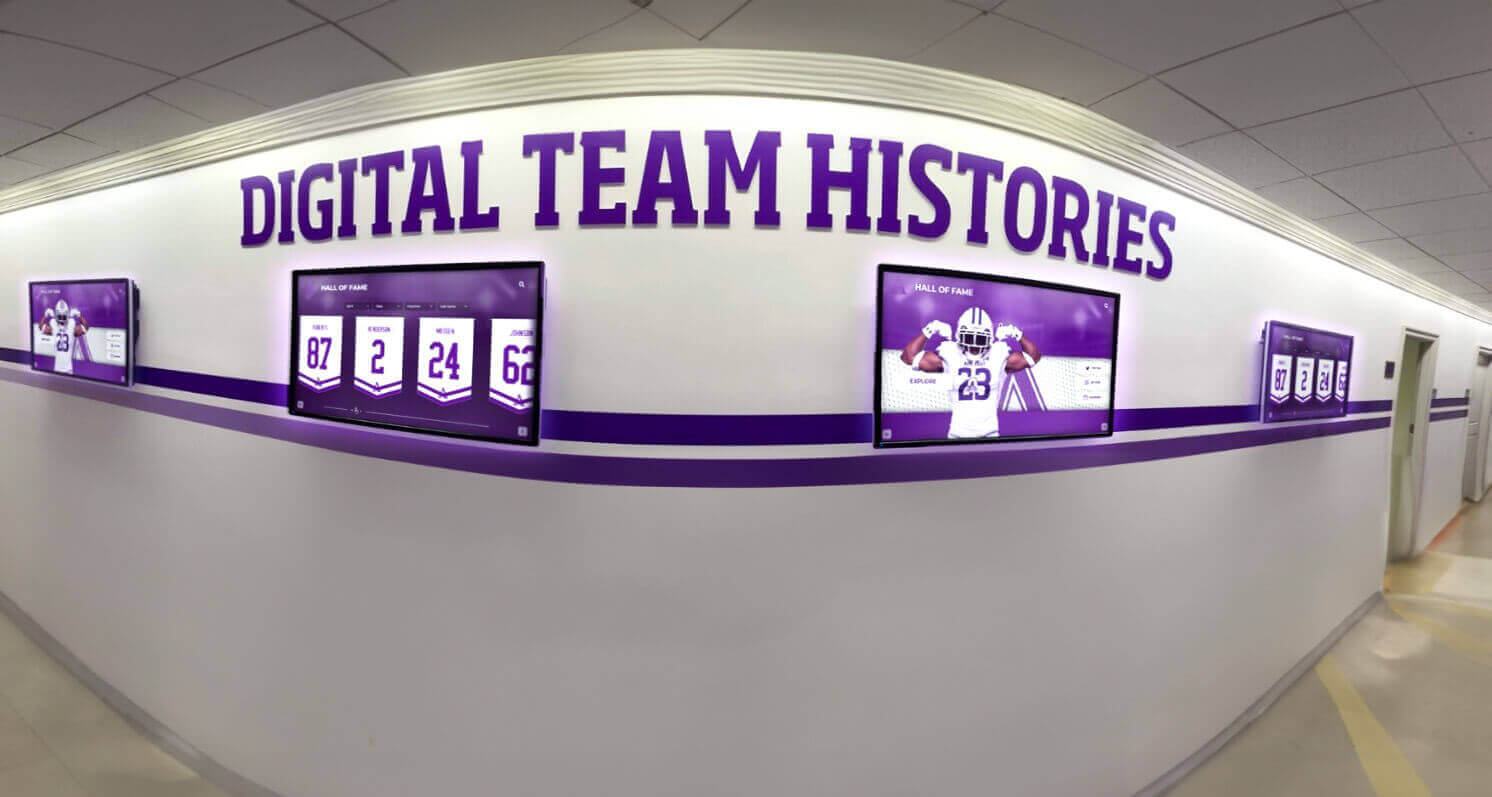
Recognition Display Overscan Troubleshooting Checklist: Fix Clipped Menus and Cut-Off Profiles
Intent: demonstrate — this checklist walks school AV coordinators, IT staff, and facilities teams through recognition display overscan troubleshooting so they can eliminate clipped menus, cut-off inductee profiles, and scaling errors on wall-mounted recognition screens without waiting for vendor support.
Read More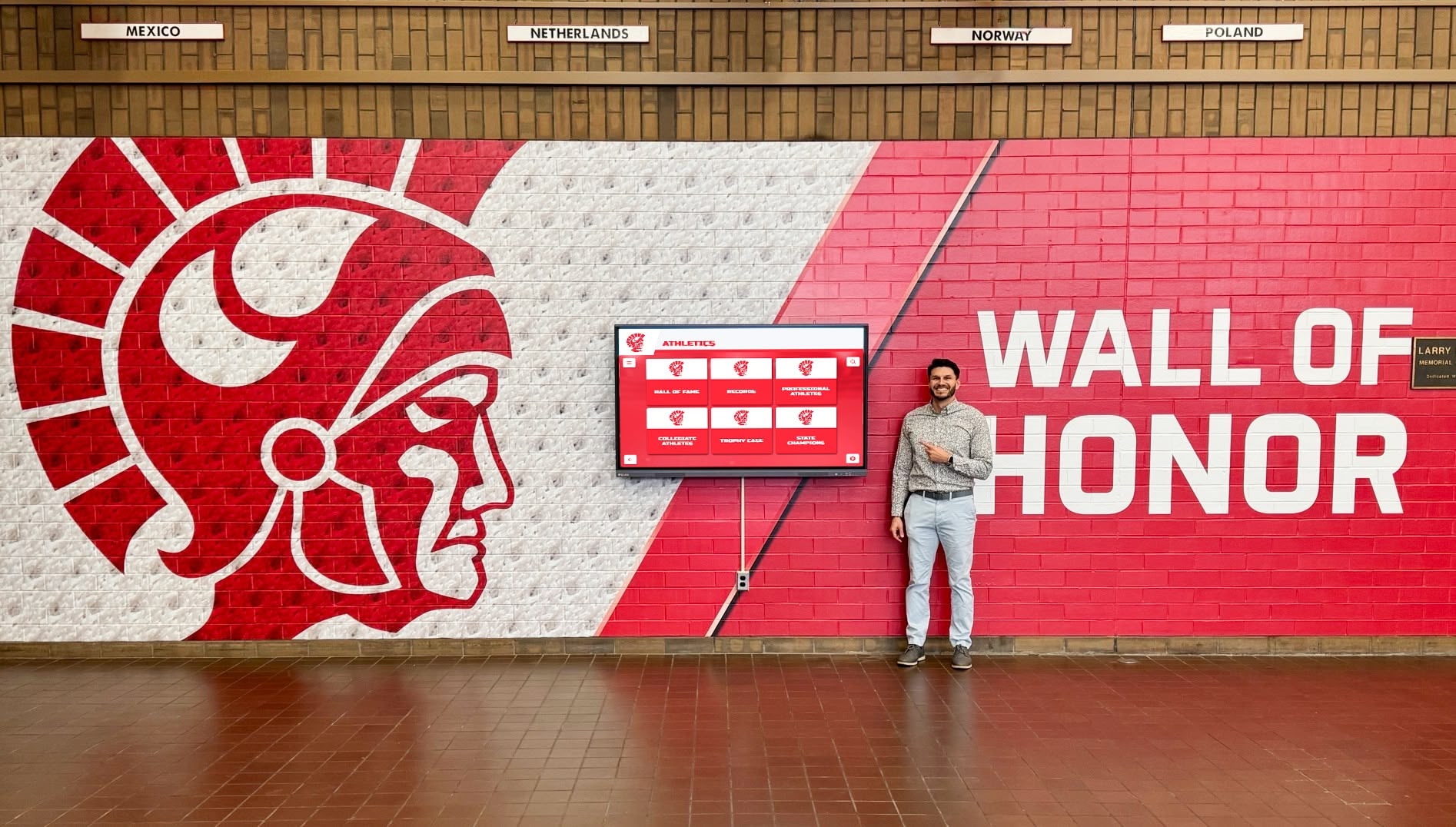
Touchscreen Recognition Display Support Escalation Matrix: Who to Contact and When
Intent: decide. A touchscreen recognition display support escalation matrix defines which incidents belong to frontline staff, which require school IT, which need facilities involvement, and which must go directly to the platform vendor—so the right person is contacted on the first call rather than the third.
Read More