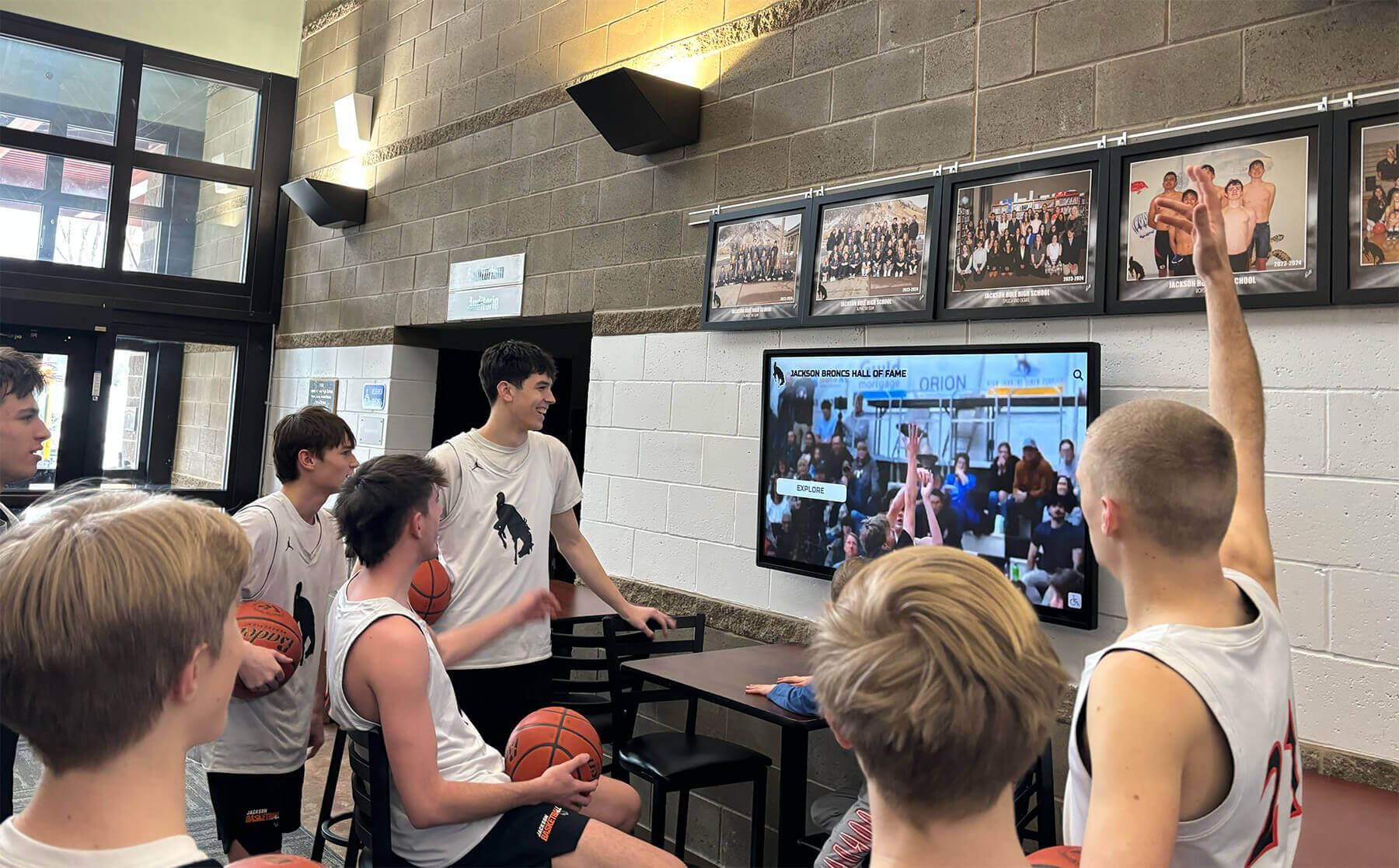
Black Video on an Athletic Recognition Touchscreen: Check the Browser GPU Report Before Changing Settings
Black video on an athletic recognition touchscreen — where a championship highlight reel or senior recognition clip should be playing — stops visitor engagement before it starts. Before adjusting any browser or OS setting, open the browser’s built-in GPU status page. It records exactly what the display hardware supports, which video codecs are enabled for hardware-accelerated decode, whether the browser’s GPU process started correctly, and which driver version is installed. That report gives you a factual baseline so every subsequent test changes one variable at a time rather than cycling through uninformed guesses.
Read More