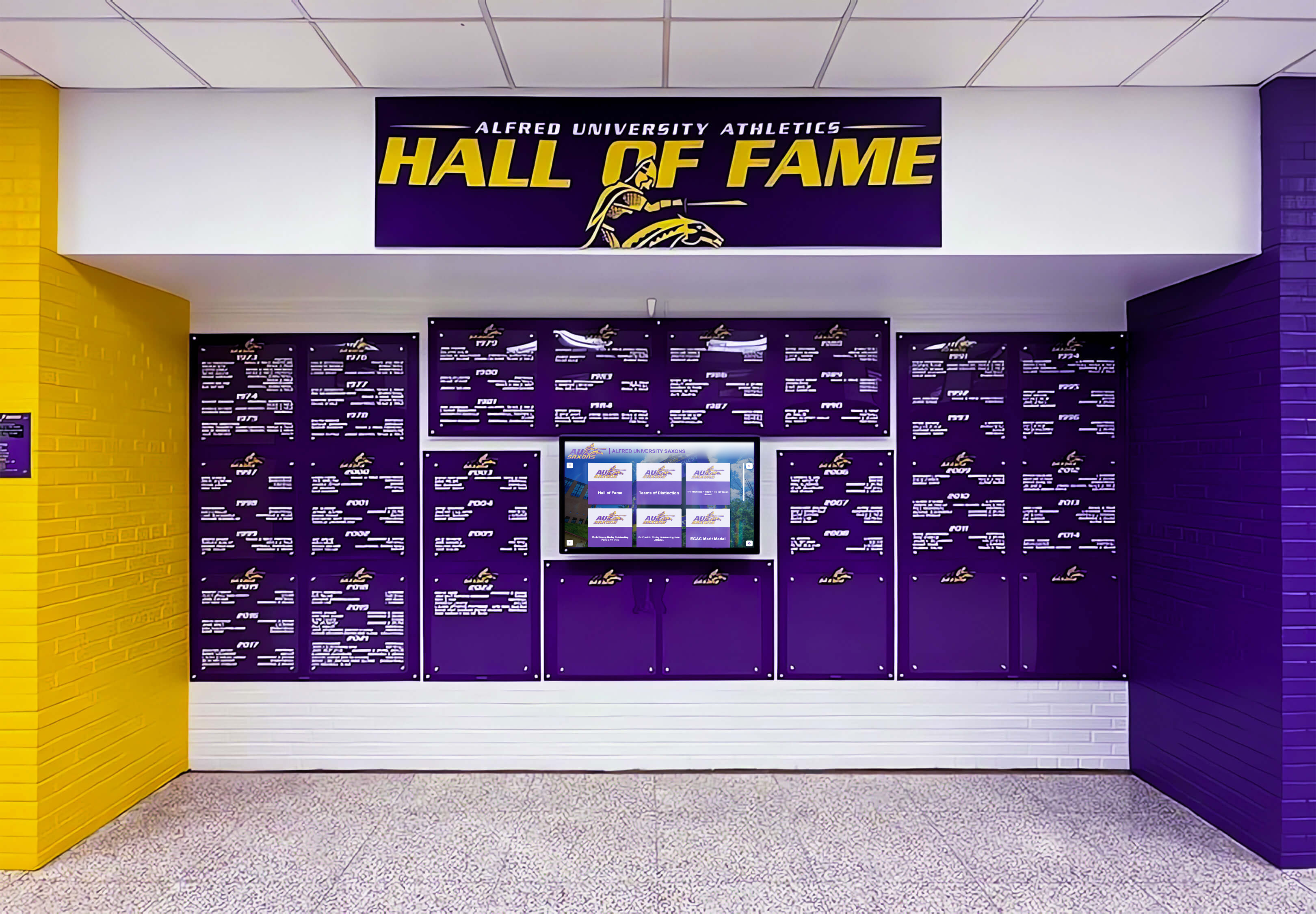
Recognition Display Color Gamut Test for Accurate School Colors
Intent: demonstrate — this guide walks school IT coordinators, AV teams, and facilities staff through a recognition display color gamut test so every element shown on a touchscreen hall of fame, athletic record board, or donor wall — team logos, uniform reference images, award graphics, and archival photography — reproduces school colors with consistency before the display is accepted for installation.
Read More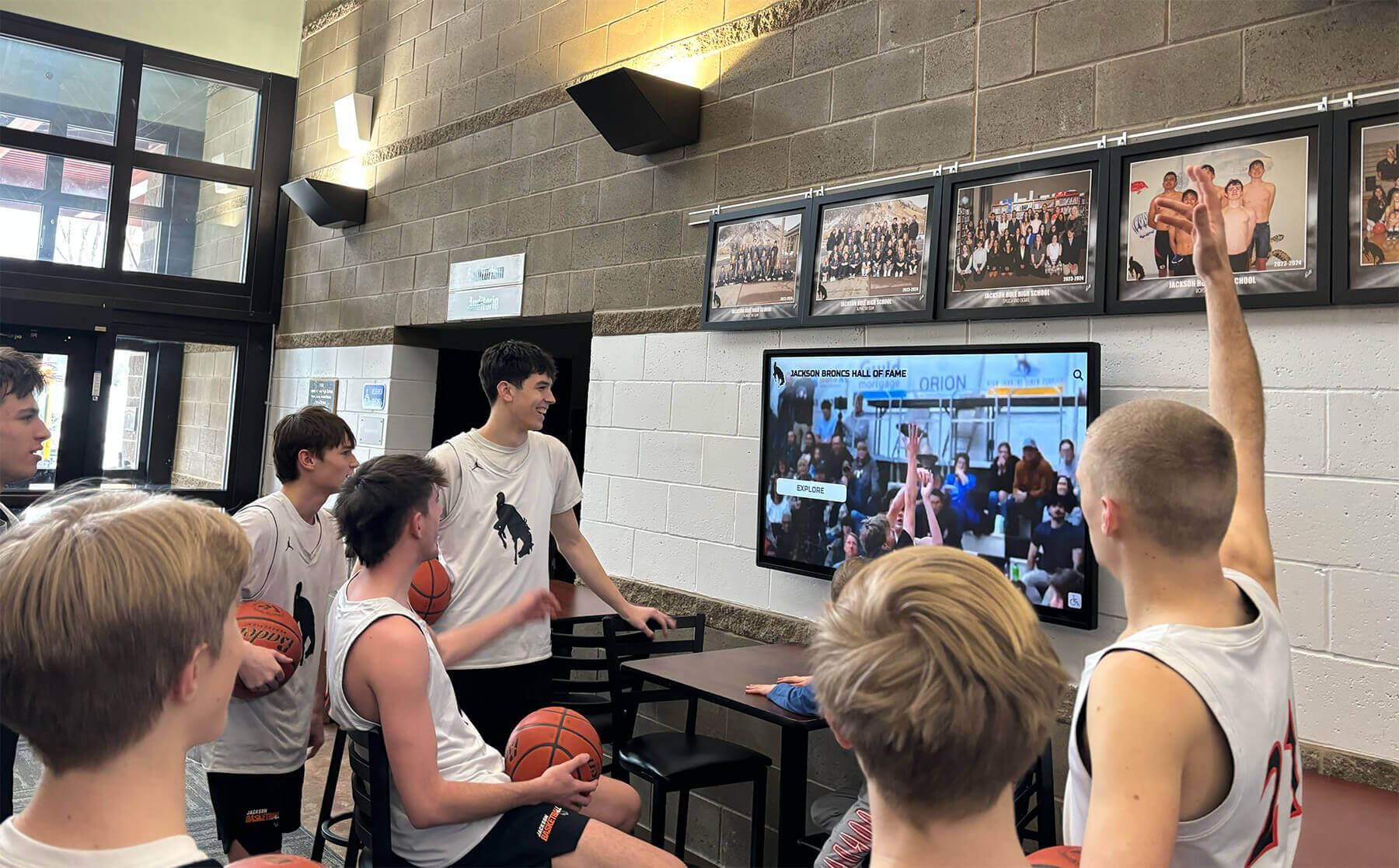
Recognition Display Refresh-Rate Test: Verify Smooth Motion Before School Installation
Intent: demonstrate — this guide walks school AV teams, IT coordinators, and facilities staff through a recognition display refresh rate test so every motion sequence — championship highlight reels, scrolling alumni rosters, and award ceremony clips — plays without judder, stutter, or tearing before a touchscreen hall of fame, donor wall, or athletic record board is accepted for installation.
Read More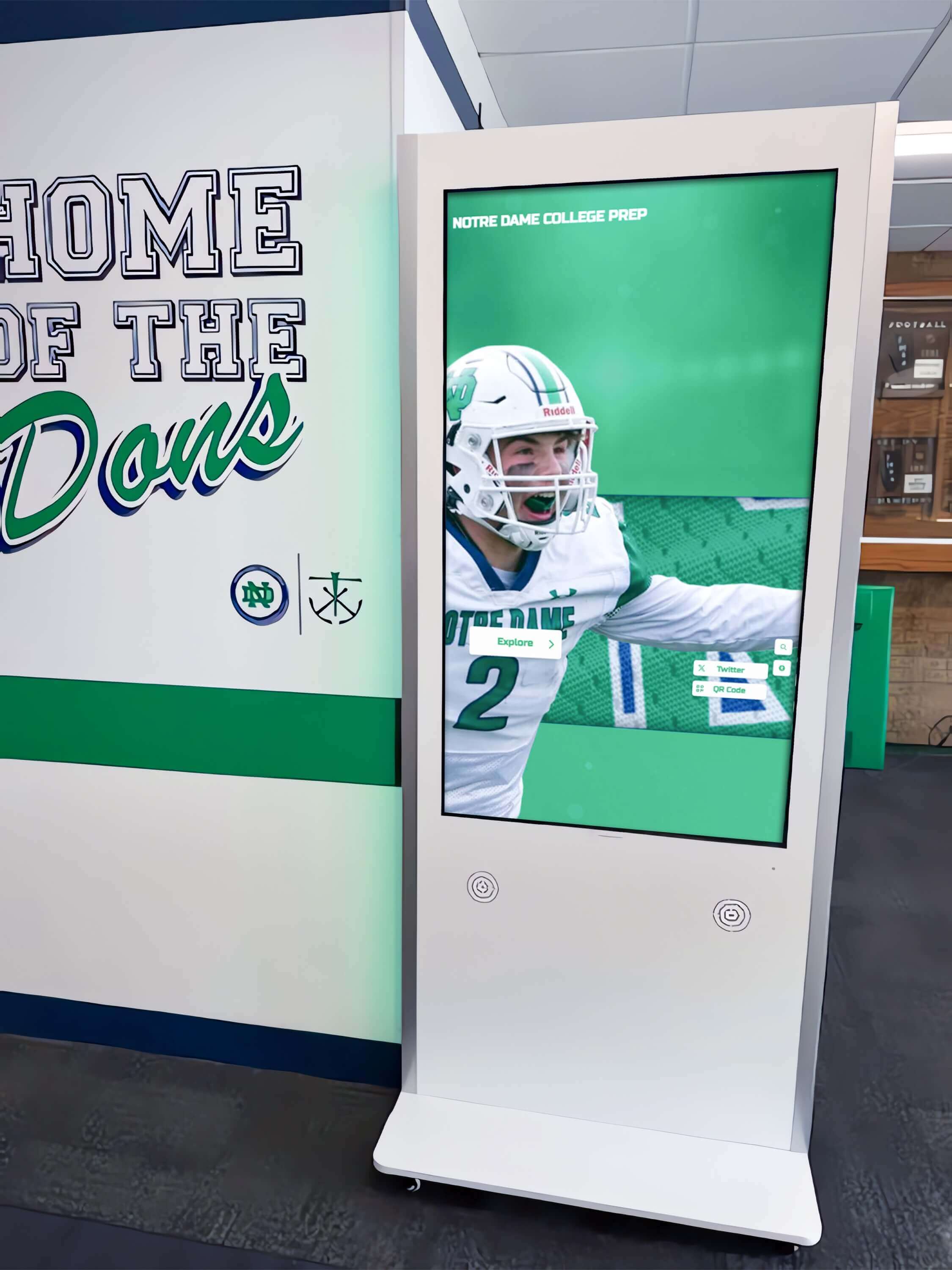
Recognition Display Cable Continuity Test: A School Installation Checklist
Intent: demonstrate — this checklist walks school facilities teams and IT coordinators through a recognition display cable continuity test so every power, network, HDMI, USB, and audio connection is verified fault-free before a touchscreen hall of fame, donor wall, or athletic record board goes live.
Read More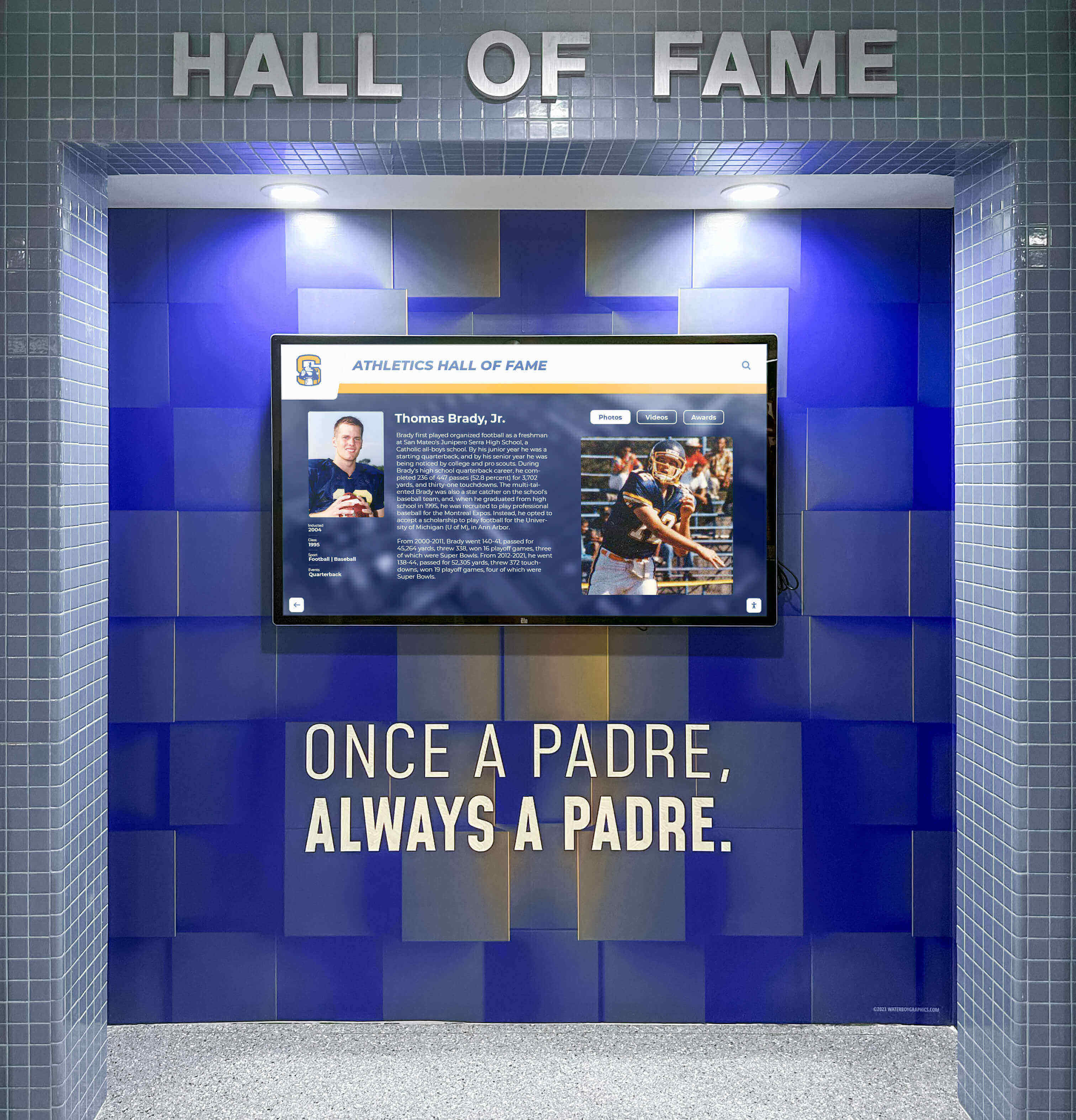
School Recognition Display VESA Mount Inspection Checklist
Intent: research — this checklist helps facilities teams, athletic directors, and IT coordinators verify that every VESA mount supporting a school recognition display is compatible, structurally sound, and ready for long-term public use.
Read More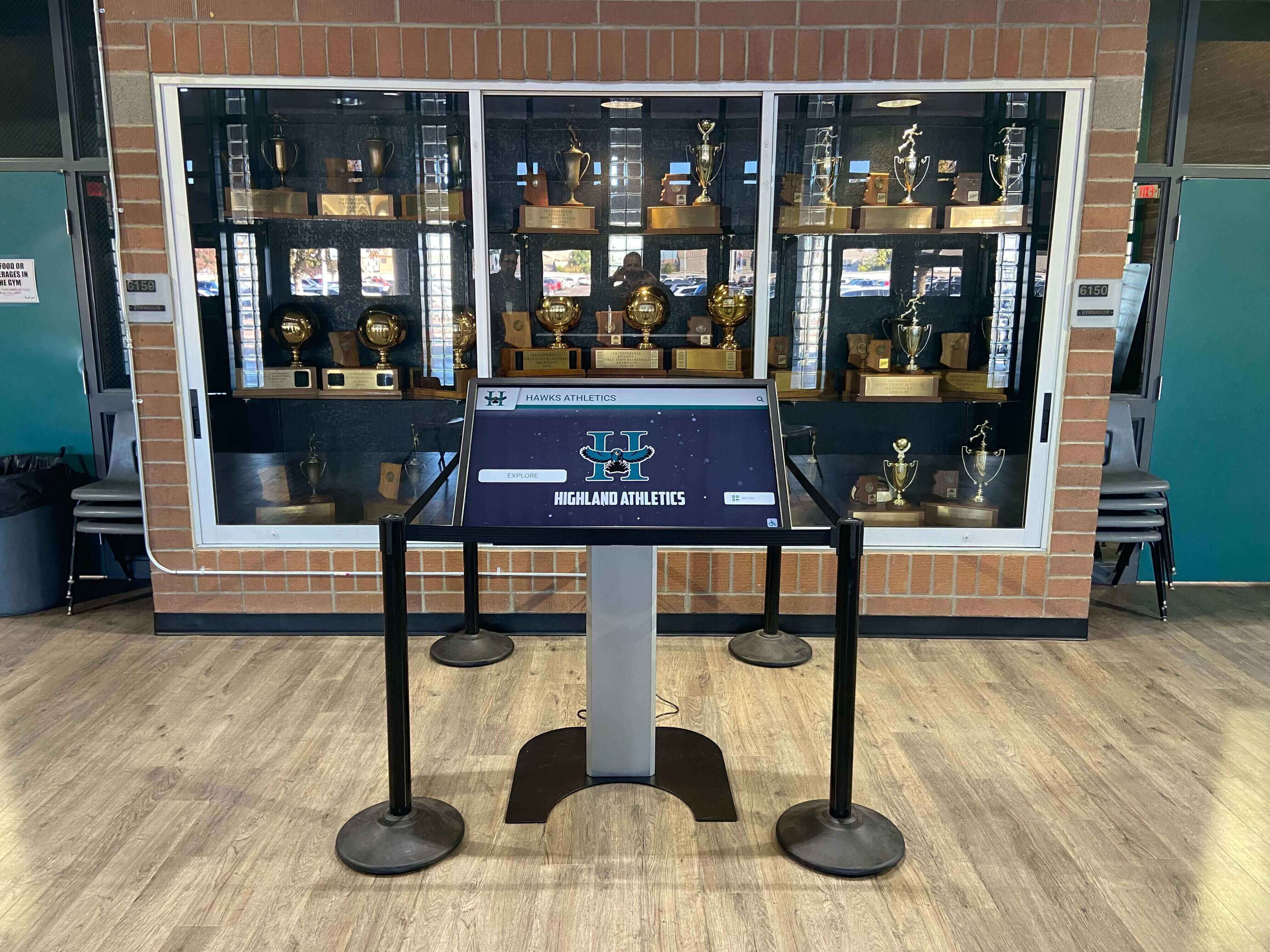
Touchscreen Recognition Display Spare Parts Inventory: What Schools Should Stock and Track
Intent: define. A touchscreen recognition display spare parts inventory gives school facilities managers, IT coordinators, and athletic directors a documented stock of cables, mounts, adapters, remotes, and replacement components so that a single failed part never takes a hall of fame, donor wall, or academic honor display offline for days. This guide explains what to stock, how to track it, and how to connect parts management to broader display uptime workflows.
Read More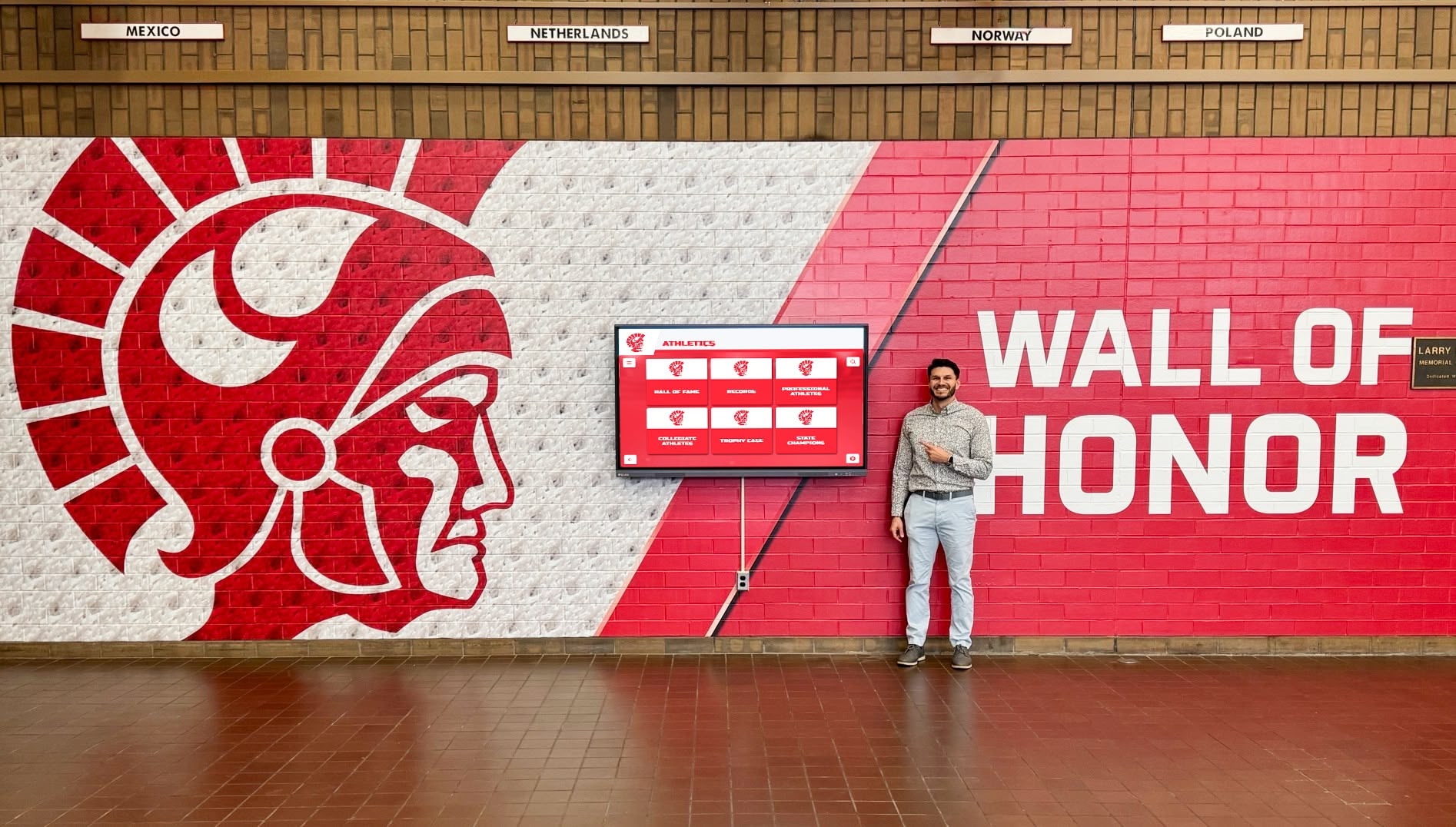
Touchscreen Recognition Display Support Escalation Matrix: Who to Contact and When
Intent: decide. A touchscreen recognition display support escalation matrix defines which incidents belong to frontline staff, which require school IT, which need facilities involvement, and which must go directly to the platform vendor—so the right person is contacted on the first call rather than the third.
Read More