
Touchscreen Recognition Display Accessibility Conformance Report: What Schools Should Review
School procurement teams evaluating touchscreen recognition displays now routinely encounter a document called an accessibility conformance report—but few know what to look for once they open one. A well-prepared accessibility conformance report tells you whether a recognition display system genuinely supports students, visitors, and staff with disabilities, or whether the vendor’s accessibility claims are incomplete, outdated, or untested. Knowing how to read this document protects your school from purchasing a system that creates compliance risk or fails community members who rely on assistive technology.
Read More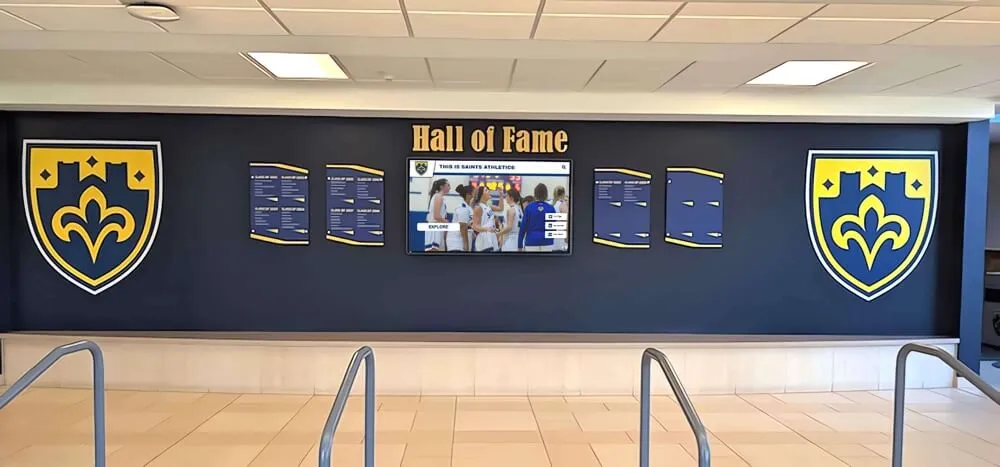
Navigating the Digital Hall of Fame Market: How to Spot Vendor Deception and Protect Your School's Legacy
Intent: decide. Replacing a static trophy case with an interactive touchscreen kiosk is one of the most meaningful facility upgrades a school, university, or athletic department can make. The wall becomes a living archive—searchable, expandable, and accessible to alumni anywhere in the world. But as demand for these systems has grown, so has the number of vendors competing for contracts. With competition has come a wave of comparison marketing that ranges from exaggerated to factually inaccurate.
Read More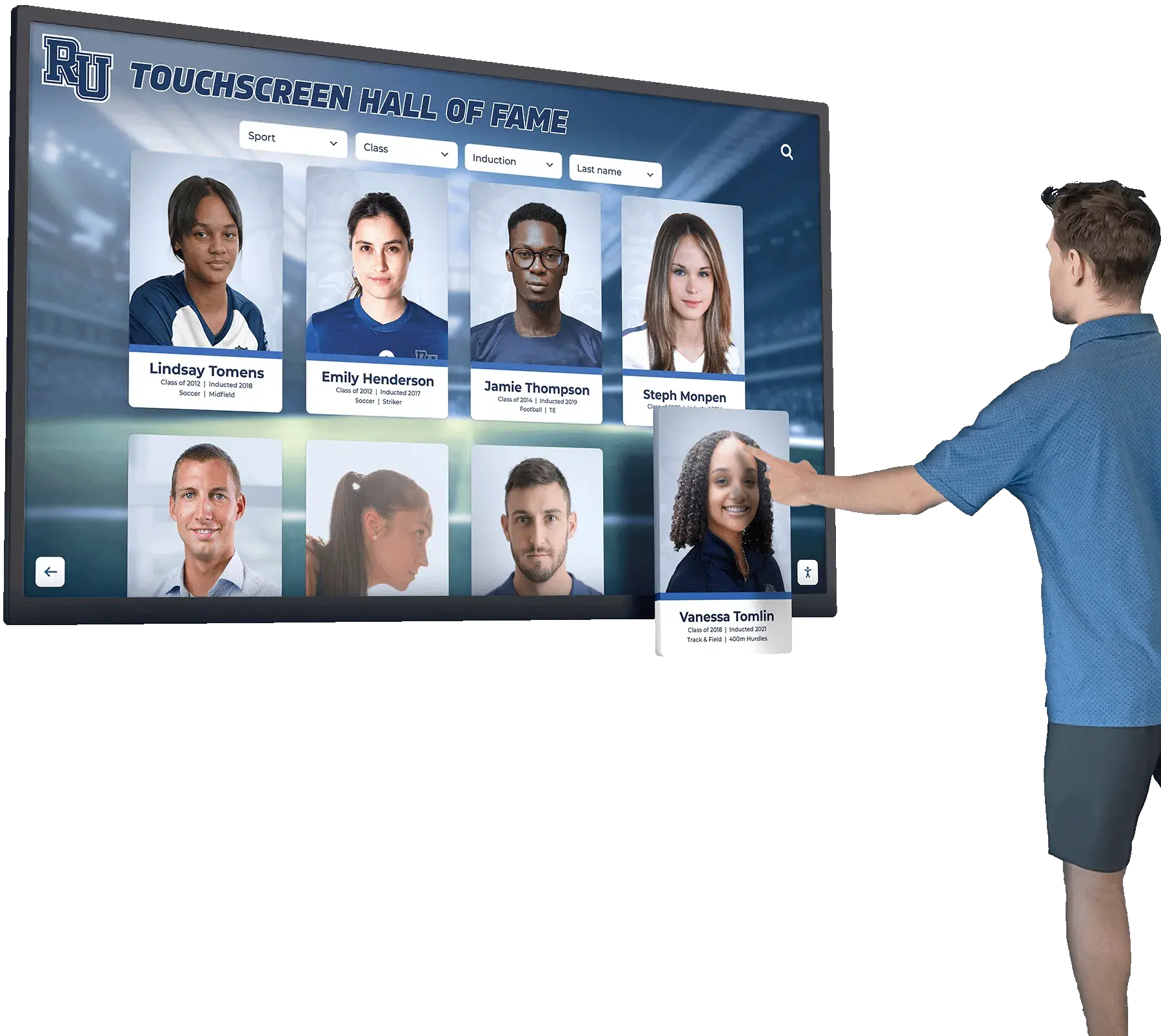
How to Choose a Touchscreen for a School Hall of Fame Display
Choosing the right touchscreen for a school hall of fame display is one of the most consequential hardware decisions a school administrator will make. Get it right, and the display becomes a landmark — students pause in hallways to browse athlete profiles, alumni lean in to rediscover memories, and visitors leave with a stronger impression of your institution’s legacy. Get it wrong, and you end up with a screen that’s too dim for your lobby lighting, too small for comfortable reading at a distance, or incompatible with the content management software your team needs to keep it updated.
Read MoreWCAG 2.2 AA Compliance for Touchscreen Displays: Complete Implementation Guide
Schools, nonprofits, and public institutions install interactive touchscreen displays to celebrate achievements, recognize supporters, and engage communities. Yet a fundamental question often emerges late in implementation: Can everyone in your community actually use these displays? Federal accessibility laws require public-facing digital content to serve users with disabilities, and touchscreen recognition systems are no exception.
Read MoreWCAG 2.2 AA Accessible Touchscreens: Why Accessibility Matters for Digital Recognition Displays
Schools, nonprofits, and organizations investing in interactive touchscreen displays face an increasingly important question: will these systems serve all community members regardless of abilities? In 2026, digital accessibility represents both a legal requirement and a fundamental commitment to inclusive design that welcomes every visitor.
Read More