Touchscreen Display Software: Complete Industry Guide
A comprehensive overview of touchscreen display software for digital recognition, halls of fame, trophy cases, and donor walls. Learn what features to evaluate, understand implementation considerations, and explore common use cases across industries.
Explore the Blog

Interactive Touchscreen Recognition Displays
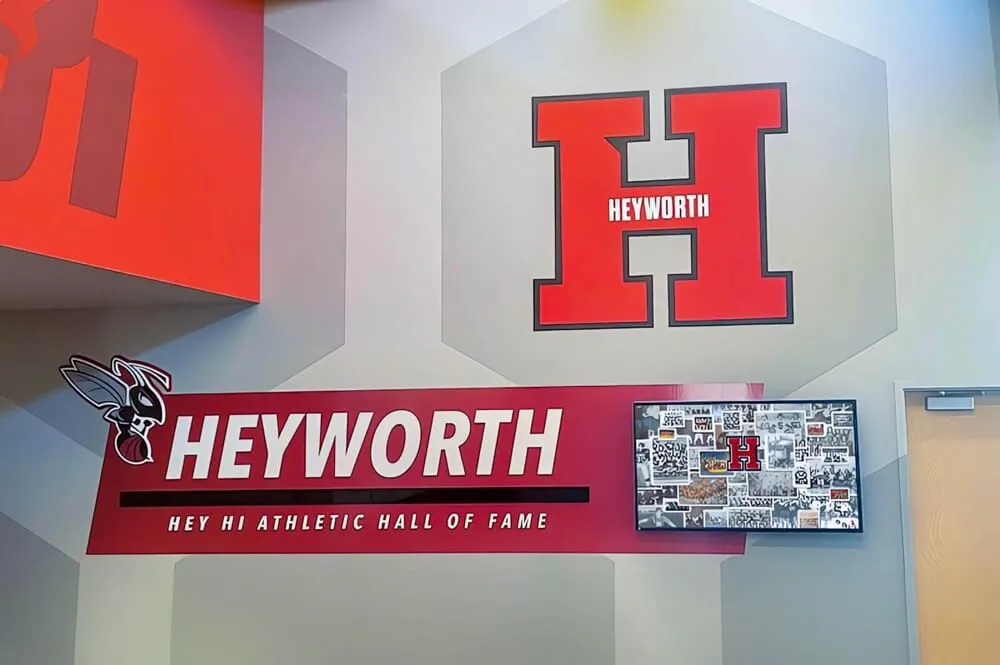
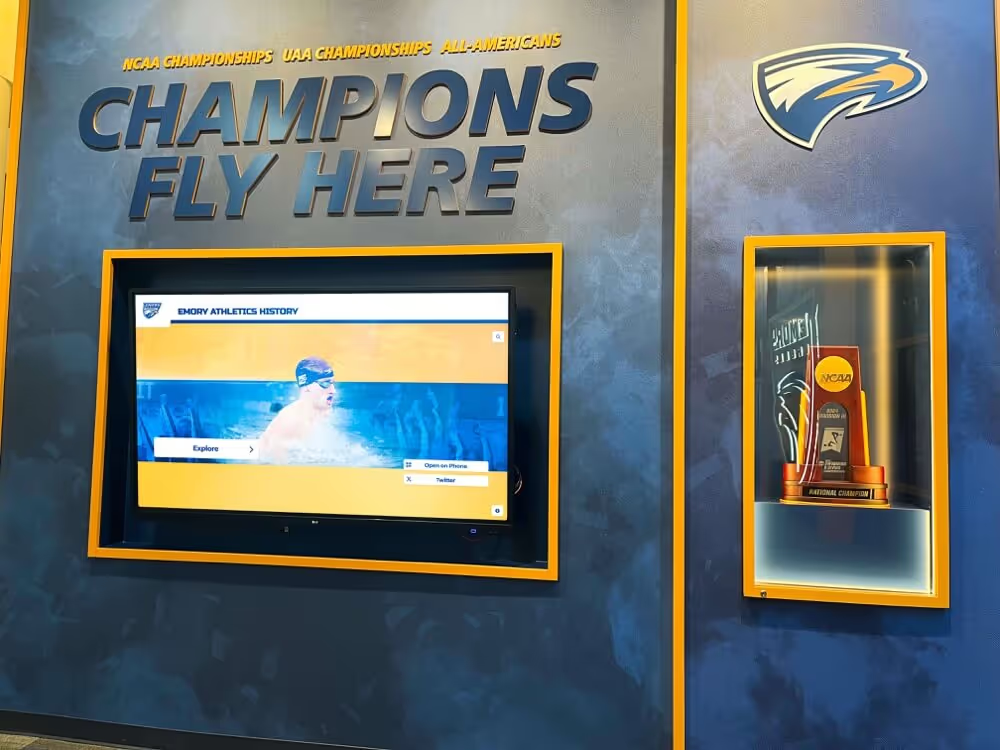
Touchscreen display software enables interactive digital recognition experiences for schools, universities, and organizations. These systems replace static plaques and trophy cases with dynamic displays that visitors can explore.
- Common sizes: 55", 65", 75", 86" or custom configurations
- Branded interfaces matching institutional identity
- Cloud-based content management systems
- Responsive design for multiple devices
- QR codes for mobile phone access
- ADA WCAG 2.1 AA accessibility compliance
Key Features to Evaluate
When evaluating touchscreen display software, consider these common features and capabilities that differentiate solutions in the market.
- Dynamic profiles with photos, videos, and achievements
- Multimedia integration (YouTube, Vimeo, Hudl)
- Auto-ranking record boards for athletics
- Searchable database functionality
- Interactive historical timelines
- Social media integration options
Implementation Considerations
Understanding typical implementation processes helps set expectations for project timelines and resource requirements.
- Typical launch timeline: 2-4 weeks
- Content migration from existing displays
- Administrator training and onboarding
- Ongoing technical support options
- Custom design and branding assistance
- Platform updates and feature additions