Accessibility
- Home /
- Categories /
- Accessibility

Touchscreen Latency: A Practical UX Checklist for Interactive Displays
Intent: research. Touchscreen latency is the invisible tax on every interactive exhibit.
Read More
TapNav Research: How Tactile Feedback Could Transform Touchscreen Accessibility
Intent: research. For users who are blind or have low vision, touchscreens present a fundamental challenge: the interface provides no tactile landmarks.
Read More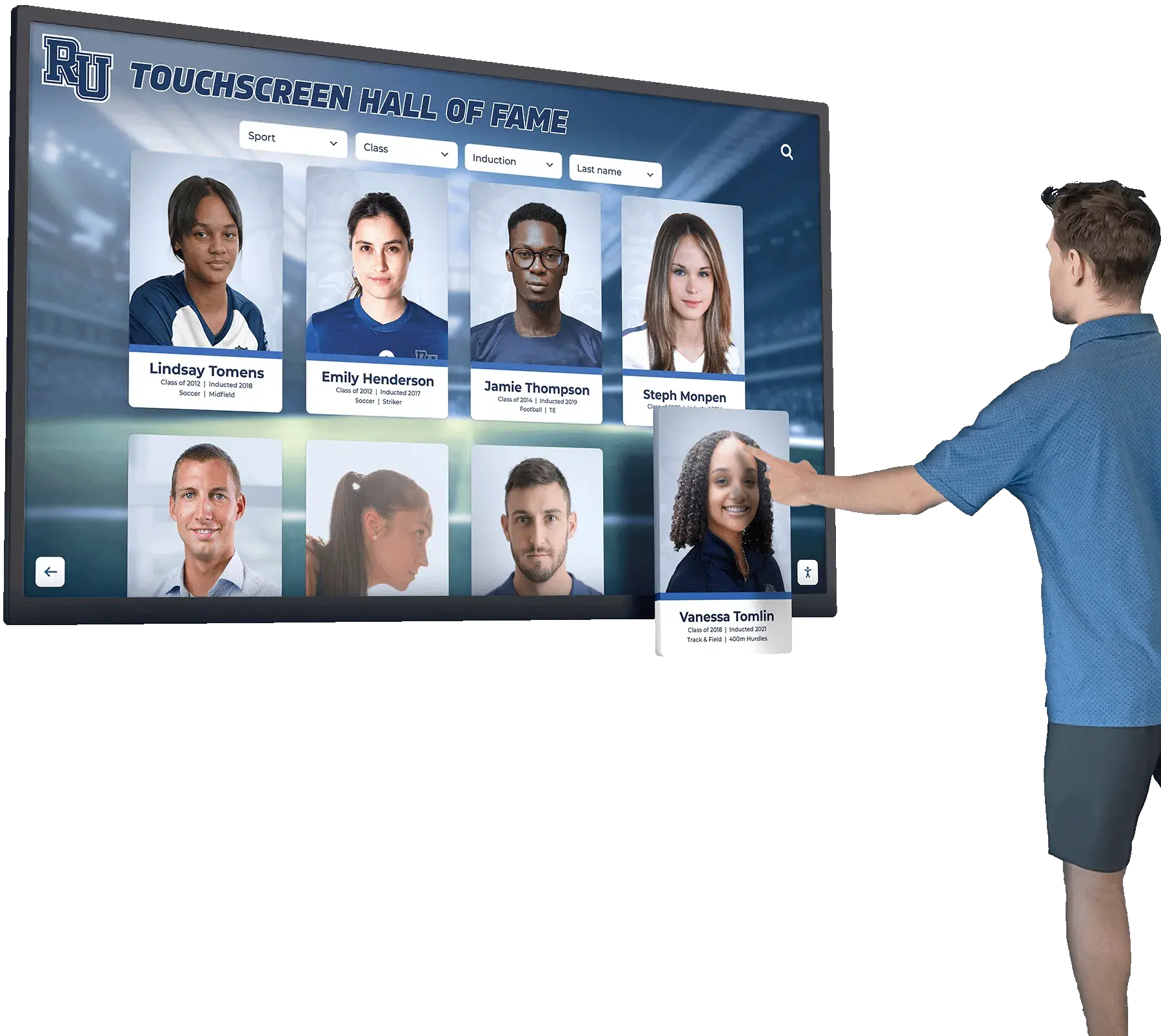
WCAG 2.2 AA Compliance for Touchscreen Displays: Complete Implementation Guide
Schools, nonprofits, and public institutions install interactive touchscreen displays to celebrate achievements, recognize supporters, and engage communities. Yet a fundamental question often emerges late in implementation: Can everyone in your community actually use these displays? Federal accessibility laws require public-facing digital content to serve users with disabilities, and touchscreen recognition systems are no exception.
Read More
WCAG 2.2 AA Accessible Touchscreens: Why Accessibility Matters for Digital Recognition Displays
Schools, nonprofits, and organizations investing in interactive touchscreen displays face an increasingly important question: will these systems serve all community members regardless of abilities? In 2026, digital accessibility represents both a legal requirement and a fundamental commitment to inclusive design that welcomes every visitor.
Read More