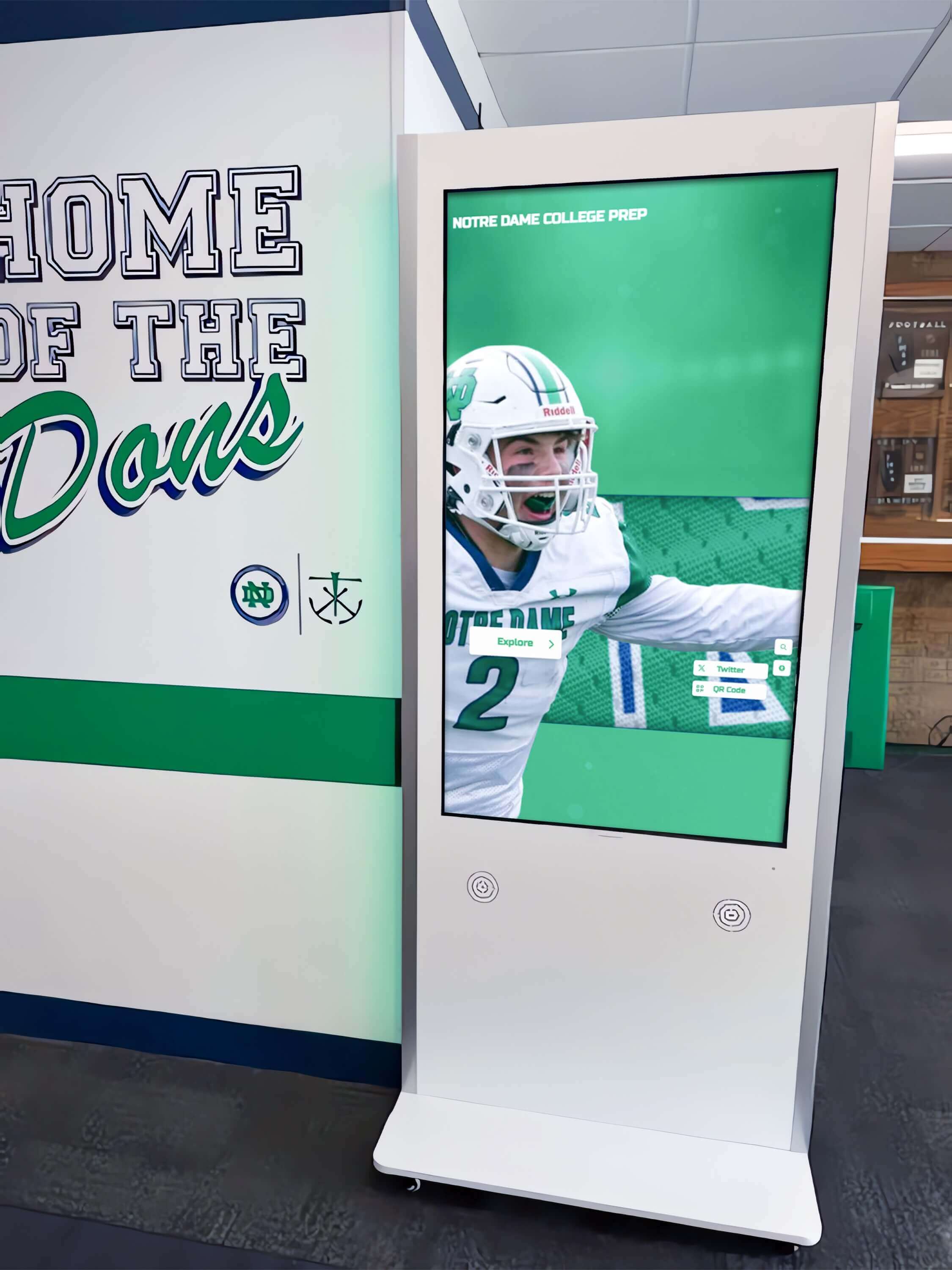
Schools investing in digital hall of fame displays face a practical question that determines whether their project succeeds or stalls: who actually installs these systems? The physical installation involves coordinating mounting hardware, electrical power, network connectivity, and software configuration—tasks that require specialized expertise most schools don’t maintain in-house.
Understanding installation options helps schools avoid common pitfalls: displays that arrive but sit in storage for months waiting for mounting, technology coordinators overwhelmed by configuration requirements they weren’t trained to handle, or rushed installations that create ongoing maintenance headaches. The right installation approach transforms what could be a months-long ordeal into a streamlined process delivering operational displays within weeks.
Digital recognition displays represent significant investments for schools—typically $5,000 to $15,000 per installation when accounting for hardware, software, mounting, and setup. Yet many schools underestimate the technical coordination required between purchase and operation. Hardware arrives requiring professional mounting. Displays need dedicated power circuits and network connectivity. Software demands configuration integrating with existing systems. Content requires migration from legacy formats.
Schools approaching installation strategically identify the right partners, establish realistic timelines, and avoid expensive mistakes that delay launches or require costly remediations. This guide examines who handles various installation aspects, what schools should expect from installation providers, and how to evaluate options for your specific situation.
Understanding the Full Installation Scope
Before identifying who handles installation, schools must understand what installation actually entails. Digital hall of fame displays involve multiple integrated systems requiring coordination across disciplines.
Hardware Installation Components
The physical installation goes far beyond simply hanging a screen on a wall:
Display Mounting Requirements
- Professional wall mounting for displays weighing 80-150 pounds
- Structural assessment ensuring walls can support weight safely
- Appropriate mounting brackets rated for display size and weight
- Cable management systems hiding power and network connections
- Proper viewing height and angle for accessibility compliance
- Landscape or portrait orientation based on content design
- Clearance space for ventilation preventing overheating
Electrical Infrastructure
- Dedicated power circuits preventing interference with other systems
- Appropriately rated outlets within reach of display location
- Surge protection safeguarding expensive display equipment
- Conduit installation concealing cables for professional appearance
- Emergency power considerations for critical communication displays
- Energy consumption planning for operational cost estimation
- Circuit capacity assessment for multiple display installations
Schools often discover that their chosen display location lacks convenient electrical access. Running new circuits requires licensed electricians and may involve opening walls, adding junction boxes, and obtaining building permits—work that can add $500-$2,000 per location.
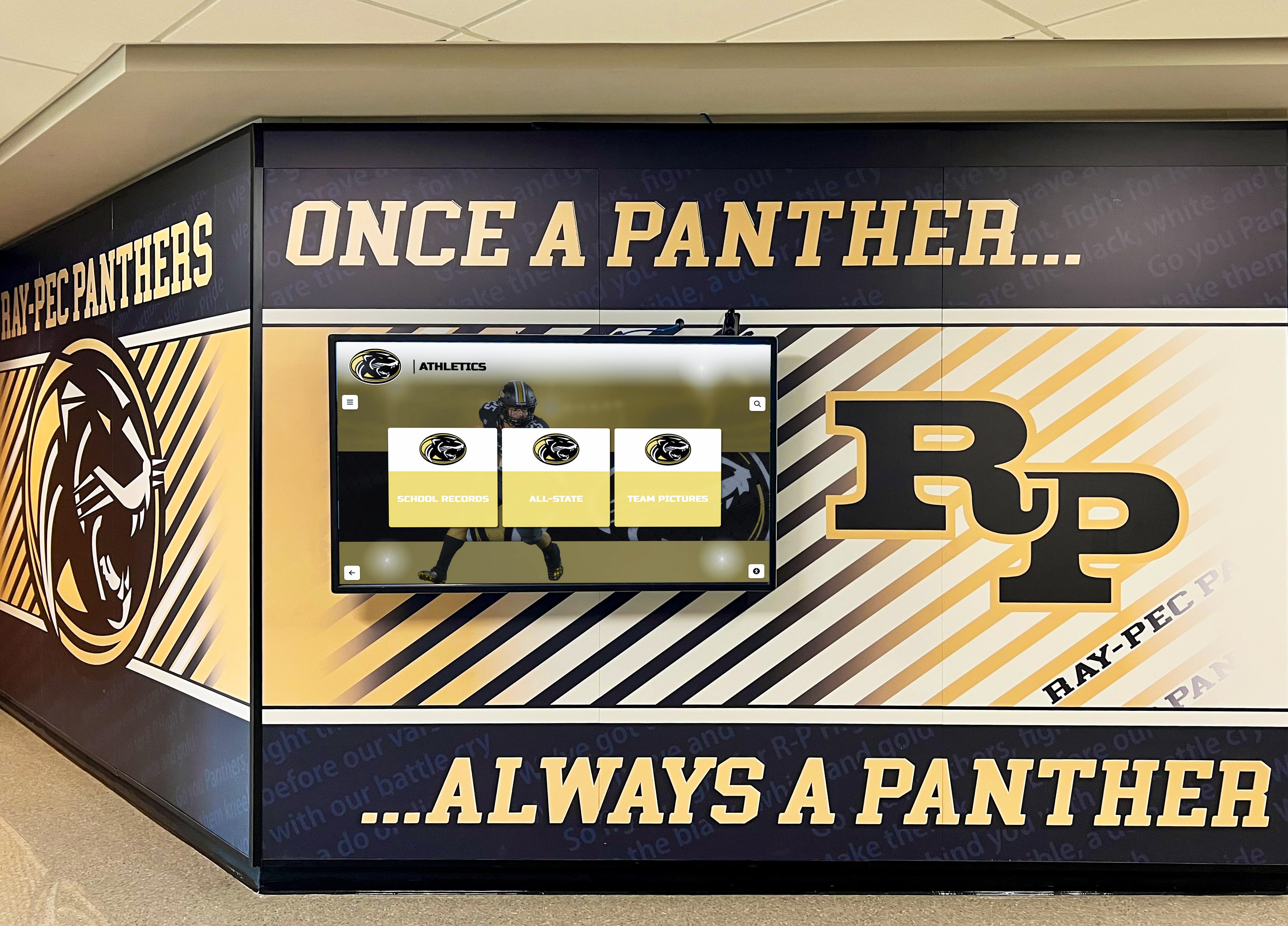
Professional installations integrate displays seamlessly with existing school architecture and design elements
Network Connectivity Setup
- Wired Ethernet connections providing reliable high-bandwidth access
- WiFi configuration when wired connections prove impractical
- Network switch capacity verification for additional devices
- Firewall configuration allowing content management system access
- Static IP address assignment for simplified device management
- VLAN segmentation for security and network traffic management
- Bandwidth allocation ensuring smooth video playback
Network connectivity challenges surprise schools most frequently. Front office and lobby areas where displays naturally belong often lack existing network infrastructure. Running Ethernet cables from wiring closets to display locations requires technical expertise and may involve fishing cables through walls, ceilings, or conduit systems.
Software Configuration and Integration
Hardware installation represents only half the challenge. Software configuration determines whether displays actually function:
Content Management System Setup
- Cloud platform account creation and configuration
- User account setup with appropriate permission levels
- Display registration and activation
- Network connectivity verification and troubleshooting
- Update scheduling and automatic maintenance windows
- Remote access configuration for content management
- Backup and recovery procedures establishment
Display Configuration
- Screen orientation and resolution settings
- Touch calibration for accurate interaction
- Brightness and color calibration for viewing environment
- Sleep and wake scheduling for energy efficiency
- Audio output configuration when applicable
- Screensaver and idle mode behavior
- Physical security settings preventing unauthorized changes
Content Migration and Import
- Historical data collection from existing plaque systems
- Photo scanning and digital asset preparation
- Database structure creation for recognition programs
- Biographical content formatting and entry
- Video and multimedia asset encoding and upload
- Initial template customization matching school branding
- Search and filtering configuration
Schools implementing comprehensive athletic recognition programs discover that content migration often consumes more time than physical installation. Years of achievements stored in filing cabinets, yearbooks, and aging databases must transform into structured digital content.
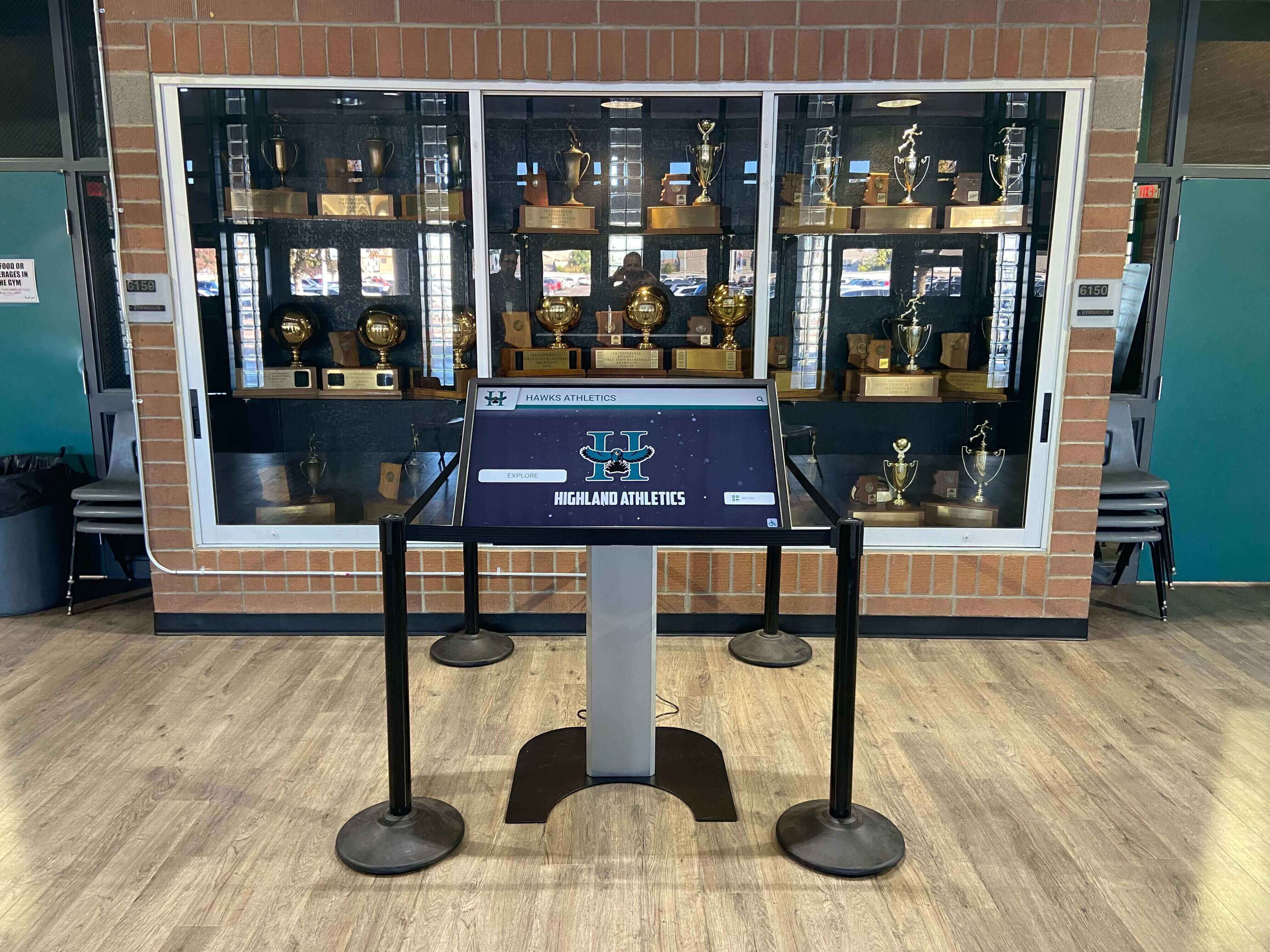
Athletic facility installations require coordination between mounting, network access, and content specific to sports programs
Installation Service Provider Options
Schools have multiple options for installation services, each with distinct advantages and limitations.
Option 1: In-House Installation by School Staff
Some schools attempt installation using existing maintenance and technology staff:
When This Approach Works
- School employs experienced maintenance staff with mounting expertise
- Technology coordinator has network configuration experience
- Display location has existing power and network infrastructure
- School has tools and equipment for professional mounting
- Staff availability allows time for installation project
- Low-pressure timeline permits learning and troubleshooting
Common Limitations
- Maintenance staff lack commercial display mounting experience
- Technology coordinators overwhelmed by existing responsibilities
- Insurance and liability concerns with staff performing technical work
- Specialized tools required for professional installation unavailable
- Time requirements exceed staff availability between other duties
- Lack of warranty coverage when installation issues cause problems
Schools choosing in-house installation report mixed results. Simple installations in locations with existing infrastructure succeed when staff have appropriate skills and time. Complex installations requiring electrical work, advanced network configuration, or structural modifications typically exceed in-house capabilities.
Hidden Costs of In-House Installation
- Staff time diverted from other responsibilities
- Equipment purchases or rentals for specialized mounting
- Multiple attempts when initial installation proves inadequate
- Ongoing troubleshooting when configuration issues emerge
- Warranty exclusions for damage during customer installation
- Professional remediation when problems require expert intervention
The “free” in-house installation often costs more than professional services when accounting for staff time, equipment, remediation, and opportunity costs.
Option 2: Local AV Integrators and IT Contractors
Professional audiovisual integrators and IT contractors provide technical expertise schools lack:
Services AV Integrators Typically Provide
- Professional display mounting and positioning
- Electrical coordination and circuit verification
- Network connectivity setup and testing
- Cable management and concealment
- Equipment configuration and commissioning
- Integration with existing building systems
- Documentation and training for school staff
Advantages of Professional Integrators
- Specialized expertise in commercial display installation
- Appropriate tools and equipment for quality mounting
- Liability insurance covering installation work
- Established relationships with electricians and contractors
- Experience with school building requirements
- Knowledge of accessibility and code compliance
Coordination Challenges
- Schools must separately source displays and software
- Integrators may lack familiarity with specific software platforms
- Multiple vendor relationships create coordination complexity
- Software configuration often falls outside integrator scope
- Troubleshooting involves multiple parties when issues arise
- No single point of accountability for complete system operation
Schools working with local integrators report satisfaction with mounting and electrical work but frustration with software configuration gaps. Integrators excel at physical installation but typically consider their work complete once displays power on and connect to networks—leaving schools to handle software setup independently.
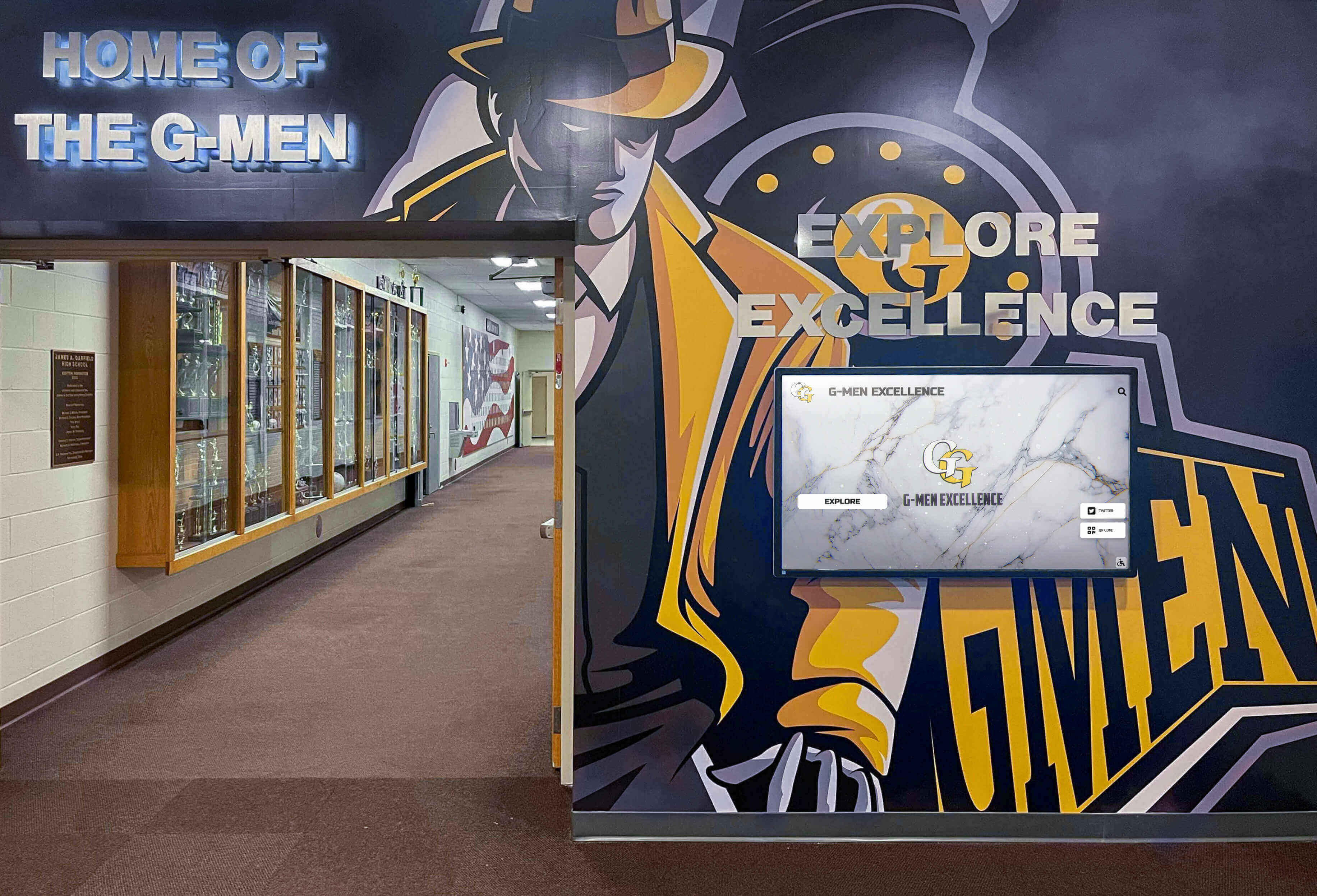
Professional installations coordinate displays with existing trophy cases and architectural elements
Option 3: Display Manufacturer Installation Services
Some commercial display manufacturers offer installation services through their dealer networks:
Manufacturer Installation Characteristics
- Focus primarily on hardware mounting and connection
- May subcontract to local installation partners
- Warranty coverage specifically tied to installation quality
- Limited involvement in software configuration
- Hardware-centric rather than solution-oriented
- No ongoing relationship after installation complete
Typical Service Gaps
- Software platform setup falls to school or software vendor
- Content management training not included
- Network troubleshooting limited to basic connectivity
- No integration with recognition program workflows
- Limited post-installation support for operational issues
Schools using manufacturer installation services appreciate warranty coverage for hardware but must coordinate separately for software configuration and training.
Option 4: Turnkey Recognition Display Providers
Specialized recognition display companies provide comprehensive installation encompassing hardware, software, mounting, configuration, training, and ongoing support:
Full-Service Installation Includes
- Pre-installation site survey and planning
- Coordinated hardware delivery and mounting
- Electrical and network requirements assessment
- Software platform configuration and setup
- Content management system training
- Initial content migration assistance
- Post-installation support and troubleshooting
- Single point of contact for all issues
Advantages of Integrated Providers
- Simplified coordination with single vendor accountability
- Hardware and software optimized for integration
- Installation team experienced with specific software platform
- Content migration support included in service
- Training tailored to school’s specific use case
- Ongoing support preventing abandonment after installation
- Warranty coverage spanning entire system
Solutions like Rocket Alumni Solutions exemplify this integrated approach. Schools receive coordinated service from site assessment through training, eliminating the coordination headaches inherent in multi-vendor projects. When issues arise, a single Customer Success team handles troubleshooting regardless of whether problems originate in hardware, software, or configuration.
Schools implementing digital donor recognition systems particularly benefit from turnkey installation that coordinates recognition program requirements with technical implementation.
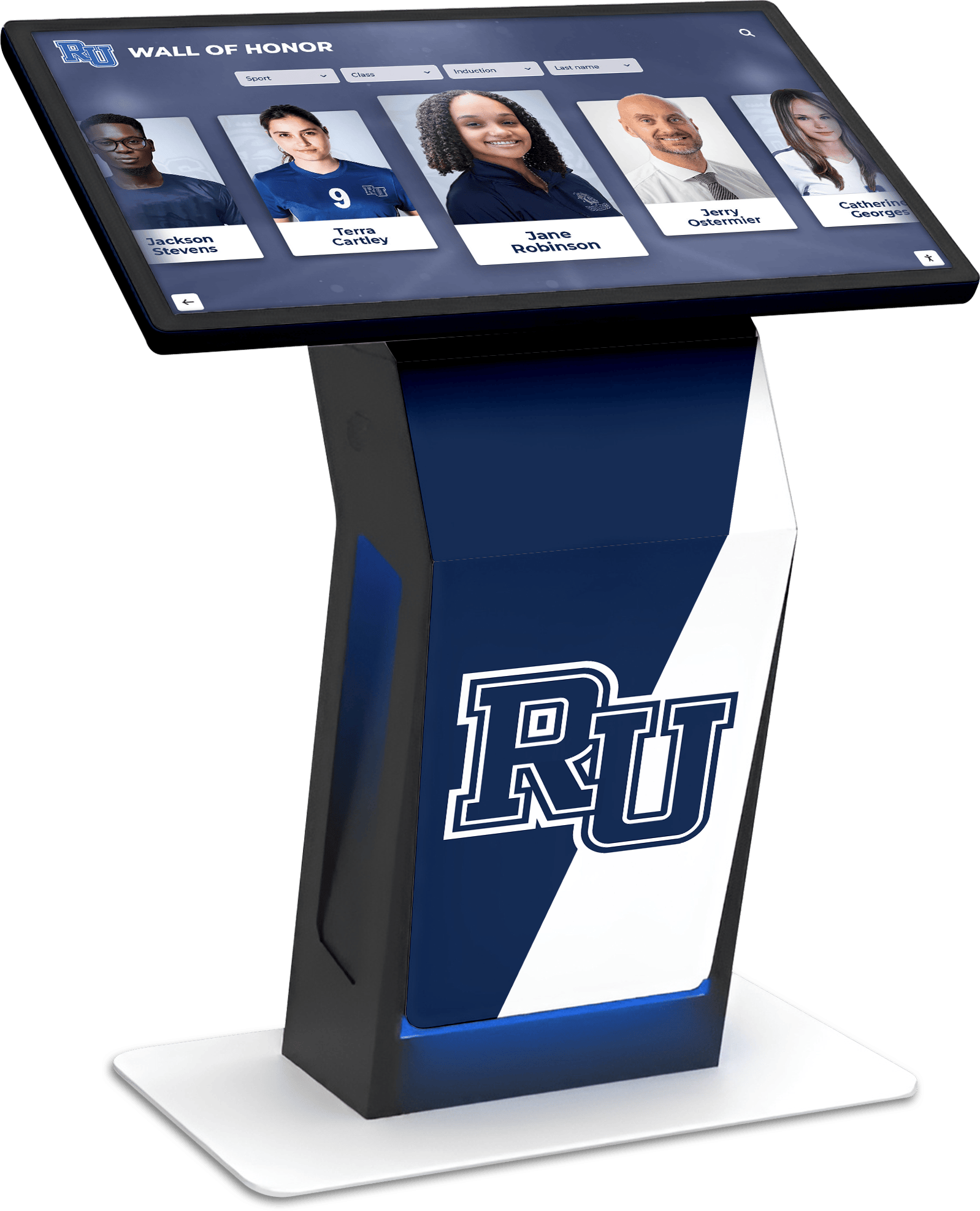
Turnkey installations deliver fully configured systems ready for immediate content display
The Installation Process: What to Expect
Understanding the installation timeline and process helps schools plan effectively and set realistic expectations.
Phase 1: Site Assessment and Planning (Weeks 1-2)
Professional installation begins with thorough site evaluation:
Site Survey Activities
- Display location evaluation for viewing angles and traffic flow
- Wall construction assessment for mounting capability
- Electrical outlet location and circuit capacity verification
- Network connectivity availability and bandwidth testing
- Ambient lighting measurement for brightness specification
- Clearance verification for maintenance access
- Accessibility compliance review for ADA requirements
- Photo documentation of installation area
Technical Requirements Definition
- Display size and orientation specification
- Mounting hardware selection based on wall type
- Electrical work requirements and permitting needs
- Network infrastructure additions or modifications
- Cable routing plans for professional appearance
- Environmental control verification for temperature and humidity
- Security considerations for unsupervised locations
Coordination Planning
- Installation timeline development
- School schedule coordination avoiding disruption
- Electrical and network work scheduling
- Contractor coordination for specialized work
- Equipment delivery logistics
- Staff training session scheduling
- Content migration timeline establishment
Schools that skip thorough site assessment encounter delays and cost overruns when installers discover structural limitations, missing infrastructure, or unexpected obstacles requiring creative solutions or additional work.
Phase 2: Infrastructure Preparation (Weeks 2-4)
Before display installation occurs, necessary infrastructure work must complete:
Electrical Work
- Circuit installation or verification by licensed electrician
- Outlet placement and installation
- Surge protection installation
- Code compliance verification and permitting
- Conduit installation for cable concealment
- Junction box installation as needed
- Circuit labeling for future maintenance
Network Infrastructure
- Ethernet cable runs from wiring closet to display location
- Network switch port allocation or switch upgrade
- WiFi access point installation if wireless connectivity used
- Firewall rule configuration for content management access
- Static IP address assignment and documentation
- VLAN configuration for network segmentation
- Bandwidth testing and optimization
Physical Preparation
- Wall patching and painting if required
- Mounting surface preparation and reinforcement
- Furniture or fixtures relocation for installation clearance
- Area protection from construction debris
- Access coordination for contractors and equipment
- Safety barrier installation during work
- Final cleaning and preparation
This preparatory phase often determines project success. Rushing electrical and network work creates ongoing problems that surface after installers leave. Investments in proper infrastructure prevent recurring headaches.
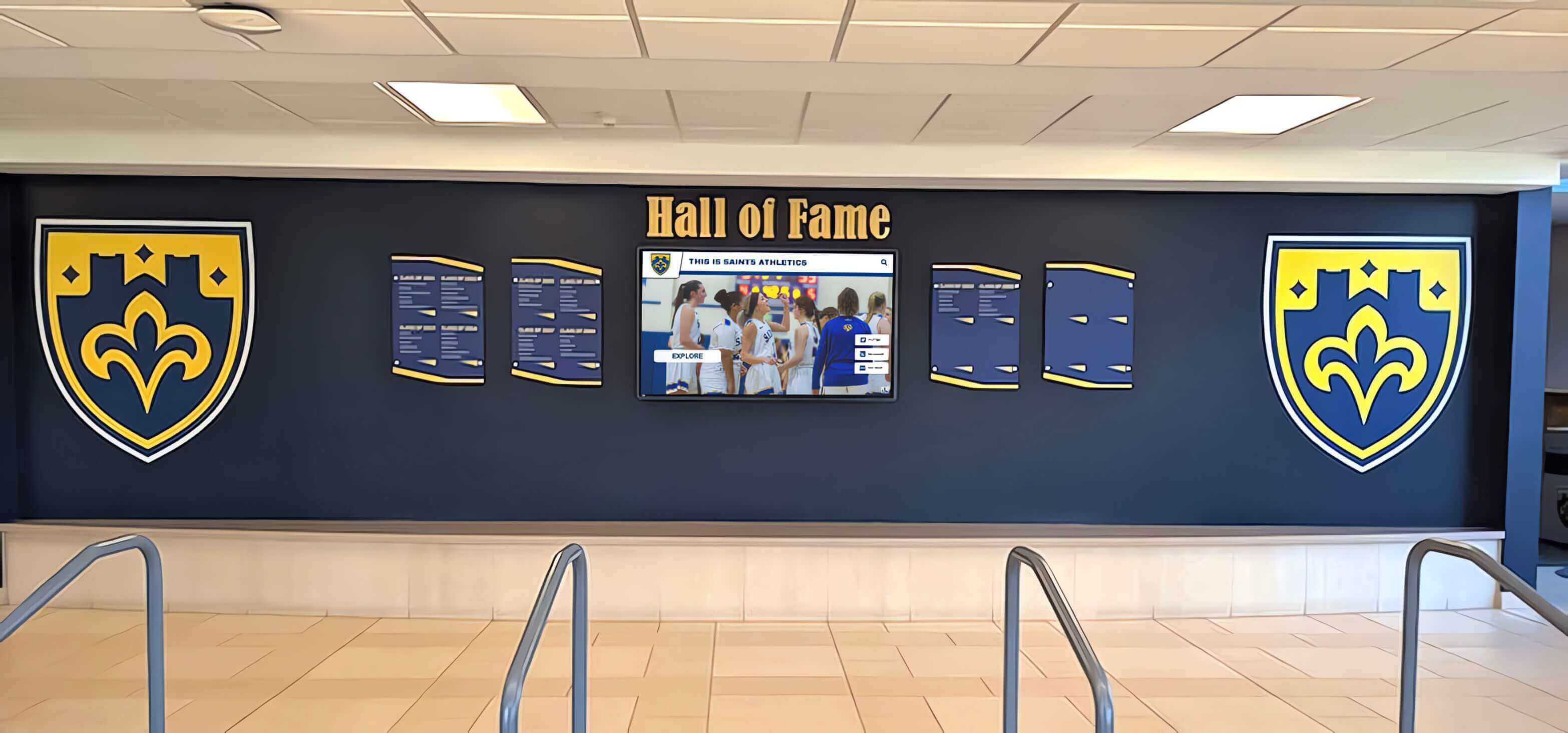
Proper infrastructure preparation enables clean installations that integrate professionally with school design
Phase 3: Hardware Installation (Week 4-5)
Physical display installation requires precision and expertise:
Mounting Procedure
- Stud location and structural verification
- Wall bracket installation with appropriate hardware
- Display unpacking and inspection
- Team lift and mounting to wall brackets
- Leveling and angle adjustment
- Mounting hardware final tightening and security verification
- Safety cable installation where applicable
Connection and Testing
- Power connection and verification
- Network cable connection and testing
- Display power-on and initial configuration
- Touch calibration and responsiveness testing
- Audio connection if applicable
- Cable management and concealment
- Final mounting inspection and documentation
Finishing Work
- Cable cover installation for exposed runs
- Wall touch-up painting if required
- Signage installation directing visitors to display
- Protective film removal from screen
- Area cleaning and debris removal
- Final positioning verification
- Installation photography for documentation
Professional installers typically complete physical installation within 4-8 hours depending on complexity. Schools should plan for some disruption to lobby or hallway traffic during installation.
Phase 4: Software Configuration and Training (Week 5-6)
With hardware installed, focus shifts to software configuration:
Initial System Setup
- Account creation in content management platform
- Display registration and network verification
- Administrator account setup with appropriate permissions
- School branding customization and template selection
- Display settings optimization for viewing environment
- Update schedule configuration
- Security settings and access controls
Content Management Training
- Platform navigation and interface overview
- Content creation and editing procedures
- Photo and video upload workflows
- Template customization capabilities
- Search and filtering configuration
- User permission management
- Publishing and scheduling procedures
Initial Content Population
- Historical data import from provided sources
- Sample content creation demonstrating capabilities
- Template application to school-specific content
- Navigation structure setup and testing
- Quality control and content review
- Visitor testing and feedback collection
- Refinement based on testing results
Schools implementing touchscreen recognition displays benefit from hands-on training that builds confidence with content management rather than relying solely on written documentation.
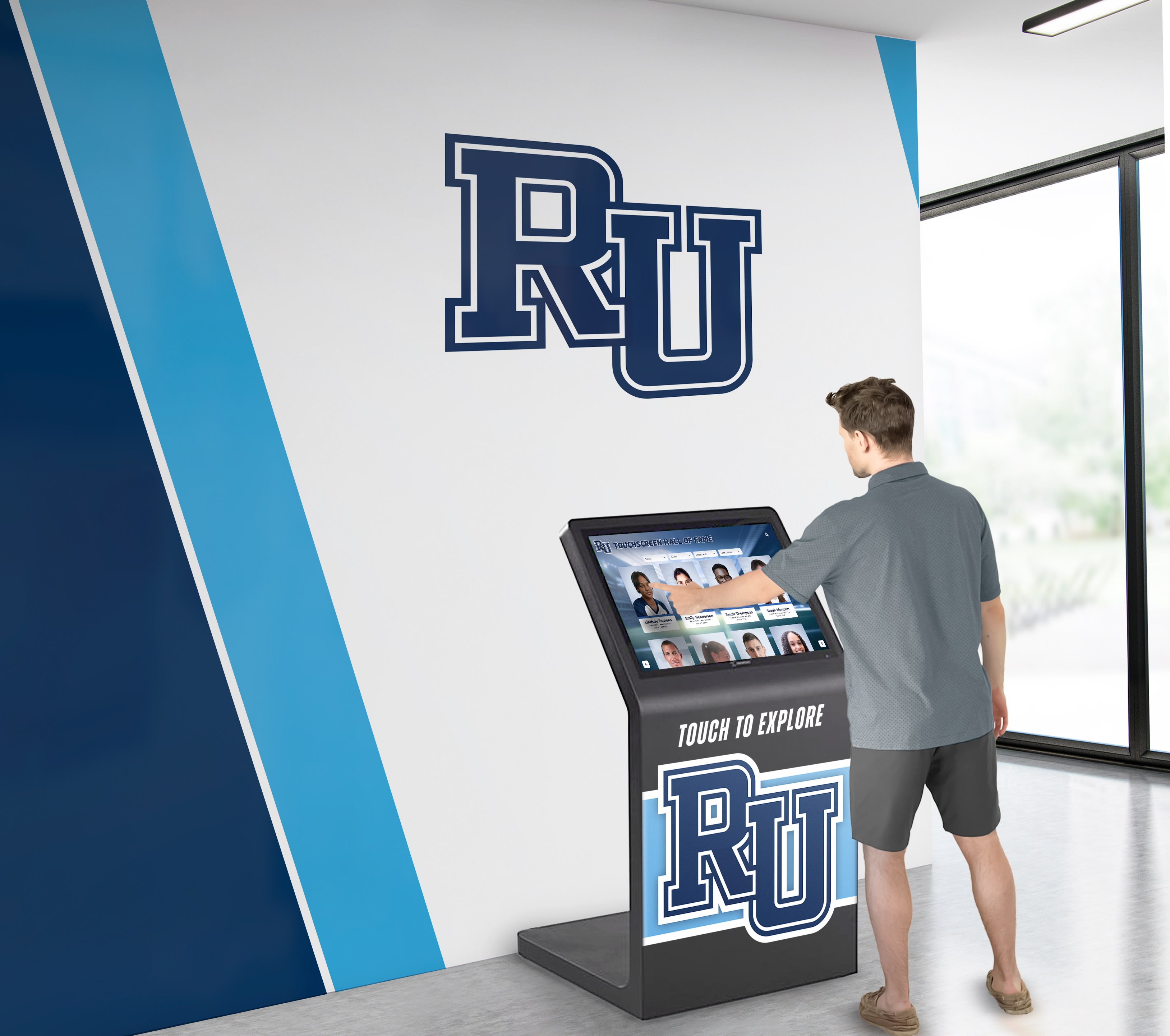
Effective training ensures school staff can confidently manage and update recognition content
Phase 5: Launch and Ongoing Support (Week 6+)
Successful installation concludes with formal launch and sustained support:
Launch Activities
- Final content review and approval
- Staff training completion verification
- Visitor testing and feedback collection
- Minor adjustment implementation
- Launch announcement and promotion
- Usage monitoring and analytics review
- Initial support responsiveness verification
Ongoing Support Expectations
- Technical troubleshooting for hardware or software issues
- Content management questions and assistance
- Feature enhancement and capability expansion
- Periodic training refreshers for new staff
- Hardware warranty service coordination
- Software update management
- Performance monitoring and optimization
The quality of ongoing support separates successful long-term implementations from displays that gradually fall into disuse. Schools should clarify support expectations during vendor selection rather than discovering limitations after installation completes.
Key Installation Considerations for Schools
Certain factors significantly impact installation success and should inform planning decisions.
Front Office and Lobby Location Challenges
Front offices and main lobbies represent ideal display locations but present unique challenges:
High-Visibility Requirements
- Professional appearance critical for first impressions
- Cable concealment essential for polished presentation
- Mounting precision important for architectural integration
- Brightness specifications higher for natural lighting
- Accessibility compliance scrutinized by visitors
- Acoustic considerations for office areas
Network and Power Constraints
- Historical buildings may lack modern infrastructure
- Asbestos or lead paint complicates wall penetrations
- Existing electrical circuits may lack capacity
- Network wiring closets may be distant
- WiFi signal strength variable in front areas
- Firewall restrictions more stringent for public-facing systems
Coordination Complexity
- Installation timing must avoid visitor traffic peaks
- Front office operations cannot be disrupted
- Alarm and security systems require coordination
- Multiple stakeholders have opinions on placement
- Administrative leadership visibility creates pressure
- Mistakes highly visible to entire school community
Schools planning front office installations should allocate additional time for coordination and insist on particularly careful installation quality given location visibility.
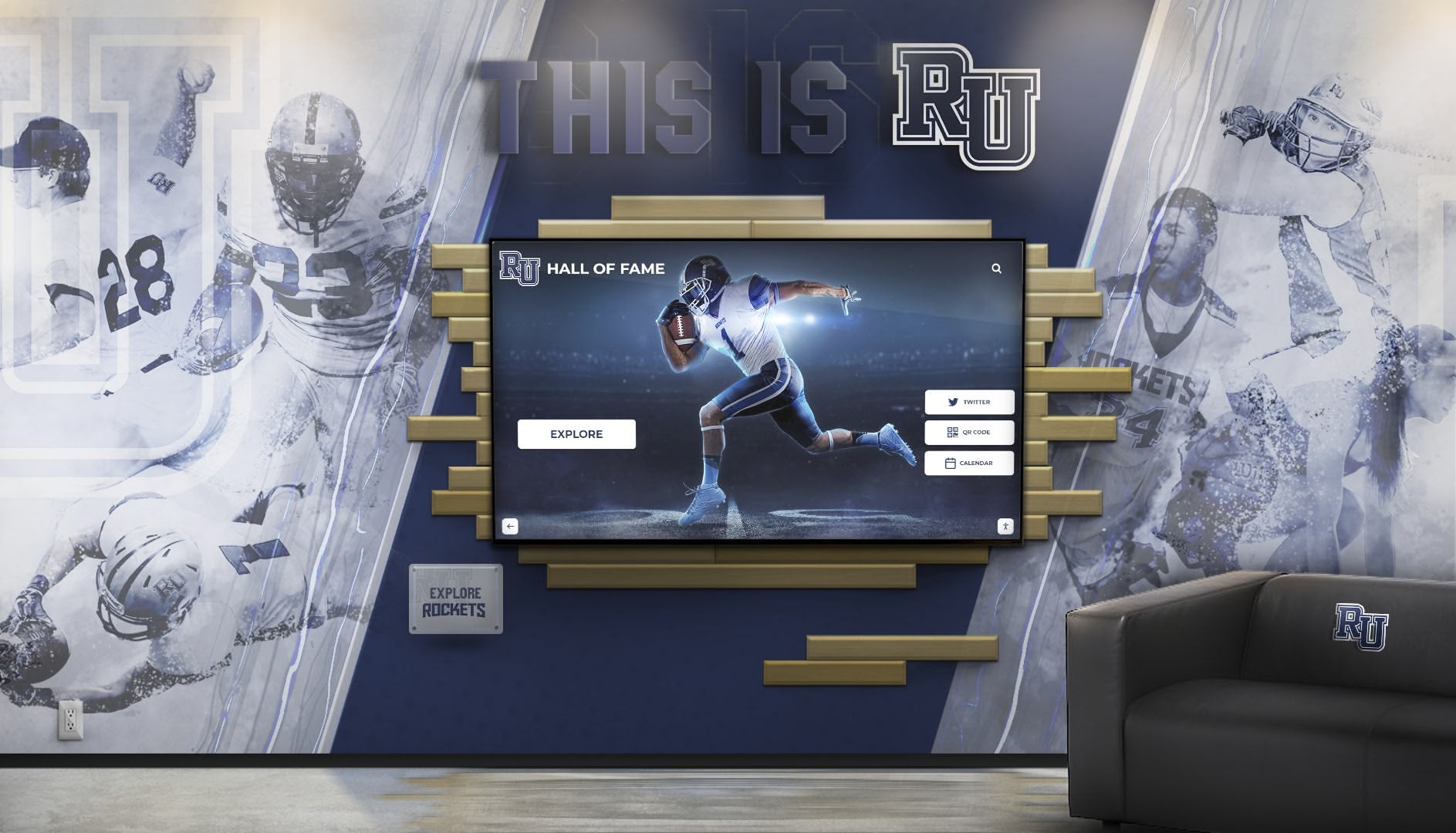
Front office installations require extra attention to professional appearance and visitor first impressions
Mounting Considerations for Different Wall Types
Wall construction significantly impacts mounting approach and cost:
Drywall Over Metal Studs
- Common in modern school construction
- Requires mounting brackets that spread load across studs
- Toggle bolts insufficient for heavy commercial displays
- Professional installation critical for safety
- May require wall reinforcement for largest displays
- Lower mounting strength compared to concrete
Concrete Block or Brick Walls
- Typical in older school construction and gymnasiums
- Provides excellent mounting strength
- Requires masonry anchors and specialized drilling
- Dust control essential during drilling
- May need multiple installers for positioning
- Cable concealment requires surface-mounted conduit
Glass or Curtain Wall Systems
- Found in modern school entrances
- Cannot support wall-mounted displays
- Requires floor-standing kiosk solutions instead
- More expensive than wall mounting
- Offers flexibility for repositioning
- Eliminates wall penetration concerns
Schools should identify wall construction type during planning and communicate this information to installation providers for accurate quoting and scheduling.
Network Infrastructure Requirements
Network connectivity proves more complex than schools anticipate:
Bandwidth Requirements
- 4K video content requires 25+ Mbps sustained bandwidth
- Cloud-based platforms need reliable connectivity
- Multiple displays sharing circuits need capacity planning
- WiFi may prove insufficient for video-heavy content
- Wired Ethernet provides superior reliability
- Network congestion during peak times affects performance
Security and Firewall Configuration
- Content management systems require specific ports open
- IT departments may resist firewall modifications
- Public-facing displays raise security concerns
- VLAN segmentation may be required
- Remote access enabling requires careful configuration
- Regular security audits may necessitate updates
Long-Term Network Considerations
- Network equipment upgrades may affect display connectivity
- Firewall policy changes can break working configurations
- IP address changes require display reconfiguration
- Network monitoring should include display devices
- Documentation prevents problems during staff transitions
- Backup connectivity options provide resilience
Schools should involve technology coordinators early in planning to identify network challenges before installation begins. Solutions like Rocket Alumni Solutions often assist with IT coordination, helping school technology staff understand requirements and implement appropriate configurations.
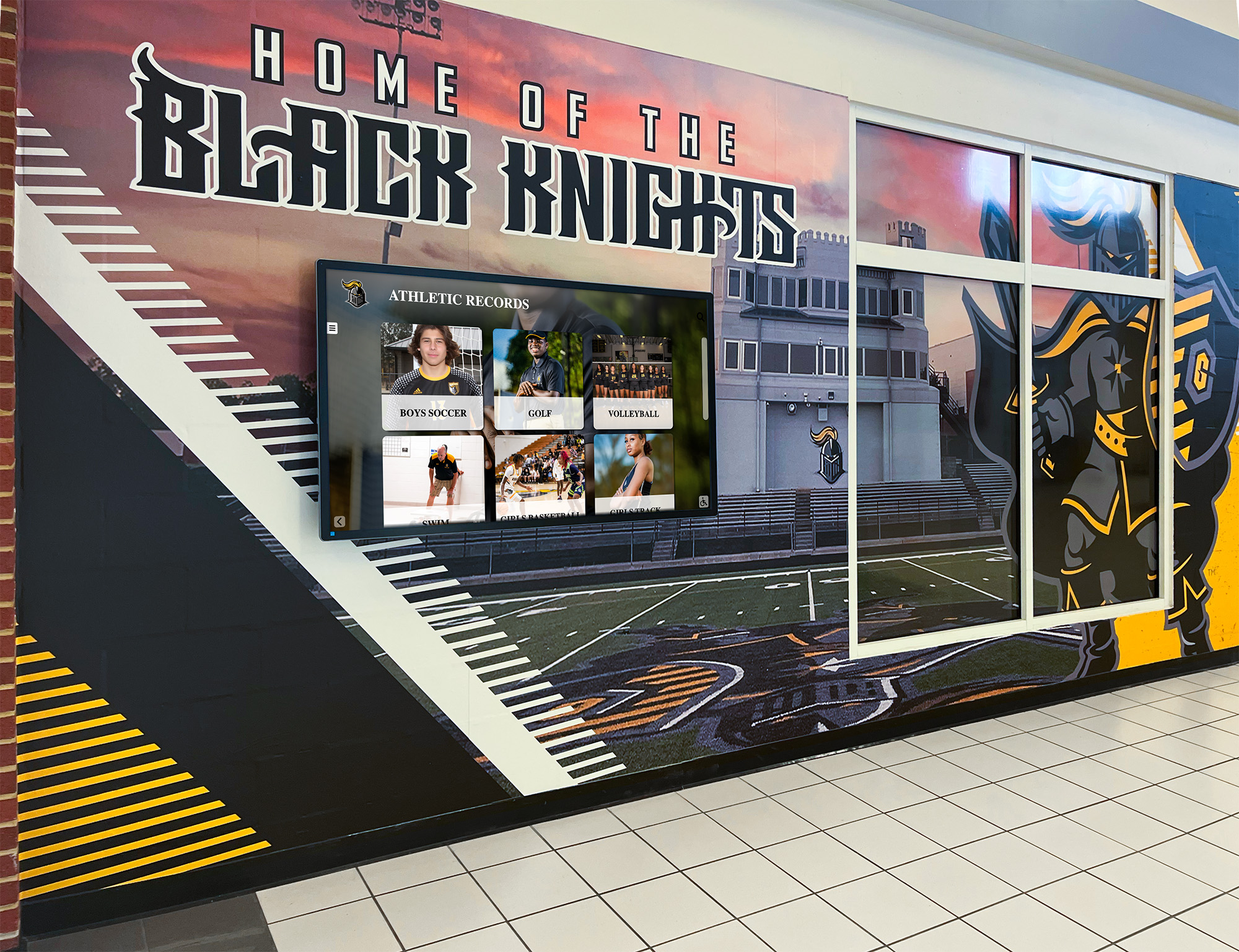
Clean cable management and proper network setup ensure reliable long-term operation
Accessibility and Compliance Standards
Digital displays in schools must meet accessibility requirements:
ADA Requirements
- Maximum mounting height for touchscreen reach ranges
- Minimum mounting height for wheelchair access
- Side approach clearance requirements
- Forward approach space specifications
- Touch sensitivity for users with limited dexterity
- Visual contrast requirements for visibility
- Audio alternatives for multimedia content
WCAG 2.1 AA Compliance
- Text size and contrast ratios
- Keyboard navigation support
- Screen reader compatibility
- Sufficient time for content reading
- Alternative text for images
- Captions for video content
- Intuitive navigation structures
Professional installers familiar with school requirements incorporate accessibility standards into mounting specifications. Schools using WCAG-compliant touchscreen platforms ensure software meets accessibility standards while installation addresses physical access requirements.
Cost Factors in Display Installation
Understanding installation cost components helps schools budget accurately:
Hardware and Equipment Costs
Display Hardware
- 55" commercial touchscreen: $2,000-$3,500
- 65" commercial touchscreen: $3,000-$5,000
- 75" commercial touchscreen: $5,000-$7,500
- 86" commercial touchscreen: $7,500-$12,000
- Commercial displays built for 24/7 operation cost more than consumer TVs
- Touchscreen capability adds premium over standard displays
Mounting and Accessories
- Commercial-grade wall mount: $200-$600
- Floor-standing kiosk enclosure: $1,500-$4,000
- Cable management systems: $100-$300
- Surge protection equipment: $50-$200
- Network connectivity hardware: $100-$500
- Additional cables and adapters: $50-$150
Installation Labor Costs
Professional Installation Services
- Basic wall mounting (existing infrastructure): $500-$1,000
- Complex mounting (reinforcement required): $1,000-$2,000
- Floor kiosk assembly and placement: $300-$800
- Cable concealment and management: $200-$500
- Travel and logistics for distant locations: $200-$500
Electrical Work
- New circuit installation: $300-$800
- Outlet installation and positioning: $150-$300
- Conduit runs for cable concealment: $200-$600
- Electrical permit fees: $50-$200
- Emergency or weekend electrical work premiums: 50-100% markup
Network Infrastructure
- Ethernet cable runs (per 100 feet): $200-$400
- Network switch port activation: $50-$150
- WiFi access point installation: $300-$600
- Network configuration and testing: $200-$400
- Firewall rule configuration: $100-$300
Software and Configuration Costs
Platform Licensing
- Cloud-based content management: $500-$3,000 annually
- Initial setup and configuration: Often included with purchase
- Custom template development: $500-$2,000 for specialized needs
- Training sessions: $200-$500 per session or included
- Ongoing support: Typically included in annual licensing
Content Development
- Historical content digitization: $1,000-$5,000 depending on volume
- Professional photography: $500-$2,000 for recognition content
- Biographical content writing: $50-$150 per inductee
- Video production: $1,000-$5,000 for professional quality
- Graphic design and templates: $500-$2,000 for custom work
Total Project Investment
Typical complete installations range from $5,000-$15,000 per display:
Budget-Conscious Installation ($5,000-$7,000)
- 55" touchscreen display
- Basic wall mounting
- Existing electrical and network infrastructure
- Standard content management platform
- Self-service content development
- Online training and documentation
Standard Installation ($8,000-$12,000)
- 65" or 75" touchscreen display
- Professional mounting with cable concealment
- Minor electrical and network additions
- Full-service platform with training
- Content migration assistance
- Ongoing support included
Premium Installation ($12,000-$15,000+)
- 75" or 86" touchscreen display
- Floor kiosk with custom enclosure
- Complete electrical and network infrastructure
- Comprehensive training and support
- Full content development services
- Multi-display coordination
Schools implementing multiple recognition displays often negotiate volume pricing that reduces per-display costs by 10-20% when installing three or more units.
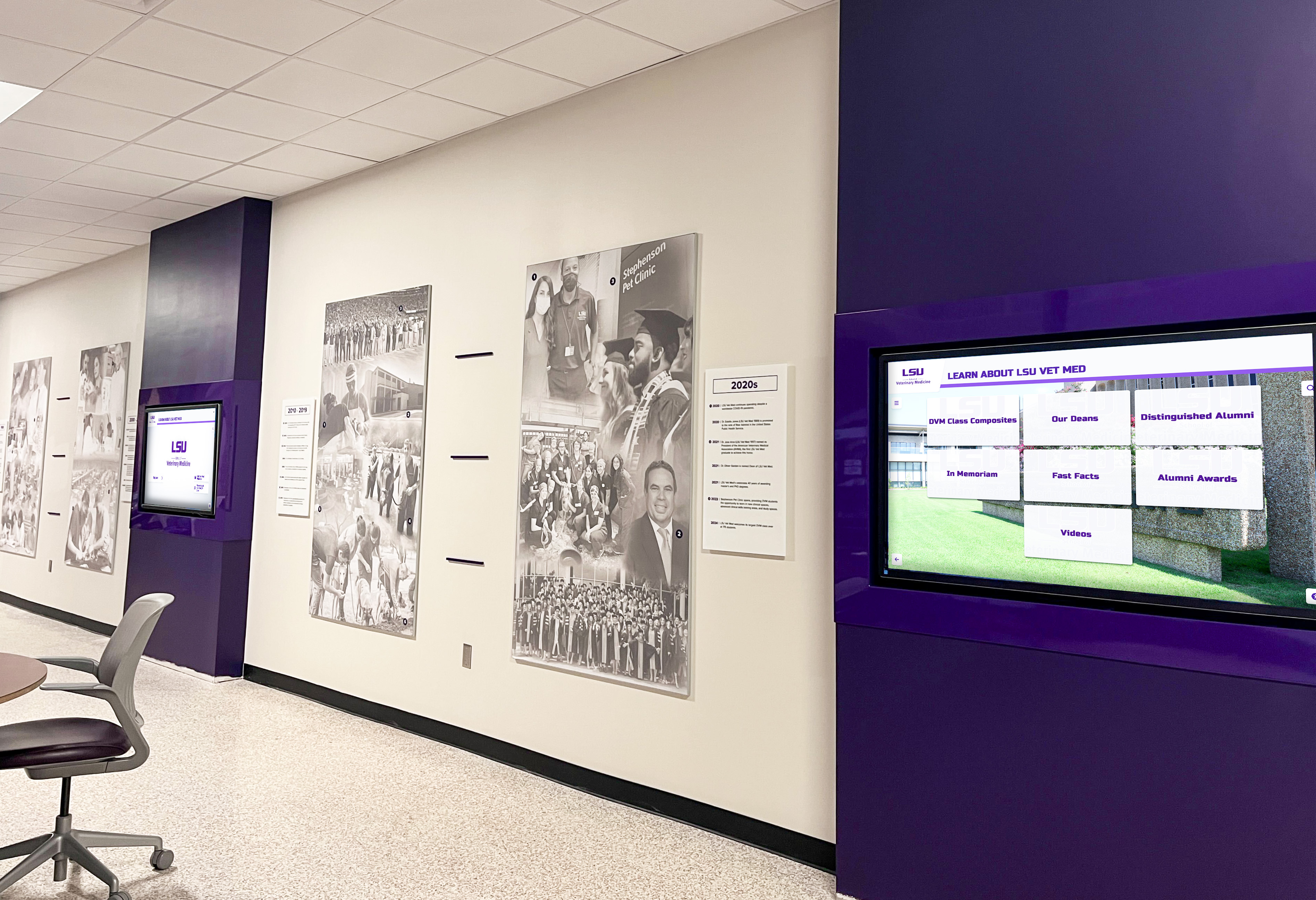
Multi-display installations benefit from coordinated planning and volume pricing negotiations
Common Installation Mistakes to Avoid
Learning from other schools’ experiences prevents costly errors:
Planning and Preparation Mistakes
Insufficient Site Assessment Schools select display locations without verifying electrical access, network connectivity, or wall construction capability. Installers discover problems upon arrival, causing delays while schools scramble to address infrastructure gaps.
Prevention: Conduct thorough site surveys before ordering equipment. Verify wall construction, measure viewing distances, test network connectivity, locate electrical circuits, and document ambient lighting conditions.
Underestimating Timeline Schools expect installation completion within days, overlooking electrical work permitting, network configuration coordination, and content migration requirements. Rushed installations skip critical steps that cause ongoing problems.
Prevention: Plan 6-8 weeks from order to operational display. Budget additional time for complex installations or older buildings requiring infrastructure upgrades.
Inadequate Budget Allocation Schools budget for hardware but not installation, assuming maintenance staff can handle mounting. Hidden costs emerge for electrical work, network additions, mounting equipment, and troubleshooting failed DIY attempts.
Prevention: Budget complete project cost including installation labor, infrastructure additions, professional services, and 10-15% contingency for unexpected challenges.
Installation Execution Mistakes
Improper Mounting Height Displays mounted too high for touchscreen reach or too low creating accessibility barriers. Correcting mounting height after installation requires wall repair and additional labor.
Prevention: Follow ADA guidelines specifying maximum 48" reach height from floor. Consider whether primary users will be standing adults or students of various heights.
Inadequate Cable Management Exposed cables running down walls and across floors create unprofessional appearance and tripping hazards. Adding cable concealment after installation costs more than planning ahead.
Prevention: Specify professional cable management including conduit or cable covers as part of initial installation. Budget $200-$500 for proper cable concealment.
Network Configuration Oversights Displays connected to WiFi networks that drop connections during peak usage. Video content stutters or fails to load due to insufficient bandwidth. Content management systems inaccessible due to firewall restrictions.
Prevention: Use wired Ethernet connections whenever possible. Conduct bandwidth testing during peak usage. Work with IT departments to configure firewall rules before installation day.
Post-Installation Mistakes
Insufficient Staff Training Installation completes but staff lack confidence managing content. Displays show generic content for months because nobody knows how to update. Systems fall into disuse due to complexity.
Prevention: Require hands-on training sessions with multiple staff members. Schedule follow-up training 2-4 weeks after initial session. Maintain updated documentation accessible to all authorized users.
Neglected Maintenance Touchscreens accumulate fingerprints. Displays collect dust affecting image quality. Nobody monitors whether systems remain operational. Minor issues escalate into major failures.
Prevention: Establish weekly cleaning schedules. Assign responsibility for monitoring display operation. Create maintenance checklists documenting inspection activities. Schedule annual professional service.
Abandoned Content Updates Initial content loaded during installation never updated. Recognition programs fail to add new inductees. Displays show outdated information damaging credibility. Schools lose interest as displays become stale.
Prevention: Establish clear content ownership with specific staff responsible. Create update schedules for different content types. Integrate display updates into existing recognition program workflows. Monitor engagement analytics identifying stale content.
Schools implementing ongoing recognition programs benefit from displays that receive regular content updates keeping recognition current and relevant.
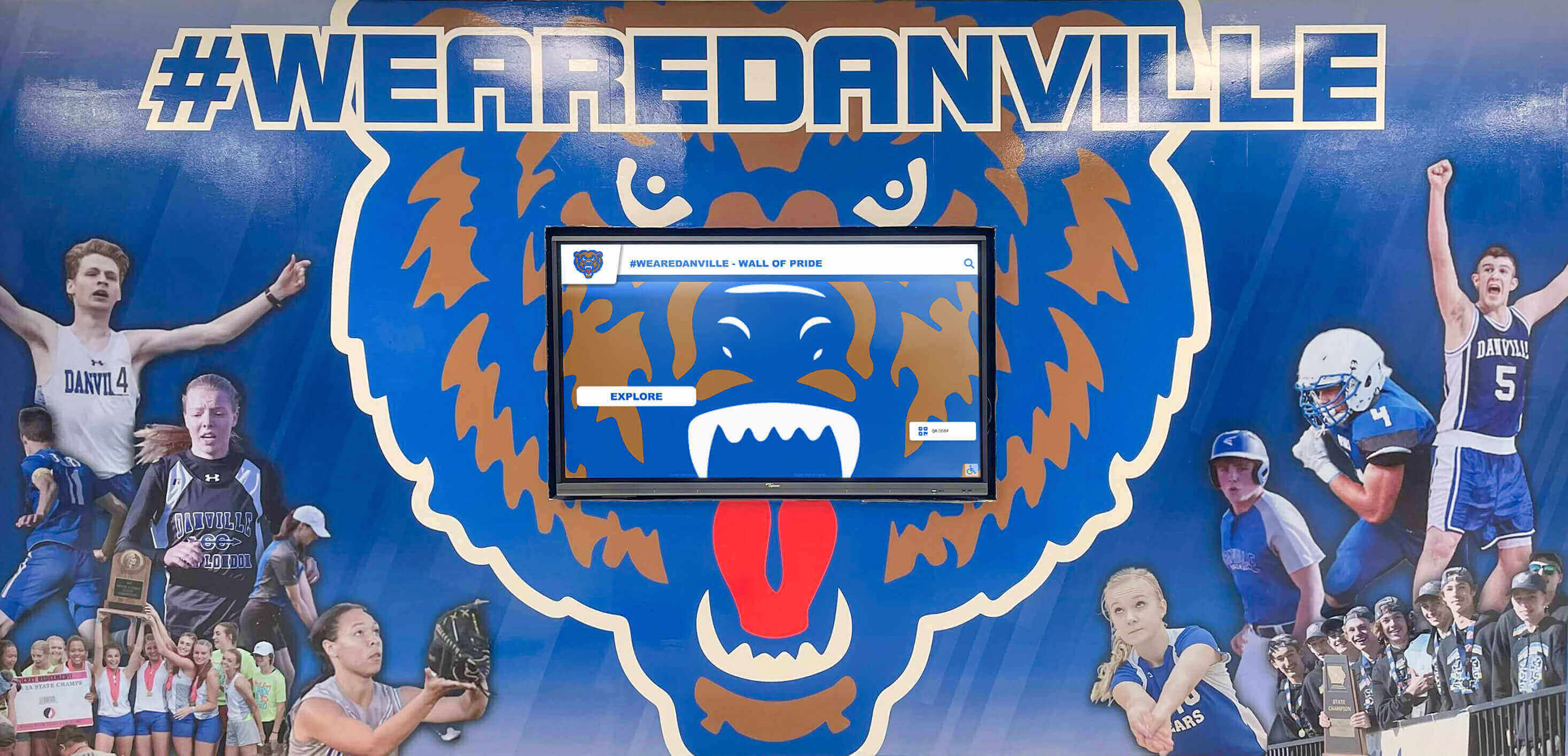
Regular maintenance and content updates keep displays professional and engaging for years after installation
Evaluating Installation Service Providers
Schools selecting installation partners should evaluate capabilities across multiple dimensions:
Technical Competency Assessment
Installation Experience Verification
- Years providing commercial display installation services
- Specific experience with educational institutions
- Familiarity with school building codes and requirements
- Portfolio of completed installations with photos
- References from similar schools and districts
- Certifications and training credentials
- Insurance coverage and liability protection
Infrastructure Expertise
- Electrical work capability or contractor relationships
- Network installation and configuration experience
- Structural assessment and mounting expertise
- Cable management and concealment proficiency
- Accessibility standard knowledge and compliance
- Building code understanding and permit acquisition
Service Scope and Support
Installation Services Included
- Pre-installation site assessment and planning
- Equipment delivery and logistics coordination
- Professional mounting and positioning
- Electrical and network connection
- Software installation and configuration
- Testing and quality verification
- Training and documentation
Ongoing Support Availability
- Technical troubleshooting for hardware issues
- Software configuration assistance
- Content management questions
- Remote diagnostics and problem solving
- On-site service for hardware failures
- Response time commitments
- Support availability (business hours vs. 24/7)
Project Management Capabilities
Communication and Coordination
- Single point of contact throughout project
- Regular progress updates and status reporting
- Proactive communication about delays or challenges
- Coordination with school schedule and constraints
- Integration with existing projects or renovations
- Change order process and cost transparency
Timeline and Delivery
- Realistic timeline estimates based on project scope
- Clear milestone identification and tracking
- Contingency planning for potential delays
- School schedule coordination avoiding peak periods
- Completion verification and sign-off procedures
Schools working with turnkey recognition display providers benefit from unified project management coordinating hardware, installation, software, and training as integrated services rather than managing multiple separate vendors.
Making the Installation Decision
Schools should approach installation provider selection systematically:
Request for Proposal Development
Technical Requirements Specification
- Display size and location details
- Mounting preferences and constraints
- Electrical infrastructure current state
- Network connectivity options
- Accessibility requirements
- Timeline expectations and constraints
- Budget parameters and funding sources
Service Requirements Definition
- Installation scope expectations
- Training and documentation needs
- Ongoing support requirements
- Content migration assistance
- Warranty and guarantee expectations
- Success criteria and acceptance testing
Vendor Evaluation Criteria
Weighted Scoring Approach
- Technical capability and experience (30%)
- Service scope and support quality (25%)
- Project cost and value (20%)
- Timeline and delivery commitment (15%)
- References and track record (10%)
Reference Check Questions
- Were installations completed on schedule and budget?
- What unexpected challenges emerged and how were they handled?
- How responsive is ongoing technical support?
- Would you use this provider again for additional projects?
- What advice would you give schools considering this vendor?
- What aspects of service exceeded or disappointed expectations?
Total Cost of Ownership Analysis
Look beyond initial installation costs to long-term value:
Year One Costs
- Hardware purchase price
- Installation labor and services
- Infrastructure additions (electrical, network)
- Software licensing (annual)
- Content development services
- Training and support
- Contingency for unexpected issues
Years 2-5 Costs
- Annual software licensing
- Ongoing content updates (staff time or contracted)
- Electricity consumption
- Cleaning and maintenance
- Hardware repairs or warranty service
- Platform upgrades or enhancements
- Additional training for new staff
Lifetime Value Considerations
- Expected display lifespan (7-10 years typical)
- Software platform longevity and development trajectory
- Vendor stability and long-term viability
- Upgrade paths and expansion flexibility
- Resale or repurposing value at end of life
Schools that focus solely on minimizing initial costs often experience higher total ownership costs due to inadequate installation quality, insufficient training, limited ongoing support, and premature replacement needs.
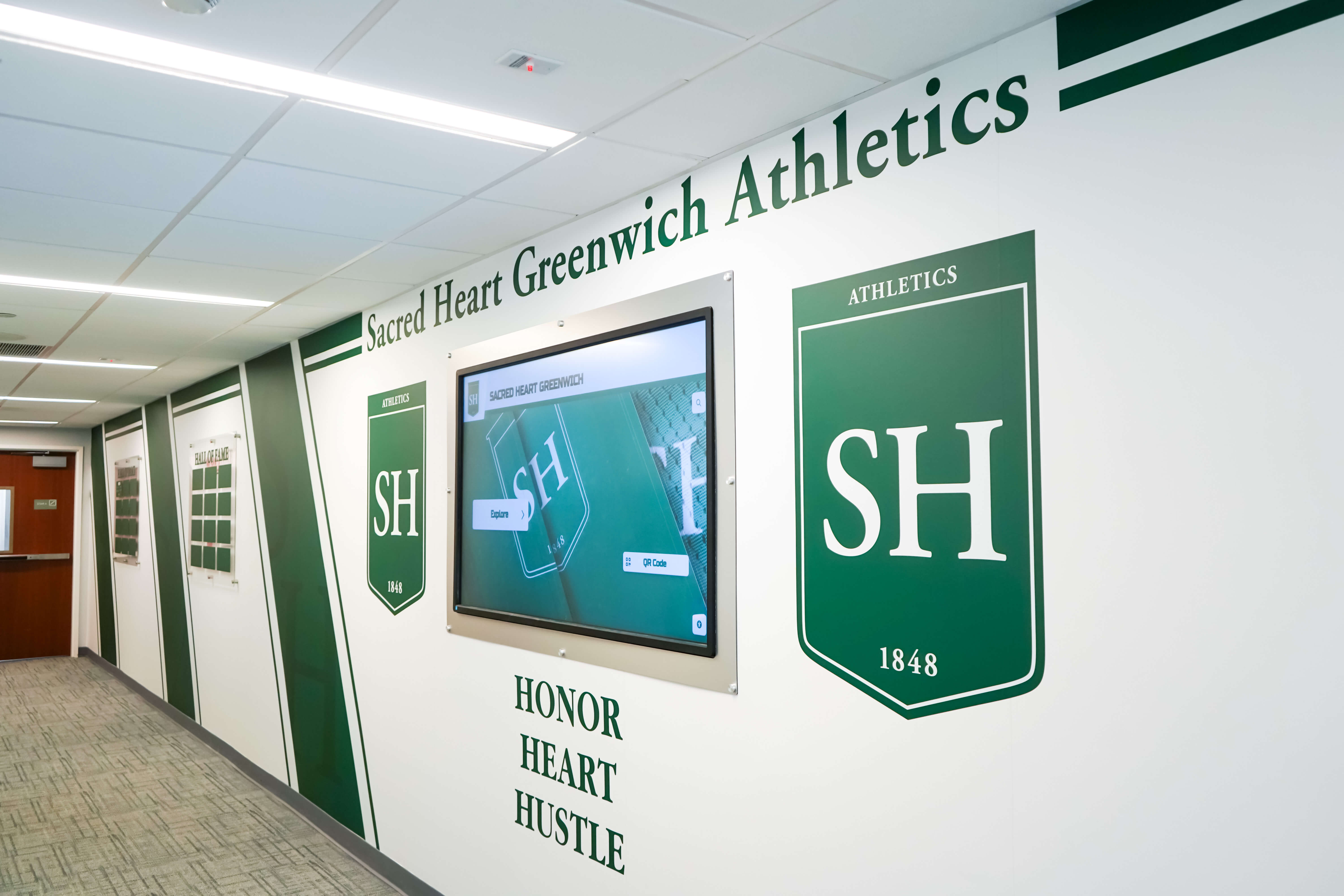
Quality installations deliver years of reliable service with minimal ongoing maintenance requirements
Conclusion: Installation Quality Determines Long-Term Success
The question “who installs digital hall of fame displays?” matters more than most schools initially realize. Installation quality impacts whether displays become valued institutional assets generating pride and engagement or expensive problems requiring ongoing troubleshooting and eventual replacement.
Schools have multiple viable paths to successful installation. In-house approaches work when schools possess necessary expertise, time, and infrastructure. Local integrators provide professional mounting and electrical work but require schools to coordinate software separately. Display manufacturers offer warranty-backed installation focused primarily on hardware. Turnkey recognition display providers deliver comprehensive service encompassing all installation aspects with unified accountability.
The right choice depends on your school’s specific situation: existing infrastructure, staff technical capabilities, project timeline, budget constraints, and complexity requirements. Schools with experienced facilities and technology staff managing straightforward installations in areas with existing infrastructure may succeed with simpler approaches. Schools lacking technical resources, installing in challenging locations, or requiring complex recognition program integration benefit from full-service providers offering complete solutions.
Regardless of installation approach, success requires thorough planning addressing mounting, electrical, network, software, and training requirements. Schools that invest time in comprehensive site assessment, realistic timeline development, complete budget allocation, and careful vendor selection experience smooth implementations delivering operational displays that serve their communities for years.
Poor installation choices create lasting problems: improperly mounted displays creating safety hazards, inadequate network connectivity causing performance issues, insufficient training leaving staff unable to manage content, or absent ongoing support forcing schools to troubleshoot alone. The weeks invested in proper planning and the modest premium paid for quality installation services return value many times over through years of trouble-free operation.
Recognition displays represent significant investments deserving professional installation that ensures reliable, accessible, engaging systems ready to celebrate achievements for years to come. Take time to understand your installation options, evaluate provider capabilities thoroughly, and select partners committed to your long-term success rather than just completing installations and moving on.
Ready to explore installation options for your school’s recognition display project? Talk to recognition display specialists who provide complete installation services from site assessment through training and ongoing support.