Schools comparing touchscreen recognition display vendors need measurable commitments before signing. Intent: define. A touchscreen recognition display service level agreement template gives administrators, athletic directors, advancement staff, IT coordinators, and facilities teams a structured framework for negotiating uptime guarantees, support response windows, recovery targets, maintenance notice requirements, and reporting obligations—before a purchase order is issued.
This guide walks through each essential SLA clause, explains the measurable targets worth including, and provides a working template structure you can adapt for your institution. Specific thresholds depend on your school’s needs and vendor capabilities. Legal review by your institution’s counsel is recommended before finalizing any contract language, and applicable compliance requirements may vary by jurisdiction and institution type.
A touchscreen recognition display is not just hardware. It is the public face of your athletic hall of fame, donor recognition wall, class composite archive, or student honors program. When the screen goes dark during a major fundraising event, a championship celebration, or an evening open house, that failure is visible to exactly the audience your institution most needs to impress. A formal service level agreement turns vendor reliability claims into contractual commitments with defined consequences—and it is negotiated before installation begins, not after something breaks.
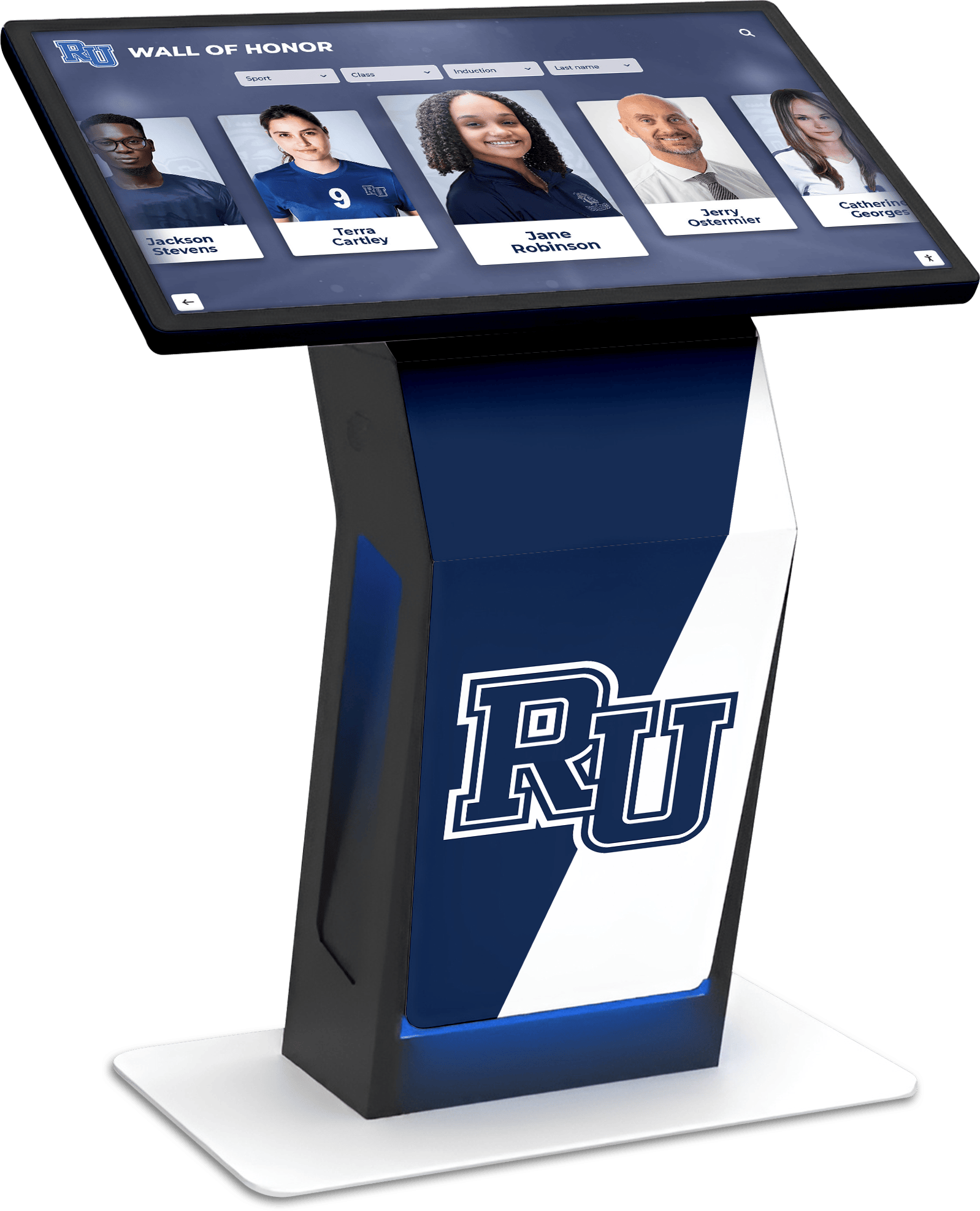
A touchscreen recognition display is a public-facing institution asset—its availability and reliability deserve the same contractual attention as any other critical school system
Why Schools Need a Touchscreen Recognition Display Service Level Agreement Template
Most recognition display purchases begin with conversations about content, design, and hardware. Discussions about ongoing support, uptime commitments, and recovery procedures often come later—sometimes after signatures are already on the contract.
The absence of an SLA does not mean a vendor provides no support. It means support terms are informal, unmeasured, and unenforceable. When a display serving your recognition wall program goes offline on the Friday of homecoming weekend, “we’ll look at it Monday” becomes the default response without a formal agreement defining otherwise.
Recognition displays serve stakeholders across multiple school departments simultaneously:
- Athletic directors rely on displays to showcase records, championships, and athlete milestones—content that supports recruiting conversations, booster engagement, and senior night ceremonies
- Advancement and development staff depend on donor walls and naming opportunity displays to build trust with major gift prospects and steward existing donors
- Facilities teams need to know when scheduled maintenance will occur so they can plan event setups around display availability
- IT coordinators need documented escalation paths, vendor contact information, and defined response expectations for troubleshooting
- Content owners need to understand what recovery is possible if content changes are lost during a platform outage
A formal SLA template addresses all of these stakeholders in one document, negotiated before installation begins.
If your school is still selecting a platform, a comparison of SLA terms across vendors is one of the most informative steps in the evaluation process. Request a platform demo to discuss what a vendor’s reliability commitments look like in practice before finalizing vendor comparisons.
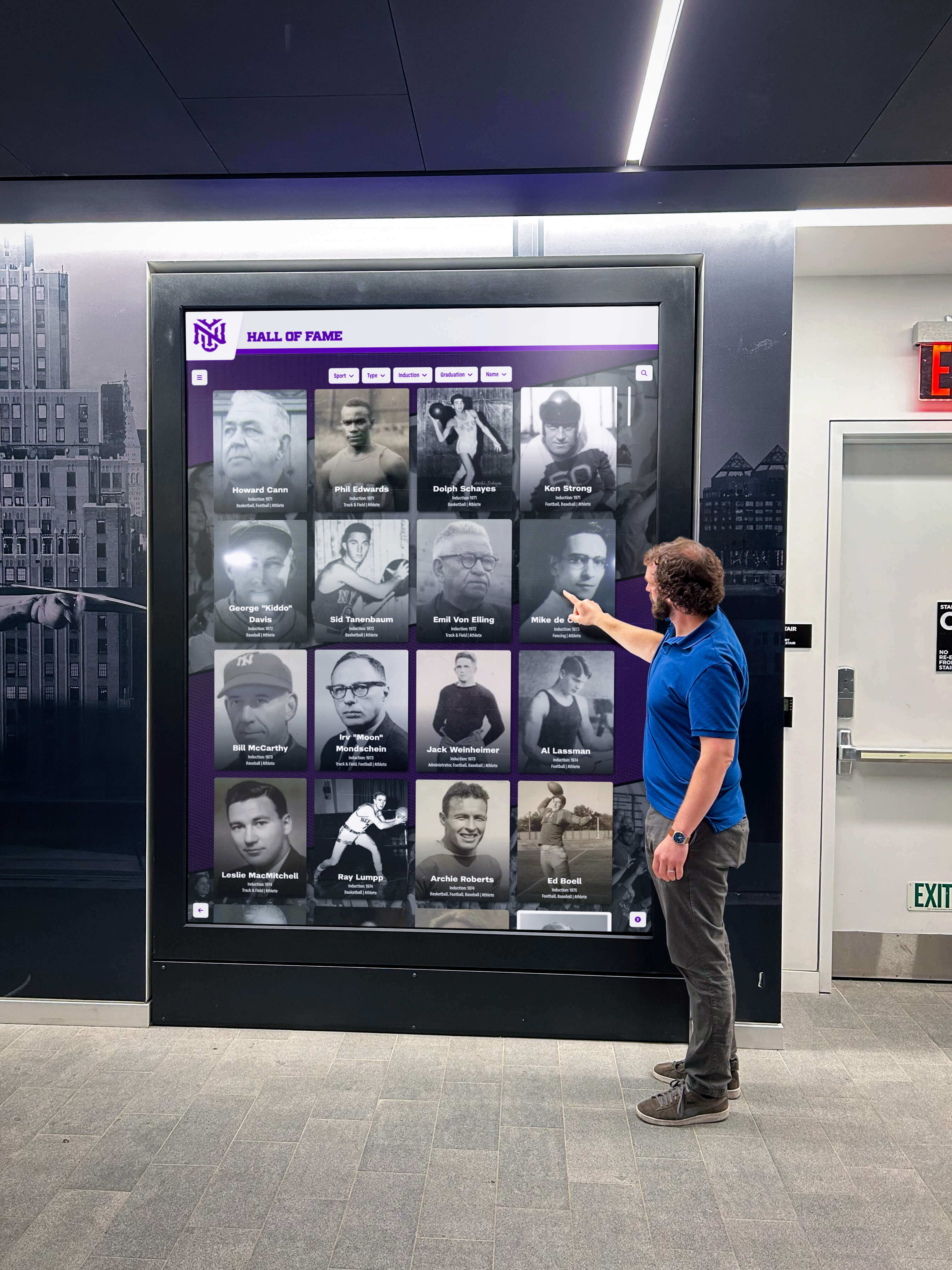
Recognition displays are often the first thing visitors see—downtime during key events creates a poor impression at exactly the wrong moment
The Core Clauses of a Touchscreen Recognition Display Service Level Agreement Template
A complete SLA for a school touchscreen recognition display typically covers six areas: availability and uptime, incident response and support tiers, data and content recovery, scheduled maintenance, exclusions, and performance reporting. Each is addressed in detail below.
Clause 1: Availability and Uptime Commitment
The availability clause defines what percentage of scheduled operating hours the display software and content management platform will be accessible and functioning. For school recognition displays, “available” typically means the touchscreen interface loads, responds to touch input, and shows current approved content.
What to define in this clause:
- Measurement period: Monthly uptime percentages are more actionable than annual figures because they surface problems sooner and trigger remedies faster
- Scheduled operating hours: Many schools operate displays from 6:00 AM to 10:00 PM on school days; downtime during hours when buildings are closed may be excluded from availability calculations
- What counts as downtime: Specify whether partial degradation—slow load times, frozen interface, content that fails to refresh—counts as downtime, or only complete unavailability
Sample uptime target table:
| Tier | Monthly Uptime Target | Maximum Monthly Downtime (Scheduled Hours) |
|---|---|---|
| Standard | 99.0% | ~4.4 hours |
| Enhanced | 99.5% | ~2.2 hours |
| Premium | 99.9% | ~26 minutes |
Schools hosting high-visibility events—donor galas, hall of fame inductions, athletics banquets, or championship celebrations—may consider negotiating enhanced tiers or event-window uptime guarantees. These provisions hold the vendor to higher availability during specified date ranges when display failures would be most costly.
Clause 2: Incident Classification and Support Response Times
A support response clause defines how quickly the vendor must acknowledge and resolve problems based on their severity. Without defined classifications, vendors may treat a fully dark display during an evening fundraiser the same as a minor cosmetic glitch on a Tuesday afternoon.
Standard incident tiers for recognition displays:
| Priority | Definition | Acknowledgment Target | Resolution Target |
|---|---|---|---|
| P1 – Critical | Display completely unavailable during school hours | 1 hour | 4 hours |
| P2 – High | Display functional but primary content unavailable | 2 hours | 8 hours |
| P3 – Medium | Non-critical feature unavailable; content displays | 4 hours | 24 hours |
| P4 – Low | Cosmetic issue or enhancement request | 1 business day | 5 business days |
Key definitions to include in this clause:
- Acknowledgment: Vendor responds confirming receipt and assigns a ticket number with a timestamp
- Resolution: Display and content functionality restored to the pre-incident state
- Support channel: Specify which channels (email, phone, ticketing portal) apply to which priority classifications
- Support hours: Define whether business-hours-only versus after-hours coverage is included; for schools with evening events, confirm whether after-hours P1 response is part of the base agreement
- Escalation path: Identify named roles or teams at the vendor who handle escalations when initial response targets are missed
IT coordinators managing recognition kiosks alongside broader school network infrastructure should note that vendor response times interact with internal IT staffing. A vendor that responds within one hour but requires a school-side technician to implement their remote fix may not actually resolve incidents within the stated target window.
Clause 3: Recovery Time and Recovery Point Objectives
For recognition displays that depend on cloud-based content management platforms, two metrics matter when the underlying platform experiences an outage or data loss event.
Recovery Time Objective (RTO) is the maximum acceptable time from outage detection to full platform restoration. Recovery Point Objective (RPO) is the maximum acceptable data loss measured in time—an RPO of 24 hours means the vendor commits that no more than 24 hours of content changes will be lost in a recovery scenario.
Schools that regularly update recognition content—adding new inductees after ceremonies, updating athletic records after seasons, or uploading assets from a historic yearbook digitization project—have a genuine stake in understanding what an RPO means for their specific content management workflow.
Sample recovery target table:
| Metric | Definition | Sample Target |
|---|---|---|
| Recovery Time Objective (RTO) | Maximum time to restore platform access after outage | 8 hours |
| Recovery Point Objective (RPO) | Maximum data loss measured in time | 24 hours |
| Backup Frequency | How often content data is backed up | Daily |
| Backup Retention | How long backups are retained | 30 days |
Content that cannot be easily reconstructed—scanned historical documents, original photography, or archived school newspaper front pages incorporated into recognition timelines—should be addressed separately in a data export clause giving your institution the right to download a full content backup on request.
Clause 4: Scheduled Maintenance and Advance Notice
Most cloud-based recognition platforms require periodic maintenance windows for software updates, infrastructure upgrades, and security patches. A scheduled maintenance clause defines when maintenance can occur and how much advance notice the vendor must provide.
What to negotiate in this clause:
- Permitted windows: Restrict maintenance to overnight hours (for example, 11:00 PM to 5:00 AM local time) or weekend early mornings, avoiding windows that overlap with school events, open houses, or evening ceremonies
- Advance notice: Fourteen to thirty days’ written notice for planned maintenance is a common standard
- Emergency maintenance: Define when vendors may perform emergency maintenance without advance notice—typically only when required to address active security vulnerabilities—and require post-incident notification within 24 hours
- Event blackout dates: Negotiate specific calendar periods during which the vendor may not schedule maintenance, such as homecoming weekend, graduation week, fall open house, or major fundraising campaigns
Facilities teams coordinating event setups around recognition displays benefit from advance maintenance schedules. If IT knows a maintenance window is scheduled for the Wednesday night before homecoming, facilities can confirm displays will be fully operational for Friday’s event.
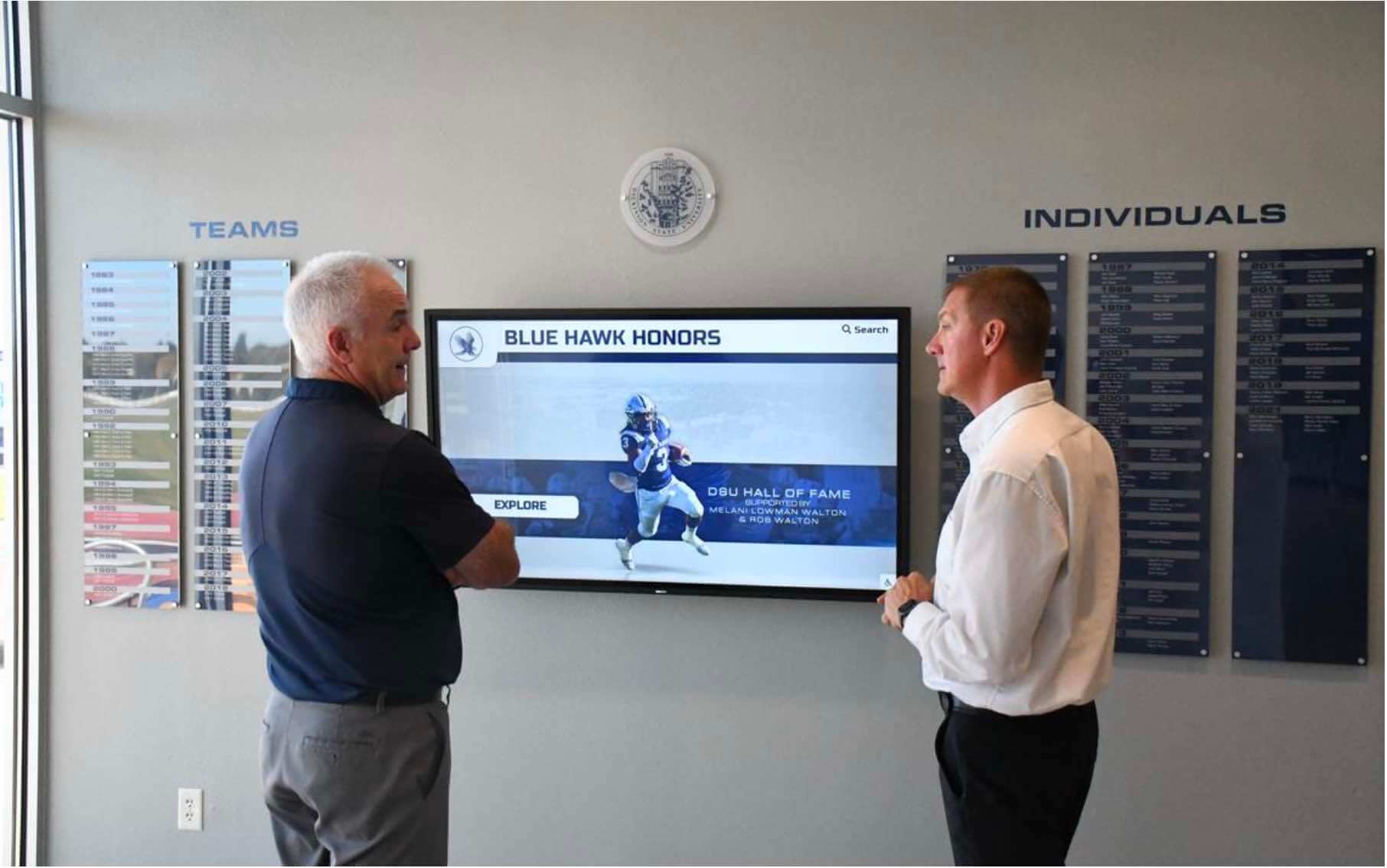
Scheduled maintenance windows should be documented in advance so facilities and event teams can plan around display availability
Clause 5: Exclusions and Limitations
Every SLA includes exclusions—circumstances under which the vendor is not responsible for downtime or data loss. Understanding these exclusions before signing prevents surprises when an outage falls outside covered terms.
Common exclusions to review carefully:
- Third-party network or infrastructure: Downtime caused by the school’s internet service provider, network switches, or internal VLAN configuration is typically excluded from vendor SLA calculations
- Hardware failures: If the school purchases or owns display hardware separately from the software subscription, hardware failures may not fall under the software vendor’s SLA
- Force majeure: Outages caused by events outside the vendor’s reasonable control—widespread internet infrastructure failures, natural disasters—are commonly excluded
- Unauthorized changes: Downtime resulting from school personnel making unauthorized configuration changes to the display platform may be excluded
- End-of-support software: Platforms running on deprecated operating systems or hardware the vendor has declared end-of-support may lose SLA coverage
Reviewing exclusions carefully helps IT coordinators understand what they remain responsible for. A school whose display sits on a network segment the vendor has no visibility into should not expect that segment’s failures to be covered under the vendor’s uptime commitment.
Schools managing recognition content for a range of programs—from an athletic hall of fame to digital class composite displays to awards galleries—should confirm whether all content types and display functions fall under the same SLA terms, or whether specific features carry different coverage levels. A display that shows athletics content under a full SLA but shows donor content under a reduced coverage tier creates administrative complexity and potential gaps.
Clause 6: Performance Reporting and Audit Rights
An SLA that cannot be verified is an SLA that cannot be enforced. A reporting clause defines what the vendor will provide to demonstrate compliance with agreed terms, and what rights your institution has to audit vendor claims.
Standard reporting provisions to include:
- Monthly uptime reports: Automated delivery of uptime metrics for the previous calendar month, broken down by scheduled hours and incident events with timestamps
- Incident log access: Your institution’s ability to view a complete log of incidents, response times, and resolution timestamps—not just a summary
- Maintenance advance notices: Written record of all maintenance window notifications with confirmation of receipt
- Annual SLA review: Scheduled meeting to review performance trends, upcoming platform changes, and SLA terms that may need adjustment as your recognition program evolves
Audit rights worth negotiating:
- Right to request independent verification of vendor uptime claims upon reasonable notice
- Right to dispute uptime calculations within a defined window, commonly 30 days after report delivery
- Right to access raw incident data rather than processed summary metrics alone
Schools managing vendor relationships across multiple display installations—an athletic hall of fame, a donor recognition wall, and a student honors display in different buildings—may want consolidated reporting across all installations rather than separate reports per device.
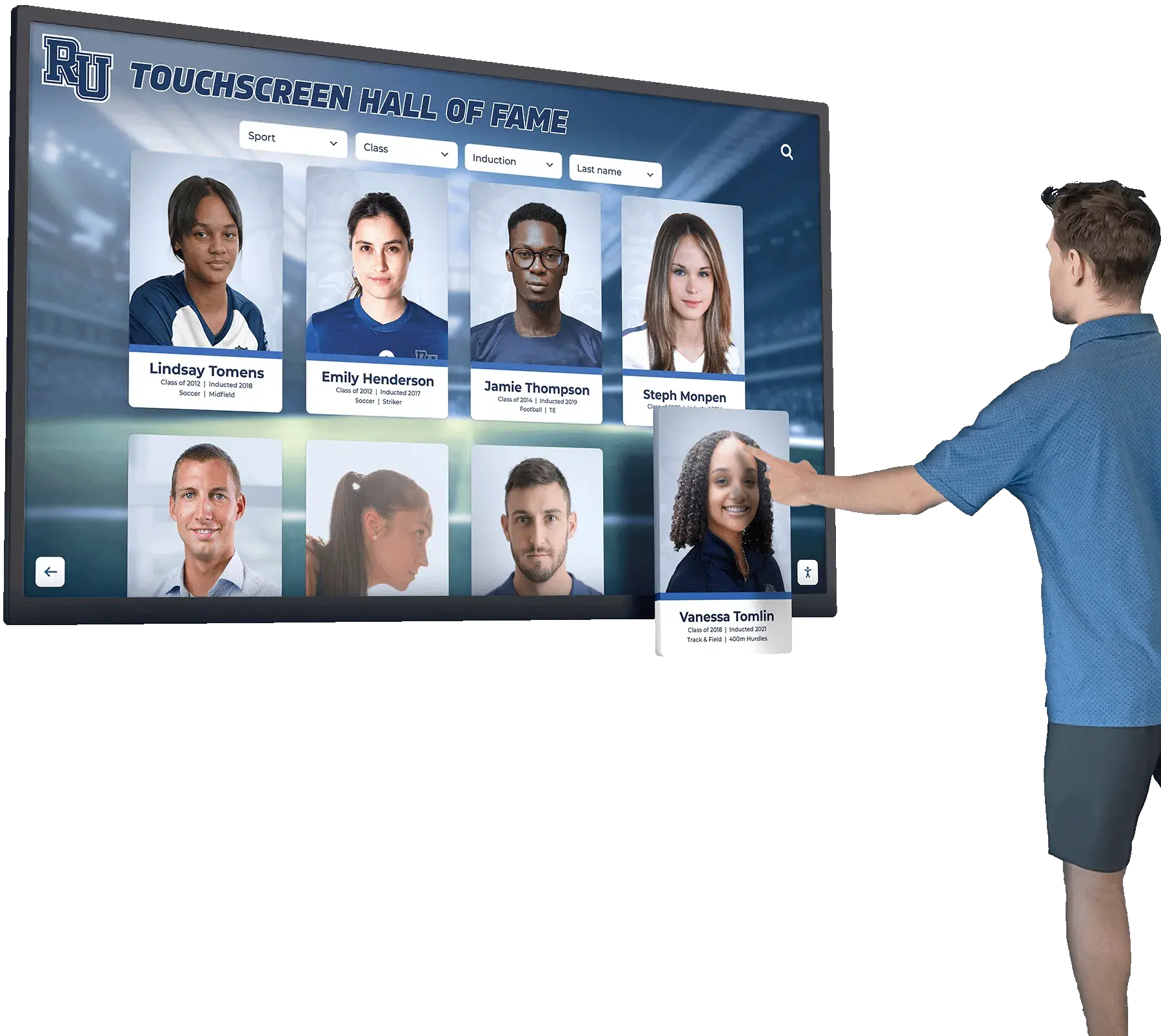
Monthly performance reports let IT coordinators verify that SLA commitments are being met across all display installations throughout the year
Additional Clauses Worth Negotiating
Beyond the six core areas, several supplemental provisions appear in well-structured recognition display SLAs.
Data Export and Content Portability
If your school ever transitions to a different vendor, you need the ability to export recognition content in a format your institution can actually use. A data portability clause gives you the right to request a full content export at any time and at the end of the contract term—not just when the vendor decides it is convenient.
This clause is especially important for schools with substantial historical archives. Athletic history records, photos, and biographical materials that have been digitized and loaded into a recognition platform represent years of institutional effort. Vendor lock-in that prevents content export is a business continuity risk worth addressing before signing.
Ask specifically whether the export format is structured (CSV, JSON, or XML for metadata) versus a flat archive of images and documents, and whether exports are included in the base agreement or priced as a separate service.
Notification Requirements for Platform Changes
Cloud-based platforms change over time. A notification clause requires the vendor to provide advance written notice before making changes that affect:
- Content management interfaces your staff uses daily
- Integration points with other school systems such as directory services or student information systems
- Hardware compatibility requirements that could require display hardware upgrades
- Subscription pricing or contract terms
Without this clause, schools may discover mid-contract that a platform interface has changed significantly or that previously included features now carry additional cost.
SLA Credit Structure
Many SLAs include credit provisions—when a vendor misses an uptime or response target, the school receives a service credit applied to future invoices. Credits are not the same as refunds. They represent partial remedies for availability or response failures. Schools should understand the credit structure before signing: whether credits require a formal claim process, what the maximum credit per month or year is, and whether credits are available for missed response time targets in addition to missed uptime targets.
How to Use This Template Before Signing
A service level agreement template is most useful as a negotiation tool before contract execution, not as a post-signature complaint mechanism. The following steps help procurement teams use SLA terms effectively in vendor conversations.
Step 1: Build your critical events calendar. List the dates when recognition display availability is most important—home athletic competitions, major donor events, graduation, open house, and ceremonies such as senior night or hall of fame induction. Use this list to negotiate event-window uptime guarantees or maintenance blackout dates. Schools that run senior night recognition programs or sport-specific awards presentations need confirmed display availability on those specific dates.
Step 2: Audit your existing network infrastructure. Understanding which parts of your network fall outside the vendor’s control helps you negotiate exclusions that are fair rather than overly broad. Your IT coordinator should document the network path from the display to the vendor’s cloud platform before entering exclusion clause negotiations.
Step 3: Define your content criticality. Not all recognition content carries the same recovery urgency. A profile updated today for a new inductee being honored at this evening’s ceremony has different urgency than a historical photo added to an archive last week. Understanding your actual RPO needs helps you negotiate targeted terms rather than accepting generic defaults.
Step 4: Compare SLA terms across vendors. When evaluating multiple vendors, use your SLA template as a scoring framework alongside feature and pricing comparisons. Which vendors commit to P1 response within one hour? Which offer event blackout windows without an add-on fee? Which include data portability in the base agreement? SLA terms reveal how confident a vendor is in their own platform reliability. Schools considering high school athletics equity priorities may also evaluate whether SLA terms provide equitable display reliability across all athletic programs, not just high-profile varsity sports.
Step 5: Involve your institution’s legal counsel. SLA templates establish a negotiating baseline, but final contract language requires legal review. Requirements around liability, indemnification, and dispute resolution vary by jurisdiction and institution type. Public schools and independent schools may face different applicable standards.
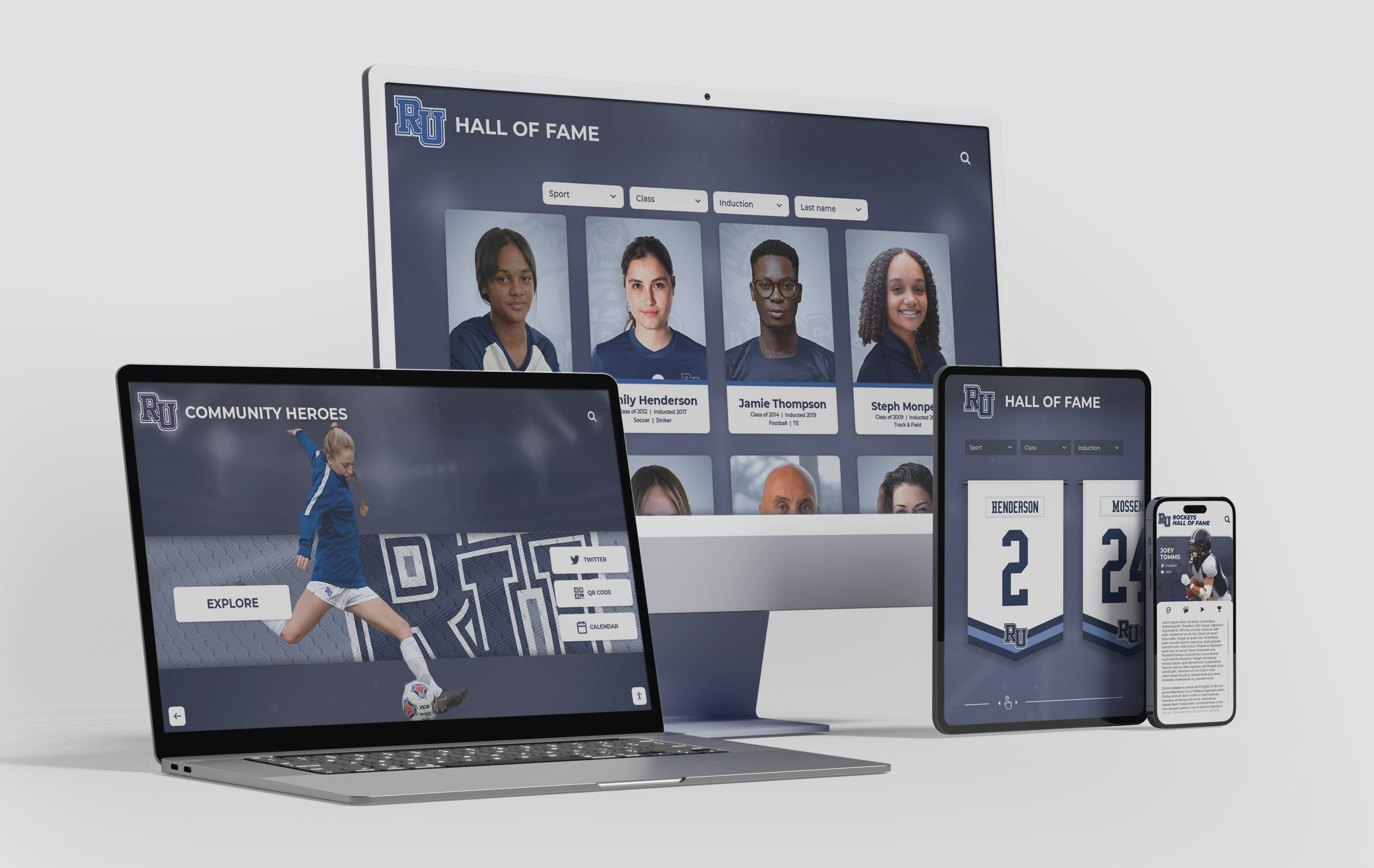
Cloud-based platforms that extend recognition to mobile devices introduce availability considerations beyond the physical display that the SLA should explicitly address
Recognition Programs That Benefit Most From Formal SLAs
Schools with multiple active recognition programs have more at stake when a display vendor underperforms. Programs where formal SLA terms provide the greatest value include:
- Athletic halls of fame covering multiple decades of records, championship history, and individual honors—where inductee biographical content is difficult to reconstruct quickly
- Donor recognition walls used in active fundraising campaigns, where downtime directly damages donor relationships
- Student honors displays updated each academic term and viewed by admitted student families during visit days
- Historical archives including digitized materials and sport-specific recognition such as golf program awards histories
- Multi-display networks spanning several buildings or athletic facilities, where a single vendor failure affects displays in multiple locations simultaneously
Each recognition type carries its own uptime expectations and content criticality level. An SLA that addresses all programs within a single agreement—with tiered provisions for higher-priority displays—simplifies vendor management over a multi-year contract term.
SLA Terms and Measurable Targets: Summary Reference Table
The following table consolidates commonly negotiated SLA terms and sample targets into a single reference. Adjust targets based on your institution’s specific requirements and vendor capabilities.
| SLA Element | What It Defines | Sample Starting Target |
|---|---|---|
| Monthly uptime | Display software availability during scheduled hours | 99.5% |
| P1 acknowledgment | Response to complete display outage | Within 1 hour |
| P1 resolution | Restoration of full display function | Within 4 hours |
| P2 acknowledgment | Response to primary content unavailability | Within 2 hours |
| P2 resolution | Restoration of content access | Within 8 hours |
| Recovery Time Objective | Time from outage to platform restoration | 8 hours |
| Recovery Point Objective | Maximum data loss in recovery event | 24 hours |
| Backup frequency | How often content is backed up | Daily |
| Backup retention | How long backups are stored | 30 days |
| Maintenance notice | Advance notice for planned windows | 14–30 days |
| Monthly uptime report | Delivery of verified availability metrics | Automated by the 5th of each month |
| Data export right | Right to request full content export | Included in base agreement |
Frequently Asked Questions
What is a touchscreen recognition display service level agreement?
A service level agreement for a touchscreen recognition display is a contractual document, typically attached to a software or services contract, that defines measurable performance commitments between a vendor and the school. It covers availability targets, support response expectations, recovery objectives, maintenance notice requirements, and reporting obligations.
Can schools negotiate SLA terms with recognition display vendors?
Negotiation is common for institutional customers. Vendors offering standard contracts often have flexibility on specific terms—particularly maintenance windows, event blackout dates, response time tiers, and report delivery formats. Starting with a written SLA template from your institution demonstrates defined requirements, which typically produces a more substantive response than a verbal conversation.
What uptime percentage should a school require?
The appropriate target depends on how heavily a school relies on the display and the consequences of downtime. Common targets range from 99.0% (approximately 4.4 hours of allowable monthly downtime) to 99.9% (approximately 26 minutes). Schools with high-visibility recognition programs, active fundraising campaigns, or frequent evening events may consider 99.5% or higher as a baseline. Consult with your IT coordinator to understand what your existing network infrastructure realistically supports.
What happens if a vendor misses an SLA commitment?
The SLA should define remedies explicitly. Common remedies include service credits applied to future invoices or enhanced support provisions. Credits are typically the standard remedy; monetary refunds and contract termination rights require specific language and legal review. The SLA should define the claim process—how your school notifies the vendor of a missed commitment and within what time frame the claim must be submitted.
Should an SLA cover hardware as well as software?
This depends on your procurement structure. If you purchase or lease display hardware through the recognition display vendor, negotiate hardware coverage into the same SLA. If hardware is procured separately, you may have a separate warranty or service contract. Clarify which agreement covers which components and confirm that the combination leaves no coverage gaps—particularly for scenarios where a hardware failure prevents the software from operating.
Does an SLA apply to QR code and mobile access features?
If your recognition platform includes QR code access so community members can view content on personal devices, confirm whether that access path is covered under the same availability SLA as the physical display. Cloud-based platforms often serve both the on-site touchscreen and mobile access from the same infrastructure, but confirming this in writing prevents ambiguity when mobile access fails while the display itself appears operational.
How often should SLA terms be reviewed?
SLA terms should be reviewed at contract renewal and when either party proposes significant platform changes. Annual SLA review meetings with your vendor allow both sides to adjust targets based on actual performance data, changing program requirements, and platform evolution. Terms that were reasonable during initial deployment may need revision as your recognition program grows or as the vendor’s infrastructure changes.
Connecting SLA Terms to Donor and Sponsor Trust
Recognition displays serving donor walls, naming opportunity programs, or sponsor acknowledgment features carry a particular obligation. When a major donor’s name does not appear on a display during a fundraising event because the system is offline, the failure is not just an IT problem—it is a relationship problem that advancement staff must address directly with that donor.
Development offices that have built active recognition programs depend on display reliability to deliver the recognition they have promised supporters. An SLA that defines clear uptime targets, P1 response within one hour for critical failures, and event blackout protections gives advancement staff the contractual foundation to make commitments to donors with confidence, knowing the vendor has accepted measurable obligations in return.
Athletic program recognition carries similar stakes. Championship banners, record boards, and hall of fame inductee profiles that go offline during a home competition or recruiting visit undermine the institutional investment in recognition at exactly the moments when that recognition matters most.
Formal SLA terms also provide a governance framework when issues do occur. Rather than relying on informal conversations or goodwill, your institution has a documented record of commitments, response targets, and agreed remedies—a foundation for constructive resolution rather than disputed expectations.
Conclusion
A touchscreen recognition display service level agreement template transforms vendor reliability claims into contractual commitments. For school administrators, athletic directors, IT coordinators, advancement staff, and facilities teams, negotiating SLA terms before signing ensures that uptime expectations, support response windows, recovery targets, scheduled maintenance rules, and reporting rights are defined—not assumed.
Review the six core clauses covered in this guide: availability and uptime, incident response tiers, recovery objectives, maintenance scheduling, exclusions, and performance reporting. Add supplemental provisions for data portability, platform change notifications, and service credit structures based on your institution’s priorities. Bring the draft to your institution’s legal counsel for review before finalizing.
When evaluating vendors, use your SLA template as a comparison framework alongside content, design, and pricing considerations. Vendors willing to commit to specific, measurable terms signal greater confidence in their platform reliability than those offering informal assurances alone.
If you are ready to explore how a purpose-built recognition platform approaches reliability commitments, content management, and vendor support, request a demo to understand what a formal vendor commitment looks like before you sign.