Intent: decide. When a touchscreen recognition display reaches end of life, schools and institutions face a decommissioning moment that carries real institutional risk. Hardware can be unplugged, traded in, or hauled away in an afternoon—but the recognition content, inductee records, athletic histories, donor lists, and archived media stored on or managed through that system may take months to reconstruct if not properly preserved first.
This guide walks school administrators, athletic directors, hall-of-fame committees, and archives staff through a structured touchscreen recognition display decommissioning plan. The goal is to protect everything your community has built—credentials, content, and institutional memory—before retirement day arrives.
Hardware lifecycles and software platform changes are normal parts of managing any school technology program. A display purchased seven years ago may no longer meet ADA accessibility standards, may have reached the manufacturer’s end-of-support window, or may simply be showing its age beside newer installations. Decommissioning is not a failure—it is a planned transition. What separates smooth transitions from damaging ones is the preparation done before the hardware goes offline.
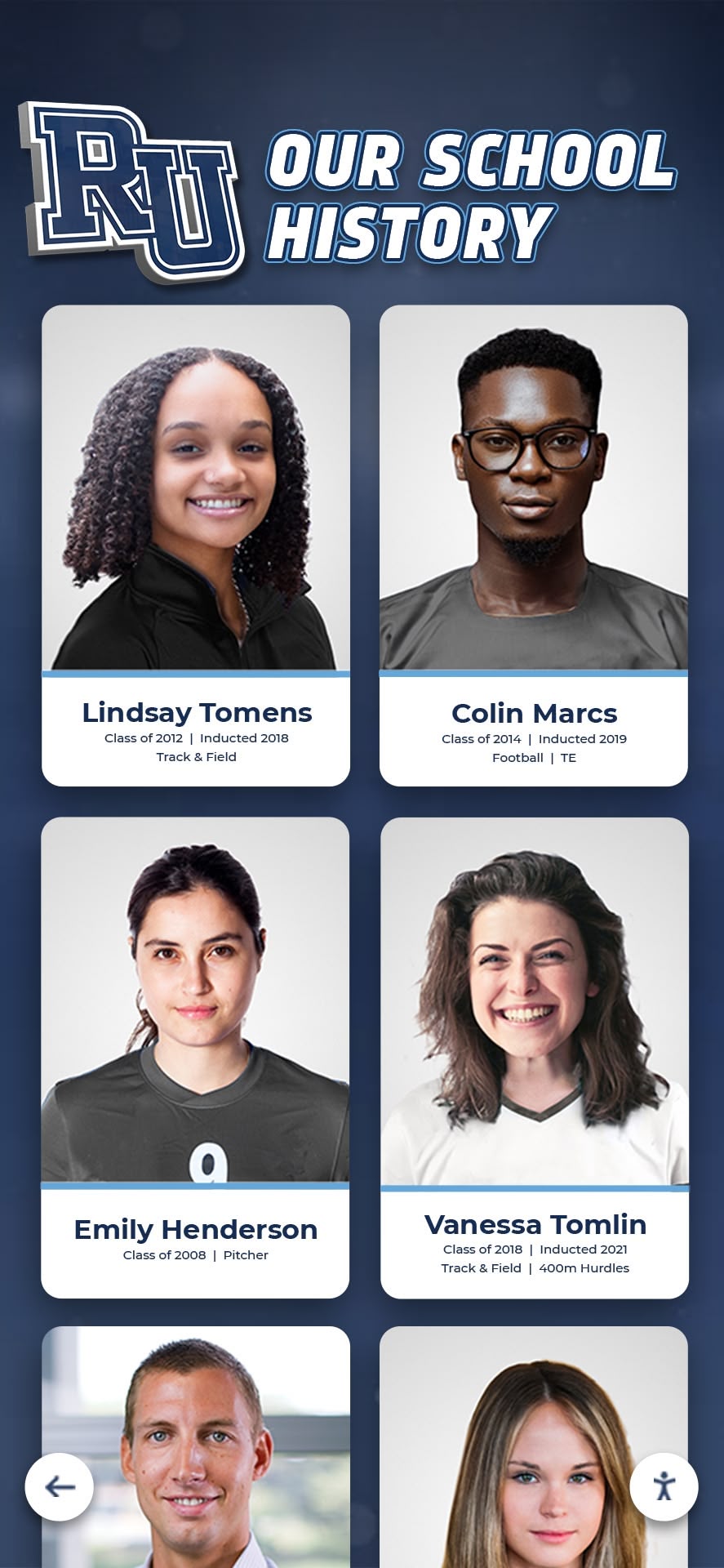
Recognition content—inductee profiles, athletic records, and historical photos—represents irreplaceable institutional memory that must be secured before hardware retirement
Why a Decommissioning Plan Matters for Recognition Programs
Recognition systems are not generic software applications. Unlike a scheduling tool or a payment processor, a hall of fame platform or donor recognition display may contain the only digital copies of:
- Inductee biographical profiles written by program staff or family members
- Scanned photographs from decades-old print archives
- Athletic records and championship rosters predating digital record-keeping
- Donor recognition tiers, giving histories, and naming commitments
- Video tributes, highlight reels, and ceremony recordings
- Staff login credentials and content management access that other administrators may not know exist
When hardware is retired without a plan, any of these assets can become inaccessible, fragmented across multiple storage locations, or lost entirely—particularly when the staff member who managed the original system has left the institution.
Departments that invest in thoughtful donor recognition programs understand that maintaining trust with alumni, donors, and honorees means honoring naming commitments and recognition displays across system transitions, not just at the moment of installation.
What Content Is at Risk During Hardware Retirement
Before building a decommissioning timeline, identify every category of content associated with the display system. A structured audit prevents the most common outcome: discovering a missing asset category after hardware has already left the building.
Recognition Records
The core data layer of any hall of fame or recognition display typically includes:
Inductee and Honoree Profiles
- Names, graduation years, and biographical summaries
- Sport, class, or program category classifications
- Induction dates and class designations
- Associated statistics, records, or credentials
Media Assets
- Portrait photographs (often scanned from film originals)
- Action photography and team photos
- Video highlight clips and interview recordings
- Ceremony footage and induction event recordings
- Program-specific graphics and logo files
Donor and Sponsor Records
- Named gift acknowledgments and recognition tiers
- Giving amounts and pledge histories (consult your institution’s data governance and privacy policies before exporting donor financial records—what can be retained, who may access it, and where it may be stored is governed by institutional policy and applicable law)
- Sponsor logos and attribution language
- Contact information associated with recognition commitments
Understanding what constitutes a complete corporate or institutional recognition wall helps program managers recognize that donor recognition systems carry legal and relational commitments that extend beyond the hardware lifecycle.
System Access and Credentials
One of the most commonly overlooked decommissioning tasks is credential recovery. Recognition display platforms require administrator accounts, and those accounts are frequently set up by a single staff member—who may have since retired, changed roles, or left the institution entirely.
Before hardware retirement, verify and document:
- Cloud platform administrator login credentials
- Email addresses used for platform account registration
- Content management system (CMS) passwords or access tokens
- Vendor account numbers and support contact information
- Any secondary user accounts with content editing access
If administrator credentials are unknown, initiate a password recovery or account transfer process with the platform vendor before hardware is decommissioned. Vendors typically require institutional verification; having a hardware change on the horizon creates urgency to start this conversation early.
Configuration and Customization Data
Recognition display platforms are often configured with school-specific settings that take considerable effort to recreate:
- Custom categories, filters, and navigation structures
- School branding assets (colors, logos, banner images)
- Template layouts and display formatting choices
- Any integrations with websites, databases, or donor management systems
- QR code links associated with printed materials or signage
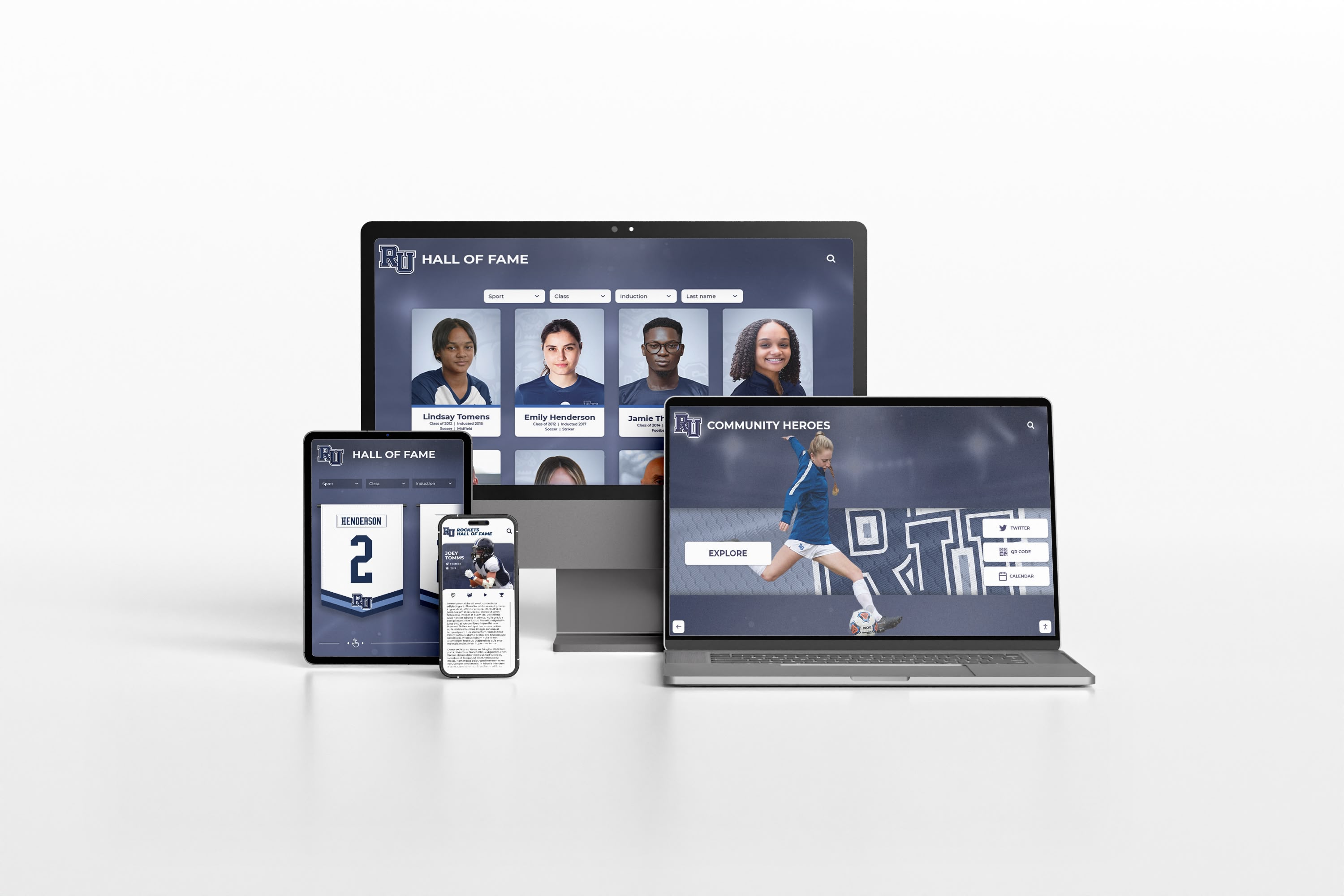
Cloud-based recognition platforms allow content to live beyond any single hardware device—but only if platform access is maintained through the transition
Building Your Touchscreen Recognition Display Decommissioning Plan
A decommissioning plan works best as a structured checklist with assigned owners and realistic timelines. The phases below assume a planned retirement—meaning leadership has determined that hardware will be retired at a known future date, not that the hardware has already failed.
Phase 1: Content Audit (6–12 Weeks Before Retirement)
Start with a complete inventory of what the system contains. Log in to the content management platform and document:
Record Count
- Total number of inductee profiles or recognition entries
- Number of media files (photos, videos, documents)
- Number of distinct content categories or programs represented
Asset Condition
- Identify any media files with broken links, missing thumbnails, or corrupted previews
- Note entries with incomplete information that should be corrected before migration
- Flag content that may require rights review before being transferred to a new platform
Data Export Options
- Review whether the existing platform offers bulk data export (CSV, JSON, XML) for structured records
- Identify the process for downloading all associated media files
- Determine whether video content is hosted on the platform or embedded from external services like YouTube or Vimeo
Documenting the state of your content before migration prevents disputes about what was “in the system” if questions arise after the transition. Planning a complete athletic facility transition requires the same kind of systematic inventory approach used for physical spaces—applied here to digital content and access.
Phase 2: Export and Backup (4–8 Weeks Before Retirement)
Once the audit is complete, begin the export process. The goal is to create at least two independent copies of all content before any hardware changes occur.
Structured Data Export
Most cloud-based recognition platforms include data export tools in administrator settings. Export structured records in the most portable format available—CSV files work well for inductee rosters and record data because they can be opened without specialized software and imported into most successor platforms.
Keep exported files organized by content category:
- One folder or file per recognition program (athletics, academics, performing arts, donors)
- Separate folders for photos and videos
- A master credentials document stored securely with institutional records
Media File Downloads
Downloading media assets individually from a large collection is time-consuming. Check whether the platform offers batch or bulk download functionality for photo and video libraries. If not, plan sufficient staff time to complete downloads systematically before the retirement deadline.
Store media files in a format consistent with how your institution manages digital archives. Many schools use a shared network drive, a cloud storage service maintained by their IT department, or their district’s document management system. Consult with your IT coordinator about approved storage locations for institutional records before beginning the download process.
Verification
After exporting, verify that the backup is complete:
- Open a sample of exported CSV records and confirm they contain expected fields
- Preview a representative selection of photo and video files to confirm they downloaded without corruption
- Cross-reference exported record counts against the audit totals from Phase 1
Do not proceed to hardware retirement until verification is complete and at least one backup copy is stored in a location independent of the display hardware itself.

Recognition content that lives in a cloud platform remains accessible via phone, tablet, and web browser even after the physical touchscreen display is retired
Phase 3: Credential Verification and Transfer (4–6 Weeks Before Retirement)
Credential handoff is the step most likely to create post-retirement problems if skipped. Complete the following before retirement:
Confirm Active Administrator Access
- Log in to the CMS platform as administrator from a non-display device (laptop or tablet)
- Verify that the account associated with platform management belongs to a current institutional email address, not a personal account or a former employee’s address
- Test the password reset flow using the account’s recovery email
Transfer Ownership Where Needed
- If the platform account is registered under a former employee’s personal or work email, contact the vendor to transfer account ownership to a current institutional address
- Add a secondary administrator account belonging to a current staff member as a redundancy measure
Document Support Contacts
- Record the vendor’s support phone number, email, and account portal URL
- Note account number or contract identifier for reference in future support requests
- Identify whether the platform subscription auto-renews and when the renewal date occurs
Phase 4: Stakeholder Notification (3–4 Weeks Before Retirement)
Recognition program stakeholders—inductees, donors, alumni, and families—may rely on the display, especially if it has a QR code linking to a web-based version of content. Before hardware retirement, notify relevant parties:
Internal Stakeholders
- Athletic director, principal, and relevant department heads
- Development or alumni relations office if donor recognition is involved
- Front desk and facilities staff who may field visitor questions about the display
External Stakeholders
- If the display is in a public area and has appeared in school communications, consider a brief notification explaining that the display is being updated or transitioned
Honoring donor relationships through recognition program transitions requires communicating thoughtfully about changes that affect how giving is acknowledged—particularly when a named display, wall, or digital tribute is involved.
Phase 5: Transition Planning (2–3 Weeks Before Retirement)
The final pre-retirement phase focuses on the path forward. A decommissioned display without a successor plan leaves a visible gap in the school’s recognition program.
Interim Access Options
If there will be a gap between hardware retirement and a replacement display going live, establish interim access to recognition content:
- Verify whether the CMS platform provides a web-accessible version of inductee records that can be linked from the school website
- Confirm whether QR codes on printed materials continue to function during the transition
- Brief staff on where to direct visitors who ask about the display
Successor Platform Evaluation
If hardware retirement is paired with a platform migration, establish the import requirements for the new system before finalizing the export format from the old one. The most expensive part of most recognition display transitions is re-entering data that was exported in an incompatible format.
Key questions to ask any successor platform vendor:
- What data import formats does the platform accept?
- Does the vendor offer migration assistance, and what is the process?
- How are historical photos and video files handled during onboarding?
- What happens to content if the platform subscription lapses or the vendor closes?
Understanding the full scope of a donor recognition installation informs what to look for when evaluating successor display systems—including how content is structured, how it renders on different hardware configurations, and how it scales as the program grows.
Where Recognition Content Lives After Hardware Retirement
A well-executed decommissioning plan leaves content in at least two places: a local backup and a cloud platform. Understanding the relationship between these helps administrators make sound decisions during the transition.
The CMS Platform as the Source of Truth
Many school recognition programs use a cloud-based content management system that is distinct from the hardware itself. In these cases, the display hardware functions as an access point—a large touchscreen that presents content stored and managed elsewhere. When hardware is retired, the platform continues to operate independently.
This is an important distinction: retiring the hardware does not mean the CMS account is closed. If the platform subscription remains active, inductee records, photos, and program data remain accessible via a web browser from any authorized device—even with no physical display present.
Institutions in this situation have more flexibility than they may realize. Recognition content can be:
- Accessed by staff for research, anniversary ceremonies, or award presentations
- Embedded or linked from the school website
- Used to support alumni relations outreach and donor stewardship
- Migrated to a new display system when replacement hardware is installed
Local Backups as Insurance
Even when a cloud platform is the source of truth, maintaining a local backup is sound practice. Platform vendors can change ownership, discontinue products, or experience service interruptions. A verified local backup ensures the institution retains control of its historical archive independent of any vendor relationship.
Store local backups in a format your institution can access without proprietary software: CSV files for structured data, standard image formats (JPG, PNG) for photos, and common video formats (MP4) for recordings.
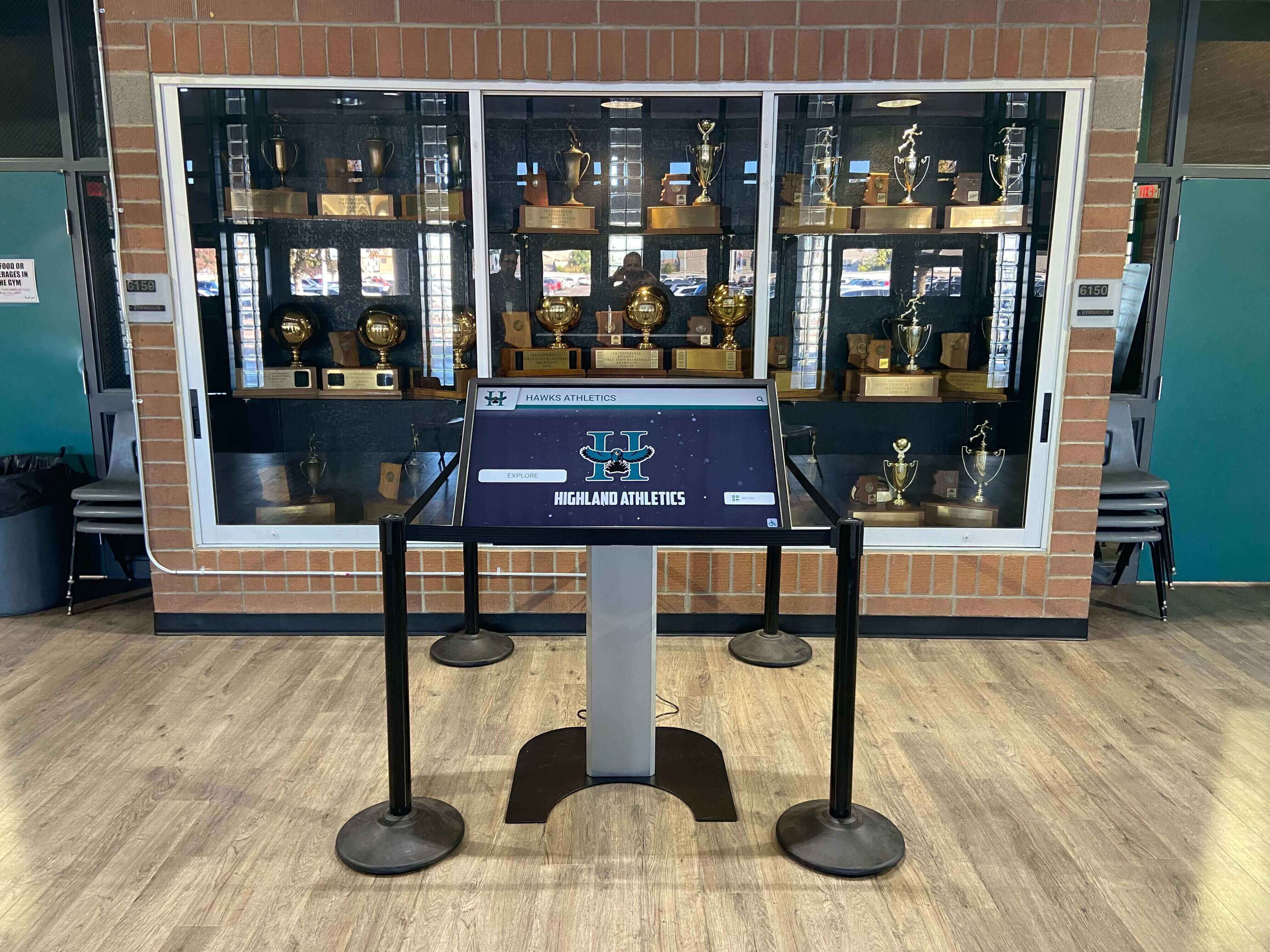
When a physical touchscreen is retired, the content management platform can continue to serve as the archive and source for future display configurations
Avoiding Common Decommissioning Mistakes
The following patterns account for most recognition content losses during hardware retirement:
Waiting Until Retirement Day Hardware retirement is often scheduled around facility renovations, summer break, or budget cycles. The decommissioning process takes 6–12 weeks when done carefully. Starting the content audit in the same week the hardware is unplugged is not feasible—especially if credential recovery is required.
Assuming Content Lives on the Hardware When a display uses an embedded content player or a local software installation rather than a cloud-based CMS, all content may reside on the display’s internal storage. If the hardware is returned, recycled, or reimaged without first extracting that content, recovery becomes very difficult. Confirm with your vendor whether content is cloud-hosted or locally stored before proceeding.
Transferring Hardware Without Transferring Access Schools that sell, donate, or return display hardware sometimes discover that the vendor account was tied to the hardware’s device ID. Confirm with the vendor how account access transfers when hardware changes hands.
Skipping the Verification Step Exported files that appear present in a folder are not necessarily intact. A photo file with a broken header will appear in the export but will not open. Spot-checking a sample of exported files before retiring hardware takes a few minutes and can prevent discovering an issue weeks later.
No Secondary Account Owner Platform accounts managed by a single staff member become inaccessible when that person leaves. Building a secondary administrator account into standard practice—rather than only during decommissioning—reduces this risk for future transitions.
Planning for the Next Display Generation
Decommissioning an existing display is a natural moment to evaluate what the next generation of recognition technology should accomplish. Administrators approaching this transition often have clearer requirements than they did at initial installation—because they know from experience what the existing system did and did not support.
Common considerations at this stage include:
ADA and Accessibility Standards Touchscreen displays in school common areas must meet accessibility requirements. Display height, reach range, touch sensitivity, and software compliance with WCAG 2.1 AA standards all factor into hardware and platform selection. Accessibility requirements for public accommodations are established by the Americans with Disabilities Act (ADA); for authoritative guidance, consult the ADA National Network or your institution’s legal counsel rather than relying solely on vendor claims.
Content Capacity and Scalability Programs that outgrew their original platform often find that a fixed number of profile slots, photo limits, or video restrictions drove the need for hardware retirement in the first place. Evaluating content capacity before selecting a successor platform prevents repeating the same constraint.
Hardware Independence Platforms that store all content in a cloud-based CMS allow hardware to be retired and replaced without content migration. If the existing system stored content locally on the display, migrating to a cloud-native platform during the next installation reduces decommissioning complexity for every future hardware cycle.
Remote Content Management The ability to update recognition content from any internet-connected device—rather than requiring physical access to the display—reduces operational burden and makes it easier to keep recognition current across the full lifecycle of the hardware.
Recognition ceremony planning and presentation quality is directly supported by digital systems that allow staff to update content remotely and accurately in the weeks leading up to an event, rather than requiring on-site access or vendor intervention.
Frequently Asked Questions
How far in advance should a decommissioning plan begin? A structured decommissioning process typically requires 6–12 weeks to complete properly when starting from a content audit. Schools with large recognition archives, unknown credentials, or complex donor databases may need additional time. Beginning the process at least two months before the planned retirement date is a reasonable minimum.
What if we don’t know the administrator password for the platform? Contact the platform vendor’s support team as early as possible. Most vendors can initiate an account recovery process through institutional verification—but this process takes time and may require documentation of your organization’s relationship with the account. Do not wait until retirement day to begin this conversation.
Is it necessary to keep the CMS subscription active after hardware is retired? That depends on whether you plan to migrate content to a new system immediately or after a gap. If content will be migrated directly, the subscription may only need to remain active through the migration window. If there will be a period with no replacement display, maintaining the subscription preserves ongoing access to records and prevents data loss between hardware generations. Review your contract terms with the vendor and consult your institution’s IT and procurement staff before making changes to subscription status.
Who should own the decommissioning process? The staff member most familiar with the recognition program’s content—often the athletic director, development officer, or alumni relations coordinator—is the best person to lead the content audit. IT staff should be involved in credential management and backup storage. Leadership sign-off ensures that decommissioning is treated as an institutional priority rather than an afterthought in a larger facilities project.
What happens to physical hardware after retirement? Hardware disposal depends on ownership. Leased hardware typically returns to the vendor or leasing company according to contract terms. Owned hardware may be repurposed, resold, donated, or recycled. Before returning or disposing of any hardware, ensure that all local storage has been wiped according to your institution’s data security policies—particularly if the display’s internal storage contained any personally identifiable information about students, staff, or donors. Your institution’s IT department or legal counsel can advise on appropriate data destruction practices.
Can we link to recognition content during the transition period with no display? Most cloud-based recognition platforms include a web portal or embeddable page that provides browser-based access to inductee records and content. If this feature is active and the subscription is maintained, staff can direct visitors to an online version of the recognition archive during any gap between hardware generations. Confirm with your vendor whether this feature is included in your current plan.
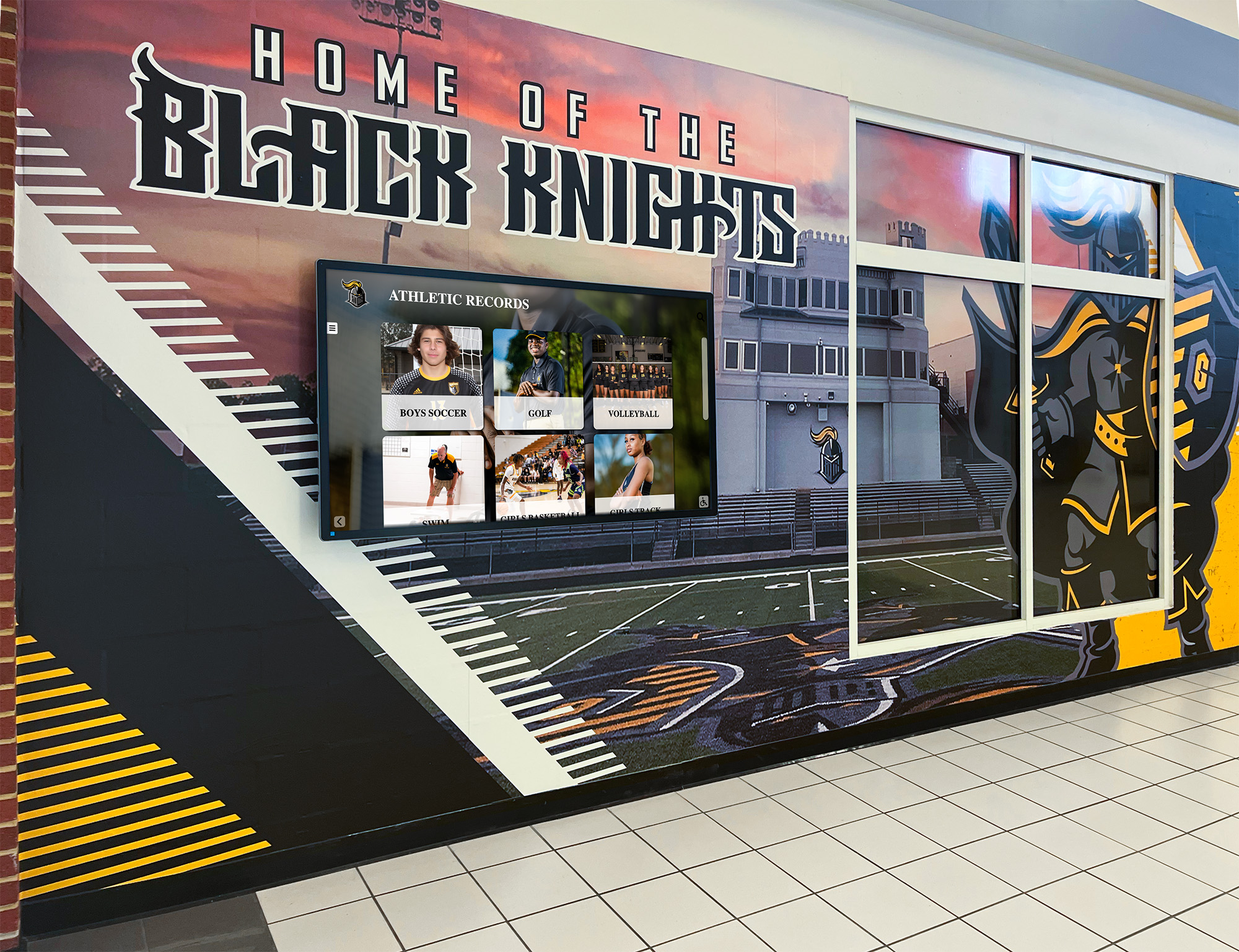
A successor display system installed in the same location can carry forward all the content preserved during a structured decommissioning process
Conclusion: Content Outlasts Hardware
Touchscreen displays are hardware—and all hardware eventually reaches end of life. The recognition content those displays represent, however, carries meaning that extends well beyond any single device: the athlete inducted in 1987, the donor whose gift built a facility wing, the graduating class whose championship banner hangs in the gym.
A structured touchscreen recognition display decommissioning plan treats that content with the institutional care it deserves. By auditing content, exporting data in portable formats, recovering and transferring credentials, notifying stakeholders, and planning the transition before hardware leaves the building, schools protect their recognition programs across hardware generations rather than starting from scratch with each new installation.
The transition is also an opportunity. Schools that approach decommissioning proactively often emerge with cleaner records, better-documented archives, and clearer requirements for the recognition technology that will serve their communities for the next decade.
Schedule a demo with Rocket Alumni Solutions to learn how a cloud-native recognition platform can protect your content through hardware transitions, support data migration from legacy systems, and provide a recognition archive that remains accessible regardless of what changes at the hardware level.