Intent: decide. When an athletic director, communications coordinator, or IT administrator leaves a school, the touchscreen recognition display is rarely the first thing on anyone’s transition checklist—but missing credentials and orphaned accounts are among the most common causes of recognition program disruptions. A structured touchscreen recognition display admin account handoff checklist prevents access gaps, protects institutional content, and ensures the incoming administrator can manage the system from day one.
This guide provides a role-transition checklist, an ownership matrix, and practical steps for athletic departments, school communications offices, and IT teams transferring administrative access to a school recognition display platform.
Role changes are routine in school administration. Athletic directors complete multi-year tenures and move on. Communications staff accept positions at other institutions. IT coordinators retire or transfer districts. Each of these transitions creates a window of risk for recognition display systems—platforms that often contain the only complete digital records of a school’s athletic history, donor acknowledgments, hall of fame inductees, and championship archives.
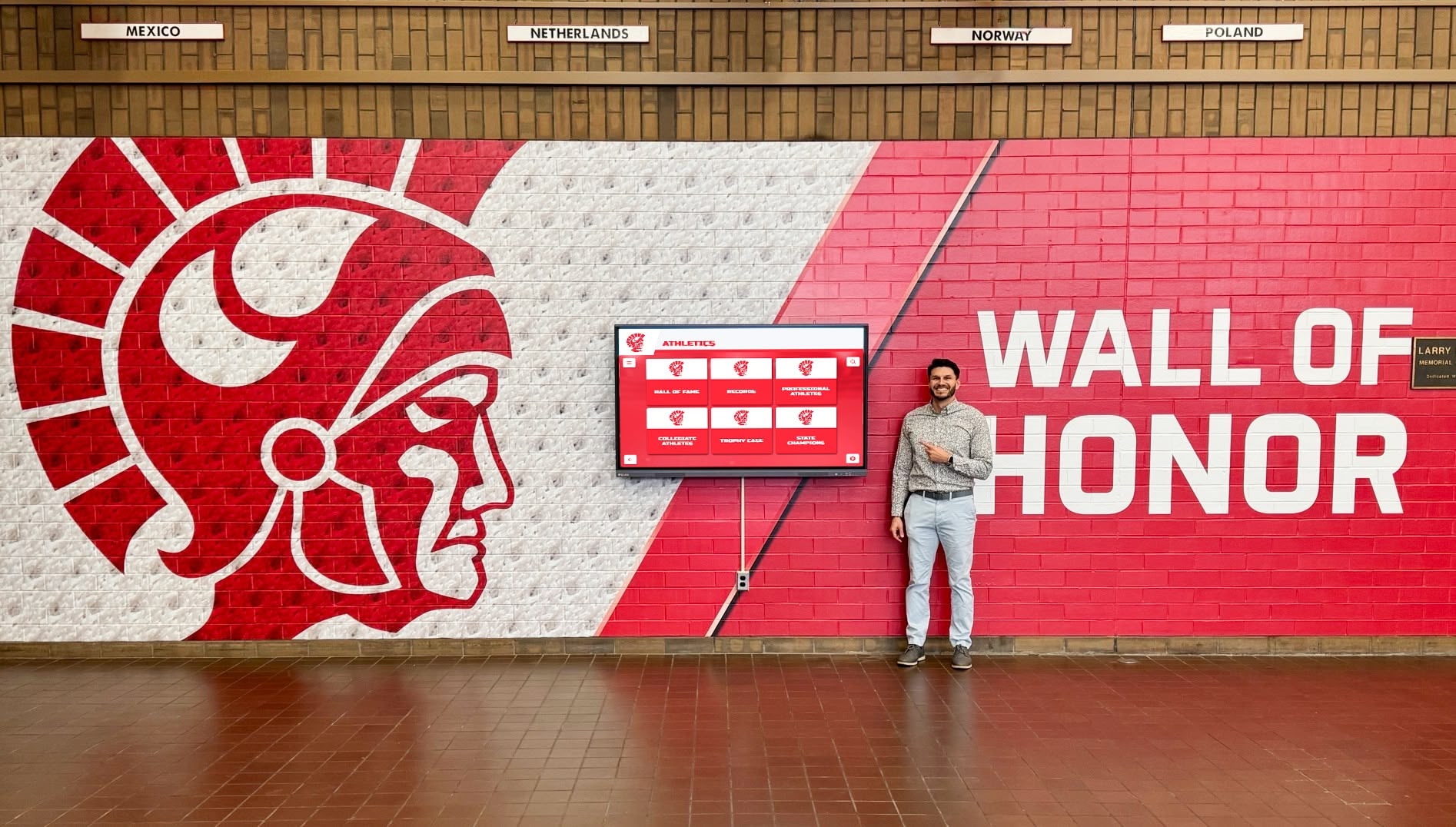
Recognition displays depend on active administrative accounts—when role transitions happen without a handoff plan, access can be lost entirely
Why Admin Account Handoffs Fail for Recognition Displays
Recognition display platforms differ from most school software in one important way: they are often managed by a single person who set up the account, remembers the password, and handles all content updates. When that person leaves, the institution may not know the login credentials, the account recovery email, or even which vendor hosts the platform.
The consequences are predictable. A new athletic director cannot add inductees to the hall of fame. A school communications coordinator cannot update the donor wall before a major fundraising event. An IT administrator cannot pull a content export when hardware needs to be replaced. Meanwhile, planning recognition events like football banquets or seasonal athletics ceremonies becomes harder when the display cannot be updated in time.
A documented handoff process eliminates these scenarios. The checklist below is organized by phase, with an ownership matrix defining who is responsible for each task.
Admin Account Handoff Ownership Matrix
Before beginning the transition, assign a named owner to each responsibility area. Leaving tasks unassigned produces the same outcome as having no checklist at all.
| Responsibility Area | Outgoing Administrator | Incoming Administrator | IT Coordinator | Department Head / Principal |
|---|---|---|---|---|
| Document all platform logins | Primary | Verify receipt | Store securely | Countersign |
| Transfer CMS account ownership | Primary | Confirm access | Support if technical | Authorize |
| Update account recovery emails | Primary | Confirm updated | Verify institutional email used | — |
| Export content backup | Primary | Verify completeness | Store on institutional server | — |
| Brief incoming admin on CMS | Primary | Attend and document | — | — |
| Confirm display hardware status | — | Primary | Confirm connectivity | — |
| Deactivate outgoing admin account | — | Request after transition | Execute | — |
| Update vendor contact records | — | Primary | — | — |
This matrix should be completed with actual names, not job titles, before the transition begins. Responsibility assigned to a role rather than a person tends to go unexecuted.
Phase 1: Pre-Handoff Documentation (4–6 Weeks Before Transition)
The outgoing administrator is responsible for producing a complete credential and configuration document before their last day. This document becomes the foundation of the entire handoff.
1. Inventory All Platform Accounts
List every account associated with the recognition display system:
- Primary CMS login — the email address and account used to add, edit, and publish recognition content
- Vendor portal account — separate from the CMS login in some platforms; used for billing, support tickets, and contract management
- Hardware management account — some display manufacturers provide a separate portal for device settings, firmware updates, and remote monitoring
- Social or web integrations — if the CMS content is embedded on the school website or synced to a social media account, document those connections
For each account, record:
- Platform name and URL
- Login email address
- Whether the email is institutional or personal (personal accounts must be transferred before the outgoing admin’s email is deactivated)
- Account recovery method (secondary email, phone number, or authenticator app)
- Any multi-factor authentication (MFA) setup that would block the incoming administrator
2. Document Platform Configuration
Many recognition display platforms are configured with school-specific settings that are not obvious to a new user. Document the following so the incoming administrator does not have to reverse-engineer the setup:
- Custom content categories and navigation structure (for example, separate sections for football, basketball, swimming, and alumni donors)
- School branding assets uploaded to the platform (logo files, color codes, banner images)
- Any QR codes associated with the display that appear in printed materials or on the school website—QR codes may need to remain active during the transition
- Scheduled content updates or recurring recognition events (annual induction classes, seasonal award cycles)
- Integration settings if the display connects to a donor management system, student information system, or school website CMS
3. Identify Content Gaps Before the Transition
The pre-handoff period is the right time to complete any content work that has been deferred. An outgoing administrator who knows the system thoroughly is better positioned to add missing inductee profiles, upload recent athletic records, or correct outdated entries than the incoming administrator who is learning the platform.
School lobby recognition programs depend on current, complete content to make a strong impression on visitors, prospective students, and families. A handoff is a natural moment to bring the content archive up to date before transferring control.
Phase 2: Credential Transfer (2–4 Weeks Before Transition)
Credential transfer is the most technically sensitive phase. Errors here—particularly leaving accounts tied to personal email addresses or deactivated institutional accounts—are the primary cause of post-transition access failures.
4. Transfer Platform Account Ownership
Option A — Platform-Managed Transfer Many cloud-based recognition platforms include an account ownership transfer feature accessible from administrator settings. This approach is preferred because it updates the primary account email while preserving all existing content, configuration, and subscription history. Contact the platform vendor to confirm whether this feature is available before the transition date.
Option B — Vendor-Assisted Transfer If the platform does not support self-service ownership transfer, contact the vendor’s support team at least four weeks before the transition. Provide institutional documentation confirming the outgoing and incoming administrators and request that the primary account email be updated to an institutional address managed by the school rather than an individual.
Option C — Secondary Account Promotion If the platform supports multiple administrator accounts, promote an existing secondary account (or create a new one) under an institutional email address, then demote or remove the outgoing administrator’s account after the transition is confirmed. This approach avoids a single-point-of-failure account structure going forward.
5. Update Account Recovery Information
Once account ownership is transferred, update every account recovery method to reflect institutional information:
- Recovery email: use a role-based institutional address (for example,
athletics@schoolname.eduoritadmin@schoolname.edu) rather than an individual’s email - Recovery phone: use the department’s main phone or an IT-managed line, not a personal mobile number
- MFA: if multi-factor authentication is enabled, ensure the incoming administrator sets it up on their own device before the outgoing administrator’s device is wiped or returned
Leaving recovery methods tied to the outgoing administrator’s personal accounts means the institution loses account recovery access the day that person’s contact information changes.
6. Transfer Vendor Contract and Billing Access
The administrative account for contract management and billing is sometimes separate from the CMS account. Confirm:
- Who receives platform invoices and renewal notifications
- Whether the subscription auto-renews and when the next renewal date is
- Whether the billing contact email needs to be updated alongside the CMS account
- The vendor’s process for updating payment methods if the department credit card or purchase order process changes
Subscription lapses due to missed renewals are a recurring cause of platform outages during or after leadership transitions. Updating billing contact information is a five-minute task that prevents a multi-week disruption.
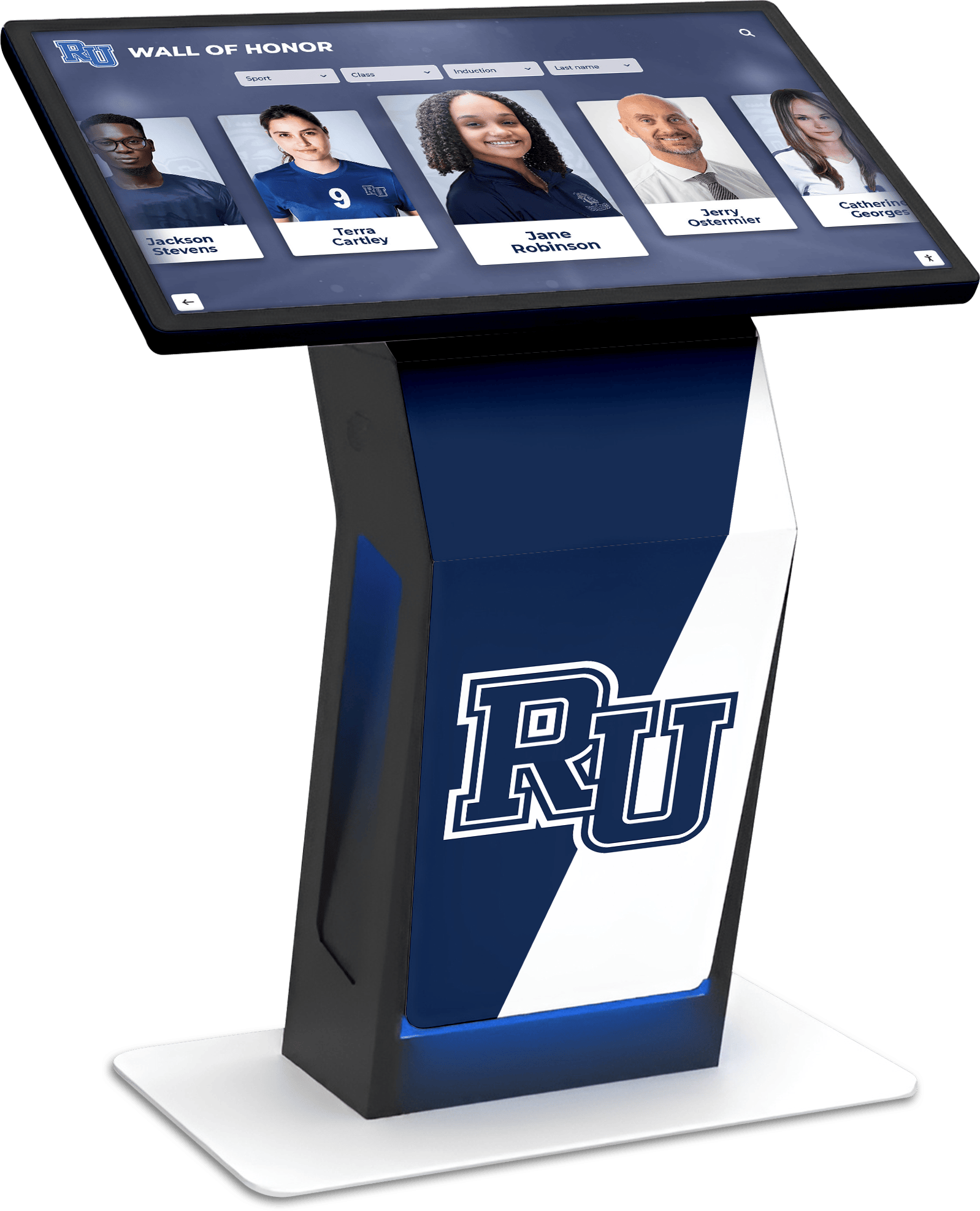
Cloud-based recognition platforms require active administrator accounts—transferring ownership before a role transition prevents access gaps that affect content updates and event preparation
Phase 3: System Access Verification (1–2 Weeks Before Transition)
Before the outgoing administrator’s last day, the incoming administrator should verify that every transferred account is fully accessible. Verification catches problems while the outgoing administrator is still available to assist with resolution.
7. Verify CMS Login and Content Access
The incoming administrator should log in to the CMS platform independently—not alongside the outgoing administrator—and confirm:
- The login email and password work without assistance
- All content categories, inductee records, and media files are visible and accessible
- The account has the same permission level as the outgoing administrator (content editing, publishing, and administrative settings)
- The platform’s password reset flow sends recovery emails to the updated recovery address
If any of these steps fail, resolve them before the transition date. Platform vendors can typically assist with account access issues within one to two business days when contacted proactively.
8. Verify Hardware Connectivity and Display Status
Credential transfer covers platform access but not necessarily hardware status. Confirm with IT:
- The display hardware is powered and connected to the network
- Content updates made in the CMS appear on the physical display within the expected time frame
- Any hardware-specific administrative panels or remote management tools are accessible under updated credentials
- The display’s network connection and power supply are documented in the institution’s facilities records
College athletics hall of fame programs require both reliable platform access and reliable hardware to deliver the recognition experience families and alumni expect. Verifying both during the handoff prevents post-transition surprises.
9. Confirm Content Backup Is Complete
Verify that the content export completed in Phase 1 is stored in an institutional location accessible to the incoming administrator and IT staff. Confirm:
- The export file includes all inductee records, not just a subset
- Media files (photos and videos) are downloaded and stored, not just linked from the platform
- The backup is stored on institutional infrastructure (network drive, cloud storage managed by IT, or district document management system), not only on the outgoing administrator’s personal or work devices
- The incoming administrator knows where the backup is stored and how to access it
Phase 4: Incoming Administrator Orientation (Final Week Before Transition)
A credential transfer without context leaves the incoming administrator with access but no working knowledge of the system. A structured orientation reduces the learning curve and prevents common early mistakes.
10. Conduct a Platform Walkthrough
Schedule a dedicated platform walkthrough session covering:
Content Management
- How to add a new inductee or recognition entry
- How to upload and associate photos and video files
- How to edit existing profiles and correct errors
- How to publish content and confirm it appears on the physical display
Administrative Functions
- How to manage user accounts and add or remove secondary editors
- Where to find platform settings and configuration options
- How to contact vendor support and what information to have ready
- How to initiate a content export for backup purposes
Recurring Workflows
- Annual induction process: when nominations open, how candidates are added, and how induction classes are published
- Seasonal updates: championship records, award winners, and team histories that are typically updated on an annual or seasonal cycle
- Event-related updates: content that is added or highlighted around specific recognition events, banquets, or ceremonies
For programs that celebrate homecoming festivities or seasonal athletic milestones, documenting the recurring update calendar gives the incoming administrator a clear picture of what content work is expected and when.
11. Provide the Credential and Configuration Document
Hand off the credential and configuration document produced in Phase 1. This document should be:
- Stored in a location accessible to the incoming administrator and at least one institutional backup contact (IT coordinator or department head)
- Reviewed by the incoming administrator during the walkthrough to confirm all information is accurate
- Updated with any corrections identified during the walkthrough before the outgoing administrator’s departure
- Treated as sensitive institutional property—not stored in personal email, personal cloud storage, or unsecured shared drives
12. Introduce the Incoming Administrator to the Vendor
If the platform has a dedicated account manager or customer success contact, introduce the incoming administrator directly—by email or phone—so the vendor’s support records reflect the current contact. Many recognition platform vendors maintain account contact lists that become outdated during transitions and result in renewal notices, support responses, or platform updates going to former staff.
Phase 5: Post-Handoff Confirmation (First 30 Days)
The handoff is not complete on the outgoing administrator’s last day. A brief confirmation period ensures the transition held.
13. Deactivate the Outgoing Administrator’s Account
Once the incoming administrator has confirmed full access and completed at least one content update independently, request deactivation of the outgoing administrator’s platform account. This step:
- Prevents unauthorized access if the outgoing administrator’s credentials are compromised after their departure
- Removes the appearance that a former employee still has editorial control over the school’s recognition content
- Simplifies the account structure for future transitions
Deactivation should happen after—not during—successful access verification. Removing the outgoing account prematurely before the incoming administrator has confirmed independent access is a common source of post-transition lockouts.
14. Complete a Test Content Update
Within the first two weeks, the incoming administrator should complete a real content update on the platform—adding a recent award recipient, updating a team record, or correcting an entry—without assistance. This confirms that the handoff produced genuine working access rather than theoretical access that collapses the first time it is tested under time pressure.
Recognition programs supporting events like sports awards ceremonies depend on administrators who can update content quickly before and after events. A test update during the confirmation period validates that the incoming administrator can meet that operational requirement.
15. Document the Handoff as Completed
Record that the handoff occurred, including:
- Date the account ownership was transferred
- Names of outgoing and incoming administrators
- Confirmation that credential document was received
- Date outgoing administrator’s account was deactivated
- Location of the content backup
This documentation protects the institution if questions arise about recognition program continuity and creates an institutional record of the transition for future reference.
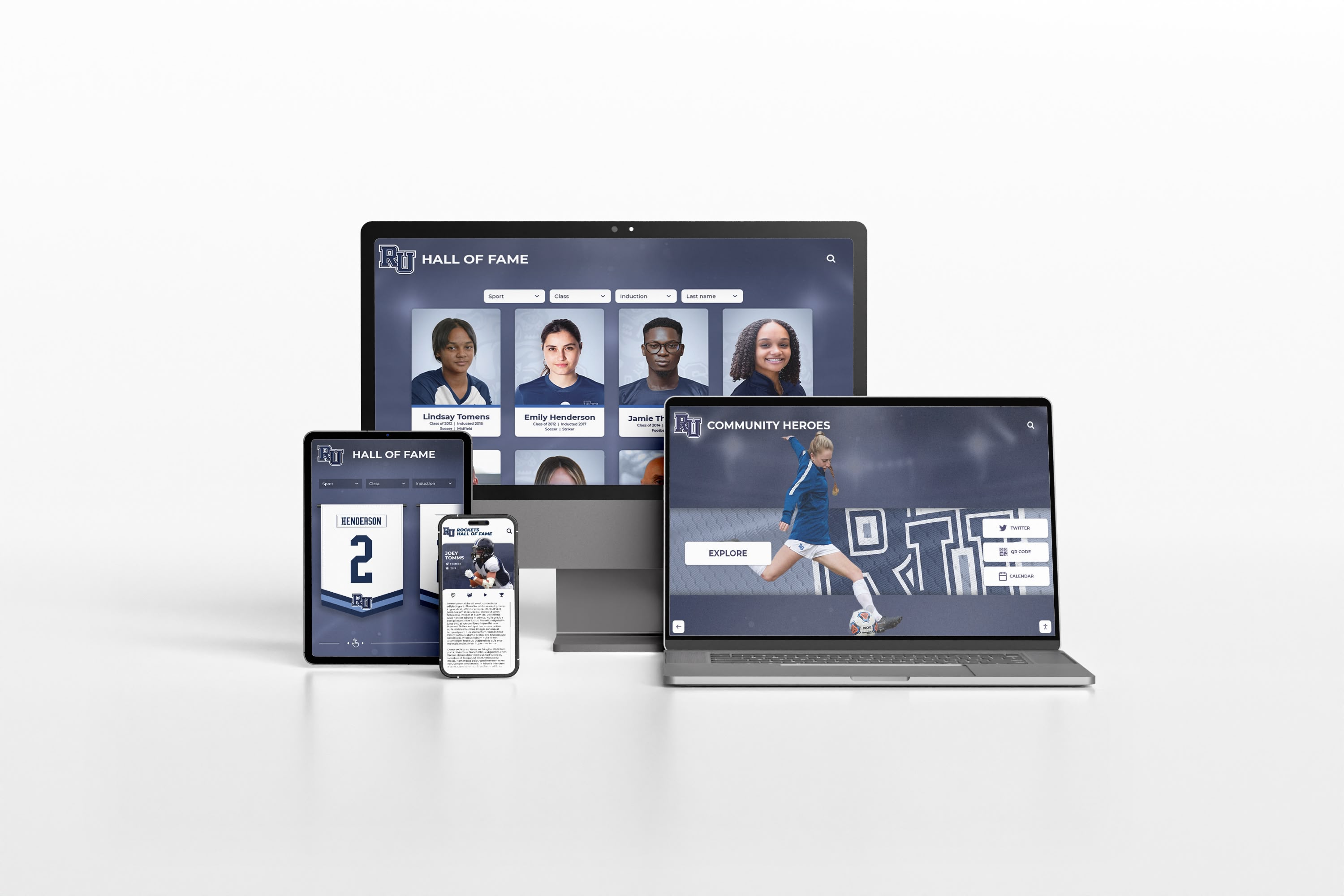
Cloud-based recognition platforms allow the incoming administrator to access and update content from any device—once account ownership is properly transferred
Building a Durable Account Structure
Individual handoffs address the immediate transition. Institutions that want to reduce the cost and risk of every future transition should move toward an account structure that does not depend on any single person.
Use Institutional Email Addresses for All Platform Accounts
Accounts registered under personal email addresses or individual work accounts are vulnerable every time a staff member changes roles. Registering platform accounts under role-based institutional addresses (such as athletics@ or recognition@) means the account survives individual transitions without requiring vendor-assisted ownership transfers.
Maintain at Least Two Administrator Accounts
A platform account with a single administrator has a single point of failure. Adding a secondary administrator—typically an IT coordinator or a department head who is not the primary content manager—ensures that access can be recovered internally if the primary account is ever locked or the primary administrator becomes unavailable.
Store Credentials in Institutional Password Management
Many schools and districts use IT-managed password management systems for institutional accounts. Adding the recognition platform credentials to institutional password management reduces dependence on any individual’s memory and makes the next handoff faster.
Preserving Texas high school football history and similar deep athletic archives requires institutional infrastructure, not just individual knowledge. The same principle applies to the administrative access that allows those archives to be maintained and updated.
Review Account Status Annually
Platform accounts that are not actively monitored can drift into states that create problems during transitions: auto-renewals charged to expired cards, MFA linked to outdated phone numbers, or secondary accounts belonging to employees who left years ago. An annual credential review—scheduled alongside other IT or athletic department administrative tasks—keeps accounts current and reduces the complexity of any future handoff.
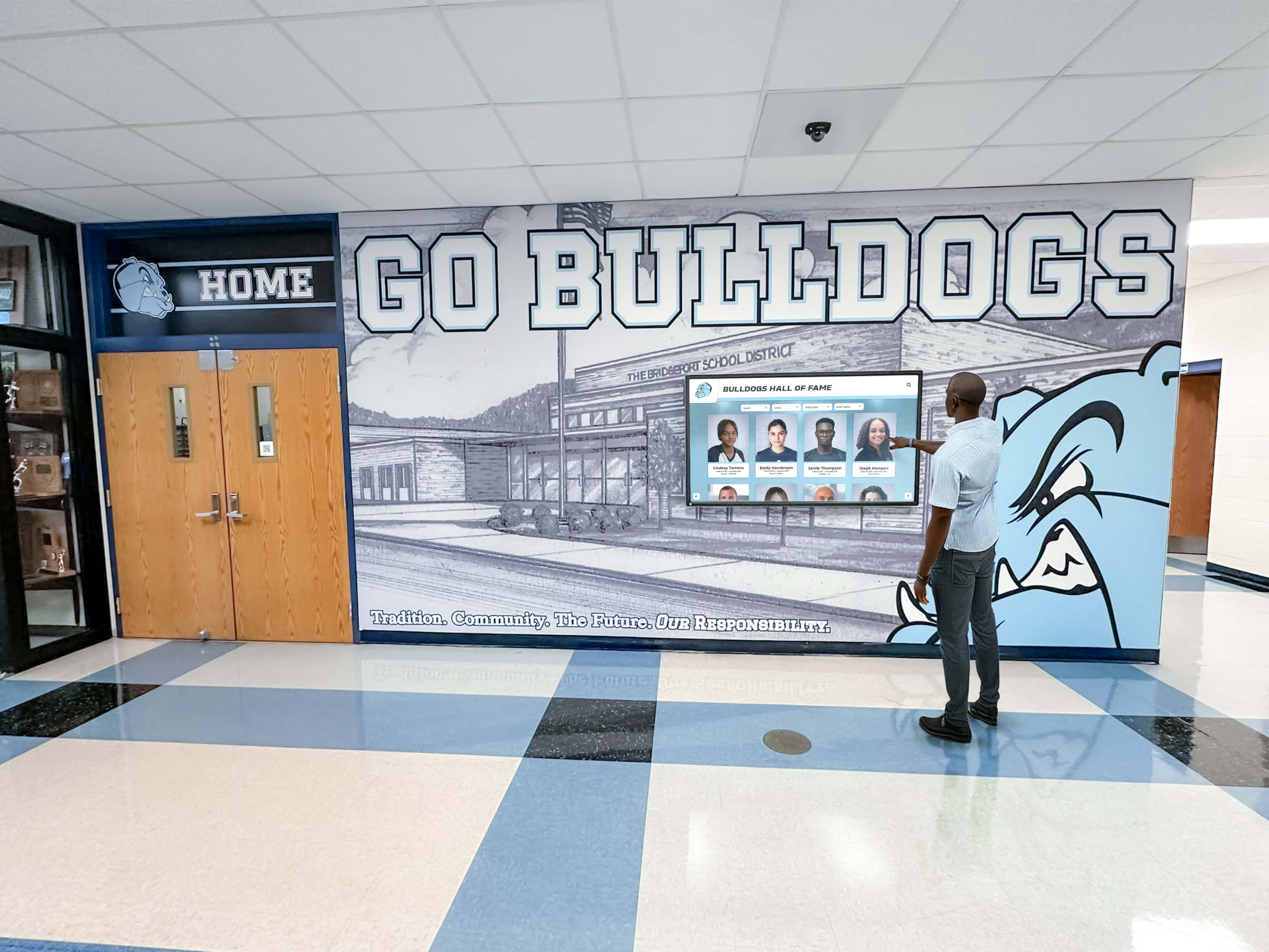
An incoming administrator who completes orientation with working access and a documented credential record can begin managing recognition content immediately
Frequently Asked Questions
What if the outgoing administrator has already left before the handoff was completed? Contact the platform vendor’s support team immediately. Most recognition platform vendors have an institutional verification process for account recovery when the primary account holder is no longer available. You will typically need to provide documentation of your organization’s contractual relationship with the platform and identify the institutional contact authorized to assume account control. Start this process as soon as the gap is identified rather than waiting—account recovery through vendor support can take one to two weeks.
Who should be the primary owner of the recognition display account? The primary account should belong to whoever has day-to-day content management responsibility—typically the athletic director, communications coordinator, or alumni relations officer depending on the institution’s structure. The account itself should be registered under an institutional email address rather than that person’s individual account so that role transitions do not require vendor-assisted ownership transfers.
How often should the credential document be updated? Update the credential document whenever a platform account is changed: new password, updated recovery email, added or removed secondary accounts, or subscription renewal with new billing information. Reviewing the document annually as part of IT administrative procedures prevents it from going stale.
What if the recognition platform is embedded in a larger CMS or website system? Document and transfer all layers of access separately. Access to the recognition content within a larger platform may require separate credentials from the platform itself. Confirm with your IT team which accounts control each layer of the display system.
Should recognition display credentials be shared via email? No. Email is not a secure channel for credential transfer. Use an institutional password management system, an encrypted document stored on secure institutional infrastructure, or a secure file-sharing system managed by IT. If a credential must be communicated verbally or in writing during a transition, update the password immediately after the handoff is confirmed.
What happens to recognition content if the subscription lapses during a transition? Most cloud-based recognition platforms suspend access or take content offline when a subscription lapses. Content is typically not deleted immediately, but restoration requires contacting the vendor and resolving billing. The safest approach is to confirm renewal status before the transition begins and ensure billing contact information is updated to reflect the incoming administrator or a billing role that will not change during transitions.
How should athletic directors approaching retirement handle this differently? A retirement creates more planning time than an unexpected departure, which is an advantage. Begin the handoff process six to twelve months before the retirement date—not in the final weeks. Use that time to build out the institutional account structure (role-based email, secondary accounts, credential documentation) so that the final credential transfer is a formality rather than a scramble.
Keeping Recognition Programs Continuous Through Role Changes
A touchscreen recognition display admin account handoff checklist is ultimately about institutional continuity. Athletic directors, IT coordinators, and communications staff change roles. The athletic history of a school does not reset when they do. The credential transfer steps, ownership matrix, and account structure recommendations in this guide protect the recognition content your community has built—and ensure that an incoming administrator can serve that community from their first week.
Schools evaluating what a well-structured recognition platform looks like for long-term, multi-administrator management should look for cloud-based systems with institutional account controls, role-based access management, and documented vendor support processes for account transitions.
Schedule a demo with Rocket Alumni Solutions to see how a cloud-native recognition platform is designed for institutional account management, administrative transitions, and long-term content continuity across staff changes.