School procurement teams evaluating touchscreen recognition displays now routinely encounter a document called an accessibility conformance report—but few know what to look for once they open one. A well-prepared accessibility conformance report tells you whether a recognition display system genuinely supports students, visitors, and staff with disabilities, or whether the vendor’s accessibility claims are incomplete, outdated, or untested. Knowing how to read this document protects your school from purchasing a system that creates compliance risk or fails community members who rely on assistive technology.
This guide explains what an accessibility conformance report is, defines the key terms, and provides a step-by-step review checklist procurement teams can apply to any touchscreen recognition display vendor’s documentation before signing a contract.
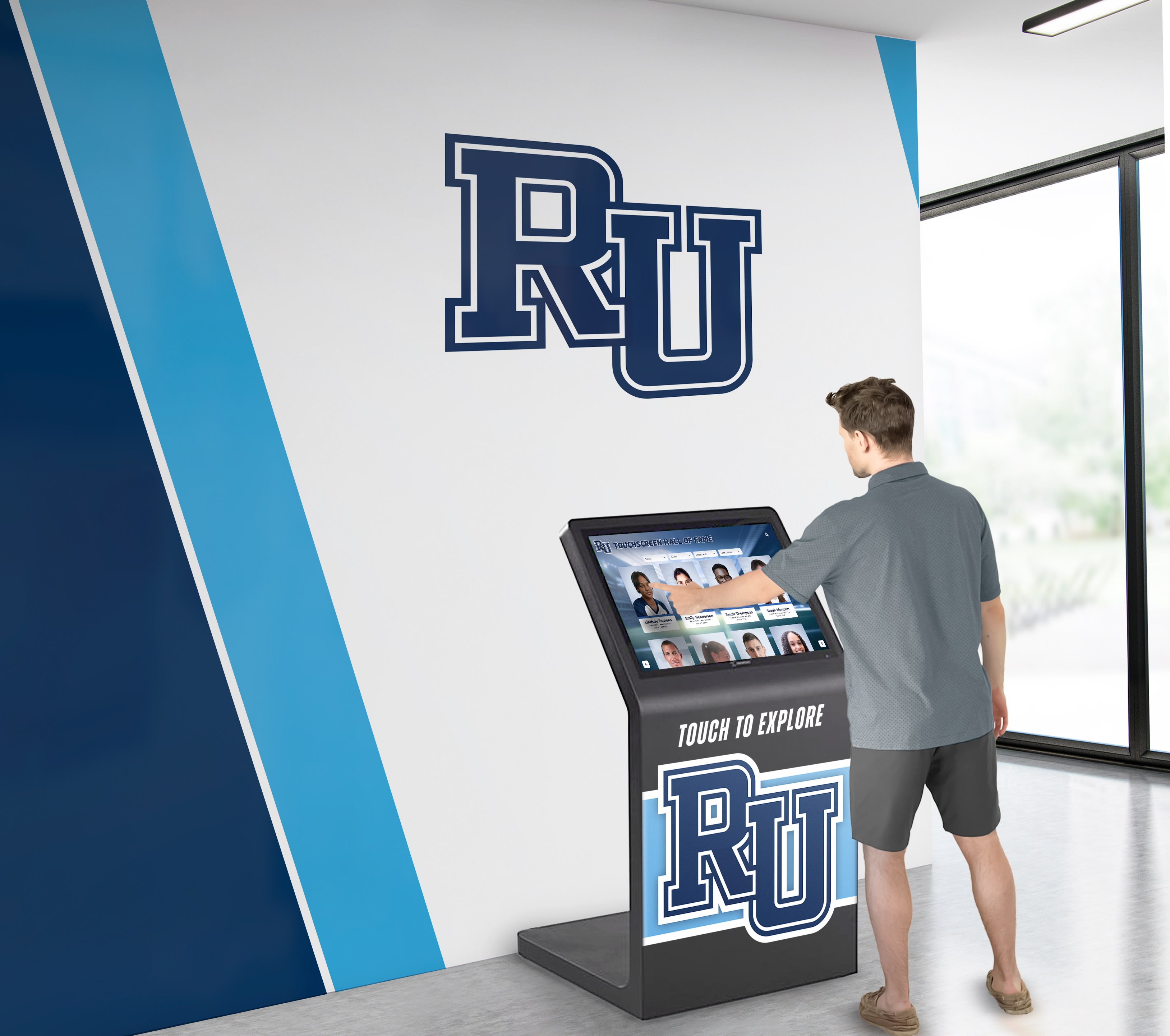
Procurement teams should verify accessibility documentation before deploying touchscreen recognition displays in school lobbies and athletic facilities
What Is an Accessibility Conformance Report?
An accessibility conformance report (ACR) is a structured document that describes how a technology product—software, hardware, or a combined system—meets recognized accessibility standards. For touchscreen recognition displays used in schools, an ACR communicates whether the interactive kiosk software, the content management system, and the display hardware meet standards that allow people with disabilities to use the system effectively.
The ACR answers a specific procurement question: “Is this product accessible, and where does it fall short?” It does not replace testing or an accessibility audit, but it gives procurement teams a standardized starting point for evaluating vendor claims and identifying gaps that require follow-up.
What Is a VPAT?
The term VPAT (Voluntary Product Accessibility Template) is closely related to ACR but refers specifically to the template format published by the Information Technology Industry Council (ITI). When a vendor fills out and publishes a VPAT, the resulting document is the ACR.
In practice, the terms are often used interchangeably:
- VPAT: The blank template provided by ITI
- ACR: The completed document returned by the vendor
Schools requesting “a VPAT” are typically asking for an ACR. Both terms appear in procurement conversations, and understanding that distinction prevents confusion when reviewing vendor responses to accessibility inquiries.
Which Standards Does an ACR Cover?
Modern ACRs address multiple accessibility frameworks. For school touchscreen recognition displays, the most relevant are:
| Framework | Who It Applies To | Key Version |
|---|---|---|
| WCAG 2.1 Level AA | Most organizations; courts applying ADA Title III | Current baseline |
| WCAG 2.2 Level AA | Federal agencies, state/local government; increasingly the market standard | Current best practice |
| Section 508 | Federal agencies and federally funded programs | Revised 2018 |
| EN 301 549 | European Union public procurement | V3.2.1 |
For most K-12 schools, WCAG 2.1 or 2.2 Level AA is the relevant target. Schools receiving federal funding or operating as public entities should also verify Section 508 coverage. Private schools—particularly those subject to ADA Title III as places of public accommodation—benefit from WCAG 2.2 Level AA documentation even where no specific federal mandate applies.
Why Touchscreen Recognition Displays Require ACR Review
Touchscreen recognition displays are not passive screens. They are interactive systems that community members actively operate to search athletic halls of fame, review senior class award displays, navigate donor walls, and explore school heritage archives. That interactivity creates real accessibility requirements:
- A student using a screen reader must be able to navigate athlete profiles without touch
- A visitor in a wheelchair must be able to reach the touch targets at a compliant mounting height
- A family member with low vision must be able to read text at adequate contrast ratios
- An alumni guest using voice control software must be able to operate the kiosk interface
When a school purchases a touchscreen recognition display without reviewing the ACR, it risks deploying a system that excludes community members with disabilities—a reputational and legal risk that grows as accessibility enforcement increases.
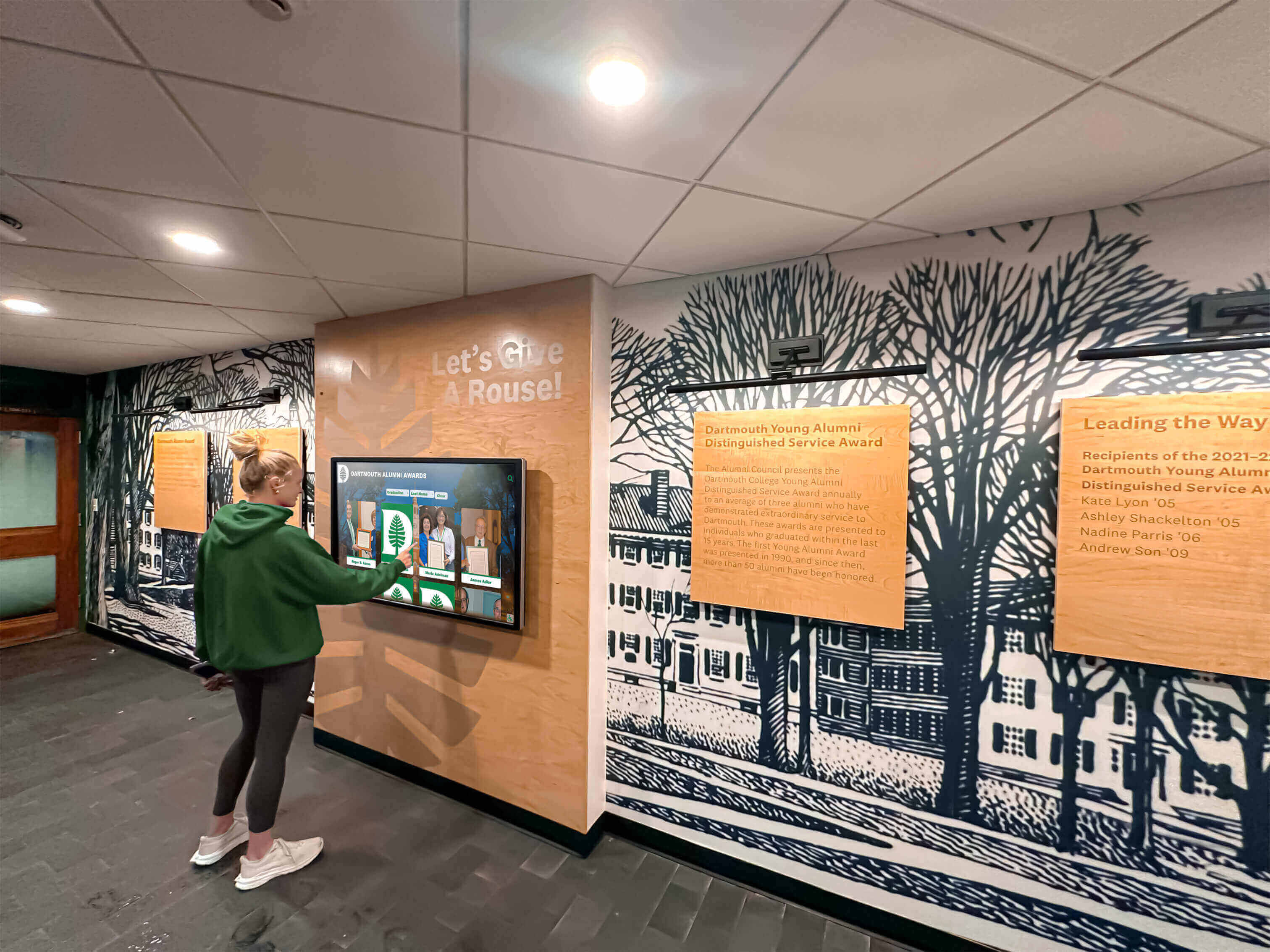
Interactive recognition displays serve students, alumni, and community members with varying abilities—ACR documentation helps procurement teams verify inclusive design
Schools managing school athletic history walls and recognition programs that span decades of achievement have additional motivation: these displays represent institutional legacy. Accessibility failures on a display that celebrates school history communicate the wrong message to the community the display is meant to honor.
Key ACR Sections Every School Procurement Team Should Review
An ACR structured around the VPAT 2.x template contains several standard sections. Here is what each section tells you and what to look for.
1. Product Description and Scope
The opening section identifies what the ACR covers: the software platform, the hardware device, or both. Many vendors publish separate ACRs for their content management system (software) and the physical kiosk (hardware). Schools should request ACRs for all components—software-only documentation does not address hardware accessibility requirements such as operable controls, reach range, and physical button contrast.
What to check: Confirm the scope explicitly includes the touchscreen interface, not just a web-based administrative portal. If the vendor provides two documents, request both.
2. Applicable Standards Section
This section lists which standards the vendor is claiming conformance against. A thorough ACR covers WCAG 2.1 Level AA at minimum, Section 508, and ideally WCAG 2.2 Level AA.
What to check: If the vendor lists only older standards (WCAG 2.0) without current versions, ask when the document was last updated. A WCAG 2.0-only ACR may predate the 2023 WCAG 2.2 publication and may not reflect current product accessibility.
3. Success Criteria Table
The core of the ACR is a table listing every applicable WCAG success criterion with a conformance level claimed by the vendor:
| Conformance Level | Meaning |
|---|---|
| Supports | The product fully meets this criterion |
| Partially Supports | The product meets some requirements but not all |
| Does Not Support | The product does not meet this criterion |
| Not Applicable | The criterion does not apply to this product type |
| Not Evaluated | The vendor has not tested this criterion |
What to check: “Not Evaluated” entries require follow-up. A vendor that has not evaluated key criteria—particularly those related to keyboard navigation, screen reader compatibility, or touch target size—cannot claim confident accessibility. “Partially Supports” entries should include a “Remarks and Explanations” field describing the limitation and any planned remediation.
4. Remarks and Explanations Column
For any criterion rated “Partially Supports” or “Does Not Support,” vendors should provide a narrative explanation describing what works, what does not, and what workarounds exist.
What to check: Vague remarks such as “Some features may not be fully accessible” without specifics are a red flag. Strong ACRs name the specific feature, the specific limitation, and any planned remediation timeline.
5. Testing Methodology and Date
A credible ACR discloses who performed the accessibility evaluation (internal team, third-party auditor, or automated tool), what testing methods were used, and when the testing was conducted.
What to check:
- A document more than 24 months old may not reflect the current product version
- Testing performed only by automated tools (without manual testing with assistive technologies) commonly misses real accessibility barriers
- Third-party testing by an independent accessibility firm provides stronger assurance than self-reported vendor testing
6. Legal Disclaimer and Contact Information
ACRs typically include a legal disclaimer noting that the document reflects voluntary self-disclosure rather than a binding guarantee. The document should also include contact information for accessibility questions.
What to check: Confirm the vendor lists a real point of contact for accessibility inquiries. Schools should send a test email or message before purchase to verify the contact is active—an ACR with no responsive accessibility contact offers limited value during procurement.
ACR Procurement Review Checklist
Use this checklist when evaluating any touchscreen recognition display vendor’s accessibility documentation.
Document Completeness
- ACR is available for the software platform
- ACR is available for the physical kiosk hardware (separate document if needed)
- Document is dated within the last 24 months
- WCAG 2.1 Level AA is covered at minimum
- WCAG 2.2 Level AA is covered (preferred)
- Section 508 is covered if school receives federal funding
Success Criteria Review
- No criteria are rated “Not Evaluated” for core interactive functions
- All “Partially Supports” entries include specific remarks explaining the limitation
- Keyboard navigation criteria (WCAG 2.1.1, 2.1.2) are rated “Supports” or clearly explained
- Screen reader compatibility criteria (WCAG 1.1.1, 1.3.1, 4.1.2) are rated “Supports” or clearly explained
- Color contrast criteria (WCAG 1.4.3, 1.4.11) are rated “Supports”
- Text resize criteria (WCAG 1.4.4) are addressed
Testing Quality
- Testing methodology is disclosed
- At least some manual testing with assistive technologies is documented
- Third-party or independent testing is noted (preferred)
Hardware Accessibility (Kiosk)
- Operable controls documentation addresses reach range requirements
- Touch target size meets minimum requirements
- Physical controls have adequate contrast (if present)
- Audio output or visual alternatives are documented
Vendor Responsiveness
- Accessibility contact information is provided
- Vendor responded to follow-up accessibility questions within a reasonable timeframe
- Vendor can describe any known barriers and remediation plans
Common Red Flags in Touchscreen Recognition Display ACRs
Schools reviewing ACR documentation for the first time often encounter presentations that appear thorough but contain significant gaps. Watch for these warning signs:
Generic template with no product-specific content. Some vendors submit a VPAT with all fields marked “Supports” and no remarks. Without evidence of actual testing and specific product behavior documented, this indicates the form was filled out without substantive evaluation.
Software-only documentation for a combined hardware-software system. A recognition display kiosk involves both software and physical hardware. An ACR covering only the web-based CMS does not address how users interact with the physical touchscreen, reach the operable controls, or navigate audio options on the device itself.
Outdated documents referencing WCAG 2.0 only. WCAG 2.1 was published in 2018 and WCAG 2.2 in 2023. A document that references only WCAG 2.0 has not been updated in several years and likely does not reflect current product accessibility or current legal standards.
No testing methodology disclosed. An ACR without documentation of how testing was conducted cannot be evaluated for credibility. Automated accessibility scans catch roughly 30–40% of WCAG failures; manual testing with screen readers and other assistive technologies is required for comprehensive evaluation.
Accessibility contact is generic or unresponsive. Schools that send accessibility questions before purchase and receive no response should treat this as a procurement risk indicator. Vendor responsiveness during evaluation often predicts responsiveness during an accessibility incident after purchase.

Touch target size and reach range are hardware accessibility criteria that require separate documentation from software ACRs
Evaluating Vendors: What to Ask and What to Compare
When comparing touchscreen recognition display vendors, ACR documentation is one component of a broader accessibility evaluation. Schools running structured procurement processes for school heritage display programs or alumni recognition programs should include the following in their vendor evaluation criteria:
Accessibility documentation quality Request the ACR for both software and hardware. Score vendors on completeness, recency, standards covered, and testing methodology disclosure.
Remediation commitment Ask vendors to describe their accessibility roadmap. Strong vendors can articulate which known gaps they plan to address and in what timeframe. Vendors who cannot describe known gaps cannot have tested their product thoroughly.
Alternative access paths For school settings where photo alt text guidelines and content accessibility matter, ask how each vendor handles content that requires alternative formats—audio descriptions for photo content, captions for video, and text alternatives for graphic recognition elements.
Training and ongoing support Accessibility compliance is not a one-time evaluation. Ask how vendors support schools in maintaining accessibility as content is added—whether the CMS provides guidance on alt text, whether new templates are tested before release, and whether accessibility releases are documented in the vendor’s changelog.
Rocket Alumni Solutions publishes ACR documentation covering its interactive recognition display platform and provides an accessibility contact for procurement questions. Schools comparing options should request equivalent documentation from any vendor under consideration and evaluate responses using the checklist above.
For schools managing athletic halls of fame and high school sports recognition programs, verifying that induction content, photo archives, and record boards are accessible to all community members strengthens the recognition mission those programs exist to fulfill.
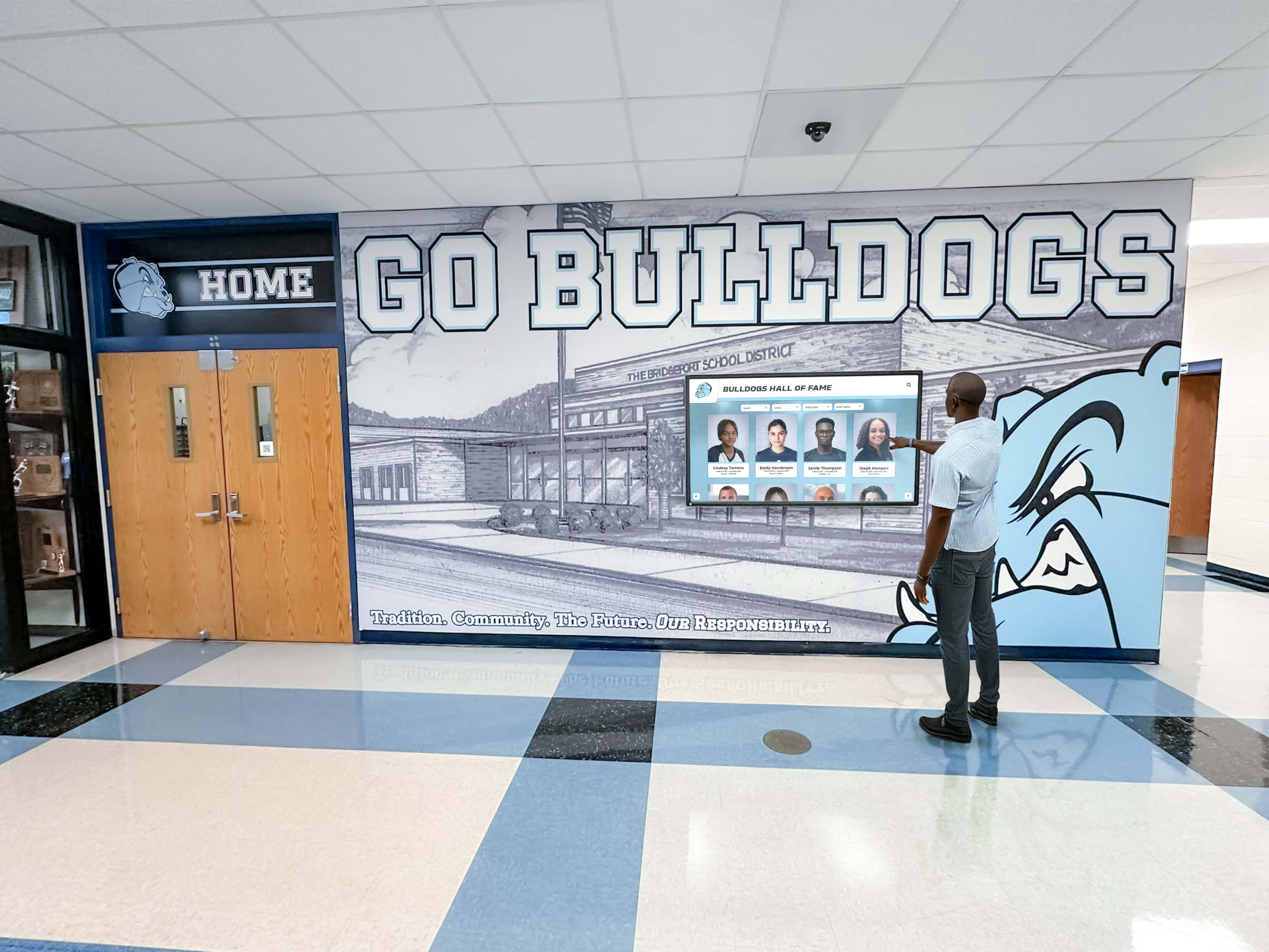
Recognition displays serve broad school communities including alumni, families, and students with disabilities—ACR documentation helps ensure no community member is excluded
Contextual CTA: Request Documentation Before You Decide
Schools evaluating touchscreen recognition display vendors should request ACR documentation early in the procurement process—before vendor demonstrations, not after. Reviewing accessibility documentation alongside feature demonstrations gives procurement teams a complete picture of both capability and compliance. Request a demonstration from Rocket Alumni Solutions to review the platform’s accessibility documentation alongside its interactive features.
Frequently Asked Questions
What is the difference between an ACR and a VPAT?
A VPAT (Voluntary Product Accessibility Template) is the blank template published by the Information Technology Industry Council (ITI). An ACR (Accessibility Conformance Report) is the completed document that results when a vendor fills out and publishes the VPAT. Schools requesting a “VPAT” from a vendor are typically asking for an ACR—both terms refer to the same document in most procurement conversations.
Do schools legally need to review ACRs before purchasing touchscreen displays?
Legal requirements vary by institution type and funding source. Public schools and school districts subject to the Americans with Disabilities Act or receiving federal funding have accessibility obligations that ACR review helps document. Private schools and nonprofits operating as places of public accommodation face ADA Title III requirements that courts have applied to interactive kiosks accessible to the public. Even where no specific mandate requires ACR review, the documentation protects schools from deploying inaccessible systems that could generate complaints or require costly remediation after installation.
How recent should an ACR be for a touchscreen recognition display?
Request ACRs dated within the past 24 months. Accessibility standards evolve, products receive updates, and older documents may not reflect current software versions or current legal standards. If a vendor’s ACR is more than two years old, ask when the document was last updated and whether a current version is in preparation.
Should schools test accessibility independently rather than relying on vendor ACRs?
ACR review is a starting point, not a complete substitute for independent testing. Schools with strong accessibility requirements or prior accessibility incidents may benefit from requesting a product evaluation period and conducting basic testing with screen readers or other assistive technologies before finalizing procurement. ACR documentation tells you what the vendor claims; hands-on testing confirms whether those claims hold in a real school environment.
What accessibility standards apply to touchscreen kiosk hardware specifically?
Physical kiosk hardware is addressed by Section 508 (for federally funded institutions) and by ADA Title III design standards for interactive kiosks in public accommodations. Key hardware criteria include operable reach range (no higher than 48 inches for forward reach), touch target sizing, audio output options, and physical control contrast. WCAG applies to the software interface, not the physical hardware—schools should request separate hardware accessibility documentation in addition to software ACRs.
What is the most common accessibility gap in touchscreen recognition display systems?
Keyboard and alternative navigation support is the most commonly incomplete area in touchscreen recognition display ACRs. Many recognition display systems are designed exclusively for touch interaction, which means users who cannot use touch—due to motor disabilities, reach limitations, or assistive technology requirements—have no alternative path through the interface. Schools should specifically ask vendors how users can navigate the recognition system without touch and request ACR documentation that addresses keyboard, switch access, or voice control alternatives.
Does image accessibility matter for recognition display content?
Yes. Athletic recognition displays commonly include large photo archives of athletes, teams, and events. Images without alternative text are inaccessible to screen reader users. Schools should ask vendors whether their content management system provides fields for photo alt text and whether editorial guidance is provided to help content managers write descriptive, accurate alt text for athletic photos, award images, and historical photography. Athletic photo alt text guidelines provide a useful starting framework for schools developing content accessibility standards for recognition displays.
Putting ACR Review Into Your Procurement Process
Accessibility conformance report review works best when it is integrated into procurement from the beginning rather than treated as a final compliance checkbox. Schools running structured evaluation processes for touchscreen recognition displays—covering athletic halls of fame, alumni recognition programs, and senior recognition displays—benefit from requesting ACRs alongside initial vendor questionnaires.
A practical procurement sequence:
- Issue a request for information that explicitly requires ACR documentation covering both software and hardware components
- Review documents using the checklist above before scheduling vendor demonstrations
- Prepare follow-up questions based on any “Partially Supports” or “Not Evaluated” entries
- Ask follow-up questions during vendor demonstrations so responses can be evaluated while the product is visible
- Document vendor responses in the procurement record alongside the ACR itself
- Include accessibility documentation commitments in contract language—requiring vendors to notify the school when ACRs are updated and to maintain accessibility parity with new feature releases
Schools that build ACR review into procurement systematically are better positioned to deploy touchscreen recognition displays that serve every community member—and to demonstrate documented due diligence if accessibility questions arise after installation.
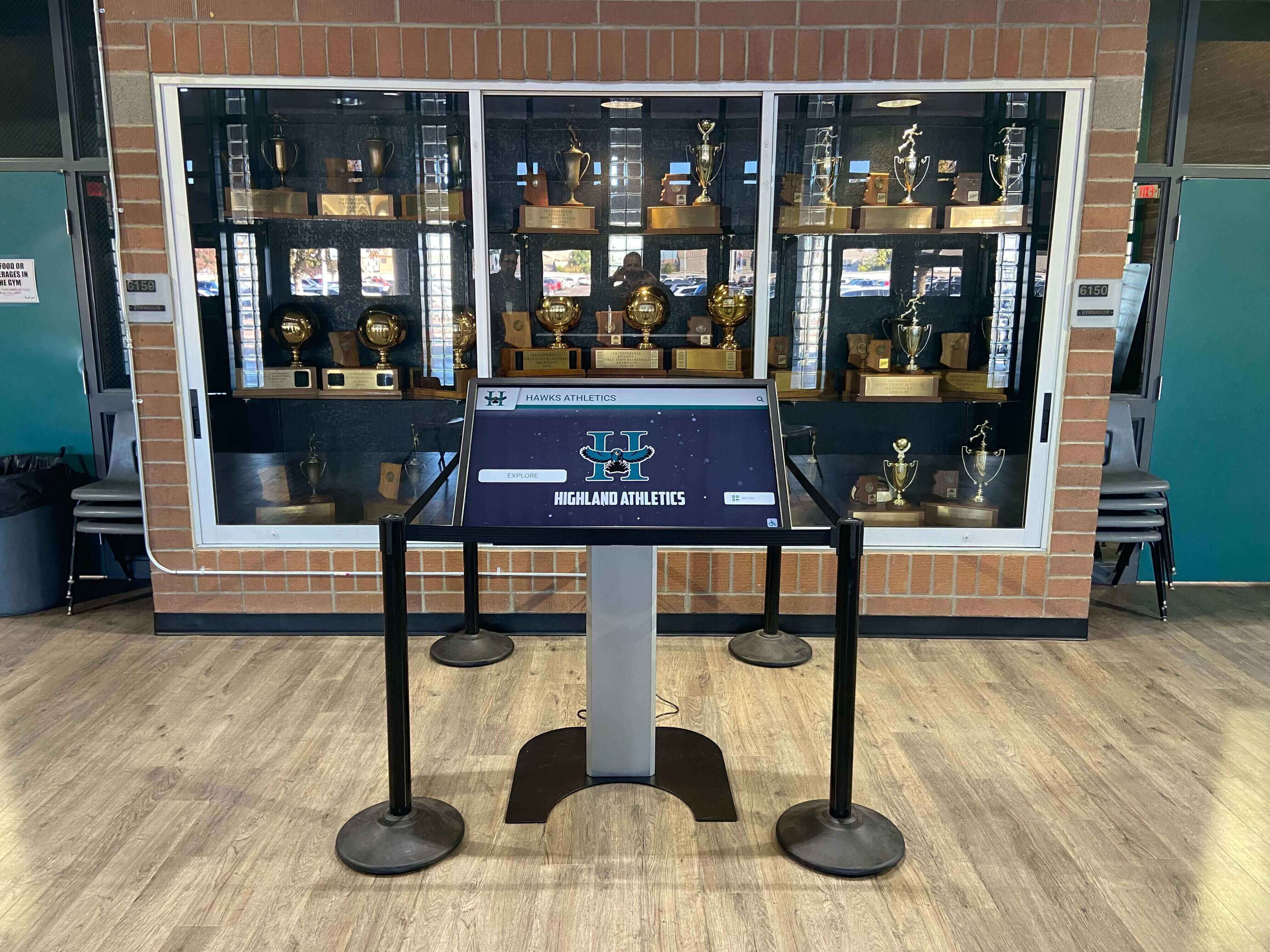
Athletic recognition displays serve students, alumni, families, and visitors across a wide range of abilities—ACR documentation is the starting point for ensuring inclusive access
Accessibility documentation is not the destination—it is the map. An ACR tells you where a product claims to stand; your review process, follow-up questions, and hands-on evaluation confirm whether those claims hold for your school’s specific environment and community. For schools committed to recognizing athletic history, academic achievement, and alumni contributions in ways that welcome every visitor, accessibility review is as foundational as budget review.
Ready to review accessibility documentation for a purpose-built school recognition platform? Request a demo from Rocket Alumni Solutions to see how a dedicated recognition display system approaches accessibility, content management, and long-term compliance for athletic halls of fame, donor walls, and academic recognition programs.