Intent: demonstrate — this guide walks school IT coordinators and athletic recognition program staff through a school recognition touchscreen requestIdleCallback audit: how to verify that optional background preparation work on a hall-of-fame kiosk is correctly deferred to genuine browser idle time rather than running in a way that competes with athlete search input handling or profile page rendering before a ceremony or induction event.
requestIdleCallback is a browser API designed for low-priority work that can safely wait until the main thread has nothing more urgent to do. On a school recognition touchscreen — where a visitor types an athlete name into a search field or taps through inductee profile cards during a hall-of-fame event — the API is useful for tasks like incrementally building a local search index, prefetching the next profile’s media, or batching non-critical analytics writes. It is not appropriate for the search itself, for rendering a profile card, or for any validation or state update the user is actively waiting for. An audit of how a recognition platform’s front-end uses idle callbacks determines whether optional work is truly optional, whether essential interactions remain synchronous, and whether the implementation includes the cancellation and fallback behavior that a kiosk environment requires.
The short answer for school IT: check whether the recognition platform calls requestIdleCallback for any work that the search or profile navigation flow depends on. If athlete search results are gated on something scheduled as idle work — if a name lookup waits for an idle callback to finish building a data structure before it can respond — the implementation treats idle time as a prerequisite for an essential action rather than a slot for genuinely optional preparation. Essential interactions must remain synchronous to their own event flow. Idle callbacks are for work the display could skip entirely without breaking athlete search or profile display, work that simply improves the experience when browser capacity is available.
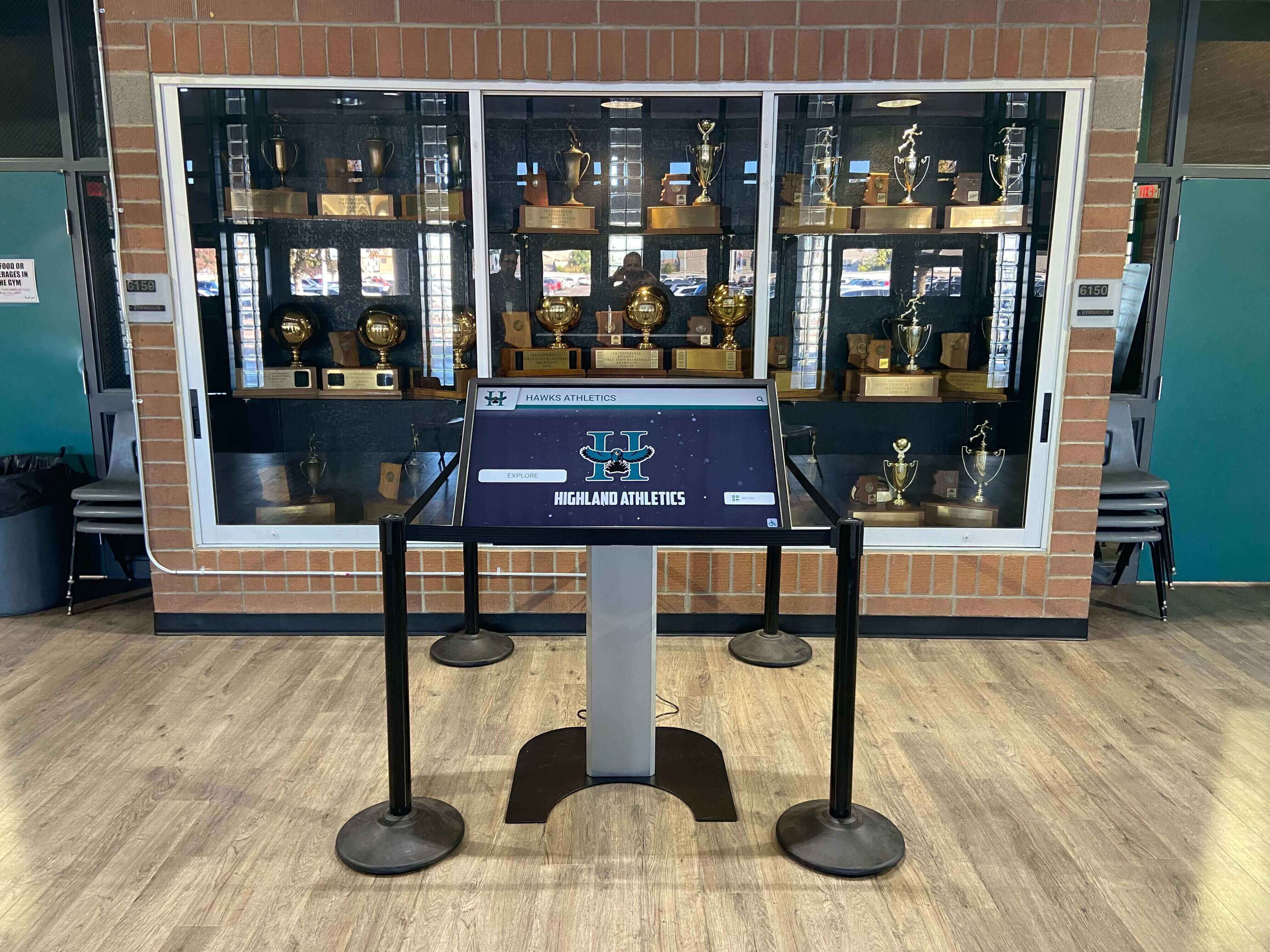
Recognition display kiosks used during athletic induction ceremonies need responsive athlete search and profile navigation. Auditing requestIdleCallback usage confirms that optional background work stays out of the critical interaction path.
What requestIdleCallback Does on a Recognition Display
requestIdleCallback queues a function to run during a browser idle period — a gap in the event loop where no user input is pending, no animations are actively running, and no higher-priority work is queued. According to the MDN documentation for Window.requestIdleCallback(), the API is specifically intended for work that the developer wants to run in the background without impacting latency-critical events and animations.
On a school recognition touchscreen, that definition maps cleanly to a category of preparation tasks that genuinely benefit the user experience without being required for any specific user action. A few concrete examples of work that belongs in idle callbacks:
- Incrementally building a local search index. A recognition program may load the full inductee roster from the CMS on page load. Building a search-optimized data structure from that roster — a sorted list, a trie, a normalized token map — can be done in small chunks during idle time rather than all at once on load, because search does not depend on the index being complete before the first keypress.
- Prefetching the next profile’s media. If a visitor is reading athlete profile 12, preloading the portrait image for profile 13 is useful but not urgent. Scheduling that prefetch as idle work means it runs only when the display is not actively responding to a tap or scroll.
- Writing non-critical event logs. Analytics events, interaction counters, or session metrics that a recognition platform collects for reporting purposes can be batched and written to localStorage or a remote endpoint during idle time without any visible effect on the athlete search interaction.
None of these tasks should be on the critical path for displaying a search result or rendering a profile card. The audit question is whether they are in practice.
Understanding the IdleDeadline: timeRemaining() and didTimeout
Every requestIdleCallback callback receives a single argument: an IdleDeadline object with two members that govern how the callback should behave.
timeRemaining() returns a DOMHighResTimeStamp — a float in milliseconds — estimating how much time is left in the current idle period. When the browser is idle with no pending events, timeRemaining() starts above zero and counts down. When it reaches zero, the idle window has closed and any further work risks overlapping with the next frame or user input. The MDN documentation is explicit that this value is an estimate, not a guarantee: the browser calculates it based on its internal scheduling, and the actual available time may be shorter than the initial estimate if a high-priority event arrives.
A correct idle callback checks timeRemaining() before starting each unit of work and yields when it drops toward zero:
function processNextChunk(deadline) {
  while (deadline.timeRemaining() > 5 && workQueue.length > 0) {
    doOneUnitOfWork(workQueue.shift());
  }
  if (workQueue.length > 0) {
    requestIdleCallback(processNextChunk);
  }
}
requestIdleCallback(processNextChunk);
The threshold of 5 ms in this illustrative example is a conservative margin — actual chunk sizing should reflect the real cost of one work unit and the expected idle window on the target device. Chunk sizes and timeout values are choices that depend on the specific task and hardware; no single figure is appropriate for every recognition display deployment.
didTimeout is a read-only boolean. It is true when the callback fires because a timeout option was passed and that threshold elapsed, rather than because the browser naturally entered an idle period. When didTimeout is true, timeRemaining() returns 0. The callback runs, but there is no idle time available — the browser executed it because waiting any longer would exceed the timeout the developer specified, not because a genuine gap appeared in the main thread’s schedule.
For a recognition touchscreen audit, didTimeout: true arriving during active visitor interaction is a signal worth noting: it means the timeout was tight enough that forced execution occurred during a period the browser did not consider idle. Whether that matters depends on what the callback does. If the work is lightweight and truly optional, forced execution during a short interactive lull may be acceptable. If the callback does non-trivial processing, frequent forced timeouts can indicate the timeout value is set too aggressively for the actual interaction pattern on the display.
Browser Support Is Limited: Feature Detection Is Mandatory
requestIdleCallback is not available in all widely-used browsers. Safari does not implement it, and it is not part of what the MDN browser compatibility tables classify as Baseline. A recognition touchscreen that calls window.requestIdleCallback(...) directly without first checking for the function’s existence will throw a runtime error on any Safari-based kiosk or WebView deployment, silently breaking whatever optional task the callback was meant to perform.
Feature detection is the correct approach:
if ('requestIdleCallback' in window) {
  requestIdleCallback(processNextChunk, { timeout: 2000 });
} else {
  // Fallback: schedule with setTimeout
  setTimeout(function() { processNextChunk({ timeRemaining: function() { return 0; }, didTimeout: true }); }, 200);
}
Two important constraints apply to the setTimeout fallback:
First, setTimeout does not create idle time. Scheduling work with setTimeout instead of requestIdleCallback does not give the callback access to a genuine idle window. The function runs when the timer fires — regardless of whether the browser is processing input, running animations, or otherwise busy. A fallback that calls setTimeout and then runs an unrestricted amount of work inside the callback does not preserve the performance isolation that requestIdleCallback was chosen to provide. The fallback should still be written to do a bounded amount of work per invocation and reschedule the remainder, even if timeRemaining() will always return 0.
Second, a simulated IdleDeadline object in the fallback (as in the example above, where timeRemaining always returns 0 and didTimeout is always true) should make the callback’s chunk-limiting loop terminate after the first unit of work and reschedule, since timeRemaining() returns 0 immediately. This is conservative but correct: the fallback path sacrifices throughput for safety, doing the minimum necessary work per setTimeout tick rather than claiming idle time that does not exist.
For kiosks where on-screen interaction is the primary input method, the on-screen keyboard implementation also affects the browser’s idle time availability. Schools running custom keyboard overlays for touchscreen search fields may find that key-press handling occupies the main thread more frequently than expected — a relevant context for idle callback timing that the HTML on-screen keyboard implementation guide for touchscreen kiosks covers in detail.
The timeout Option: Not a Completion Guarantee
Passing { timeout: N } to requestIdleCallback prevents the callback from being indefinitely deferred: once N milliseconds have elapsed since the original call, the callback is queued regardless of whether the browser has entered an idle period. The MDN documentation notes that the callback fires as soon as the browser can schedule it after the timeout threshold — which means actual execution may occur somewhat later than N milliseconds if the event loop is busy at the moment the timer fires.
The timeout option is not a guarantee that the callback will complete within N milliseconds, that it will run exactly at N milliseconds, or that any specific amount of work will be finished by a given wall-clock time. It guarantees only that the callback will not be skipped indefinitely — it will be queued eventually. For a recognition display, this distinction matters when optional background work has a soft deadline (for example, “the search index should be ready before the event starts”) but not a hard one. The timeout prevents the preparation from never running, but the preparation’s actual completion depends on how much work it contains, how it chunks that work, and how the display’s browser schedules the resulting sequence of idle callbacks.
Tasks with genuine hard deadlines — “this data must be loaded before the visitor can search” — do not belong in requestIdleCallback at all. They belong in the synchronous load or initialization path, or in a Promise-based fetch that the search handler awaits directly.

When a visitor taps an athlete card, the profile must render immediately in response to the tap event. No step in that rendering path should be waiting on an idle callback to complete first.
Essential Athlete Search and Navigation Must Stay Synchronous
The core audit question for a school recognition touchscreen is: does any part of the athlete search interaction depend on idle callback work finishing before it can execute?
The search interaction path — from keypress or tap to visible search results — must be entirely synchronous to the event that triggers it. If a visitor types “Johnson” into the search field and the recognition platform’s search handler begins by checking whether an idle-callback-built data structure is ready, then blocks or degrades while that structure is still being built, the implementation has made idle-time preparation a prerequisite for a synchronous user action. That inverts the intended relationship.
The correct approach separates concerns clearly:
- Search input handling reads from whatever data is available at the moment the query arrives. If a background-built index is complete, use it. If it is not, fall back to a simpler linear scan of the raw inductee list. The user sees results in either case; the optional index provides a performance improvement when ready, not a functional dependency.
- Profile rendering executes synchronously in response to a tap or selection event. The platform fetches or retrieves the selected inductee’s data, constructs the profile card, and updates the display in the same event processing cycle. No part of this flow should be awaiting an idle callback.
- Input validation and state transitions — confirming a valid search query, transitioning the display from a list view to a profile detail view, handling back-navigation — are all user-visible responses that must run immediately in response to user actions.
A recognition platform’s profile data structures provide a useful reference point for this distinction. Structured athlete profile data — names, years of recognition, sport and award fields, linked media — should be queryable in its raw form from whatever the CMS delivers on page load, without requiring post-load enrichment that depends on idle callbacks completing. The hall of fame profile data dictionary template describes the field-level structure of a well-defined inductee profile — the data that a recognition display’s search and profile view needs to function at its most basic level.
Chunking and Rescheduling Optional Preparation Work
When optional background work — search index construction, media prefetch scheduling, non-critical data enrichment — is implemented using requestIdleCallback, the work must be chunked into units small enough that each one fits within a single idle window. The pattern is:
- Maintain a queue of work items outside the callback.
- Inside the callback, check
timeRemaining()before each item. - Process one item, then check
timeRemaining()again. - When
timeRemaining()drops below the threshold for one more unit of work, stop processing and callrequestIdleCallbackagain to schedule the next chunk. - When the queue is empty, stop scheduling.
This pattern keeps each idle callback invocation short enough that the browser can reclaim the main thread quickly when input or animation work arrives. It also avoids unbounded loops — a callback that processes its entire work queue without checking timeRemaining() can hold the main thread for an arbitrary duration regardless of what the browser considers idle.
var idleCallbackId = null;
var indexQueue = buildIndexQueue(inducteeList); // items to process

function buildIndexChunk(deadline) {
  while (indexQueue.length > 0) {
    if (deadline.timeRemaining() < 5 && !deadline.didTimeout) {
      // Not enough time for another item; reschedule
      idleCallbackId = requestIdleCallback(buildIndexChunk, { timeout: 3000 });
      return;
    }
    var item = indexQueue.shift();
    addToSearchIndex(item);
  }
  idleCallbackId = null; // work complete
}

idleCallbackId = requestIdleCallback(buildIndexChunk, { timeout: 3000 });
In this illustrative pattern, the 3000 ms timeout prevents the index build from being indefinitely delayed on a high-activity display, while the timeRemaining() < 5 guard keeps individual chunks short. Neither figure is a universal recommendation; they reflect the work unit size and the deployment context.
Avoid scheduing idle callbacks in a tight loop that re-registers immediately on every invocation without a termination condition. A pattern like requestIdleCallback(() => { requestIdleCallback(myTask); }) without any queue-empty check creates an unbounded sequence that runs indefinitely, accumulates callbacks on a single-page app across navigation events, and can eventually saturate the browser’s scheduling queue.
DOM Changes Do Not Belong in Idle Callbacks
A common implementation mistake is placing DOM manipulation inside requestIdleCallback because it appears to be low-priority work. Updating an athlete’s displayed name, inserting a new inductee card into the list, or toggling a “loaded” state on a profile image are all DOM operations that trigger style recalculation and layout. Performing these inside an idle callback can force layout work during what the browser intended as a gap in rendering — the opposite of the API’s purpose, and potentially worse for responsiveness than doing the update synchronously in the event that triggered it.
The MDN documentation explicitly cautions against making DOM changes inside idle callbacks for this reason. DOM updates that result from user actions should happen synchronously in the event handler that processes the action. DOM updates that result from background data loading — a new inductee set completing its load, a prefetched image becoming available — should be scheduled with requestAnimationFrame rather than performed directly inside an idle callback. The requestAnimationFrame callback runs at the beginning of the next frame, before the browser computes layout, which is the correct integration point for DOM changes that will produce visible updates.
A correct pattern for an idle callback that completes a data load and needs to update the display:
requestIdleCallback(function(deadline) {
  var enrichedData = loadNextBatch(deadline); // purely data processing
  if (enrichedData) {
    // Schedule DOM update separately — not inside the idle callback
    requestAnimationFrame(function() {
      updateAthleteCards(enrichedData);
    });
  }
});
For recognition displays that also load video content alongside athlete profiles, the video element’s source state provides a separate diagnostic path. The athletic recognition video networkState diagnostic guide covers how to distinguish missing sources from slow loading — a relevant check when video prefetch work is scheduled as idle background preparation.
Canceling Idle Callbacks During Teardown and Navigation
requestIdleCallback returns a numeric ID. Pass that ID to cancelIdleCallback(id) to cancel the pending callback before it runs. Cancellation is important in two scenarios specific to recognition display deployments.
Single-page navigation. A cloud-based recognition platform typically renders athlete profiles and search pages as components within a single-page application. When a visitor navigates from the main inductee list to an athlete’s profile detail and back, the application’s routing layer may unmount and remount components. Any idle callback registered by the outgoing component must be canceled during that component’s teardown — otherwise its callback fires against a component that no longer exists, potentially writing to unmounted DOM, accessing stale state, or logging errors that accumulate silently in the browser console.
Display reset and session timeout. Many recognition kiosk deployments reset to a home screen after a period of inactivity. When the reset triggers, any in-flight idle callbacks for the previous session’s optional work should be canceled. Leaving them to fire after a reset means the browser may be spending idle time on preparation for a session that has already ended, potentially interfering with whatever initialization work the reset kicks off.
The pattern for a component that registers an idle callback:
var callbackId = null;

function onMount() {
  callbackId = requestIdleCallback(buildIndexChunk, { timeout: 3000 });
}

function onUnmount() {
  if (callbackId !== null) {
    cancelIdleCallback(callbackId);
    callbackId = null;
  }
}
The equivalent pattern applies with clearTimeout in the setTimeout fallback path.
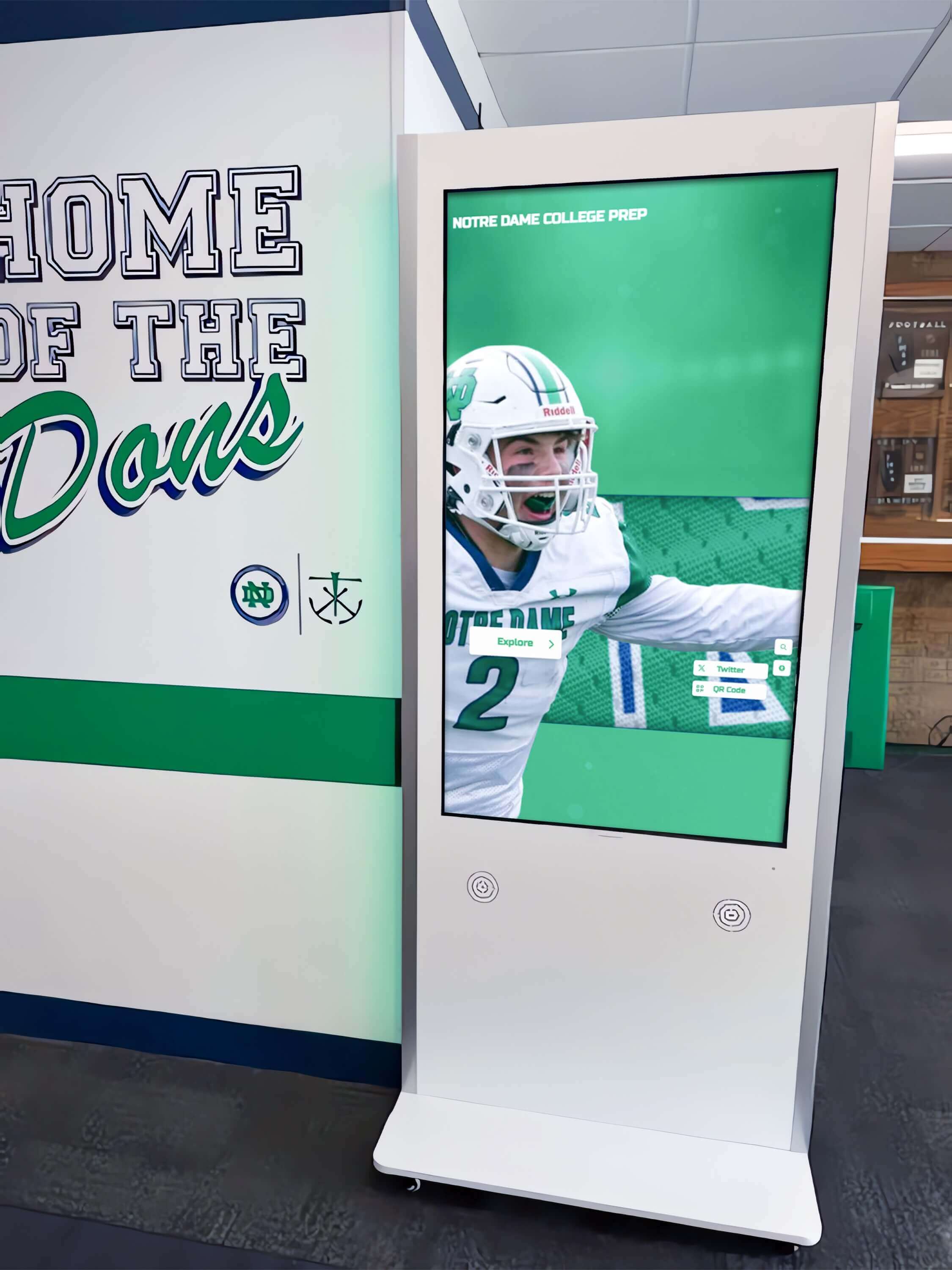
Recognition kiosks running single-page applications must cancel idle callbacks during component teardown and display resets to prevent optional preparation tasks from outliving the sessions that registered them.
How This Audit Fits Within Broader Athletic Recognition IT Planning
The requestIdleCallback audit addresses one layer of the recognition display’s front-end scheduling. It sits alongside related technical disciplines that a school IT coordinator reviews when preparing a recognition display for a high-attendance event.
A hall-of-fame display’s software layer is one component of a broader institutional technology context. Understanding how the recognition platform relates to athletic records management, roster systems, and award tracking helps IT scope what data the display’s idle-time preparation actually handles. The athletic department management software stack guide covers which systems typically belong in that stack and how recognition display platforms fit alongside records and roster tools.
The data the display searches — inductee names, sport categories, award years, team histories — has its own structural requirements independent of how the display schedules its background work. A well-defined controlled vocabulary for archive data reduces the search normalization work that background processing might otherwise need to do. The athletic archive controlled vocabulary guide covers consistent tag structures for teams and awards, which affects how search index construction at the display layer needs to handle variant spellings and legacy category names.
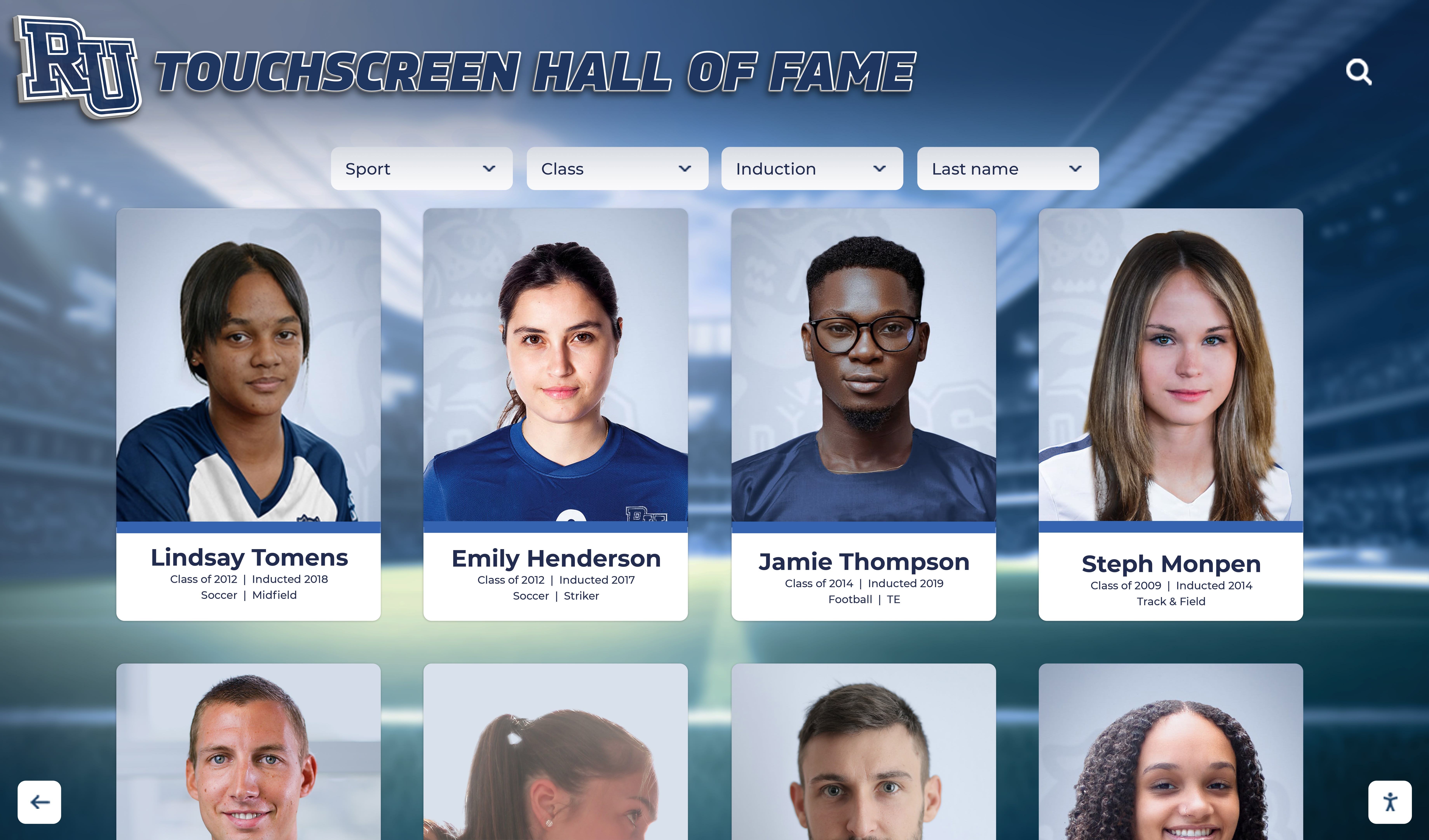
Inductee portrait cards rendered on a recognition touchscreen represent the synchronous presentation layer. Optional pre-loading of upcoming cards is a candidate for idle callback work — provided it chunks correctly and does not touch the DOM inside the callback.
requestIdleCallback Audit Checklist for School Recognition Touchscreens
Use this checklist when evaluating a recognition platform’s use of idle callbacks before a hall-of-fame event or display launch. Work through it using the browser’s developer console and source inspection on the kiosk device itself.
| # | Audit Step | Pass Condition | Status |
|---|---|---|---|
| 1 | Confirm requestIdleCallback presence check: does the platform use 'requestIdleCallback' in window or equivalent before calling it? | Feature detection is present; no unconditional window.requestIdleCallback(...) calls | ☐ |
| 2 | Verify setTimeout fallback exists for browsers without requestIdleCallback (e.g., Safari kiosk or WebView) | Fallback exists and does bounded work per invocation, not unlimited processing | ☐ |
| 3 | Confirm all idle callbacks pass a timeout option to prevent indefinite deferral on high-activity displays | Every requestIdleCallback call includes { timeout: N } | ☐ |
| 4 | Verify idle callbacks check timeRemaining() before each work unit and reschedule when it drops toward zero | Chunk-and-reschedule pattern present; no unbounded while loops that ignore timeRemaining() | ☐ |
| 5 | Confirm athlete search input handling does not wait for an idle callback to complete before producing results | Search executes synchronously in response to input event; optional index is used if ready, bypassed if not | ☐ |
| 6 | Confirm profile card rendering is synchronous to the tap or selection event, not deferred to idle time | Profile displays immediately on interaction; no idle callback gate in the render path | ☐ |
| 7 | Verify no DOM manipulation occurs directly inside idle callbacks | DOM updates triggered by idle-processed data are scheduled via requestAnimationFrame, not inline in the idle callback | ☐ |
| 8 | Confirm idle callback IDs are stored and cancelIdleCallback is called during component teardown and display reset | No orphaned idle callbacks running after navigation or session reset | ☐ |
| 9 | Check that idle callback work queues have a termination condition | No unbounded re-registration: queue is drained to empty and scheduling stops | ☐ |
| 10 | Verify the recognition platform handles didTimeout: true correctly — does not treat forced execution as equivalent to genuine idle time | Callback handles both paths: normal idle (check timeRemaining()) and forced timeout (didTimeout path executes minimum necessary work and returns) | ☐ |
This checklist does not substitute for reviewing the platform’s actual source behavior. Browser developer tools on the kiosk device — the Performance panel’s main-thread activity flame chart, the Console for runtime errors, and the Sources panel to read the application’s scheduling code — provide the evidence needed to validate each item.
Frequently Asked Questions
Can we use requestIdleCallback to preload all athlete media before a hall-of-fame event?
Yes, with qualifications. Preloading portrait images and profile data for the full inductee roster as idle-time background work is a reasonable use of the API — provided the preload work is correctly chunked (a few assets per idle window, not all at once), includes a timeout so the preload eventually completes even on an active display, and is implemented with feature detection and a setTimeout fallback for Safari. The preload should also be cancelable: if a visitor begins searching or browsing mid-preload, the callback IDs should be stored so the remaining preload work can be paused or canceled without interfering with the active interaction. Media-loading state is separate from DOM rendering and from the athlete search path, so preload work that stays in the data layer — initiating fetch() or Image() object loads — remains appropriate as idle background work.
What happens if a recognition display runs requestIdleCallback without a timeout on a high-traffic event day?
On a display that receives continuous touch input — visitors tapping through athlete profiles, typing search queries, scrolling record boards — the browser may never enter a long idle period during active use. A requestIdleCallback registered without a timeout option may not fire at all during the active event window, leaving any preparation work it was meant to complete permanently unfinished for the session. The timeout option exists precisely to prevent this scenario: the browser will queue the callback after the timeout elapses regardless of idle availability. For recognition displays used during scheduled events, always pass a timeout value that reflects the latest point at which optional preparation should have been attempted.
Does requestIdleCallback work inside a kiosk browser on Windows or Linux?
Chromium-based browsers — including Chrome and Microsoft Edge in kiosk mode — support requestIdleCallback. This covers the most common kiosk deployments on Windows 10/11 and Linux media PCs. Safari on macOS and iOS does not support it. Electron-based kiosk applications use Chromium internally and therefore also support the API. For any deployment using a WebView component, the underlying engine determines availability; Chromium WebViews support the API, while WKWebView (Apple) does not. Feature detection at runtime is the correct approach regardless of the assumed deployment environment, because kiosk hardware and OS choices change over a recognition program’s multi-year operational lifetime.
How should optional search index pre-building interact with a recognition display’s profile data schema?
Background index-building during idle time processes whatever profile data the recognition platform delivers on page load. The index is as good as the underlying data — consistent field naming, normalized values for athlete names and award categories, and unambiguous sport and year identifiers reduce the processing each idle callback chunk needs to perform and improve the quality of search results. For recognition programs managing inductee records in a self-maintained database or spreadsheet, field-level data consistency work upstream of the display has a direct effect on idle callback processing complexity downstream. Similarly, maintaining a controlled vocabulary for teams and awards — using the same sport name across all records — reduces the normalization work that search index construction would otherwise need to perform in idle time.
If our recognition platform doesn’t expose idle callback configuration, what should we verify with the vendor?
Ask the vendor three specific questions. First: does the platform call requestIdleCallback anywhere, and if so, for what tasks? The answer identifies whether the API is in use and what category of work it handles. Second: does the platform implement feature detection and a setTimeout fallback for browsers that lack requestIdleCallback support? This determines whether Safari or WebView kiosk deployments are protected. Third: does the platform cancel idle callback registrations during page navigation and display reset events? The answer determines whether the implementation prevents orphaned callbacks from accumulating across sessions. If the vendor cannot answer these questions from documentation or source review, request a browser developer tools session on a staging display to observe the Performance panel’s main-thread trace during a search and profile navigation sequence.
A requestIdleCallback audit for a school recognition touchscreen is a targeted check with a clear success condition: optional background preparation runs in genuine idle time, athlete search and profile navigation remain entirely synchronous to the interactions that trigger them, and the implementation includes feature detection, correct chunking, timeout configuration, and cancellation during teardown. A display that passes the audit responds to visitor input regardless of what background work is in progress — an important property for a hall-of-fame kiosk expected to perform reliably during an induction ceremony.
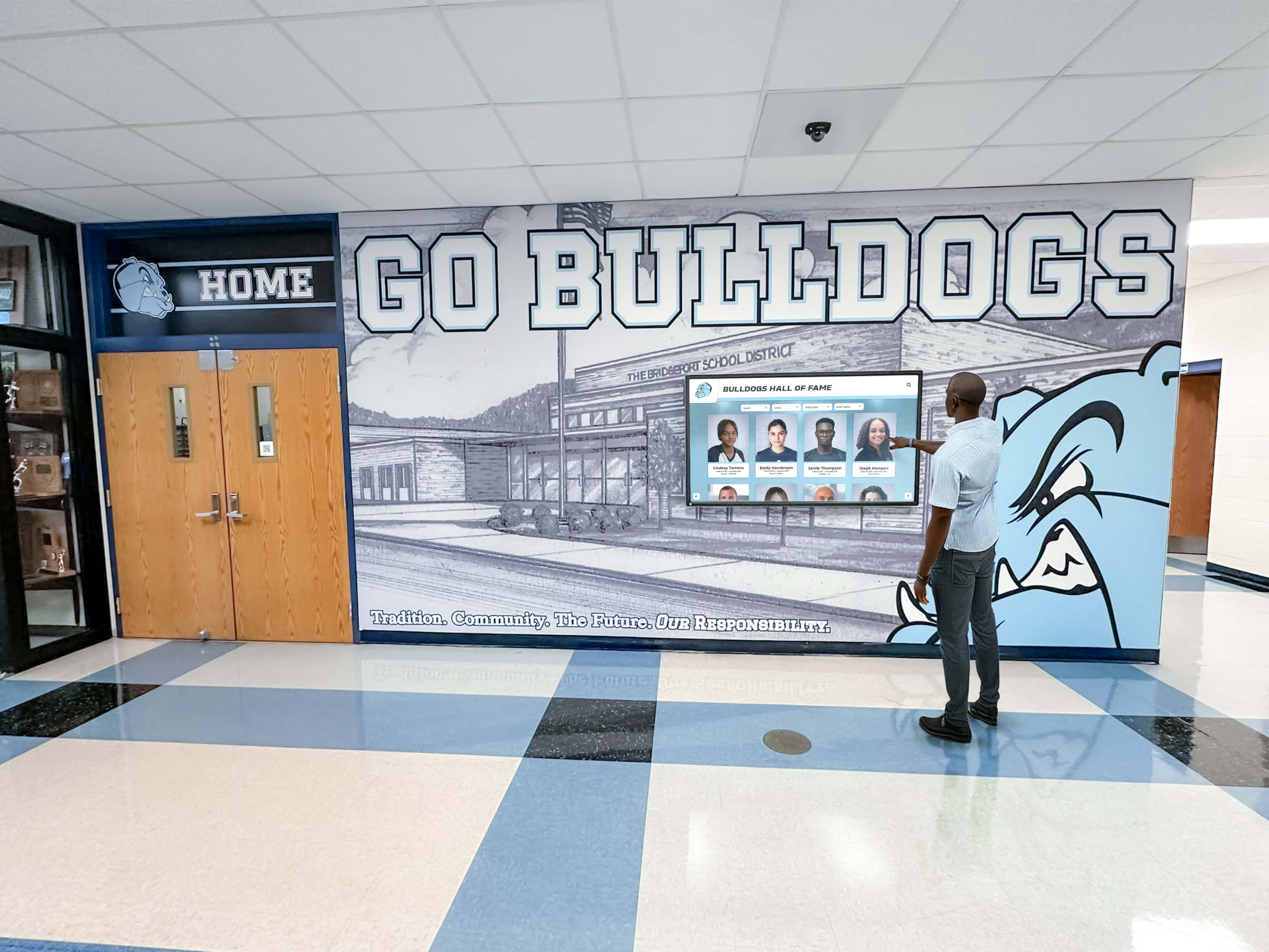
A school hall-of-fame touchscreen that passes a requestIdleCallback audit responds immediately to every visitor interaction — search queries, profile taps, back-navigation — while optional preparation work runs quietly during idle intervals the visitor never notices.
See How Rocket Manages Athletic Recognition Display Performance
Rocket Alumni Solutions builds cloud-managed interactive hall-of-fame, athletic record board, and donor wall touchscreens for schools — with a CMS designed so recognition program staff can update inductee profiles, athlete photos, and award records without managing browser scheduling or offline infrastructure themselves.
Request a Custom Rocket Demo