Intent: demonstrate — this checklist walks school IT coordinators, athletic directors, and facilities staff through a school recognition display certificate transparency review to identify unexpected TLS certificate issuance for the hostnames serving hall-of-fame kiosks, honor roll displays, and athletic record boards — and to distinguish expected CDN and auto-renewal certificates from entries that warrant follow-up with the domain owner.
Certificate Transparency (CT) is a framework under which Certificate Authorities (CAs) must submit every TLS certificate they issue to publicly auditable, append-only logs before browsers will trust the certificate. Because this requirement has applied to newly issued certificates since 2018, CT logs provide near-complete issuance visibility for any domain serving recognition content. A CT review answers one focused question: have any certificates been issued for this domain that we did not authorize? It does not validate the TLS certificate chain on the kiosk browser, confirm whether a certificate is currently in use, or provide revocation status. It is an issuance visibility check — and an unfamiliar CA or unrecognized subject name in that check is the prompt to investigate, not the conclusion.
The direct answer: compile the list of domains and subdomains serving your recognition displays, search a public CT log aggregator for all certificates logged against each hostname, and compare each entry against your known CMS vendor, CDN provider, and renewal schedule. Let’s Encrypt auto-renewals, CDN wildcard certificates covering your subdomain, and certificates issued by the CMS vendor managing your recognition platform are all expected. Certificates issued by unfamiliar CAs, covering subdomains you do not recognize, or appearing outside your normal renewal window are the entries to route to your domain owner or IT security contact for investigation.
This checklist covers the issuance-visibility layer of certificate monitoring. For the complementary step of validating the certificate the kiosk browser presents during the TLS handshake — chain completeness, root trust, and hostname matching — see the recognition display TLS certificate chain audit for school kiosks.
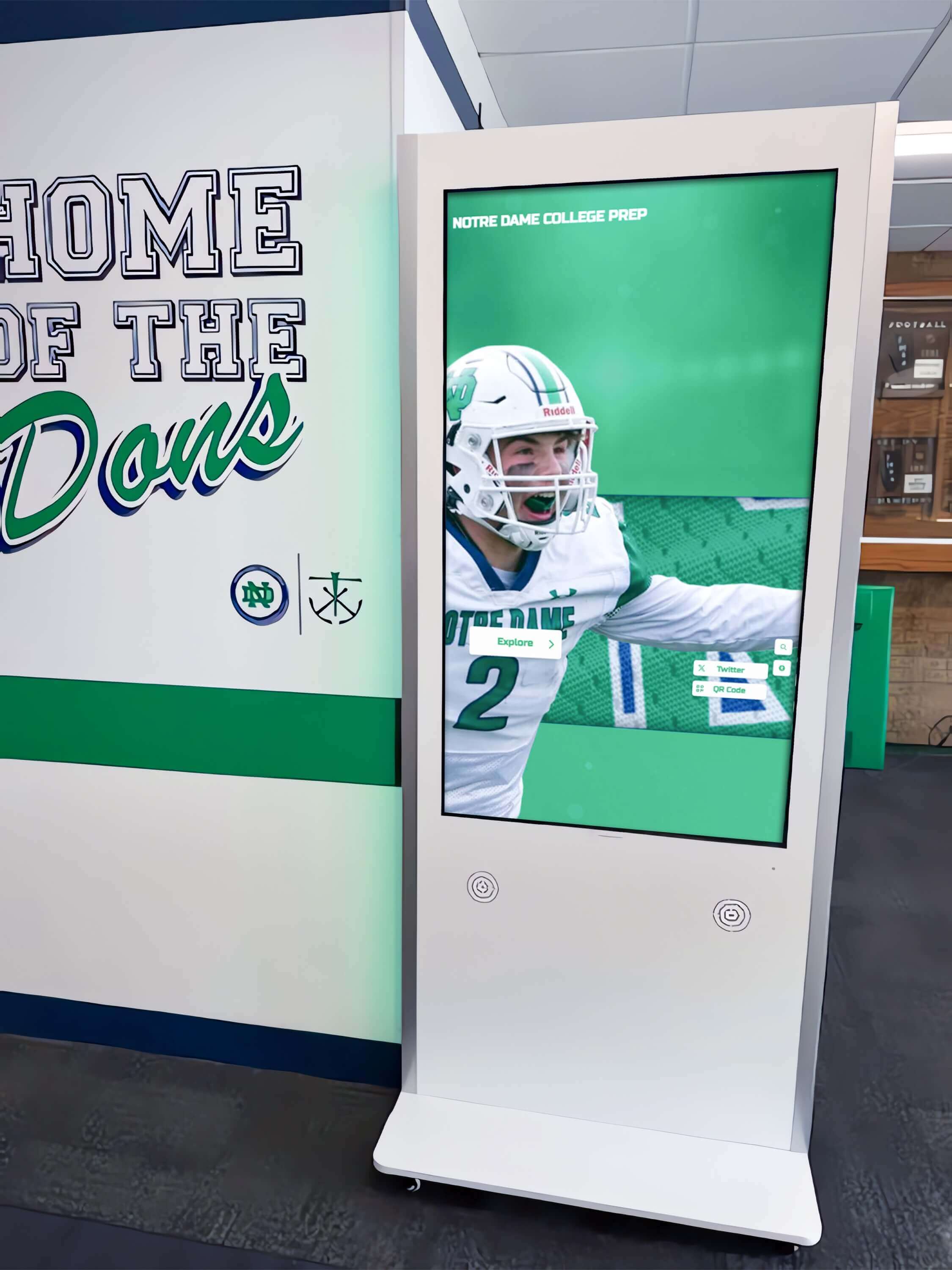
Every TLS certificate issued for a recognition display's HTTPS domain is recorded in public Certificate Transparency logs — a periodic review confirms that no unfamiliar Certificate Authority has issued credentials for the hostnames serving your school's recognition content
What Certificate Transparency Is and Why It Matters for School Recognition Displays
Certificate Transparency is an open framework requiring CAs to record every TLS certificate they issue in append-only, cryptographically verifiable public logs. When a CA issues a certificate, it submits the certificate — or a precertificate, an early version submitted before final issuance — to one or more CT log operators. The log returns a Signed Certificate Timestamp (SCT), a cryptographic receipt confirming the submission. Browsers verify that a valid SCT is present during the TLS handshake and reject certificates that lack one. Because this verification is enforced at the browser level, CAs cannot issue browser-trusted certificates without logging them — making CT logs a reliable and publicly searchable issuance record for any domain.
For a school recognition display program, this means the HTTPS hostname serving a hall-of-fame kiosk has a complete issuance history that any IT administrator can review. Any certificate a CA has ever issued for that hostname appears in the CT logs — including certificates issued without the school’s knowledge. If an unauthorized party obtained a certificate for a recognition domain by exploiting a CA validation weakness or a DNS misconfiguration, that certificate would appear in the CT logs regardless of whether it was ever deployed, because the CA had to log it to receive the SCT required for browser trust.
Schools running comprehensive award and honors recognition programs for athletes, academic achievers, hall-of-fame inductees, and alumni invest significantly in the content and trust behind their recognition displays. A quarterly CT review adds a low-cost, non-intrusive issuance-visibility layer to that investment — confirming that the HTTPS infrastructure serving recognition content has not been quietly extended to unauthorized parties.
What a CT Review Does Not Cover
A CT review is narrowly scoped. Understanding what it does not cover prevents both under-reaction (missing a genuine anomaly by assuming CT covers everything) and over-reaction (treating every CT entry as a potential breach when it is normal renewal activity).
CT is not chain validation. An entry in a CT log confirms issuance — not that the certificate chains correctly to a browser-trusted root, not that the intermediate CA is properly assembled, and not that the kiosk browser trusts the issuing CA. Chain validation belongs to a TLS audit at the kiosk.
CT does not provide revocation status. A certificate in CT may have been revoked immediately after issuance. CT records do not include revocation events. Revocation status requires a separate check through the issuing CA’s CRL or OCSP endpoint.
CT is not a complete pre-2018 inventory. Certificates issued before Chrome’s April 2018 CT enforcement deadline may not appear in CT logs. Post-2018 issuance is near-complete; older history may be missing.
CT does not confirm whether a certificate is deployed. A certificate in CT may be a precertificate, may have expired, or may have been issued and never used. Its presence confirms issuance, not active use.
Pre-Review: Inventory Your Recognition Site Hostnames
A CT review produces useful results only when applied to the correct hostnames. Before searching CT logs, compile a complete list of every domain and subdomain serving your school’s recognition display content. Incomplete scope is the most common reason a CT review misses a certificate of interest.
Four hostname categories to document in your inventory:
1. The school’s own domain and subdomains. If the school hosts or has hosted its own recognition web presence — a hall-of-fame page, an athletics honors site, or a donor wall subdomain — include those hostnames. Check with IT to confirm which subdomains have ever held DNS records pointing to recognition content.
2. CMS vendor-managed subdomains. Cloud-based recognition platforms typically assign each school a subdomain on the vendor’s domain (for example, schoolname.vendor.com) or configure a CNAME from a school-controlled hostname to vendor infrastructure. Include both the vendor-managed subdomain and any school-controlled CNAME pointing to it.
3. CDN-assigned hostnames. When a recognition CMS serves content through a CDN, the CDN may assign an intermediate hostname for routing. This hostname can appear in CT log entries as a subject alternative name (SAN) on CDN-issued wildcard certificates. Knowing which CDN your CMS vendor uses helps explain those entries when they appear.
4. Historical hostnames. If the school has migrated recognition content from an older platform to a newer CMS, the old hostname may still have certificates issued during the prior deployment. Including historical hostnames ensures any continued issuance after decommissioning is visible in the review.
For each hostname, document the owner (school IT, CMS vendor, CDN), its current status (active, historical, decommissioned), and the CA or CAs you expect to issue certificates for it. This baseline becomes the reference against which each CT log entry is classified during the review.
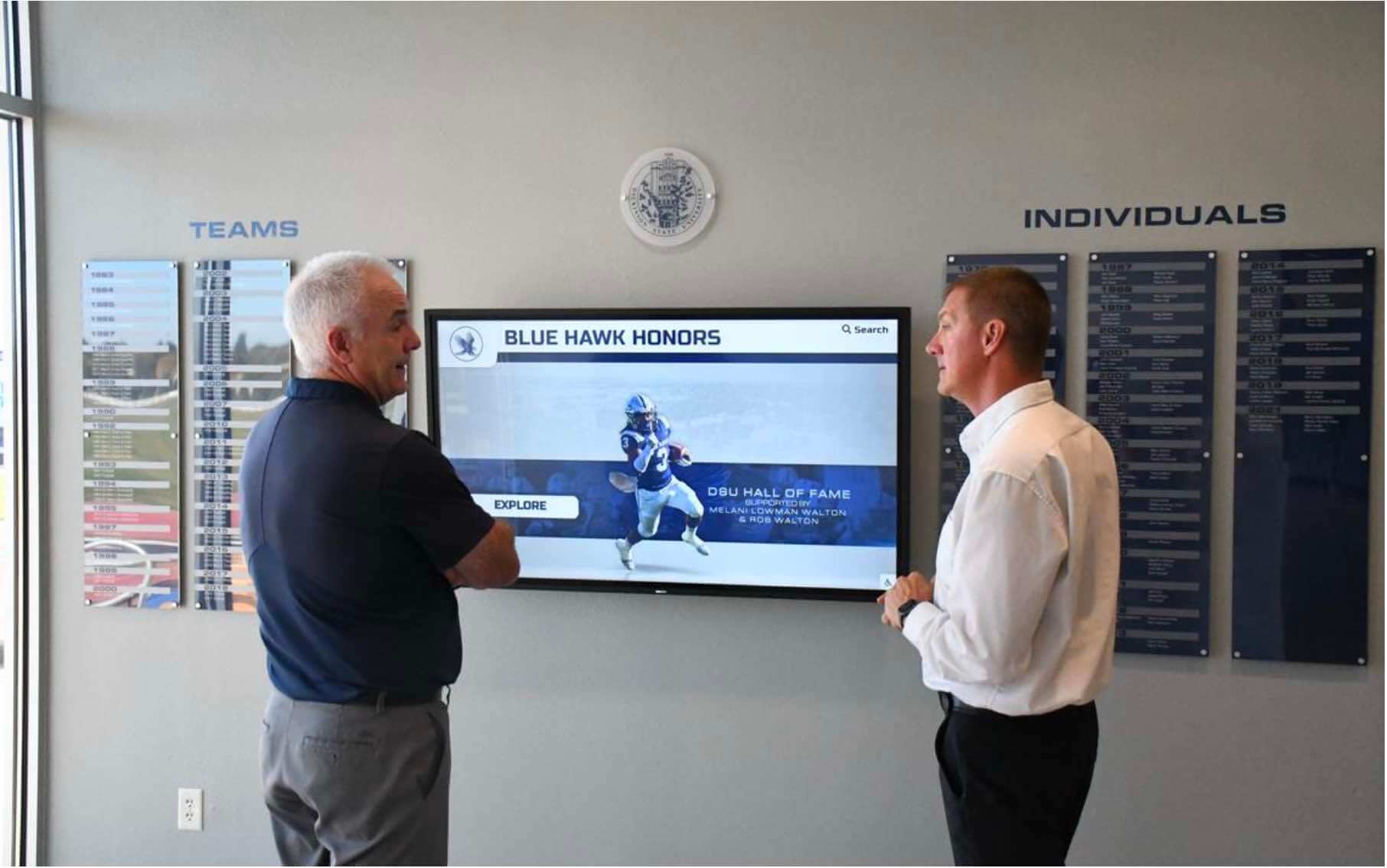
Compiling a complete hostname inventory before searching CT logs ensures the review covers every active and historical recognition display domain — not just the most visible one in the school lobby
School Recognition Display Certificate Transparency Review Checklist: Step-by-Step
Step 1: Search a CT Log Aggregator for Each Hostname
CT monitor tools index certificates across multiple individual CT logs and provide searchable interfaces by domain name. crt.sh is a widely used free tool that aggregates entries from major CT logs and supports wildcard domain searches.
For each hostname in your inventory, run a wildcard search to return all certificates logged for the base domain and all its subdomains. On crt.sh, navigate to https://crt.sh/?q=%25.<yourdomain> — replacing <yourdomain> with the base domain you are searching. The %25. prefix is a URL-encoded wildcard that matches all subdomains and the base domain itself. To search a specific subdomain only (for example, a vendor-managed subdomain), use the exact hostname without a wildcard prefix.
For each search, record the following fields for every entry returned:
- Logged At — the date and time the entry was submitted to the CT log
- Not Before / Not After — the certificate’s validity window
- Common Name — the primary domain in the certificate subject
- Matching Identities — all subject alternative names (SANs) on the certificate
- Issuer CA — the Certificate Authority that issued the certificate
Record all entries for the review period, including expired certificates. An expired certificate still represents an issuance event to account for.
Why two entries appear per certificate. CT logs commonly contain a precertificate entry (submitted before final issuance) and a final certificate entry (submitted after issuance) for the same certificate. Both entries share the same serial number and issuer. Two entries for the same issuance event is normal — it does not mean a duplicate certificate was issued.
Step 2: Filter to the Review Period
For recognition platforms using 90-day certificates (common with Let’s Encrypt), an annual review will return approximately four renewal events per hostname. For platforms using multi-year commercial certificates, an annual review may return one or two entries.
Filter results to your review window — the 12 months before the review date for an annual check, or 90 days for a quarterly review. Include all entries whose Not Before date falls within the window. Remove duplicate precertificate and final certificate pairs so that each issuance event appears as a single row in your working document.
Step 3: Identify the Issuer for Each Entry
For each issuance event, identify the issuing CA and compare it against the expected-issuer baseline from your hostname inventory. Expected issuers for school recognition display deployments typically include:
- Let’s Encrypt — a free, automated CA used by many CMS platforms for 90-day certificates; expected entries appear roughly every 60–90 days per hostname under active auto-renewal
- Your CMS vendor’s designated CA — some platforms use a CA specific to their infrastructure; others use commercial CAs; ask the vendor which CA issues certificates for their customer subdomains
- Your CDN provider’s CA — major CDNs issue certificates for customer hostnames as part of their HTTPS service; these are often wildcard certificates covering many customer subdomains on the CDN’s domain
- The school district’s own CA — if the district runs internal PKI, certificates for school-controlled hostnames may be issued by the district’s intermediate CA
Document the issuer for each entry. Any issuer not on your expected list is a candidate for the anomaly investigation in Step 5.
Step 4: Review Subject Alternative Names for Each Entry
For each entry, examine the full SAN list. CDN and CMS vendor certificates routinely group many customer subdomains onto a single certificate — a certificate with dozens or hundreds of SANs is a normal CDN or hosting-provider pattern, not a security indicator.
The SAN review confirms three things:
- The school’s subdomain appears only in certificates issued by known providers. A school subdomain appearing as a SAN on a certificate from an unfamiliar CA is an anomaly to investigate.
- Wildcard coverage is appropriate. A wildcard for
*.vendor.comcovering the school’s vendor subdomain is expected. A wildcard for*.school.educovering the school’s own primary domain is only expected if the school’s IT team authorized and requested it. - No unrecognized subdomains of the school’s own domain appear. A certificate covering a subdomain such as
recognition-retired.school.edu— a hostname the school decommissioned — may indicate the DNS record was never removed and auto-renewal continued on the old hosting provider.
Step 5: Flag Anomalies and Route to the Domain Owner
After Steps 1–4, each entry falls into one of three categories:
Confirmed expected — issued by a known CA for a known hostname within the expected renewal window; no action required. Document as confirmed.
Requires explanation — issued by a known CA but with unexpected SAN values, or by a CA not on your expected list; verify with the CMS vendor or CDN provider that the issuance was part of their normal process before closing it.
Anomalous — issued by a CA not associated with any known hosting, CDN, or vendor relationship; route to the domain owner immediately.
Route anomalous entries to the domain owner — the school’s IT security team, the district registrar, or the CMS vendor for vendor-managed domains — with:
- The full CN and SAN list from the certificate
- The issuing CA name and parent root CA name
- The certificate’s Not Before date
- A direct URL to the CT log entry on the aggregator
- Your assessment of whether the entry matches any known provider
The domain owner determines whether the issuance was authorized and initiates follow-up — CA revocation request, DNS correction, or vendor security escalation — as appropriate. For ongoing issuance visibility between manual reviews, automated CT monitoring tools are listed at the certificate.transparency.dev monitors page.
Step 6: Document Findings and Schedule the Next Review
Record the review date, each hostname reviewed, the classification of each entry, and the resolution status of any anomalies flagged in Step 5. Store this record alongside the display’s commissioning documentation — the same location as network VLAN assignments, port security baselines, and the BPDU filter safety check results for school switch ports serving the recognition display connection.
Schedule the next review. Quarterly aligns with 90-day certificate lifetimes, ensuring at least one renewal cycle is visible between checks. Annual is a practical minimum for programs using multi-year commercial certificates.

Storing the CT review record alongside commissioning documentation gives IT staff the issuance history baseline they need to identify anomalies at the next review — even after staff turnover or infrastructure changes
Certificate Entry Classification Decision Table
| Entry Type | Issuer | Classification | Action | Owner |
|---|---|---|---|---|
| Let's Encrypt auto-renewal, 90-day cadence, vendor subdomain | Let's Encrypt (R3, E1, or current intermediate) | Expected | Confirm cadence matches expected renewal interval; no further action required | CMS vendor |
| CDN wildcard certificate covering school's vendor subdomain | CDN provider's CA (e.g., Cloudflare, Amazon, Fastly) | Expected | Confirm CDN name matches vendor's documented infrastructure; no further action required | CMS vendor / CDN |
| Vendor-specific CA certificate for school subdomain on vendor domain | CMS platform's designated CA | Expected | Confirm issuer name matches vendor's documented CA; no further action required | CMS vendor |
| Let's Encrypt certificate for school-controlled hostname (e.g., recognition.school.edu) | Let's Encrypt | Verify | Confirm school IT authorized Let's Encrypt for this hostname; if not, investigate which party completed the DNS or HTTP domain-validation challenge | School IT |
| Commercial CA certificate for school-controlled domain, not issued by district CA | Third-party commercial CA | Verify | Confirm whether school IT or a managed service provider purchased this certificate; obtain the purchase record as documentation | School IT / district |
| Wildcard certificate for *.school.edu not issued by district IT | Any CA | Anomalous | Route to IT security contact immediately; a wildcard covers every subdomain of the school's primary domain | School IT security |
| Certificate for a decommissioned recognition subdomain, issued after retirement date | Any CA | Anomalous | Confirm the DNS record for this subdomain was removed; if not, remove it and request CA revocation if the auto-renewal remains active | School IT / DNS administrator |
| Certificate from a CA with no association to any known provider | Unknown / unfamiliar CA | Anomalous | Route to domain owner with full CT entry details; domain owner determines whether issuance was authorized and initiates follow-up | Domain owner |
| Precertificate entry with no matching final certificate entry | Any CA | Normal | Precertificates are logged before final issuance; an unmatched precertificate may indicate an issuance interruption; verify with the issuing CA if the entry is unexpected | CMS vendor / IT |
Working through your annual recognition display security checklist and want a CMS platform that documents certificate infrastructure for each school deployment? Rocket Alumni Solutions deploys hall-of-fame kiosks and athletic recognition displays with a cloud platform maintained for school programs. Request a demo to see how Rocket Alumni Solutions approaches recognition display infrastructure.
What Normal CT Entries Look Like for School Recognition Displays
Let’s Encrypt Auto-Renewal
Let’s Encrypt is a CA that issues 90-day domain-validated certificates free of charge. Cloud CMS platforms use it to manage HTTPS certificates for customer subdomains automatically. A CT search for a vendor-managed recognition subdomain will typically return one Let’s Encrypt entry every 60–90 days — the auto-renewal certificate issued before the previous one expires.
These entries are expected. The specific check for Let’s Encrypt entries on school-controlled hostnames (where the school owns the DNS) is whether the school’s IT team explicitly authorized Let’s Encrypt for that hostname. Let’s Encrypt issues certificates through an automated DNS or HTTP challenge process — an unexpected Let’s Encrypt entry on a school-controlled domain means someone completed that challenge, and confirming whether it was authorized IT staff is the necessary follow-up.
CDN Wildcard Certificates
CDNs issue multi-SAN or wildcard certificates to cover customer subdomains at scale. When a recognition CMS serves content through Cloudflare, AWS CloudFront, Fastly, or a similar CDN, the CDN’s CA appears as the issuer in CT log results for the school’s recognition hostname. These certificates commonly include many SANs covering dozens or hundreds of customer subdomains. Long SAN lists are a normal CDN issuance pattern.
The relevant check is that the CDN issuer matches the CDN the CMS vendor has confirmed they use. If a second CDN issuer appears that was not previously associated with the vendor, ask the vendor whether they added a secondary CDN configuration or migrated providers.
CMS Vendor Certificates
Some recognition CMS platforms operate as an intermediate CA, issuing certificates for customer subdomains under a major commercial root. Others purchase certificates from a commercial CA. In either case, the issuer name is specific to the vendor’s infrastructure or their chosen CA. Schools migrating from one CMS to another may see certificates from both the old and new vendor’s CA in the CT log history for the same hostname during the transition period — this is expected when both platforms held the CNAME temporarily.
Anomalies Worth Routing to the Domain Owner
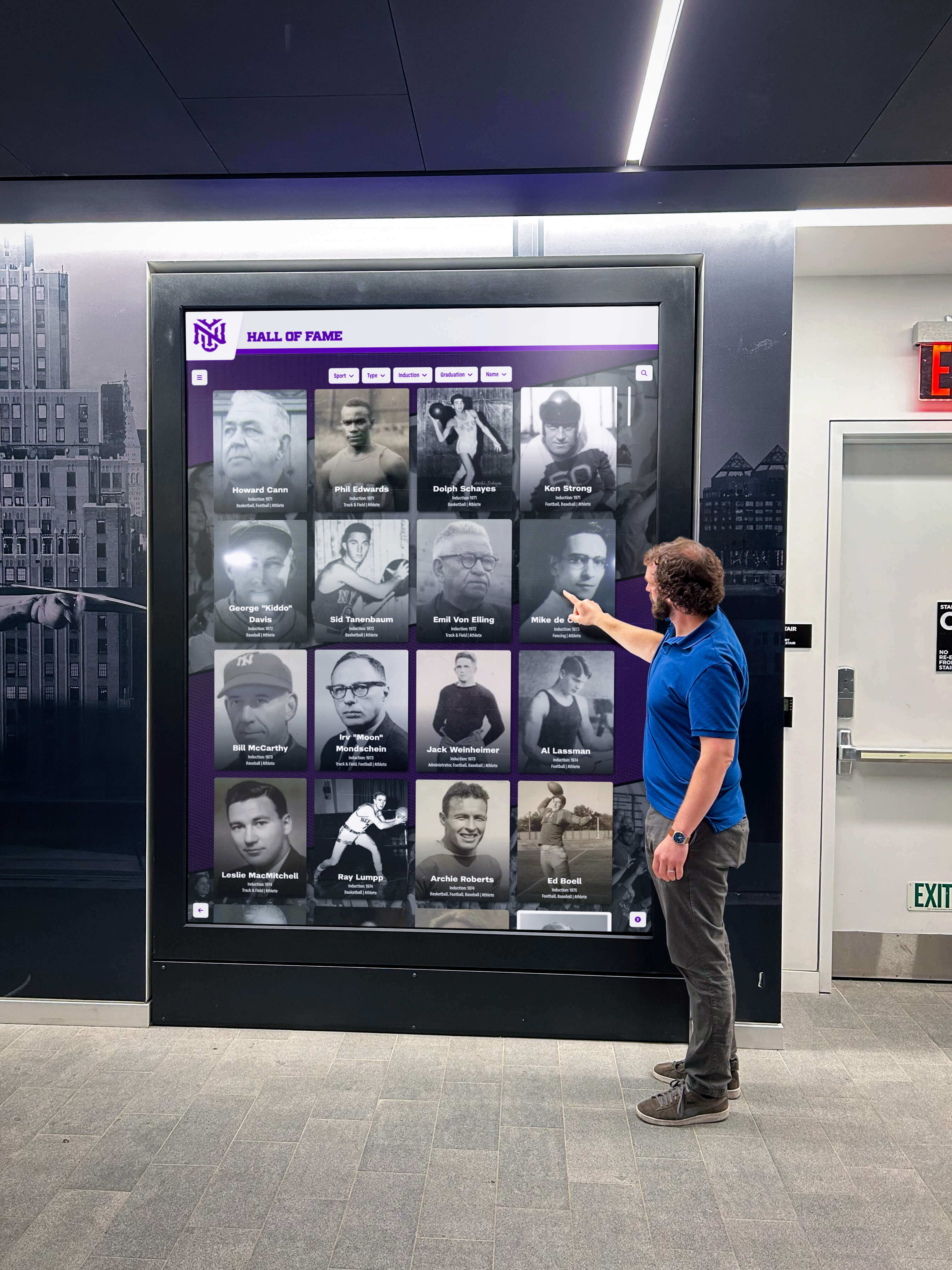
An unexpected certificate entry in the CT logs is the prompt to investigate — routing the entry details to the domain owner is faster and more reliable than attempting to determine authorization from the CT data alone
Schools that display recognition content for graduation honors, stole awards, and achievement ceremonies invest in the credibility and continuity of their recognition programs. An unexpected certificate entry does not automatically indicate a breach — it may be an unexplained but authorized issuance event. The following are the entries to route to the domain owner for confirmation rather than closing on your own:
Certificate from a CA not associated with any known provider. If the issuing CA does not match the school’s CMS vendor, CDN, district IT, or any documented relationship, route it to the domain owner. Free DV certificate authorities are numerous; an unfamiliar name alone is not definitive, but the domain owner is the right party to determine whether the issuance was authorized.
Certificate for a decommissioned hostname. A certificate issued for a recognition subdomain after the school retired that subdomain suggests the DNS record was not removed at decommission and auto-renewal continued on the old platform. Route to IT to remove the DNS record and request revocation if appropriate.
Wildcard certificate for the school’s own primary domain. A wildcard covering *.school.edu represents credentials that could be presented for any subdomain of the school’s domain. If this appears and was not issued by the school’s IT team, treat it as a priority anomaly.
Two certificates with overlapping validity for the same hostname issued in rapid succession. This can indicate a misconfigured auto-renewal system duplicating issuance, or a manual certificate request running alongside automatic renewal. Typically benign, but worth confirming with the CMS vendor to ensure only one certificate is deployed.
CT Review Completion Checklist
| Review Item | Completed | Notes | Reviewed By | Date |
|---|---|---|---|---|
| Hostname inventory compiled — all active, historical, and vendor-managed hostnames documented with owner and status | ||||
| Expected issuer baseline documented for each hostname | ||||
| CT log search completed for each hostname in scope; review period filtered | ||||
| All entries classified: Expected, Verify, or Anomalous | ||||
| SAN list reviewed for each entry — no unexpected domains identified | ||||
| All "Verify" entries resolved with CMS vendor or CDN provider | ||||
| All "Anomalous" entries routed to domain owner with full entry details (issuer, CN, Not Before, CT log URL) | ||||
| Decommissioned hostnames confirmed removed from DNS | ||||
| Review findings documented and stored with display commissioning record | ||||
| Next review date scheduled (quarterly or annual) |
Frequently Asked Questions
Is a certificate in the CT log proof that someone unauthorized accessed our recognition site?
No. A CT log entry confirms that a CA issued a certificate for the domain — not that the certificate was deployed, used to intercept traffic, or that the domain owner’s systems were compromised. An unexpected entry means a CA completed a domain-validation process for the hostname. Whether that validation was authorized is what the domain owner investigates. The CT entry surfaces the event; it does not explain it.
How often should we run a CT review for our recognition display domains?
Quarterly is practical for programs using 90-day Let’s Encrypt certificates — at least one full renewal cycle is visible between reviews. Annual is the reasonable minimum for programs using multi-year commercial certificates. Schools that want continuous issuance visibility between manual reviews can configure automated monitoring alerts using the services listed at certificate.transparency.dev/monitors.
We don’t control the domain — our CMS vendor does. Do we still need to run this?
If the CMS vendor manages a subdomain on the vendor’s own domain (for example, school.vendor.com), the vendor owns CT monitoring responsibility for that domain. You can still search for entries specific to your school’s subdomain. If the vendor manages a custom hostname on the school’s own domain — a CNAME from recognition.school.edu to vendor infrastructure — the school’s IT team owns the DNS and should conduct the CT review for that hostname.
What is the difference between a CT review and a TLS certificate chain audit?
A CT review checks what certificates have been issued for a domain by searching public CT logs — it is an issuance history check. A TLS certificate chain audit validates the certificate the server currently presents during the TLS handshake: whether it chains to a trusted root, whether intermediate certificates are properly assembled, and whether the hostname matches. Both address certificate security from different angles and are complementary, not duplicative.
What should we do if we find an anomalous certificate but the domain owner says the issuance was authorized?
Document the explanation in the review record alongside the CT entry. An explanation from the domain owner — for example, that the certificate was issued during a CDN migration test — closes the anomaly for this review cycle. If the domain owner cannot explain the issuance and confirms it was not authorized, they should contact the issuing CA to request revocation and, if the hostname is school-controlled, engage the school’s IT security team for further investigation.
Does a CT review replace the need for HTTPS monitoring at the kiosk?
No. CT monitoring provides issuance visibility — it tells you what certificates have been issued for a domain. It does not confirm which certificate is currently presented at the kiosk, whether the certificate chain is valid, or whether the connection is encrypted end-to-end. Monitoring at the kiosk level addresses those questions. The two practices are complementary layers of certificate security, not alternatives.

A school recognition display CT review is a brief annual or quarterly check — compile the hostname inventory, run the CT log search, classify each entry, and route anomalies to the domain owner — that adds issuance visibility to the infrastructure delivering recognition content every day
Schools that invest in well-maintained recognition displays — from lobby and gymnasium display presentation quality to the network infrastructure keeping them online — deserve equally maintained visibility over the certificate issuance history of the HTTPS domains serving that content. A school recognition display certificate transparency review is a focused, periodic check: compile your hostname inventory, search CT logs using public aggregators, classify each entry against your known providers, and route anything unexplained to the domain owner. The review fits naturally into an annual security calendar alongside port security tests and network baseline documentation, and provides the issuance history that makes certificate anomalies visible before they go unnoticed.
Looking for a recognition display platform with documented infrastructure for the HTTPS domains serving your school’s hall-of-fame kiosks, athletic record boards, and academic honors displays? Rocket Alumni Solutions deploys interactive recognition displays for schools with a cloud platform built for reliable, ongoing program operation. Request a demo to see how Rocket Alumni Solutions supports recognition display infrastructure for school athletic and academic programs.