Small schools evaluating touchscreen recognition platforms often hear the same concern: “This seems like overkill. We just need something simple to show a few photos and maybe the team schedule.” The assumption makes sense at first glance—why pay for database features, analytics, donor tracking, and search capabilities when you only have 300 students and want to display last year’s championship photos?
This framing, though common, misses the fundamental difference between playback utilities and content systems. The question isn’t whether a small school needs every available feature on day one. The question is whether the school needs a platform that reduces ongoing labor, prevents the inevitable re-platform moment, and provides a path from “simple display” to “community engagement hub” without rebuilding everything when requirements change.
Small schools don’t have excess administrative capacity. Most run with one or two people wearing ten different hats—volunteer coordinators, part-time office staff, or overloaded administrators managing technology alongside enrollment, facilities, athletics, and fundraising. The real constraint isn’t features. The constraint is maintenance time, future flexibility, and total cost of ownership over five to ten years.
This guide examines why structured touchscreen platforms serve small schools better than “simple and cheap” alternatives, how to evaluate true total cost beyond sticker price, when basic slideshow tools actually make sense, and how small schools can implement comprehensive recognition systems without overwhelming staff or budgets.
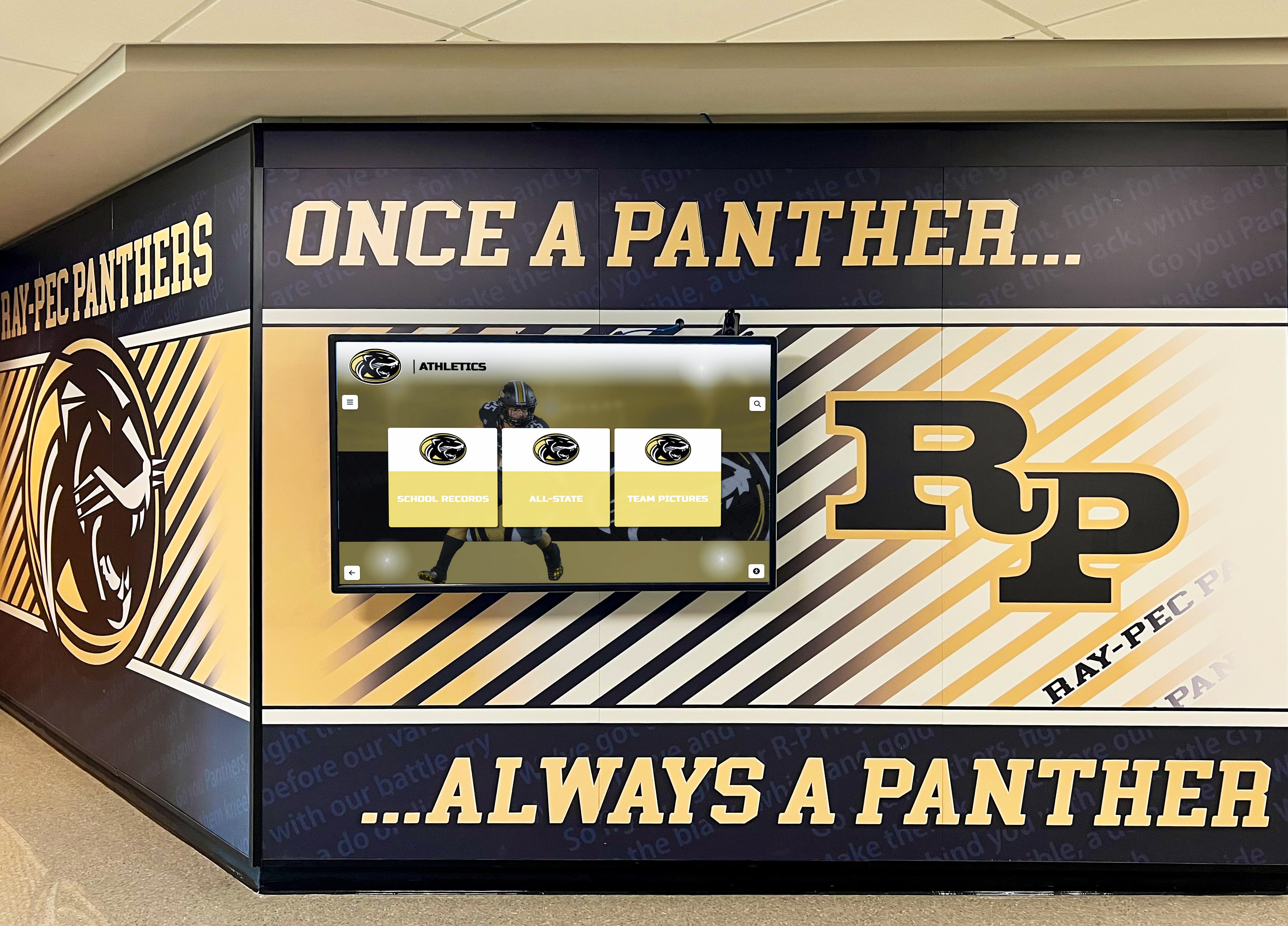
Small schools benefit from platforms designed for growth rather than tools that constrain future possibilities
The “Overkill” Argument: Where It Comes From and Why It Persists
Understanding why small schools instinctively resist feature-rich platforms helps address concerns directly.
The Assumption That “Depth” Means “Required”
When evaluating touchscreen platforms, decision-makers see lists of capabilities—donor tracking, event registration, searchable databases, analytics dashboards, multi-location management, API integrations—and reasonably conclude these features exceed their needs.
The Logic Appears Sound
Small schools thinking about displays often start with modest goals:
- Display photos from last year’s state championship basketball team
- Show the daily schedule or upcoming events
- Recognize honor roll students each semester
- Maybe add a few historical photos of past teams
- Provide simple information visitors can see in the lobby
Looking at platforms offering fifty different features, the school administrator asks the obvious question: “Why would I pay for all this when I only need 10% of what it does?”
What This Logic Misses
Feature depth and required usage represent different concepts. A database-backed platform with comprehensive capabilities can deliver a lightweight experience curated to exactly what the school wants to show. The presence of donor tracking doesn’t obligate anyone to implement donor tracking. The availability of advanced analytics doesn’t require daily dashboard reviews.
Modern touchscreen platforms offering extensive feature sets typically organize those capabilities into modules, templates, and optional configurations. A small school can use Rocket Alumni Solutions (or similar comprehensive platforms) in a simple way—photos, team rosters, schedule—while keeping richer capabilities available for later implementation if circumstances change.
The User Experience Determines Simplicity
The complexity visitors see depends on interface design and content choices, not backend capabilities. A platform with extensive database features can present information identically to a slideshow if administrators choose simple templates and minimal content organization. The difference appears when administrators want to update information, add new categories, or enable search—tasks taking seconds on structured platforms versus hours on manual slideshow systems.
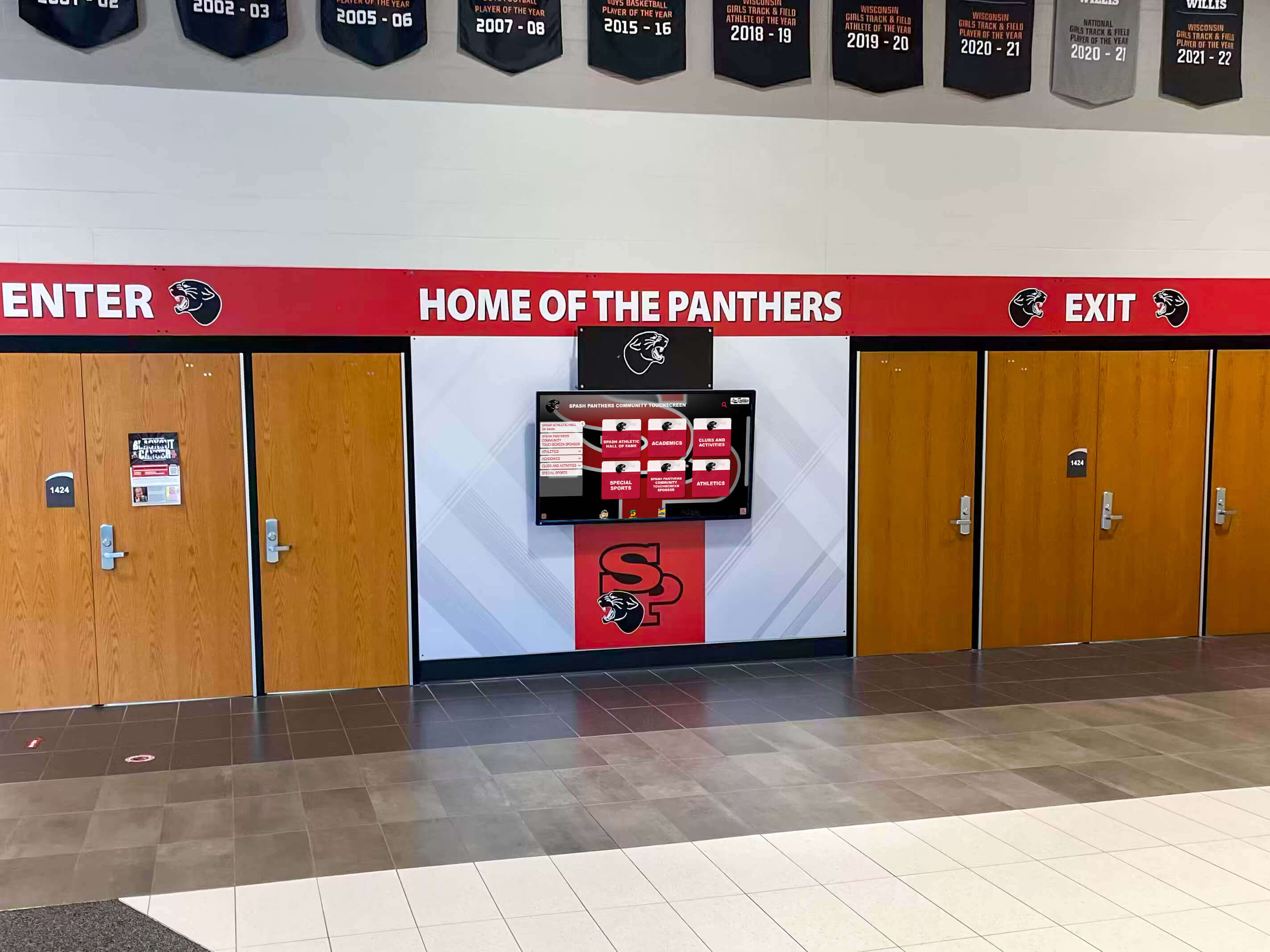
Simple user experiences can run on sophisticated platforms—depth doesn't require complexity
The “90% Cheaper” Comparison Problem
Budget-conscious small schools naturally gravitate toward the lowest-cost option. Seeing $500 annually for Rise Vision or Google Slides automation versus $2,500-$5,000 for comprehensive recognition platforms creates sticker shock.
What These Price Comparisons Exclude
The cost delta looks overwhelming until you account for what each price includes:
Basic Digital Signage Tools ($300-$800 annually)
- Slideshow playback scheduling
- Image rotation and basic transitions
- Template library (often limited)
- Cloud scheduling interface
- Display to one or multiple screens
- User provides: All content creation, updates, design work, information management
Comprehensive Recognition Platforms ($2,500-$5,000 annually)
- Everything above, plus:
- Structured database for unlimited individuals, teams, achievements
- Professional templates specific to school recognition
- Search and filter capabilities enabling content discovery
- Admin permissions and multi-user workflows
- Content import and migration assistance
- Ongoing platform support and training
- Mobile-responsive web extensions beyond physical displays
- Regular feature updates and improvements
- Often includes initial content onboarding support
The Missing Variable: Staff Time
The $2,000 price difference between basic signage and comprehensive platforms requires context. Consider administrative burden:
Manual Slideshow Management
- Creating new slides for each recognition addition: 15-30 minutes
- Updating event schedules weekly: 20-40 minutes
- Chasing coaches for photos and names: 30-60 minutes
- Fixing typos requiring new slide creation: 10-20 minutes
- Managing file versions and backups: 15-30 minutes monthly
- Re-exporting and uploading updated presentations: 10-20 minutes
Small schools maintaining slideshow-based displays report 4-8 hours monthly in content management time. At even modest hourly rates ($25/hour for office staff or volunteer time value), that represents $100-$200 monthly, or $1,200-$2,400 annually in labor cost.
Database-Backed Recognition Management
- Adding new individual or team: 5-10 minutes
- Updating schedules or information: 2-5 minutes
- Corrections or changes: 1-2 minutes
- Version management: Automatic
- Backup and redundancy: Cloud-managed
Schools report 1-2 hours monthly managing content on structured platforms—a 70-85% time reduction that saves $1,000-$2,000 annually in labor value compared to manual approaches.
True Total Cost Comparison Over 5 Years
Basic Digital Signage Approach:
- Software subscription (5 years): $3,000
- Staff time (5 years @ 6 hrs/month, $25/hr): $9,000
- Content creation learning curve: $500
- 5-Year Total: $12,500
Comprehensive Recognition Platform:
- Software subscription (5 years): $15,000
- Staff time (5 years @ 1.5 hrs/month, $25/hr): $2,250
- Initial setup investment: $1,500
- 5-Year Total: $18,750
The $6,250 difference represents the premium for reduced ongoing labor, expanded capabilities, and future flexibility—roughly $1,250 annually, or $104 monthly, to eliminate administrative bottlenecks and enable growth without system replacement.
Schools implementing school digital signage platforms should calculate total cost including staff time, not just software fees.
The Underestimated Scope Creep Problem
Small schools think they want “just a few photos” until they actually start displaying content.
What Schools Think They Want
Initial requirements typically sound modest:
- Display last year’s championship team with roster
- Show current season schedule
- Maybe add honor roll students each semester
- Display a few historical photos for context
- Keep everything simple and manageable
This sounds achievable with basic slideshow tools. Create twenty slides, set them to rotate, update quarterly. Easy.
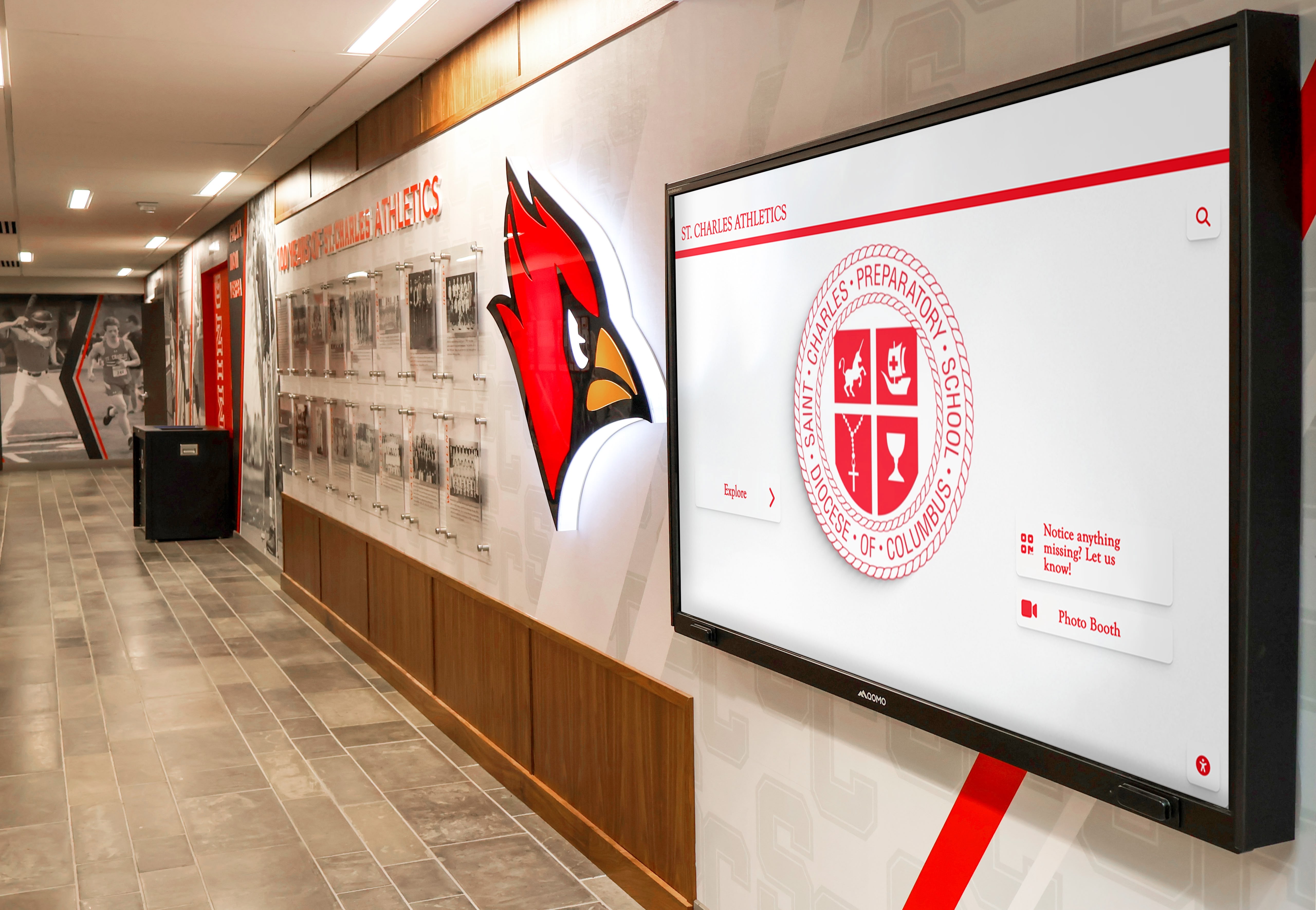
What starts simple often expands as schools discover new recognition opportunities
What Actually Happens Next
Within six to twelve months, the “just a few photos” scope expands predictably:
Athletic Recognition Growth
- Add fall sports teams (football, volleyball, cross country)
- Include senior night recognition for departing athletes
- Display individual athlete records and milestones
- Add historical championship teams from previous decades
- Recognize coaches with career achievement highlights
- Include tournament brackets and playoff results
Academic Recognition Addition
- Honor roll expansion with student photos and achievements
- National Honor Society member profiles
- Academic competition results (debate, quiz bowl, science olympiad)
- Scholarship recipient recognition
- Perfect attendance awards
- Student of the month features
Community and Culture Content
- Donor recognition for building renovations or equipment
- Alumni spotlights connecting graduates to current students
- Historical timelines showing school evolution
- Performing arts cast and crew recognition
- Club and organization leadership boards
- Community service project highlights
Operational Information
- Daily announcements and event calendars
- Lunch menus and schedule changes
- Weather alerts and emergency communications
- Visitor wayfinding and building directories
- Staff recognition for retirements and milestones
The Re-Platform Moment
This expansion happens gradually, so schools using basic slideshow tools don’t notice the burden until managing fifty slides becomes overwhelming. At that point, they face difficult choices:
- Continue struggling with increasingly unwieldy manual systems consuming excessive administrative time
- Limit content to what current tools manage, disappointing stakeholders expecting continued growth
- Re-platform to structured systems, requiring content migration, new training, and budget reapproval
The re-platform moment—when schools outgrow basic tools and must rebuild on new systems—typically occurs 12-24 months after initial implementation. All content requires migration, staff needs retraining on different platforms, and budget processes restart from scratch.
Schools that selected comprehensive platforms initially avoid this disruption. Content that took months to develop transfers seamlessly as new features activate. Staff already familiar with interfaces simply enable additional modules. No migration, no retraining, no budget restart.
Organizations understanding recognition program growth patterns plan for expansion rather than assuming static requirements.
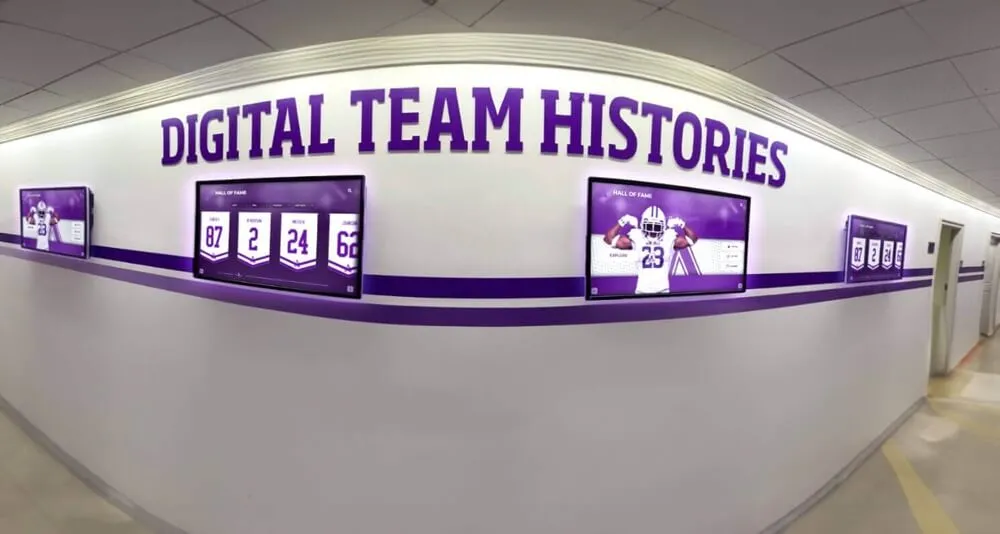
Recognition programs expand as schools discover new ways to celebrate achievement and engage community
Where “Simple” Solutions Actually Make Sense
Structured platforms aren’t always the right answer. Understanding when basic tools suffice prevents over-investment.
The Five Criteria for Basic Digital Signage
Small schools should choose simple slideshow tools when all five conditions apply:
1. Single Screen with No Expansion Planned
If the school intends to install exactly one display in exactly one location with no possibility of adding screens later, basic tools manage single-screen content adequately. The complexity comprehensive platforms handle (multiple displays, location-specific content, coordinated scheduling) provides no value for single static installations.
2. One Person Owns Updates Forever
When a single dedicated individual will manage content indefinitely—and genuinely enjoys creating slides manually—personal preference matters. If someone finds satisfaction in designing slides in PowerPoint or Canva and takes pride in hands-on updates, basic tools support that workflow.
3. No Need for Search, Structure, or Reusable Templates
If the intended content truly remains static—the same twenty slides rotating perpetually with only seasonal photo swaps—and no one will ever want to search for specific names, filter by category, or access historical information, database structure provides no benefit.
4. The Display Isn’t a Strategic Touchpoint
Schools treating displays as purely functional information boards—the digital equivalent of bulletin boards showing daily announcements—don’t need platforms designed for engagement. If the display serves administrative communication rather than recognition or donor stewardship, simple tools suffice.
5. Budget Is the Only Decision Variable
When budget constraints genuinely prevent any investment beyond minimal costs, basic tools at least enable some digital presence. A $500 annual basic signage subscription delivers more value than no display at all, even if limitations create frustration later.
When All Five Apply: Basic Tools Work
The small school with one display showing rotating announcements and event promotions, managed by someone who prefers hands-on slide design, with no plans for growth or search functionality, focused purely on operational communication rather than strategic engagement—that school can reasonably select basic digital signage tools.
When Any One Fails: Consider Structured Platforms
If the school might add a second display, if content management will rotate among multiple staff members, if searchable historical archives hold value, if donor or alumni engagement matters, or if total cost of ownership (including staff time) enters decision criteria—comprehensive platforms warrant serious evaluation.
Schools planning athletic recognition displays typically exceed at least three of the five criteria, making structured platforms appropriate investments.
The Honest Assessment Questions
Before committing to “simple and cheap,” small schools should answer these questions candidly:
Future Intent Questions
- Will the school possibly add a second display within five years?
- Might different locations want customized content on their screens?
- Could the school expand from announcements to recognition content?
- Will multiple staff members need content management access?
- Might the school want web-accessible content beyond physical displays?
Content Complexity Questions
- Will anyone ever want to search for specific names or achievements?
- Does the content include structured lists (rosters, honor rolls, donor names)?
- Will historical information from multiple years need organization?
- Does content include relationships (athletes to teams, students to achievements)?
- Will content require filtering by category, year, or achievement level?
Stakeholder Value Questions
- Do donors, alumni, or community members view the display during visits?
- Does the display influence prospective family perceptions during tours?
- Will recognized individuals want to share their profiles on social media?
- Does the school want analytics showing which content generates interest?
- Will the school use recognition displays for fundraising or development purposes?
Operational Reality Questions
- Will the same person manage content three years from now?
- Does content management compete with other critical responsibilities?
- Will anyone chase coaches and advisors for updated information and photos?
- Does the school have capacity for 4-8 hours monthly content management?
- Will content updates happen immediately when information changes, or lag weeks?
Three or more “yes” answers suggest comprehensive platforms deliver better long-term value than basic tools, even accounting for higher initial cost.
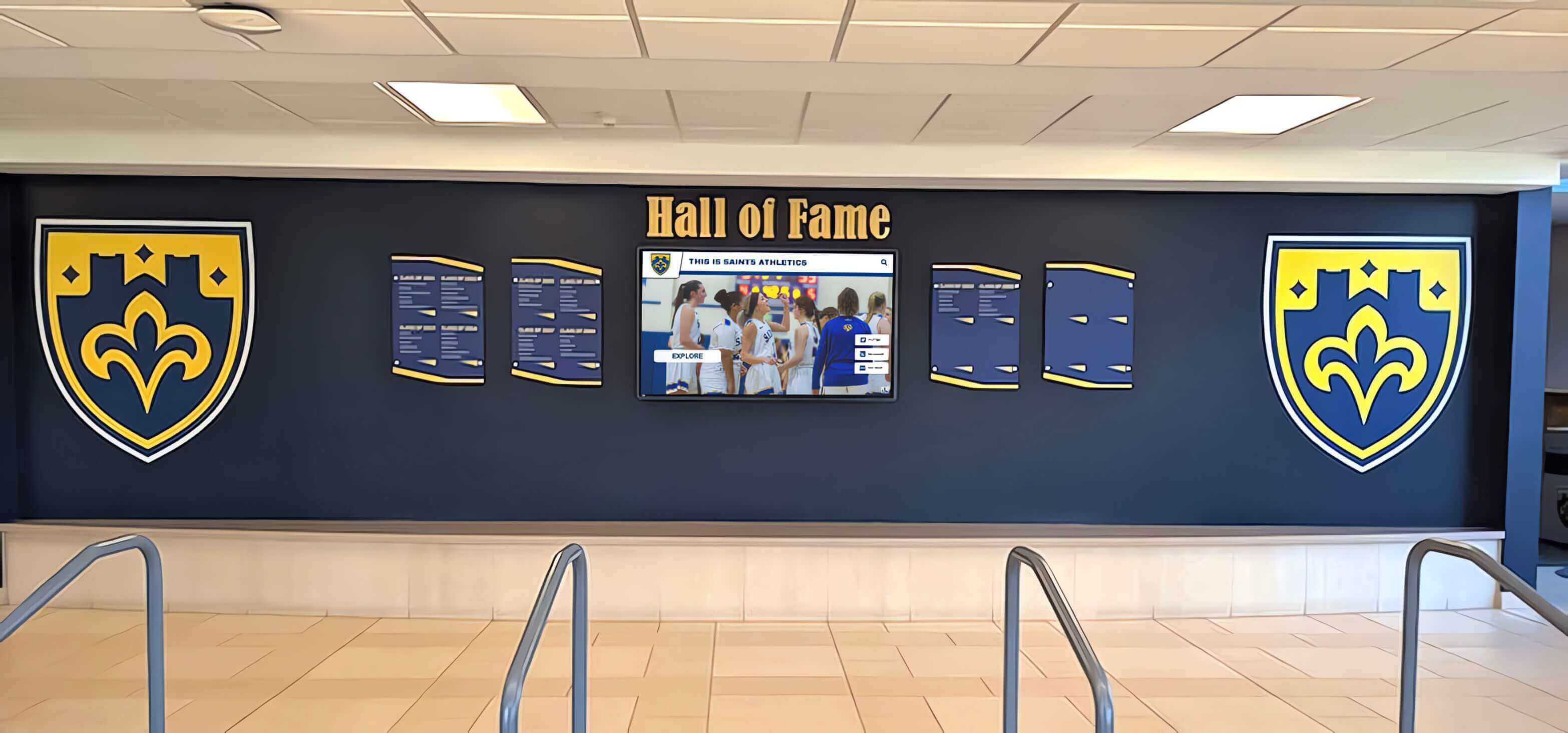
Schools combining physical recognition with digital displays benefit from platforms supporting future expansion
The Real Problem for Small Schools: Maintenance, Not Features
Small schools’ actual constraint isn’t budget or feature requirements—it’s sustainable maintenance with limited staff capacity.
Why Manual Processes Consume Disproportionate Time
Basic digital signage tools require manual processes that scale poorly as content grows.
The Slideshow Maintenance Tax
Every content update requires multiple steps:
- Information gathering: Email coaches, advisors, or families requesting photos, names, achievements, dates
- Follow-up: Chase non-responders through repeated emails and phone calls
- Content verification: Confirm accuracy with multiple stakeholders preventing embarrassing errors
- Design work: Open presentation software, create new slides or modify existing ones
- Photo editing: Crop, resize, adjust images to fit slide templates consistently
- Typography work: Ensure text fits, reads from viewing distances, maintains consistency
- Version control: Save updated files with clear naming preventing accidental old version uploads
- File export: Export presentations to formats compatible with media players
- Upload and scheduling: Access display management interface, replace old files with new versions
- Verification: Check physical display confirming content appears correctly
Small schools report this process consuming 30-90 minutes per recognition addition, depending on content complexity and stakeholder responsiveness. Adding ten honor roll students with photos requires 5-15 hours spread across weeks waiting for information and photos.
The Exponential Burden Problem
As content volume increases, maintenance time grows exponentially rather than linearly:
- Managing 20 slides: 2-3 hours monthly
- Managing 50 slides: 5-8 hours monthly
- Managing 100 slides: 12-18 hours monthly
- Managing 200 slides: 25-35 hours monthly
The relationship isn’t proportional because larger slide libraries create additional overhead—finding slides requiring updates, managing version confusion, coordinating among multiple file versions, preventing duplicate or conflicting content.
Schools that achieve meaningful recognition scope (all sports, honor roll, arts, clubs) find themselves managing 150-300 slides within two years. The administrative burden becomes unsustainable for staff with full-time responsibilities beyond display management.
Database-Backed Efficiency
Structured platforms transform every maintenance step:
- Information gathering: Same as manual approach (this step remains required)
- Data entry: Type information directly into web form (2-5 minutes)
- Photo upload: Drag image files into designated field (30 seconds)
- Automatic formatting: System applies consistent templates to all content
- Preview and publish: Review and publish immediately (30 seconds)
Total time per recognition addition: 5-10 minutes, 70-85% faster than manual slideshow approaches. Adding ten honor roll students requires 1-2 hours rather than 5-15 hours.
As content volume grows, database systems maintain consistent effort per addition. Managing 20 entries requires 2-3 hours monthly. Managing 200 entries requires 2-3 hours monthly. The relationship stays linear because databases handle organization, versioning, and coordination automatically.
Organizations understanding digital recognition platform efficiency recognize that structure reduces labor rather than adding complexity.
The Volunteer Coordinator Reality
Many small schools rely on volunteer parent coordinators or part-time staff managing displays “in addition to” primary responsibilities.
Volunteer Sustainability Challenges
Parent volunteers managing displays face predictable obstacles:
- Limited availability: Volunteers work around employment and family schedules
- Inconsistent access: May lack reliable campus access for photo gathering
- Knowledge gaps: Often unfamiliar with technology, requiring extensive training
- Turnover: Volunteers typically serve 1-2 years before graduating students leave
- Competing priorities: Other volunteer commitments reduce available time
Manual slideshow systems compound these challenges by requiring technical skills (presentation software proficiency, design sensibility, file management) many volunteers lack. Training new volunteers every 1-2 years consumes administrative time while creating gaps during transitions.
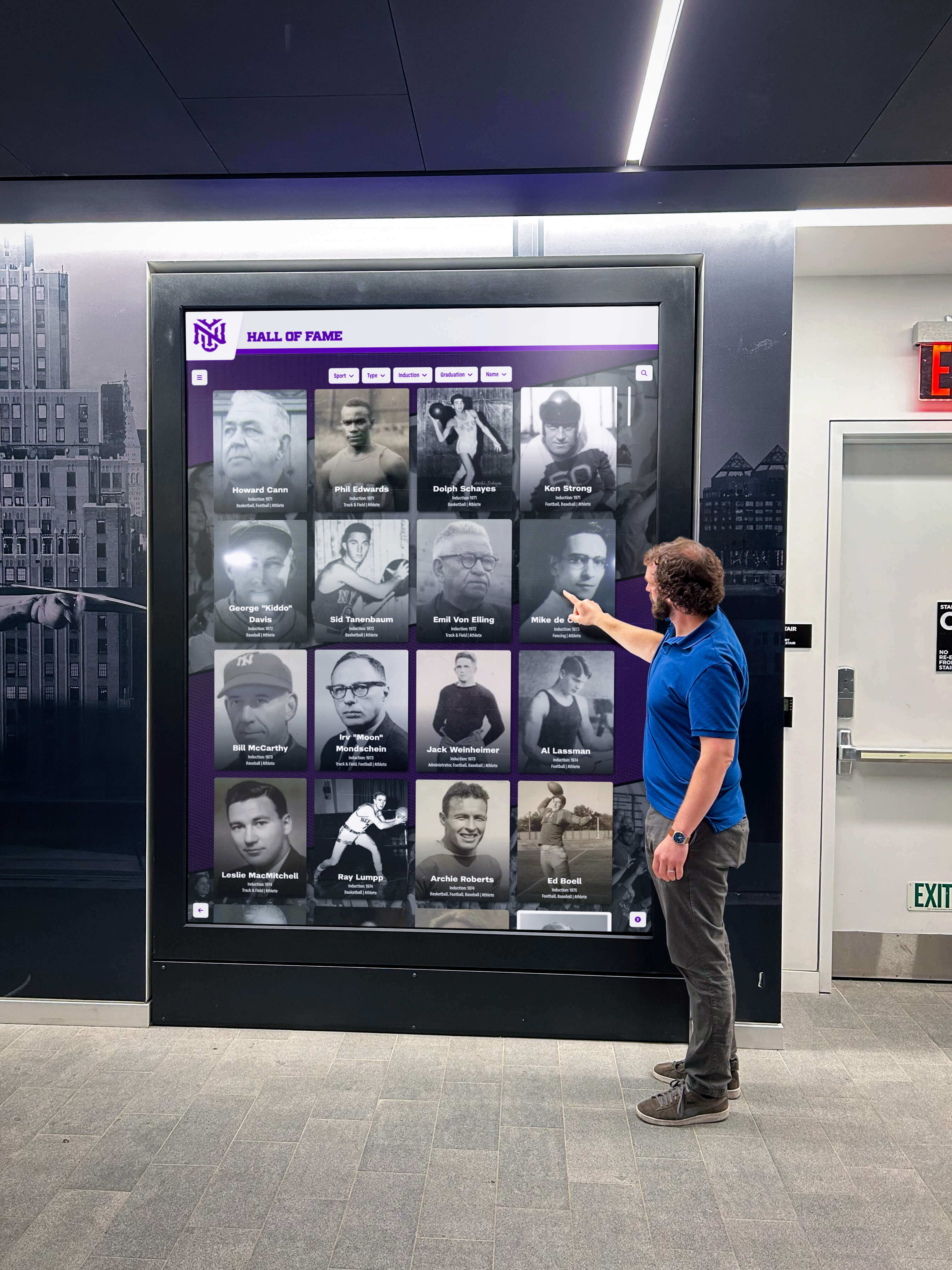
Intuitive platforms enable diverse staff and volunteers to manage content without extensive technical training
Platform Intuitiveness Matters Critically
Web-based platforms with simple form interfaces enable broader participation:
- No software installation: Volunteers access platforms through standard browsers on any device
- Minimal training required: Form-based interfaces feel familiar from other web applications
- Lower technical barrier: No presentation software skills, design experience, or file management knowledge required
- Faster onboarding: New volunteers become productive within 30-60 minutes versus 5-10 hours for slideshow tools
- Reduced administrator burden: Platform vendors provide documentation and support rather than schools training internally
Small schools using structured platforms report 60-80% reduction in volunteer onboarding time and 40-60% longer volunteer tenure as reduced burden makes roles more sustainable.
The Hidden Cost of Typos and Corrections
Recognition content carries emotional weight. Spelling someone’s name incorrectly, listing wrong achievements, or displaying inaccurate information creates immediate community relations problems.
Manual Slideshow Correction Burden
When schools discover errors in slideshow-based displays:
- Locate the original file containing the error
- Open presentation software and find the specific slide
- Make corrections to text or images
- Re-export entire presentation
- Upload replacement file to media player
- Verify correction appears on physical display
- Notify affected individuals that correction completed
Time investment: 15-30 minutes per correction. Schools typically discover 3-5 errors monthly, consuming 1-2 hours in correction workflows.
Database Correction Simplicity
When schools discover errors in structured platforms:
- Log into admin interface from any device
- Search for affected entry or individual
- Edit the specific field requiring correction
- Save changes (updates appear within seconds)
Time investment: 1-2 minutes per correction. Same error rate consumes 5-15 minutes monthly—an 85-90% time reduction.
The Credibility Impact
Beyond time savings, rapid correction capability protects institutional credibility. Errors that persist for weeks because correction requires significant effort create perceptions of carelessness. Errors fixed within hours demonstrate responsiveness and attention to detail.
Schools implementing touchscreen recognition platforms report 70-85% reduction in time spent correcting errors and updating information.
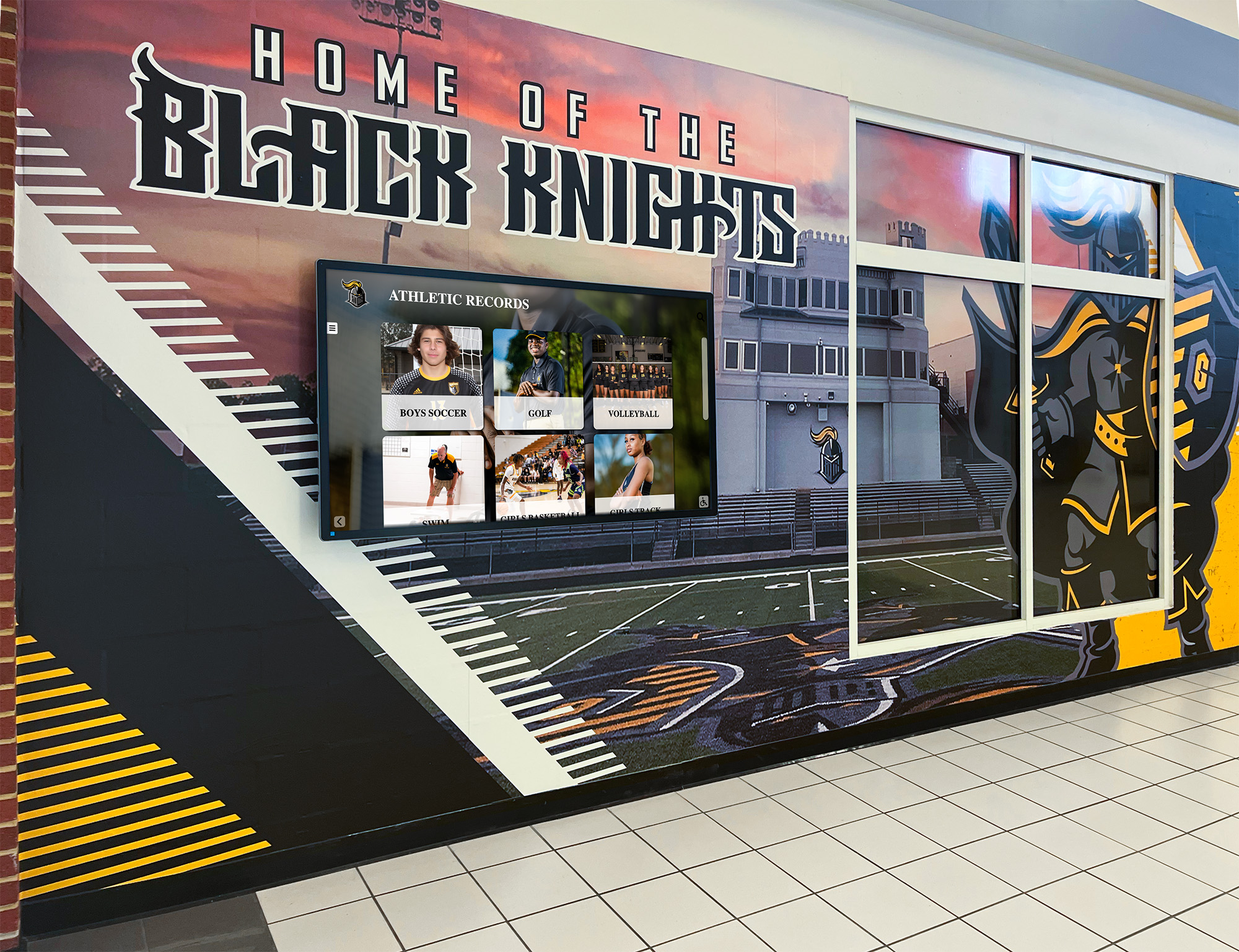
Accurate, easily updated content maintains credibility and reduces administrative burden from corrections
Small Schools Value Donor and Community Perception
Small schools operate with limited budgets, making every fundraising dollar and every community impression critical.
The Lobby as Fundraising Asset
Even at small budgets, recognition displays often occupy the most visible locations in schools—main lobbies, gym entrances, performing arts center foyers. These spaces receive regular exposure from key audiences:
Primary Audiences
- Prospective families during campus tours and open houses
- Current families attending events, meetings, and performances
- Alumni returning for reunions, homecoming, and special occasions
- Community members at public events and facility rentals
- Local business leaders considering sponsorships and partnerships
- Foundation board members and major donors visiting campus
First Impression Impact
The quality of recognition displays communicates institutional competence and values:
Professional, searchable, modern presentations create impressions of:
- Investment in student recognition and celebration
- Organizational capacity and attention to detail
- Technological sophistication and forward-thinking
- Respect for individual accomplishments and contributors
- Financial stability supporting quality facilities and systems
Outdated, cluttered, or obviously amateur presentations suggest:
- Budget constraints preventing appropriate investment
- Limited organizational capacity or follow-through
- Technology gaps indicating broader resource limitations
- Lack of attention to recognition or community engagement
- Financial challenges requiring difficult choices
Donor Psychology
Major donors considering contributions evaluate whether organizations demonstrate stewardship capacity. Recognition display quality—whether institutions celebrate contributions professionally and maintain those celebrations over time—provides tangible evidence of organizational capability.
Searchable databases ensuring every recognized individual appears permanently, with accurate information and professional presentation, communicate stewardship more compellingly than rotating slideshows where names cycle off-screen or disappear when file versions change.
Schools implementing donor recognition displays understand that recognition quality directly influences future philanthropic engagement.
Alumni Engagement and Annual Giving
Small schools rely heavily on alumni annual giving, often representing 15-30% of annual fundraising revenue. Alumni connection to institutions depends partly on whether schools maintain visible connections to their contributions and achievements.
The Alumni Visit Experience
Alumni returning to campus typically want to:
- Show family members or friends their accomplishments and involvement
- Reconnect with memories of teams, activities, and achievements
- Verify institutional appreciation for their contributions
- Assess whether the school maintains traditions and values
- Evaluate whether institutions merit continued financial support
Searchable Display Value
Alumni visiting schools with comprehensive touchscreen displays immediately search for their own names, teams they participated in, and classmates they remember. Finding themselves recognized—with photos, achievement details, and context connecting them to broader institutional history—creates powerful emotional connections reinforcing annual giving decisions.
Alumni visiting schools with slideshow displays typically see whatever content happens to be displaying at that moment. If their achievements appear in the current rotation, they experience recognition. If not, their visit provides no verification that the school remembers or values their contributions.
Web-Accessible Extensions
Modern recognition platforms extend beyond physical displays to web-accessible archives. Alumni living across the country can explore their achievements remotely, share profiles on social media, and maintain connections to institutions without campus visits.
This extended engagement creates touch points throughout the year rather than limiting recognition to physical campus visits. Small schools report 40-60% of platform usage occurs remotely via web access rather than through physical displays—multiplying recognition reach and frequency.
Schools comparing hall of fame platform options should evaluate web accessibility as critical feature for alumni engagement.
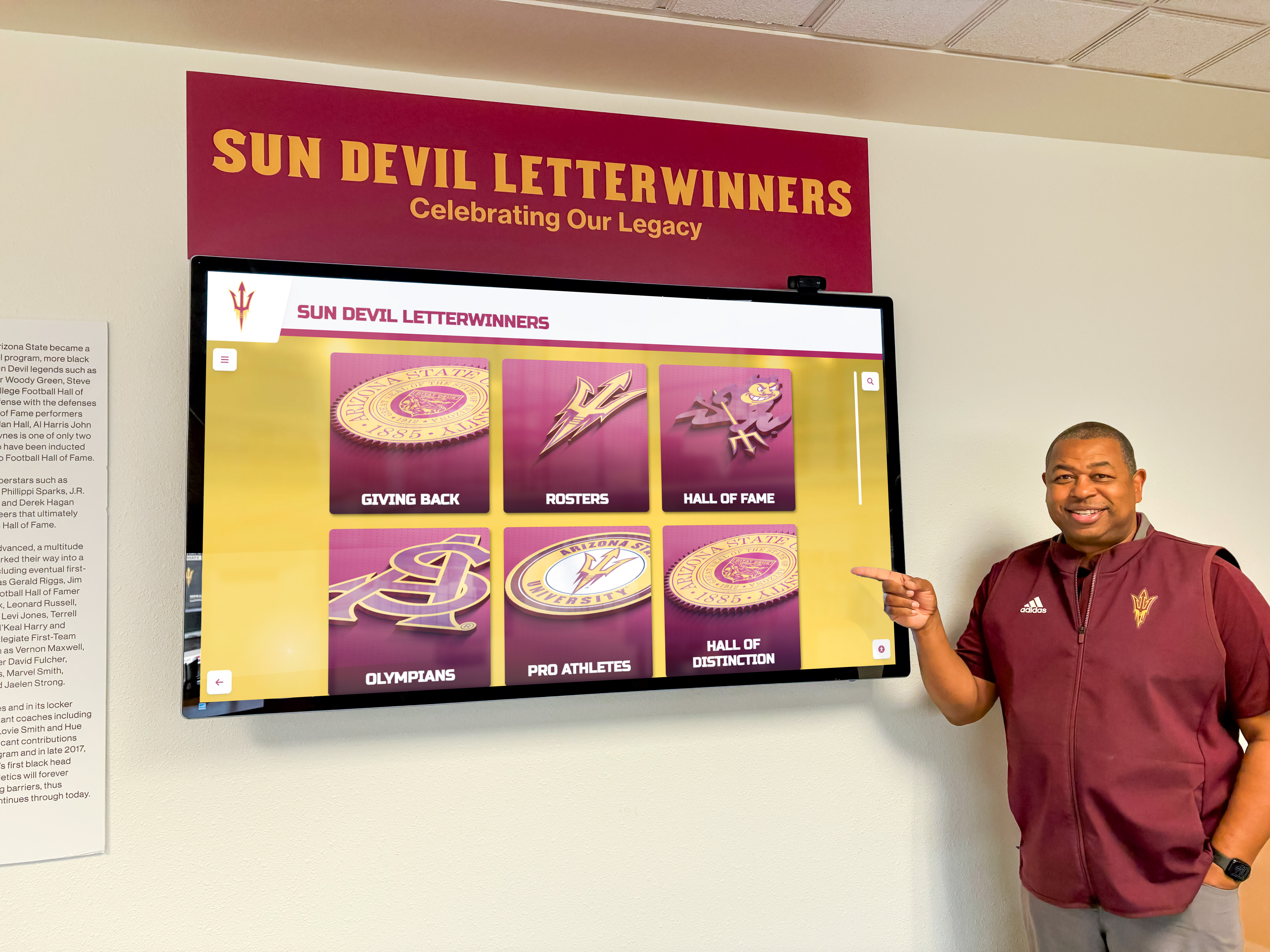
Alumni engagement depends on finding themselves recognized when they return to campus or explore remotely
The ROI Small Schools Can’t Afford to Ignore
Small school budgets make return on investment calculations more critical, not less important.
Measurable Value Dimensions
Administrative Time Savings
- 70-85% reduction in content management time: 3-6 hours monthly saved
- Value at $25/hour: $75-$150 monthly, $900-$1,800 annually
Avoided Future Costs
- No re-platform expense when requirements expand: $2,000-$4,000 saved
- No additional training and migration labor: $1,000-$2,000 saved
- No content recreation or database rebuilding: $1,500-$3,000 saved
Development and Fundraising
- 5-10% improvement in alumni giving response rates
- For school with 500 alumni, $50 average gift: $1,250-$2,500 annual increase
- Enhanced major donor stewardship enabling larger asks
- Improved corporate partnership visibility and recognition
Recruitment and Enrollment
- Improved prospective family perceptions during tours
- Enhanced competitive positioning versus neighboring schools
- Modern, professional presentation supporting enrollment goals
- Even 1-2 additional enrolled students annually: $8,000-$20,000 tuition revenue
Total Annual Value Estimate Conservative calculation for small school:
- Time savings: $1,200
- Development improvement: $1,500
- Avoided future costs (amortized): $800
- Annual value: $3,500
Against $3,000 annual platform cost, the net benefit approaches break-even—before accounting for intangible culture, pride, and engagement benefits that resist quantification but provide real institutional value.
Touch vs. Non-Touch: The False Choice
The “overkill” concern often conflates touchscreen interactivity with platform capability, suggesting schools not wanting touch don’t need comprehensive platforms.
Touch as One Interaction Model
Touchscreen capability represents one way users interact with content, not the reason platforms exist.
Touch-Enabled Exploration
- Self-guided navigation through achievement databases
- Search by name, year, or category
- Pinch-to-zoom photo viewing
- Swipe gestures for photo galleries
- Filter options for targeted content discovery
Non-Touch Display Modes
- Scheduled content rotation without interaction
- Featured athlete or achievement spotlights
- Upcoming events and announcements
- Rotating historical photos and timelines
- Daily schedule and operational information
Platform Value Beyond Touch
The database, content management, and distribution capabilities that distinguish comprehensive platforms from basic signage provide value regardless of whether displays include touch interaction:
- Centralized content management: Update all displays remotely from web interface
- Consistent presentation: Professional templates ensure quality across all content
- Structured information: Database organization enables search and filtering when needed
- Easy updates: Rapid changes without presentation software and file management
- Multiple display support: Coordinated content across locations with customization
- Web extensions: Mobile and desktop access beyond physical displays
Small schools can deploy comprehensive platforms in “lean mode”—non-interactive displays showing rotating featured content—while benefiting from simplified content management, future expansion capability, and option to enable touch interaction later if circumstances change.
Organizations implementing digital signage for schools should evaluate platforms based on management simplicity and future flexibility rather than current interaction requirements.
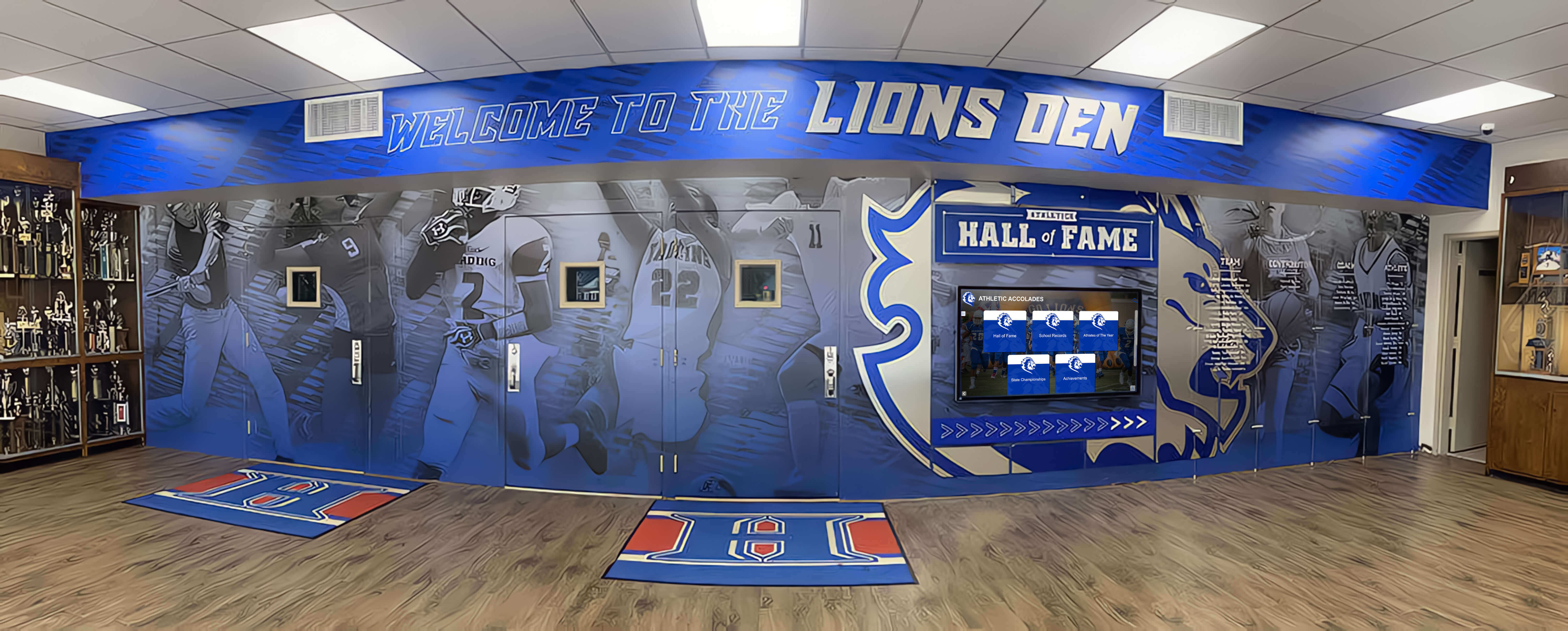
Comprehensive platforms deliver value through simplified management even without touchscreen interaction
Starting Simple, Growing When Ready
The appropriate question isn’t “Do we need touch capability?” The appropriate question is “Do we want a platform that enables touch exploration when we’re ready, without switching systems?”
Phase One: Passive Display (Months 1-6)
- Single display showing rotating featured content
- Coach highlights and recent achievements
- Event schedules and announcements
- No touch interaction, just scheduled playback
- Focus on establishing update workflows
Phase Two: Structured Content (Months 7-12)
- Add historical team rosters and photos
- Build athlete profile database systematically
- Include academic recognition content
- Enable basic search if display supports touch
- Expand from featured rotation to comprehensive archive
Phase Three: Interactive Engagement (Months 13-24)
- Enable full touchscreen exploration
- Add web-accessible public archives
- Include donor recognition content
- Integrate social media sharing
- Expand to second display location
This progression delivers immediate value with minimal complexity while creating foundation for sophisticated engagement as organizational capacity grows. Schools never face re-platform moment because initial system supports entire growth path.
The Counter-Argument in One Sentence
Comprehensive touchscreen platforms aren’t overkill for small schools because database and platform depth reduce ongoing maintenance burden, prevent future re-platform costs, and provide growth paths from simple displays to community engagement tools without switching systems—making them lower total cost of ownership than “simple” alternatives that constrain growth and consume disproportionate staff time.
Making the Right Decision for Your Small School
Small schools evaluating touchscreen solutions should follow systematic decision frameworks rather than defaulting to lowest initial cost.
Decision Framework: Three Key Questions
Question 1: What’s Your True Constraint?
If the answer is “We literally cannot afford anything beyond $500 annually regardless of other factors,” basic digital signage tools represent the only option. Proceed with realistic expectations about maintenance burden and future limitations.
If the answer is “We need to justify value and demonstrate responsible stewardship, but can allocate $2,000-$4,000 annually if ROI is clear,” comprehensive platforms warrant serious evaluation based on total cost of ownership including staff time.
Question 2: How Will Content Evolve Over Five Years?
If the honest answer is “We will display the exact same twenty slides with only annual photo updates, never expanding scope or content volume,” basic tools support that stable requirement.
If the realistic answer is “We’ll probably add academic recognition, expand sports coverage, include historical content, and possibly add donor recognition as funding allows,” comprehensive platforms prevent the re-platform moment when these expansions inevitably occur.
Question 3: Who Manages Content, and How Sustainable Is That?
If one dedicated technology-savvy person will own content management indefinitely and genuinely enjoys manual slideshow design, basic tools align with their preferences and skills.
If content management will rotate among multiple staff members with varying technical skills, or if current volunteers will eventually leave requiring new coordinator onboarding, platform intuitiveness and reduced complexity become critical success factors.
Evaluation Checklist for Small Schools
Before deciding, small schools should assess:
Must-Have Requirements
- Cloud-based management from any internet-connected device
- Intuitive admin interface requiring no technical expertise
- Reasonable annual cost within budget constraints ($2,000-$4,000)
- Professional templates for school recognition content
- Reliable vendor with established educational customer base
- Responsive support with clear contact channels
Nice-to-Have Capabilities
- Multi-display support if expansion planned
- Web-accessible content beyond physical displays
- Mobile-responsive access from smartphones
- Search and filter functionality when touch-enabled
- Analytics showing content engagement
- Customization options for school branding
Warning Signs to Avoid
- Content capacity limits (maximum entries, photos, or videos)
- Per-entry pricing models that penalize growth
- Complex interfaces requiring extensive training
- Software installation requirements versus cloud access
- Vendors primarily serving commercial signage versus education
- Limited support resources or slow response times
Schools should request demonstrations showing content management workflows, not just display interfaces. The question isn’t what visitors see—it’s how easily staff manages content.
Organizations exploring school recognition technology options benefit from systematic evaluation frameworks addressing long-term sustainability.
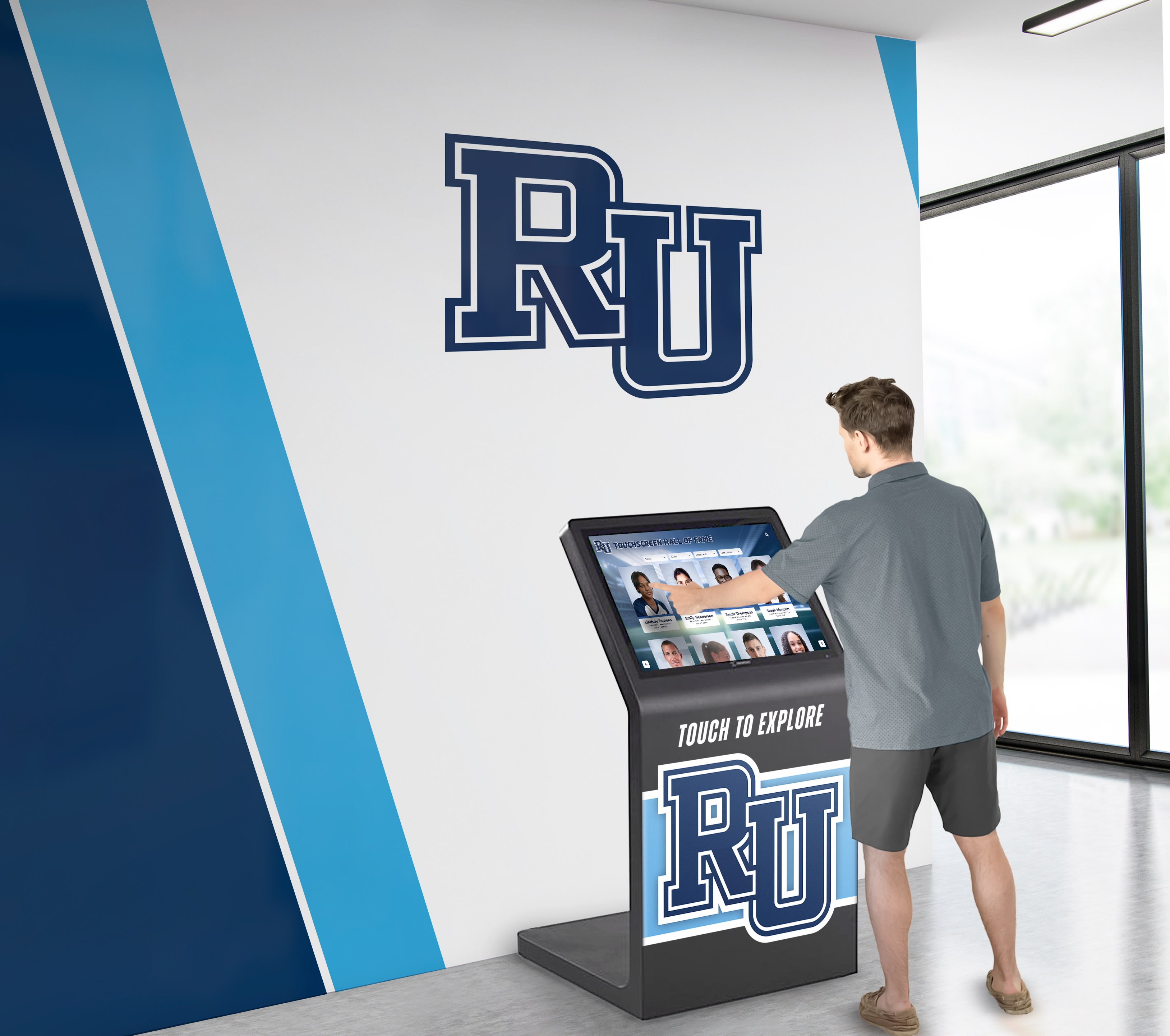
Platform evaluation should focus on management simplicity for staff, not just visitor experience
Starting Your Implementation: Practical First Steps
Small schools ready to move forward should approach implementation systematically.
Month One: Assessment and Planning
Week 1-2: Stakeholder Input
- Athletic director priorities for sports recognition
- Academic coordinator vision for student celebration
- Development director interest in donor recognition
- Administrator perspective on communication needs
- Current volunteer capacity and sustainability concerns
Week 3-4: Technical Assessment
- Proposed display locations and viewing conditions
- Network connectivity availability (WiFi or ethernet)
- Electrical power outlet access
- Display size appropriate for viewing distances
- Wall mounting versus freestanding kiosk requirements
Month Two: Vendor Evaluation and Selection
Week 1-2: Research and Demonstrations
- Request demonstrations from 2-3 vendor finalists
- Focus on content management workflows during demos
- Ask current customers about support quality and satisfaction
- Review contract terms for annual increases and commitments
- Evaluate total cost including hardware and services
Week 3-4: Budget Approval and Contracting
- Present total cost of ownership analysis to decision-makers
- Compare alternatives with realistic maintenance time calculations
- Secure funding approval from administration or board
- Finalize vendor selection and contract execution
- Schedule installation during optimal timing (summer break, winter break)
Month Three: Content Development
Week 1-2: Historical Inventory
- Photograph current physical recognition (plaques, trophy cases)
- Inventory existing digital content (yearbooks, team photos, archives)
- Interview coaches and advisors about priority content
- Identify alumni or community members with historical knowledge
- Assess realistic initial content scope
Week 3-4: Priority Content Creation
- Focus on current year content first (recent teams, honor roll)
- Add high-priority historical content (championships, milestones)
- Accept phased approach adding content over 6-12 months
- Train initial administrators on content management
- Develop sustainable update workflows
Schools implementing athletic recognition displays should allocate 2-3 months for planning and content development before expecting displays to launch.
Sustainability: The First Year and Beyond
Months 1-6: Establish Workflows
- Identify clear content ownership for each category
- Document standard processes for adding new recognition
- Train backup administrators preventing single points of failure
- Gather feedback from students, staff, and visitors
- Refine content based on usage and engagement
Months 7-12: Expand and Refine
- Add historical content systematically during slower periods
- Introduce additional content categories as capacity allows
- Enable advanced features when team feels comfortable
- Review analytics identifying popular content
- Assess return on investment and community impact
Years 2-5: Mature System
- Maintain regular content updates with established workflows
- Continuously add historical content enriching archives
- Explore advanced features (web access, social sharing, analytics)
- Consider second display location if warranted by success
- Document value through stakeholder testimonials and metrics
Sustainable implementation requires accepting gradual content development rather than expecting complete databases at launch. Start with priority content, establish manageable workflows, and expand systematically over time.
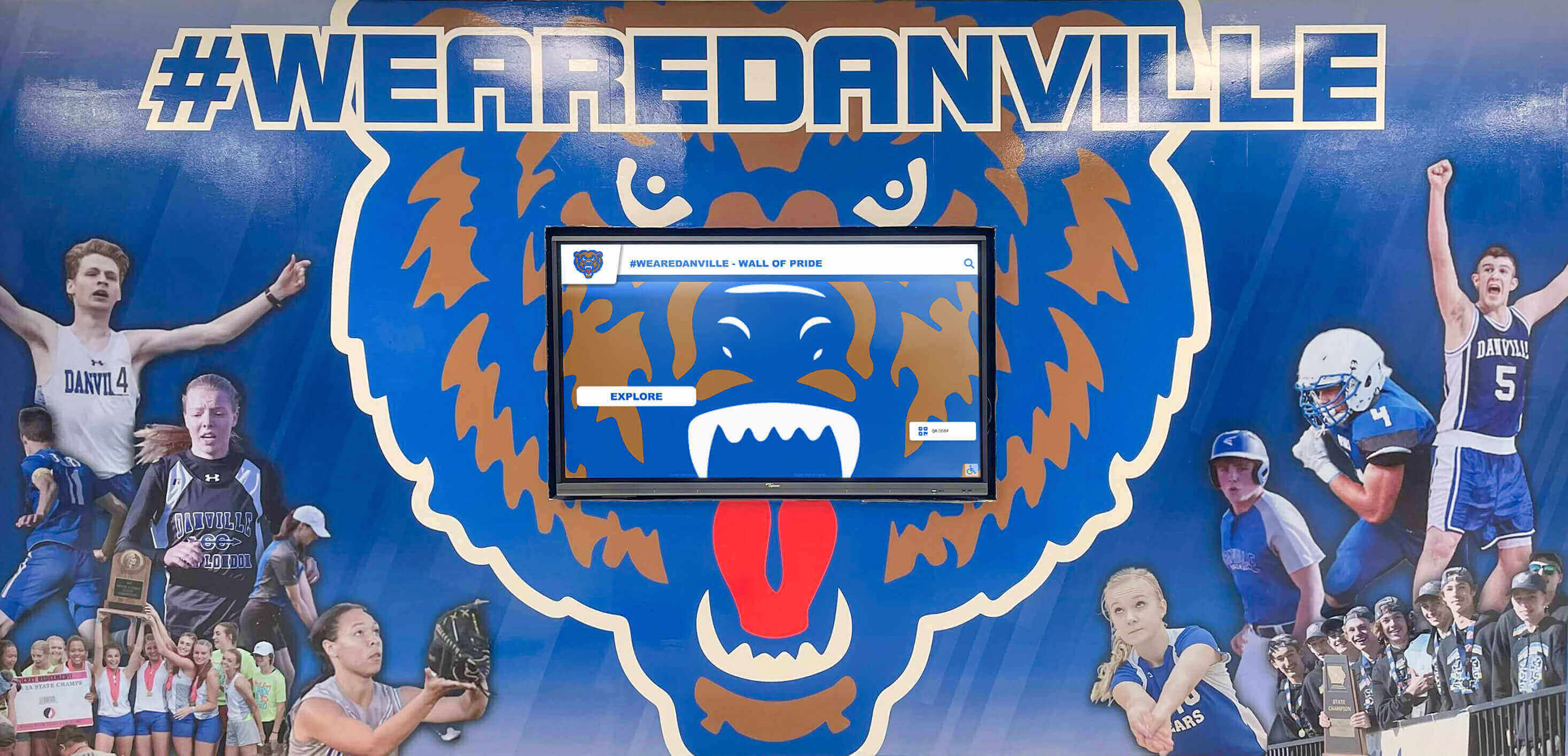
Successful implementations balance ambition with realistic timelines and sustainable maintenance capacity
Conclusion: Choosing Platforms That Grow With Your School
Small schools face a fundamental choice: invest in platforms that reduce ongoing labor while enabling future growth, or select basic tools that constrain possibilities while consuming disproportionate administrative time.
The “overkill” argument assumes feature depth requires feature use. Modern comprehensive platforms deliver lightweight experiences when desired while preserving capability for future expansion. Database-backed content management reduces maintenance burden by 70-85% compared to manual slideshow approaches—the critical factor for small schools with limited staff capacity.
Budget conversations should account for total cost of ownership over five years, including staff time at realistic hourly values. The $1,000-$2,000 annual premium for comprehensive platforms often costs less than the administrative burden basic tools impose through manual content management consuming 4-8 hours monthly.
Small schools don’t have excess capacity for repetitive manual work. The real constraint isn’t features or budget—it’s sustainable maintenance with limited staff. Structured platforms that simplify updates, enable multiple administrators, and prevent re-platform costs when requirements inevitably expand serve small school needs precisely because they reduce complexity rather than adding it.
Every small school will likely expand recognition scope beyond initial plans as stakeholders discover new opportunities for celebration. The question isn’t whether expansion will occur—it’s whether current platform choices enable or constrain that growth. Schools selecting comprehensive platforms initially avoid the re-platform moment when basic tools no longer suffice, preserving months of content development work and maintaining continuity of recognition.
Lobby displays influence prospective families, alumni donors, and community partners forming impressions about institutional quality and values. Professional, searchable, modern recognition communicates organizational competence that generic slideshow displays cannot match. For schools depending on tuition revenue, annual giving, and community support, perception matters materially.
Small schools deserve technology that reduces burden rather than creating additional work. The right platforms start simple when schools need simplicity, enable growth when schools are ready for expansion, and maintain manageable administration throughout the evolution from basic displays to comprehensive community engagement.
Start where you are with resources available, but choose platforms that grow with your school rather than constraining your future. The difference between reactive re-platforming and intentional scaling often determines whether recognition programs create sustained value or become abandoned technology investments.
Ready to explore touchscreen recognition platforms designed specifically for small schools that need simplified management, room for growth, and sustainable maintenance? Discover how solutions like Rocket Alumni Solutions support schools of all sizes with intuitive platforms, unlimited content capacity, and comprehensive support that makes sophisticated recognition achievable without overwhelming staff resources or budgets.