Intent: demonstrate. A recognition display motion blur test tells school administrators and athletic directors whether a proposed touchscreen or video display can render sports highlight reels and animated recognition graphics cleanly before a purchase is finalized—or before a new screen goes live in a lobby, gymnasium, or hall of fame corridor.
The short answer: play a standardized test sequence of fast-panning sports footage and animated text transitions on the display at its intended brightness and viewing distance, then evaluate trailing artifacts, smearing, and ghosting against a pass/fail checklist. Schools that run this test before accepting delivery consistently catch display quality issues that would otherwise surface months into operation, when budgets for returns or replacements have closed.
This guide walks through the full motion-blur acceptance test process—what to prepare, what to observe, how to score results, and how those results connect to your recognition program’s long-term quality standards.
Lobby touchscreens and corridor video displays are the public face of a school’s recognition program. When a parent pauses to watch a highlight reel of their student’s championship season, or a booster club member encounters an animated donor wall for the first time, the visual quality of that moment reflects on the institution. Blurry action footage and ghosting text animations undermine the experience even when the underlying recognition content is excellent—and they are entirely preventable with a structured pre-installation test.
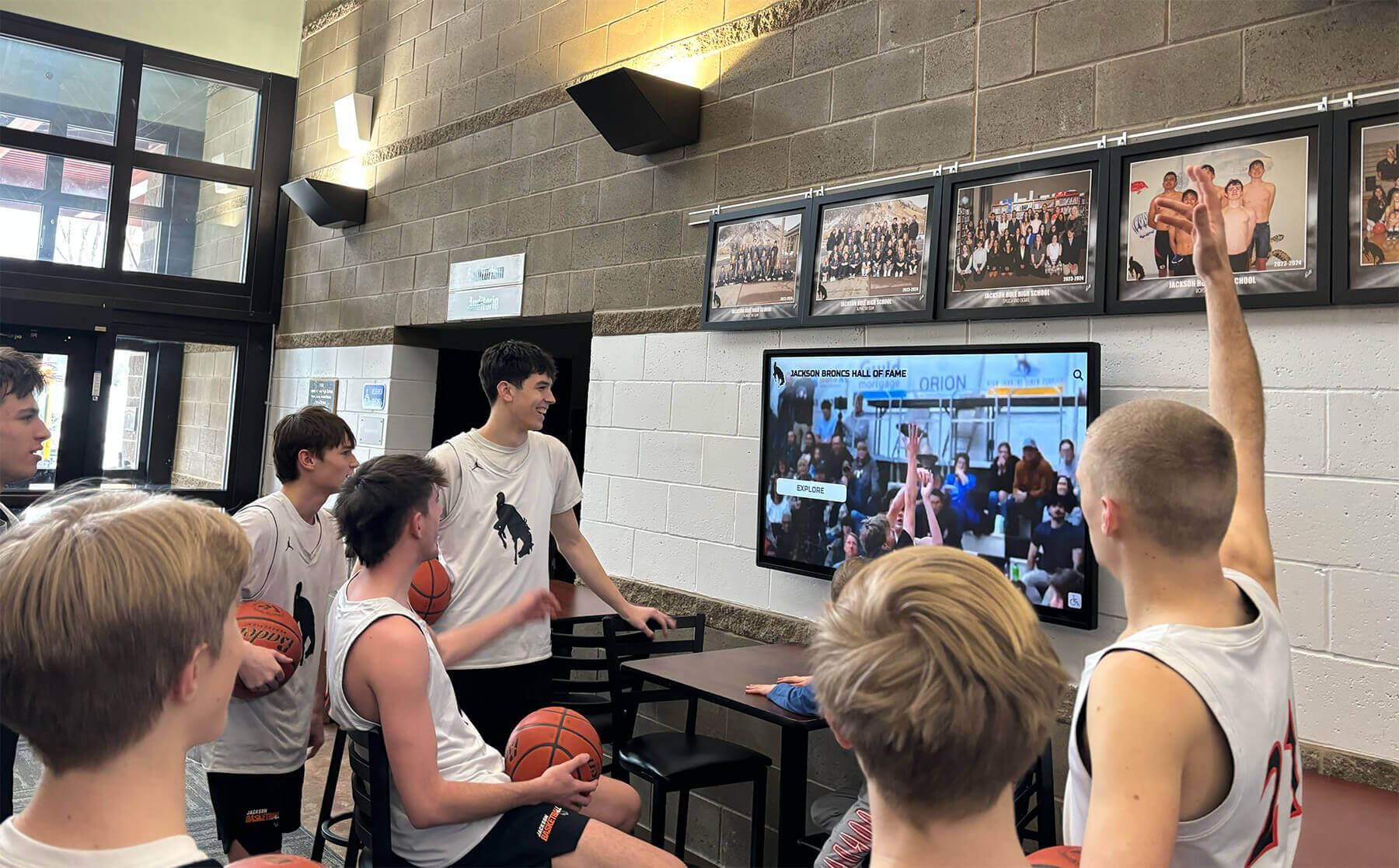
Sports highlight reels on recognition displays reveal motion-handling quality that static promotional images never show—a strong reason to test with real content before accepting delivery
Why Motion Blur Matters for School Recognition Displays
Static images of athletes, honor roll lists, and donor names look acceptable on nearly any modern panel. The problem surfaces when the same display shows a basketball fast break, an animated graphic rotating through award categories, or a logo sweeping across the screen during a team history segment.
Display panels handle fast motion differently depending on their underlying panel technology and refresh rate. A display that looks excellent in a vendor showroom—showing carefully chosen static content—can produce unacceptable smearing or trailing artifacts when showing real school content in a production environment.
For school athletic programs, understanding how highlight reels and fast-motion footage translate to different display formats is a practical procurement skill, not a technical specialty. Athletic directors who can specify “no visible ghosting on fast-panning court footage at 1080p/60fps” are negotiating from the same baseline as facilities teams who specify mounting hardware load ratings.
Recognition program coordinators who build structured hall of fame taxonomy frameworks often apply the same rigor to display procurement—recognizing that how content is displayed matters as much as how it is organized.
Common Motion Artifacts That Affect Recognition Displays
Motion blur (trailing artifacts): Fast-moving objects—a thrown ball, a swinging bat, a running athlete—leave a visible smear behind them. The subject appears to drag a blurred ghost through the frame.
Sample-and-hold blur: The most common artifact on flat panel displays, caused by the panel holding each frame for its full duration rather than displaying it as a brief pulse of light. Fast motion appears smeared even on high-refresh-rate panels when sample-and-hold blur is not addressed by backlight strobing or image processing.
Response time ghosting: When pixels cannot transition colors quickly enough to keep up with moving content, previously displayed colors linger briefly behind the current frame, appearing as a colored shadow or halo around fast-moving subjects.
Frame interpolation artifacts: Some displays add processing to smooth motion between frames. This can create an unnaturally smooth “soap opera effect” or introduce visual errors during complex motion sequences. For schools showing archived sports footage captured 10–20 years ago, frame interpolation sometimes produces visible problems around fast-moving subjects even when current footage plays cleanly.
Preparing for a Recognition Display Motion-Blur Test
Before evaluating a display, assemble the test materials and understand the viewing conditions your installation will actually use.
Test Content Requirements
The goal is content that resembles what the display will actually show. Generic calibration test patterns tell you about technical panel specifications; they do not tell you whether your specific content looks acceptable on that specific panel.
Sports highlight footage to include:
- Basketball fast-break sequences with full-court camera pans
- Track and field events: sprinting athletes crossing the camera field
- Baseball pitching and batting sequences with high-speed ball movement
- Soccer or football plays involving multiple players moving at different speeds
- Sport-specific footage representing your program’s recognition archives
Animated recognition graphics to include:
- Text scrolling horizontally across the screen (common in award presentations and record board displays)
- Photo slideshows with cross-dissolve transitions between recognition profiles
- Animated logos that rotate or sweep through the frame during team history segments
- Stat overlays or entry cards that update rapidly during video playback
- Card-flip or reveal animations used in interactive hall of fame profile displays
Source quality considerations:
- Prepare test content in the same format and resolution you will actually use (1080p/60fps is most common for school recognition content)
- Avoid upscaling low-resolution content for the test—the display’s scaler will handle upscaling differently than native content
- Include at least one segment of older, archived footage captured at 24fps or 30fps—this is where frame interpolation artifacts are most likely to appear
Viewing Conditions Setup
Position evaluators at the distance from which visitors will actually view the display. A touchscreen in a main lobby may be viewed from 2–4 feet during active use; a large-format display in a gymnasium or hall of fame corridor may be viewed from 10–20 feet.
Test at the brightness level the display will operate at during normal hours. Many displays look significantly different at showroom brightness (typically maximum) versus the calibrated ambient brightness used in actual installations. If the installation environment has bright windows or overhead fluorescent lighting, replicate those conditions during testing.
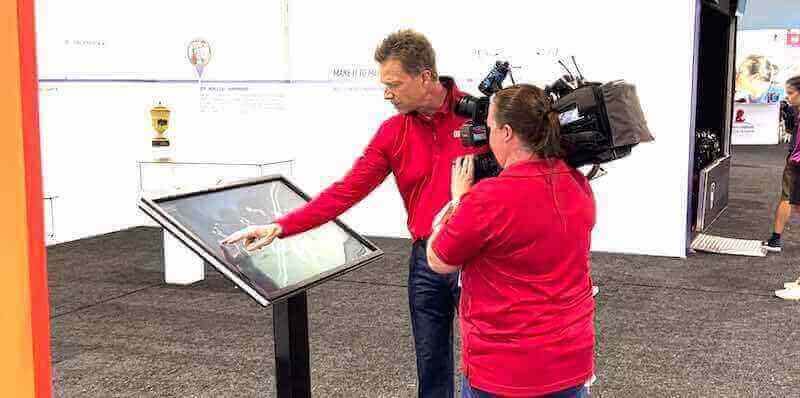
Structured display evaluations before installation—rather than after—give schools the opportunity to identify and address motion-handling issues while options remain open
The 8-Step Recognition Display Motion-Blur Test
This test sequence can be completed in under 90 minutes and requires two evaluators: one to operate the source device and one to observe and document results from the intended viewing distance.
Step 1: Confirm display settings baseline Reset the display to factory defaults before testing, or document the current settings precisely if the vendor has already configured it. Record the refresh rate, any motion enhancement settings (such as “Motion Flow,” “TruMotion,” or “Auto Motion Plus”), and the backlight and brightness level.
Step 2: Disable motion enhancement processing Run the test first with all motion enhancement and frame interpolation features disabled. Many displays ship with these enabled by default. Testing with them disabled establishes a baseline for the panel’s native motion handling.
Step 3: Play the sports highlight sequence Play your full sports footage sequence at native resolution. The observing evaluator notes:
- Whether fast-moving athletes leave visible blurred trails
- Whether ball movement in high-speed sequences appears clean or smeared
- Whether camera pans across a court, field, or track create background smear that makes the action difficult to follow
Step 4: Evaluate the animated graphics sequence Play your animated recognition graphics sequence. Note:
- Whether horizontally scrolling text reads cleanly at normal viewing speed or appears to break apart
- Whether transition effects between recognition profile slides produce clean cuts or visible ghosting
- Whether animated logos and graphics maintain visual integrity through their motion sequences
Step 5: Enable and re-test motion enhancement Enable the display’s motion processing features at default settings. Repeat both sequences. Note whether motion clarity improves and whether any new artifacts appear. The soap opera effect on 24fps archived footage is the most common problem at this stage.
Step 6: Test under ambient light conditions If the installation environment has significant ambient light—a gymnasium with skylights or a lobby with exterior windows—test with room lights on and windows uncovered. Some panels that perform acceptably in dim conditions show increased perceived blur when ambient light competes with the display’s backlight.
Step 7: Test the touchscreen overlay (if applicable) For interactive touchscreen displays, the capacitive overlay can affect perceived image clarity even when the underlying panel is high quality. Check whether the overlay surface introduces reflections that create artifacts during fast-moving content, and whether the anti-glare coating produces visible diffusion at normal viewing distances.
Step 8: Document and score results Complete the scoring table below and retain the documentation for procurement records. For multi-unit orders, test at least a representative sample of each delivery—panel quality can vary between individual units of the same model.
Motion-Blur Acceptance Test Scoring Table
Score each category as Pass, Marginal, or Fail. A single Fail or three or more Marginal scores should trigger a procurement discussion before accepting delivery.
| Test Category | Content Used | Pass Criteria | Score |
|---|---|---|---|
| Sports footage — fast pan | Basketball fast-break | No visible background smear during full-court camera pan | |
| Sports footage — high-speed objects | Pitching/shooting sequences | Ball trajectory appears clean; no persistent trailing artifact | |
| Sports footage — multi-player | Soccer or football play | Multiple moving subjects remain distinguishable without merging smear | |
| Animated text — horizontal scroll | Award scroll graphic | Text characters remain readable throughout scroll movement | |
| Animated text — title card reveal | Hall of fame entry animation | Text appears cleanly at destination with no ghosting from previous position | |
| Animated graphics — logo motion | Team logo rotation or sweep | Logo edges remain clean through motion; no color shadow artifacts | |
| Photo slideshow transitions | Recognition image sequence | Cross-dissolve transitions complete without visible frame doubling | |
| Archived footage (24fps/30fps) | Historical highlight reel | Frame interpolation (if enabled) does not introduce visual errors | |
| Ambient light performance | Room lights on | Motion clarity does not degrade significantly under overhead fluorescent light | |
| Touchscreen overlay clarity | Live content through overlay | Anti-glare coating does not introduce visible diffusion at normal viewing distance |
Interpreting Results for Different Display Locations
The acceptable motion performance threshold varies depending on where the display is installed and what role it plays in the recognition program.
Main lobby touchscreens (interactive, close viewing distance) These displays are used primarily for navigation and profile browsing, with sports video typically playing as ambient content. Moderate motion blur in video content is often acceptable because visitors are not watching sports footage the way they would in a dedicated viewing space. However, animated text transitions must be clean because visitors interact with those elements directly.
Gymnasium or arena displays (passive, mid-to-far viewing distance) These displays frequently carry live game feeds, highlight reels during timeouts, or sports history content during events. Motion quality matters significantly here because sports footage is primary content, not ambient. Athletic directors evaluating how recognition content is structured for different audiences in athletic facilities often discover that the same rigor applies to how the display renders that content.
Hall of fame corridor displays (ambient, variable distance) These displays typically carry slower-moving content—photo slideshows, scrolling donor lists, team history segments. Motion requirements are less demanding, but animated transitions and text scrolling still warrant evaluation because these displays run unattended for extended periods.
Memorial or tribute displays For schools maintaining recognition programs for students or staff who have passed, display quality carries additional weight because content is viewed during emotionally significant moments. Anyone developing thoughtful approaches to memorial recognition programs will recognize that technical display quality is one component of the overall dignity of the presentation.
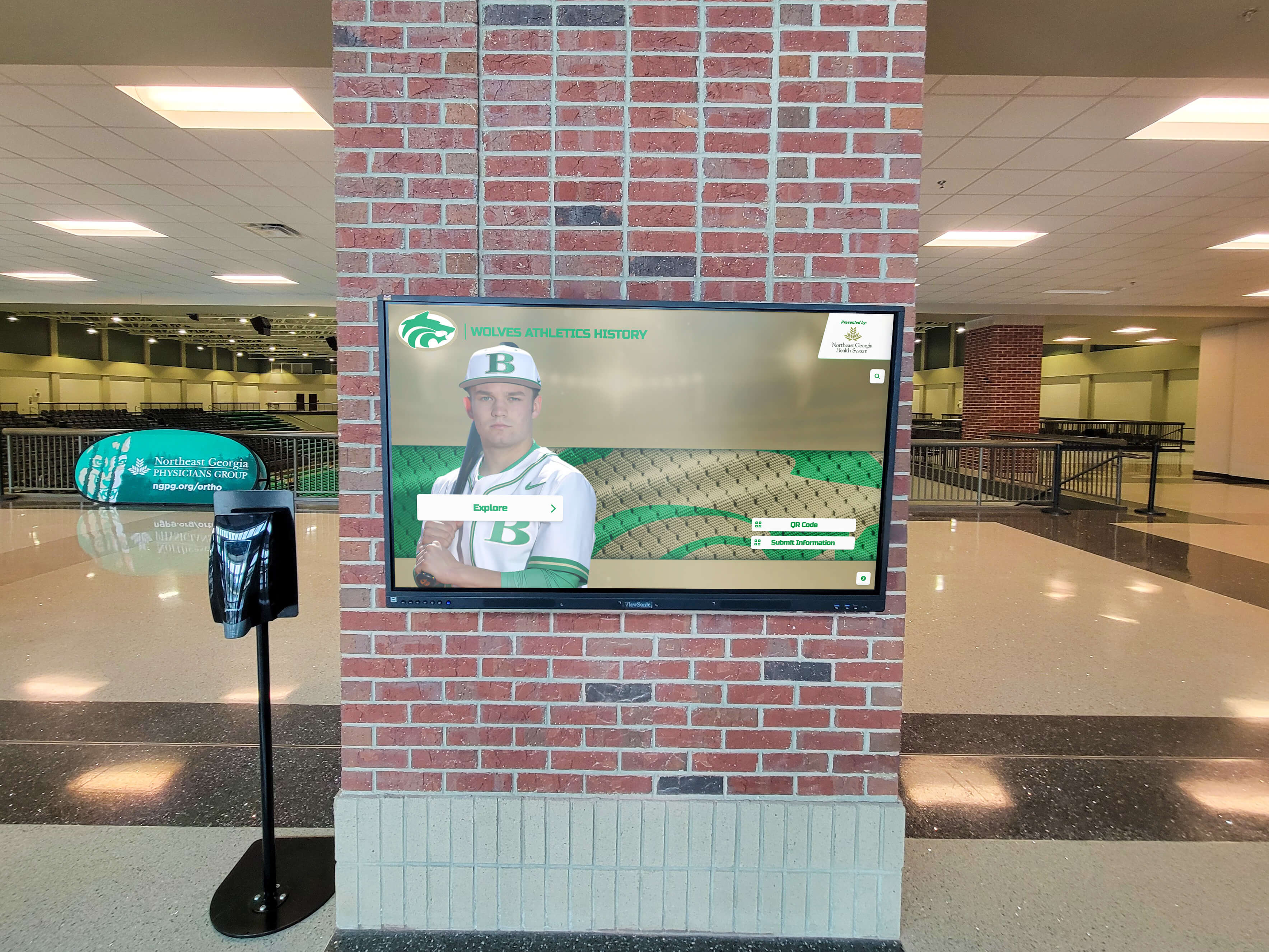
Arena and gymnasium lobbies often feature sports photography alongside highlight video—locations where motion-handling quality is most visible to visiting students, families, and community members
Connecting Motion-Blur Testing to Recognition Program Planning
A motion-blur test is most valuable before vendor commitment—ideally during a proof-of-concept phase when the school can request a demonstration unit or visit an active installation showing content similar to what the school plans to display.
For schools building or upgrading recognition programs, this test is one component of a broader evaluation process. Athletic directors who are developing long-term athletic program management frameworks recognize that display hardware decisions affect recognition workflows for five to seven years or longer. Getting motion-handling quality right at procurement avoids a recurring source of operational frustration throughout the display’s service life.
Recognition programs that serve both athletic and academic audiences—including programs that honor musicians, performing arts students, and academic scholars alongside athletes—find that the motion test applies to animated content across all recognition categories, not just sports video. Text animations and photo transitions for arts and academic recognition use the same display hardware and are subject to the same motion-handling constraints.
Schools building Spanish-language or bilingual recognition programs will find that comprehensive touchscreen hall of fame guidance addressing bilingual content includes hardware quality considerations relevant to both language versions of animated recognition sequences.
When Booster Clubs and Parent Organizations Are Involved
Many school recognition display projects involve booster clubs or parent organizations as funding partners. These groups often participate in the evaluation and acceptance process. Sharing the scoring table from this guide gives non-technical stakeholders a structured way to participate meaningfully. Booster clubs that understand their formal role in school programs can be effective allies in holding vendors to agreed quality standards during installation and acceptance—when they have documentation that translates technical performance into observable pass/fail criteria.
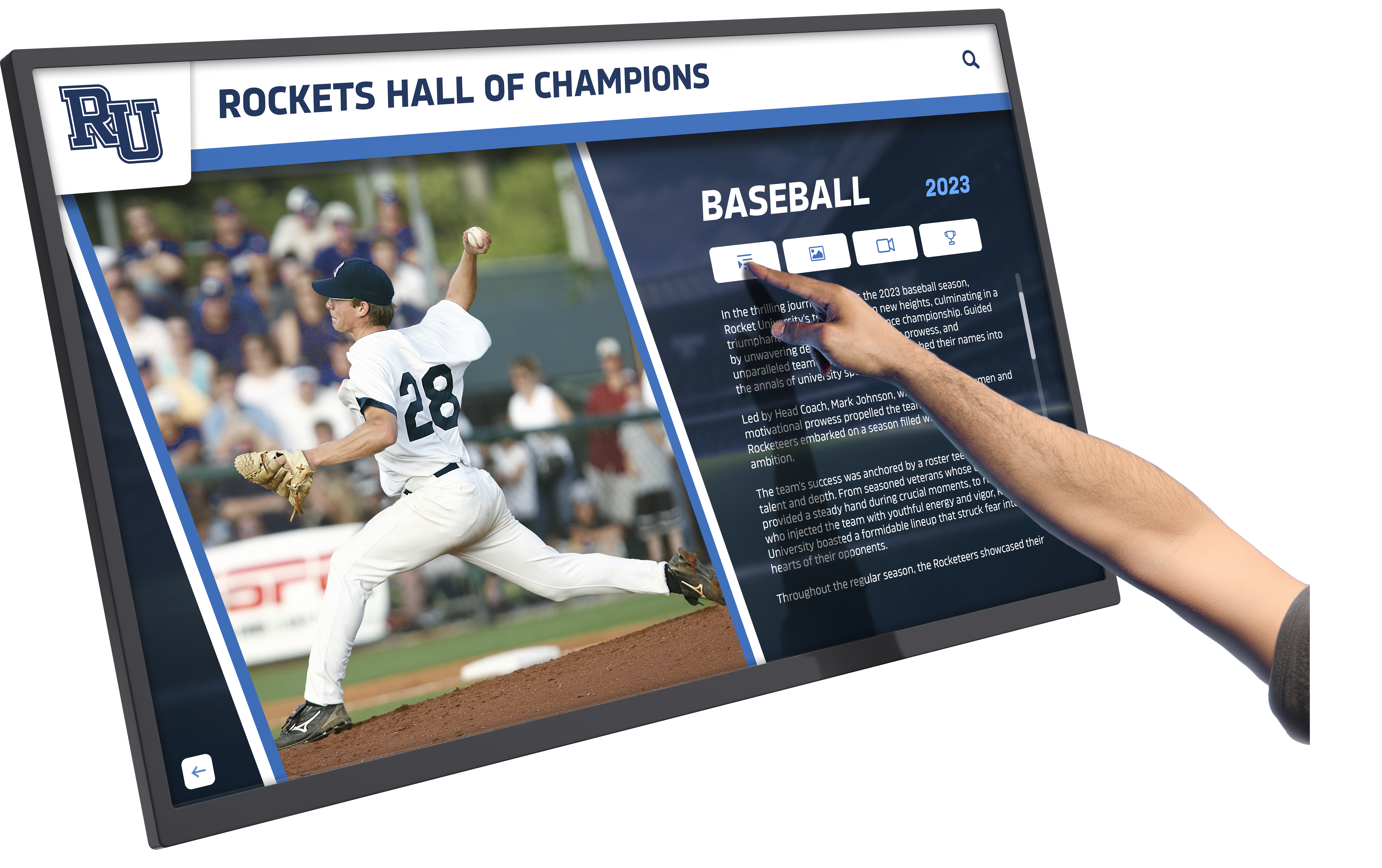
Hall of fame touchscreen displays that include video content require motion-handling evaluation before installation—not after the recognition program is already running
Common Procurement Mistakes That Motion Testing Prevents
Accepting delivery based on static photography. Vendors frequently supply high-quality photographs of installed displays showing static recognition graphics. These images reveal nothing about how the display handles fast-moving sports content.
Testing in showroom conditions only. Display showrooms are calibrated to look excellent under controlled lighting with promotional content. Motion artifacts that are invisible in a dim showroom become obvious in a gymnasium under fluorescent light.
Comparing spec sheets for refresh rate alone. Refresh rate (60Hz, 120Hz, 144Hz) is one input into motion quality but not a reliable predictor on its own. Sample-and-hold blur and response time ghosting affect displays at any refresh rate. A 60Hz display with good impulse backlight handling can outperform a 120Hz display with poor pixel response time on the specific content types schools use.
Not testing archived footage. Many school recognition programs draw on footage captured over decades, including older content at 24fps or 30fps. If the display has frame interpolation enabled by default, archived footage may look visually wrong even if current 60fps content appears acceptable.
Skipping the touchscreen overlay evaluation. For interactive displays, the capacitive overlay is a separate component from the panel behind it. Some overlays introduce visible glare or diffusion that reduces perceived sharpness during close-range touch interaction.
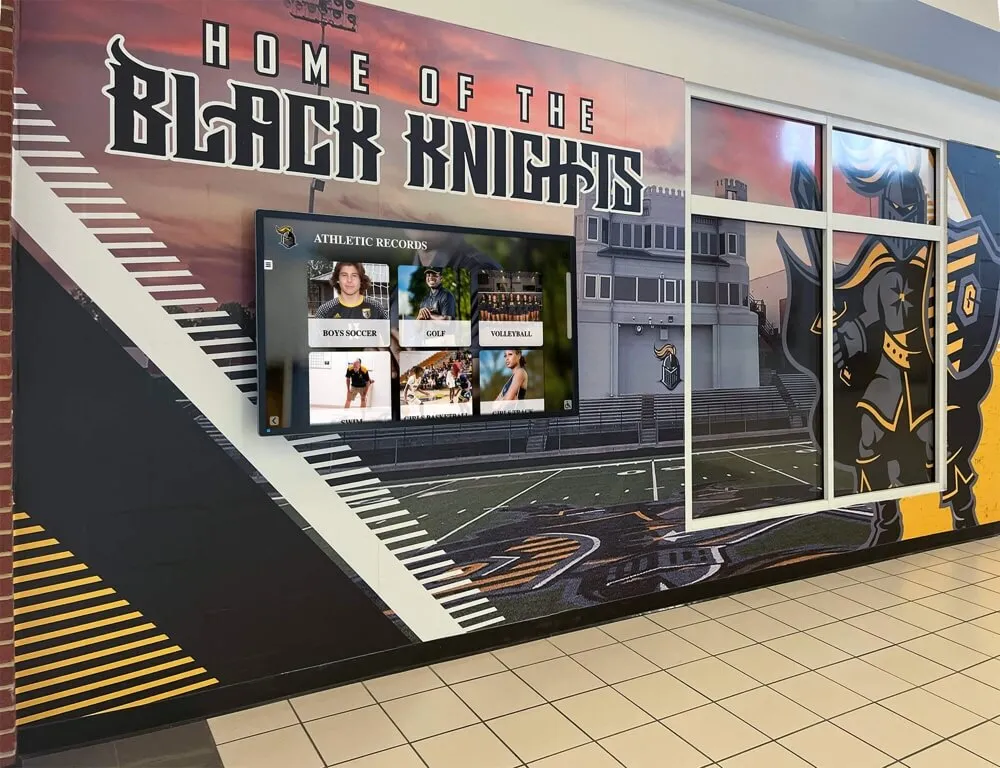
Athletic record and hall of fame displays benefit from pre-acceptance motion testing, particularly when video content runs continuously during school events and games
Q&A: Recognition Display Motion Testing
Q: Does a higher refresh rate always mean less motion blur?
Not reliably. Refresh rate describes how often the panel updates; it does not fully determine how motion is rendered. Sample-and-hold blur affects all flat panels regardless of refresh rate. Some 60Hz panels with impulse backlight technology handle motion better than 120Hz panels without it, specifically on the content types used in school recognition programs. Spec sheets alone are not sufficient—testing with actual content is the reliable method.
Q: Can motion enhancement features be left enabled after testing?
It depends on the content mix. For current 60fps sports footage, motion enhancement often improves clarity without obvious artifacts. For archived footage at 24fps or 30fps, the same processing frequently creates the soap opera effect or introduces visual errors around fast-moving subjects. Many IT coordinators configure recognition displays with motion enhancement disabled as the default, allowing staff to enable it situationally when content warrants it.
Q: How do I document test results in a way that supports vendor negotiations?
Combine the completed scoring table with brief written descriptions of each observed artifact (“visible trailing smear approximately 3–4 pixels wide behind fast-moving basketball subjects during court-pan sequences, at 8 feet viewing distance”). Smartphone video recordings of the display during testing are sufficient for documentation purposes. Specific descriptions paired with timestamps in the test footage give vendors actionable information for remediation or replacement, and give procurement teams clear grounds for return or exchange conversations if needed.
Q: Should I test every unit in a multi-screen installation?
Yes if practical, and at minimum a representative sample. Panel quality can vary between individual units of the same model number, particularly across different production batches. For multi-screen installations common in hallway sequences or gymnasium display banks, discovering panel variation after installation is complete is significantly more disruptive than catching it during acceptance.
Q: What if the display fails the test after installation is already complete?
Document the specific failures with written descriptions and date-stamped records of when the issue was first observed. Review the original procurement agreement for acceptance criteria and warranty language. Contact the vendor with documentation. Depending on the agreement terms, remediation options may include firmware or settings adjustments, panel replacement under warranty, or extended service provisions. Having documented test results—even after the fact—provides a stronger basis for remediation conversations than subjective quality complaints.
Preparing Your Team for the Evaluation
A recognition display motion-blur test does not require technical expertise in display calibration. It requires content preparation, structured observation, and documented scoring. An athletic director, facilities coordinator, and IT staff member working together can complete the evaluation in a single session.
For facilities and AV teams that regularly evaluate display equipment, this test integrates naturally into existing acceptance workflows. For athletic directors and recognition program coordinators who are less familiar with display evaluation, the scoring table in this guide provides sufficient structure to participate effectively alongside AV staff—and to communicate results clearly to administration or funding partners.
Conclusion: Motion Testing as Recognition Program Quality Control
A recognition display motion blur test is a quality-control step, not a technical hurdle. The goal is not to disqualify displays with any measurable motion artifacts—all flat panel displays have some degree of sample-and-hold blur at normal refresh rates. The goal is to confirm that the specific display, running your specific content, at your specific installation conditions, produces results your school community will find acceptable over the five-to-seven-year life of the installation.
Schools that run this test before accepting delivery catch avoidable quality issues when they are still inexpensive to resolve. Schools that skip it discover them during athletic events, recognition ceremonies, and hall of fame unveilings—moments when the display’s performance reflects directly on the recognition program itself.
Run the test. Document the results. Accept delivery only when the display earns it.
Ready to see how a purpose-built recognition display platform handles sports video and animated graphics in a real school environment? Rocket Alumni Solutions deploys interactive hall-of-fame and recognition touchscreen systems in school athletic facilities nationwide. Request a demo to see how their platform handles the content types your recognition program actually uses.