Intent: demonstrate — this guide walks school IT coordinators, facilities managers, and athletic directors through recognition display IPv6 neighbor discovery validation: the structured process of confirming that a hall-of-fame kiosk, athletic record board, or donor recognition touchscreen can resolve IPv6 addresses, maintain a reachable gateway entry, and sustain a reliable path to its cloud CMS on a modern dual-stack or IPv6-enabled school network.
IPv6 Neighbor Discovery Protocol (NDP) replaces the Address Resolution Protocol (ARP) used on IPv4 networks. It handles address resolution, router advertisement processing, duplicate address detection, and neighbor reachability monitoring — all functions the recognition display’s operating system performs silently in the background every time it sends a packet. When NDP is working correctly, the display connects to its CMS platform, loads updated athlete records and award histories, and responds to touch interactions without network-induced delays. When NDP is misconfigured or suppressed by a switch or firewall policy, the display appears to lose connectivity intermittently, fails to load content updates, or stops responding to touch queries entirely — symptoms that are indistinguishable from hardware failure without targeted diagnostic steps.
The quick answer: on the recognition display’s media PC or kiosk appliance, verify that the interface holds a valid IPv6 global unicast address, that the NDP neighbor cache lists the default gateway in REACHABLE or STALE state, and that an ICMPv6 echo request reaches the gateway and the CMS hostname. If any of those three checks fail, the remediation path is almost always a switch configuration issue — RA Guard blocking Router Advertisements, ICMPv6 filtering dropping Neighbor Solicitation or Neighbor Advertisement messages, or a DHCPv6 snooping policy that does not account for SLAAC. The validation steps below confirm which condition is present and give IT staff a clear corrective action for each.
This procedure applies to any recognition display running on a dedicated Windows or Linux media PC, an embedded player appliance, or a full-function interactive kiosk connected to the school network by Ethernet or Wi-Fi, regardless of display size or vendor.
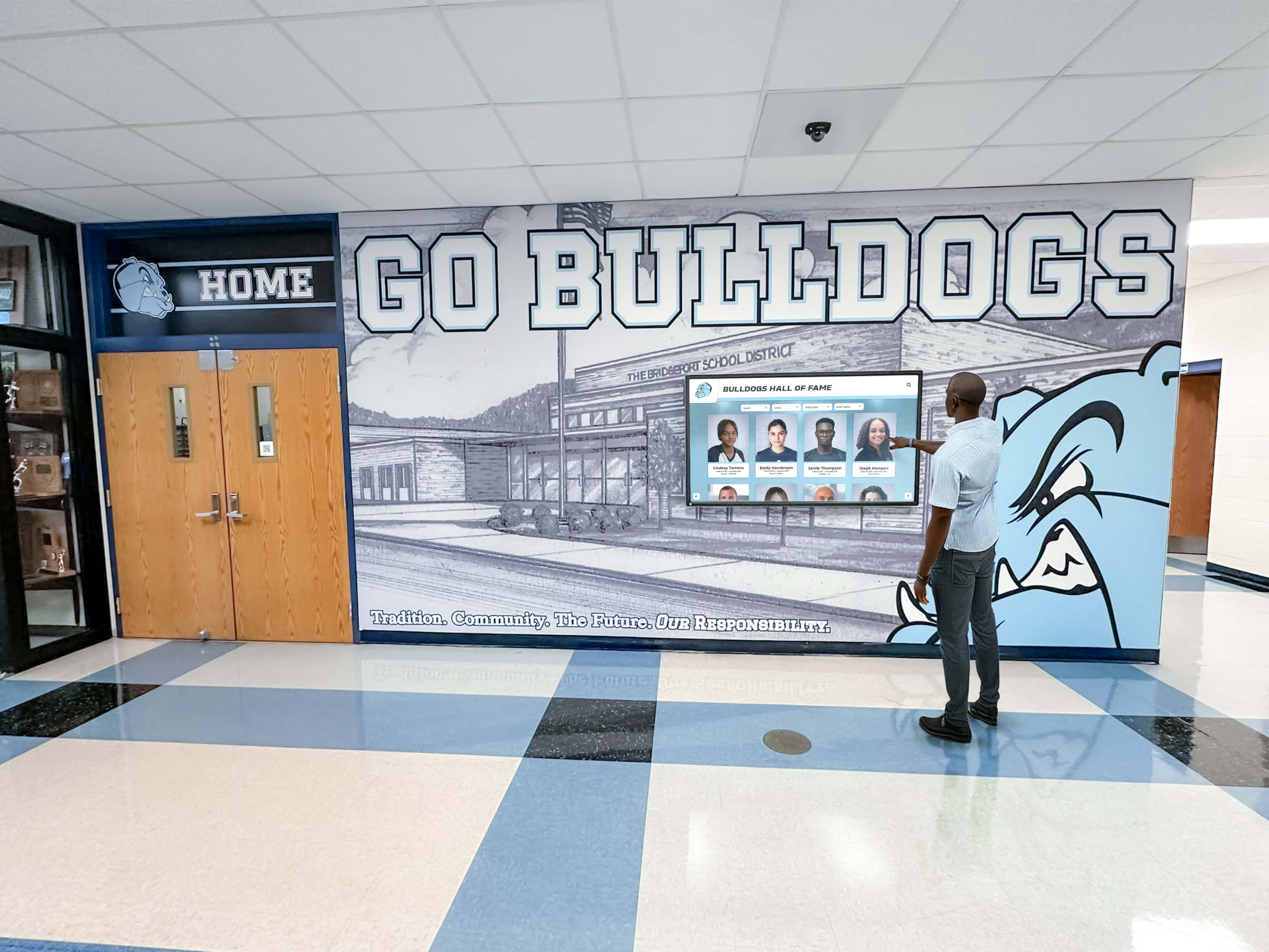
A hall-of-fame touchscreen that loses connectivity intermittently on a dual-stack school network is often experiencing an NDP issue — not a hardware defect — that a structured IPv6 neighbor discovery validation resolves in under an hour
What IPv6 Neighbor Discovery Protocol Does for a Recognition Display
IPv6 Neighbor Discovery (NDP), defined in RFC 4861, is a suite of ICMPv6 message types that perform five critical functions the display’s operating system relies on to maintain network connectivity:
Address resolution. When the display needs to send a packet to a gateway or on-segment host, it uses a Neighbor Solicitation (NS) message to ask “who has this IPv6 address?” and receives a Neighbor Advertisement (NA) in reply containing the target’s MAC address. This is the IPv6 equivalent of an ARP request-response cycle.
Router discovery. The display sends a Router Solicitation (RS) message on startup. The network’s default gateway responds with a Router Advertisement (RA) containing the network prefix, the default route, and address configuration flags. Without a valid RA, the display cannot autoconfigure a global unicast address via SLAAC (Stateless Address Autoconfiguration) and cannot determine its default route.
Duplicate Address Detection (DAD). Before using a newly configured IPv6 address, the display sends a Neighbor Solicitation for that address. If another device responds with a Neighbor Advertisement claiming the same address, the operating system marks the address as a DAD failure and does not bring it up. A DAD failure prevents the display from having a usable IPv6 address entirely.
Neighbor Unreachability Detection (NUD). After a neighbor entry ages beyond its reachability lifetime, the operating system re-probes with Neighbor Solicitations. If no Neighbor Advertisement comes back after several retransmissions, the neighbor is marked FAILED and packets destined for that address are dropped. A gateway marked FAILED by NUD causes all IPv6 traffic from the display to stop until the entry recovers.
Redirect. A router can send Redirect messages directing the display to use a better first-hop for specific destinations. Misconfigured redirects can silently re-route traffic in unexpected ways.
For a recognition display, the practical consequence of each function is direct: address resolution failure causes the CMS connection to drop; missed Router Advertisements prevent address autoconfiguration; DAD failures leave the display without a working IPv6 address; NUD failures cause the gateway entry to be marked unreachable, dropping all outbound traffic for minutes at a time.
NDP Message Types Reference
| ICMPv6 Type | Message Name | Direction | Function | If Blocked or Missing |
|---|---|---|---|---|
| 133 | Router Solicitation (RS) | Host → Router | Request an immediate Router Advertisement on startup or reconnect | Display waits up to 4× MaxRtrSolicitationDelay (default 4 s each) before timing out; slow or no address autoconfiguration |
| 134 | Router Advertisement (RA) | Router → Host | Deliver prefix, default route, MTU, and SLAAC/DHCPv6 flags | Display cannot configure a global unicast address via SLAAC; no default route; IPv6 connectivity completely absent |
| 135 | Neighbor Solicitation (NS) | Host → Neighbor | Resolve MAC address for an IPv6 address; perform DAD; probe NUD | Address resolution fails; DAD cannot complete; NUD probes are never sent; neighbor entries stay DELAY indefinitely |
| 136 | Neighbor Advertisement (NA) | Neighbor → Host | Reply to NS with MAC address; confirm own address is in use | NS probes receive no reply; neighbor entry moves from PROBE to FAILED; all traffic to that address is dropped |
| 137 | Redirect | Router → Host | Inform host of a better first-hop for a specific destination | Absent: host continues using the current first-hop, which may be suboptimal but not broken. Present and misconfigured: traffic is silently misdirected |
Why School Networks Commonly Suppress NDP for Recognition Displays
School network infrastructure introduces several configuration choices that can silently interfere with NDP without generating obvious error messages. Understanding these patterns helps IT teams identify and fix the root cause rather than replacing display hardware.
RA Guard on Access Switch Ports
RA Guard is a security feature supported on managed switches that drops Router Advertisement messages received on host-facing ports. Its purpose is to prevent rogue routers or misconfigured devices from advertising false default routes on the network. On correctly configured switches, RA Guard is enabled on all access ports (the ports connecting end devices) and disabled on trunk or uplink ports (the ports connecting to legitimate routers).
Recognition display ports sometimes get RA Guard applied correctly during a network security audit. If the display subsequently moves to a different switch port — when a display is relocated in the building or a patch cable is re-routed — and the new port has RA Guard enabled in a strict mode that also blocks unicast RAs, the display stops receiving Router Advertisements. It retains its existing IPv6 address and default route from before the move (cached in the OS) for a short time, then loses both when the lease expires or the OS discards the stale route.
ICMPv6 Filtering on Perimeter or Distribution Firewalls
Network security policies that block “ICMP” traffic for IPv4 purposes sometimes include an IPv6 clause that drops all ICMPv6 messages. Because NDP runs entirely over ICMPv6, this policy drops all five NDP message types simultaneously. The result is total IPv6 connectivity failure on the affected VLAN — the display has no gateway, cannot resolve neighbors, and cannot send any IPv6 packets. IPv4 traffic on the same interface continues normally, which makes the problem appear to be an IPv6-only issue rather than a configuration error affecting a specific protocol.
DHCPv6 Snooping Without SLAAC Consideration
Some managed switches support DHCPv6 snooping, which validates IPv6 address assignments by checking against a trusted DHCPv6 server’s lease database. When a school network uses Stateless Address Autoconfiguration (SLAAC) rather than stateful DHCPv6, the display’s IPv6 address is self-generated from the network prefix in the RA and the interface’s MAC address. A DHCPv6 snooping policy that does not allow SLAAC-derived addresses will block Neighbor Advertisement messages from the display — because the display’s address is not in the DHCPv6 binding table — preventing other devices from learning the display’s MAC address and causing traffic directed to the display’s IPv6 address to be dropped.
Neighbor Cache Exhaustion on Oversubscribed Switches
School network switches maintain a neighbor cache — the hardware forwarding table mapping IPv6 addresses to MAC addresses. Enterprise switches typically support 2,000–16,000 neighbor cache entries depending on the hardware platform and TCAM allocation. High-density school environments with hundreds of student devices on the same VLAN can cause neighbor cache exhaustion on older or undersized switches. When the cache is full, new NDP entries cannot be added. The recognition display’s NS and NA messages complete successfully at the protocol level, but the switch cannot record the learned MAC address in hardware forwarding. The result is slow or intermittent traffic forwarding for the display that is resolved only by replacing the switch or separating the display onto a dedicated VLAN.
Placing recognition displays on a dedicated display VLAN — separate from the student device VLAN — is a reliable mitigation for this issue and also benefits athletic award data lineage traceability by ensuring the display’s traffic is isolated and auditable.
Tools Required for IPv6 Neighbor Discovery Validation
All required tools are built into the operating systems commonly used on recognition display media PCs or kiosk appliances. No additional software installation is required for the core validation steps.
| Tool | Platform | Purpose in Validation | Example Command |
|---|---|---|---|
| ipconfig / ip addr | Windows / Linux | Confirm the interface has a valid IPv6 global unicast address and check DAD status | ipconfig /all | ip -6 addr show |
| netsh / ip neigh | Windows / Linux | Display the NDP neighbor cache to check gateway reachability state | netsh interface ipv6 show neighbors | ip -6 neigh show |
| route / ip -6 route | Windows / Linux | Verify a default IPv6 route via the gateway is present | route print -6 | ip -6 route show default |
| ping -6 / ping6 | Windows / Linux / macOS | Test ICMPv6 echo reachability to the gateway and CMS hostname | ping -6 fe80::1%eth0 | ping6 2001:db8::1 |
| ndp -an | macOS | Display NDP neighbor cache entries and reachability state on macOS kiosk appliances | ndp -an |
| tracert -6 / traceroute6 | Windows / Linux | Trace the IPv6 path from the display to the CMS server to identify where the path breaks | tracert -6 cms.example.com | traceroute6 cms.example.com |
| Wireshark / tcpdump | Windows / Linux | Capture ICMPv6 traffic on the display's interface to verify NS, NA, RS, and RA messages are exchanged | tcpdump -i eth0 icmp6 |
Step-by-Step Recognition Display IPv6 Neighbor Discovery Validation
Complete these steps in order from the recognition display’s media PC or kiosk terminal. Steps 1 through 4 can be completed without network access to the switch or router; steps 5 and 6 require access to the switch management interface and the CMS admin panel.
Step 1: Confirm a Valid IPv6 Global Unicast Address Is Assigned
A recognition display on a dual-stack school network should have at least two IPv6 addresses on its network interface: a link-local address (beginning with fe80::) and a global unicast address (typically beginning with 2001:, 2600:, or another Regional Internet Registry prefix block assigned to the school’s ISP or institution).
On Windows:
ipconfig /all
Look for the section labeled with the active network adapter. Confirm the presence of an entry marked IPv6 Address — distinct from Link-local IPv6 Address. If only a link-local address is present, the display is not receiving Router Advertisements from the gateway, or SLAAC has been suppressed.
On Linux:
ip -6 addr show dev eth0
A valid global unicast address appears with a scope global label and a dynamic flag (if SLAAC-assigned). An address with scope global but no dynamic flag is statically configured. An address with scope link only is a link-local address; no global address is configured.
Interpret the output:
| Address Present | Likely Cause | Next Step |
|---|---|---|
| Global unicast + link-local | Normal — proceed to Step 2 | Step 2 |
| Link-local only | No RA received — check RA Guard on switch port | Step 5 (switch check) |
| No IPv6 address at all | IPv6 disabled on interface or OS | Enable IPv6 on the interface |
Global address shows tentative | DAD in progress or DAD conflict — wait 1 s, re-run; if persists, another device has the same address | Investigate DAD conflict |
Step 2: Check the NDP Neighbor Cache for Gateway Reachability
Once a global unicast address is confirmed, check whether the NDP neighbor cache includes the default gateway and whether its reachability state is acceptable.
On Windows:
netsh interface ipv6 show neighbors
On Linux:
ip -6 neigh show
On macOS:
ndp -an
Each neighbor entry includes an IPv6 address, an interface identifier, a MAC address, and a reachability state. The relevant states are:
| NDP Cache State | Meaning | Action Required |
|---|---|---|
| REACHABLE | The neighbor was confirmed reachable within the last ReachableTime interval (typically 30 s). NUD is passing. | None — this is the expected state under active traffic |
| STALE | The reachability confirmation has expired. The entry is still used for traffic, but the OS will probe on next packet. | None for now — acceptable if traffic is intermittent. If the entry stays STALE and never transitions to REACHABLE, run Step 3 to force a probe. |
| DELAY | A packet was sent to the neighbor; the OS is waiting for upper-layer confirmation of reachability before sending an NS probe. | Transient — normal. If the state does not move to REACHABLE or PROBE within 5 s, proceed to Step 3. |
| PROBE | The OS is actively sending Neighbor Solicitation messages and waiting for a Neighbor Advertisement. | Transient — normal for up to 3 retransmissions. If the state stays PROBE, NAs from the gateway are being blocked — check ICMPv6 filtering. |
| FAILED | NUD probes received no response. The gateway is considered unreachable. All outbound IPv6 traffic is dropped. | Critical — ping the gateway immediately (Step 3). If ping fails, check ICMPv6 blocking at the switch or firewall. If ping succeeds, the NUD probe messages may be blocked in one direction only. |
| INCOMPLETE | Initial Neighbor Solicitation was sent but no Neighbor Advertisement received. Address resolution is pending. | NS messages are not reaching the gateway, or NA replies are being dropped. Check that ICMPv6 Types 135 and 136 are permitted on the switch port. |
If the gateway does not appear in the neighbor cache at all, the display has never successfully completed address resolution for the gateway. This is often caused by the display not having a default route (no RA received) rather than a neighbor resolution failure.
Step 3: Verify the Default IPv6 Route
If Step 2 shows the gateway in FAILED or the cache is empty, confirm that a default IPv6 route exists before proceeding.
On Windows:
route print -6
Look for an entry with a destination of ::/0 and the expected gateway address.
On Linux:
ip -6 route show default
A valid output shows a line beginning with default via <gateway-address> dev <interface>. If no default route is present, the display either never received a Router Advertisement or discarded it due to a configuration conflict.
Force a Router Solicitation on Linux:
rdisc6 eth0
This sends a Router Solicitation immediately and displays the Router Advertisement content — prefix, lifetime, flags, and gateway address. If no RA is received within 4 seconds, the RA is being suppressed on the path between the display and the router.
Step 4: Test ICMPv6 Reachability to the Gateway and CMS
With the gateway address from Step 2 or the routing table from Step 3, test ICMPv6 echo reachability.
Ping the link-local gateway address on Windows (the %<interface> suffix specifies the outgoing interface, required for link-local addresses):
ping -6 fe80::1%Ethernet
Ping the link-local gateway address on Linux:
ping6 -I eth0 fe80::1
If the link-local ping succeeds but a ping to the gateway’s global unicast address fails, the issue is with routing or firewall rules beyond the local segment, not NDP itself.
Test DNS resolution and CMS reachability:
ping -6 cms.yourplatform.com
If DNS returns an AAAA record and the ping to the CMS hostname succeeds, the display has a functional IPv6 path to its content management system. If DNS returns no AAAA record but an A record, the CMS platform is IPv4-only and the display will use its IPv4 address regardless of IPv6 NDP status — NDP validation is still worth completing to ensure the display is not silently relying on IPv4 as a fallback due to broken IPv6.
A useful context for this kind of connectivity verification is ensuring that athletic archive content delivered to the display renders correctly in both dimensions — network quality and display configuration both need to be validated end-to-end.
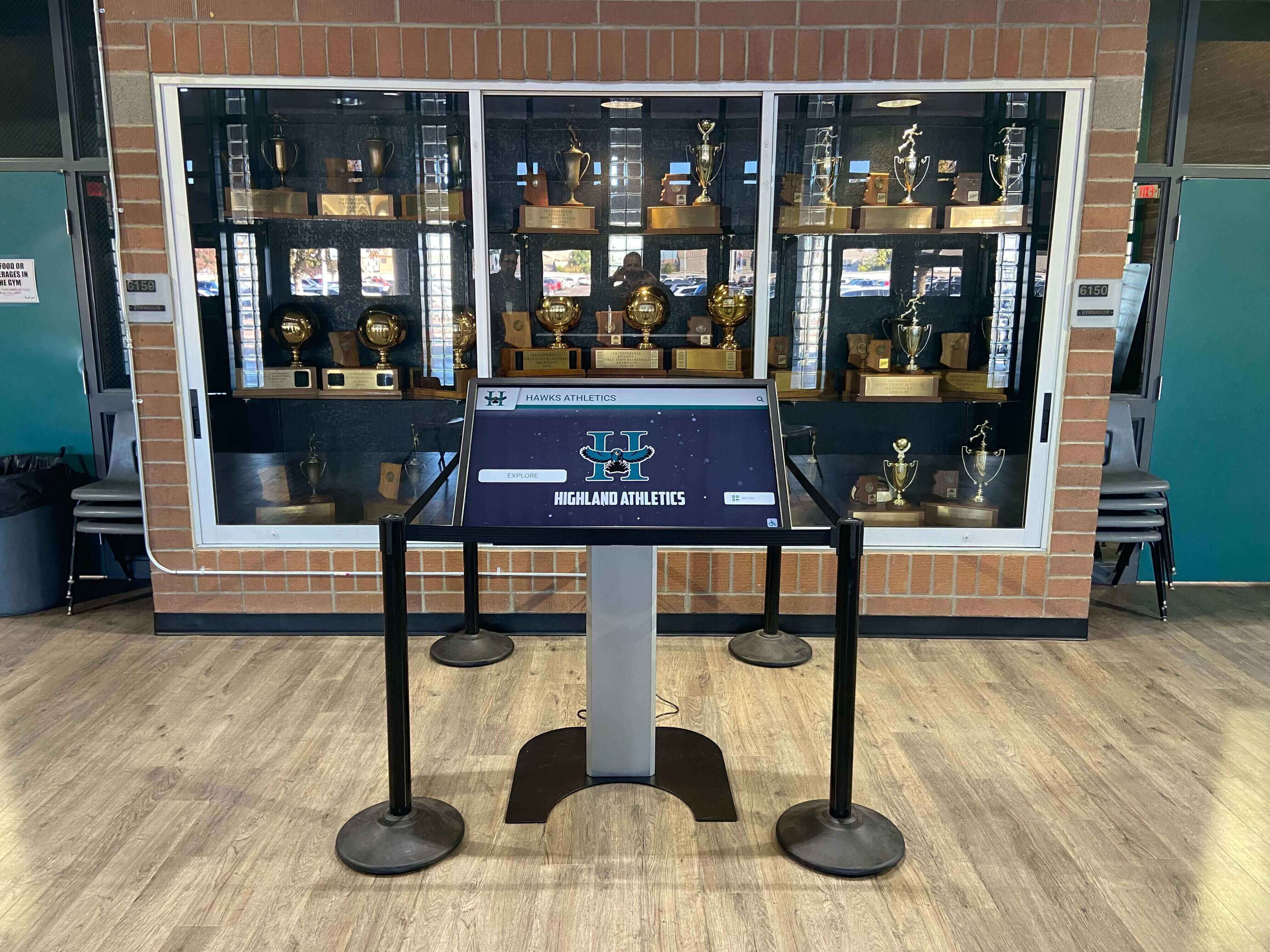
A touchscreen kiosk displaying athletic records, championship history, and individual honors requires a continuously stable cloud CMS connection — IPv6 neighbor discovery validation identifies and resolves address-resolution failures before they disrupt content delivery
Step 5: Check Switch Configuration for RA Guard and ICMPv6 Filtering
If any of Steps 1–4 reveal an NDP issue, the next step is to review the managed switch configuration for the port serving the recognition display. Access the switch via SSH or its web management interface.
Check for RA Guard on the display’s port (Cisco IOS example):
show ipv6 nd raguard policy
show run interface GigabitEthernet0/1
If the interface configuration includes ipv6 nd raguard attach-policy <policy-name> with a policy that has device-role host, RA messages from any direction are blocked on that port. For a host port, this is the correct setting — but it means the display receives RAs from the router only through the switch’s forwarding path, not if the switch has blocked them. Verify the uplink port toward the router does NOT have RA Guard applied; if it does, RAs from the router never reach the display VLAN.
Check for ICMPv6 ACL filtering:
show ipv6 access-lists
Look for any access list entry with deny icmp any any or deny 58 any any (protocol 58 is ICMPv6). An overly broad ICMPv6 deny blocks all NDP messages. The minimum set of ICMPv6 messages required for NDP to function that must be permitted:
- Type 133 (Router Solicitation)
- Type 134 (Router Advertisement)
- Type 135 (Neighbor Solicitation)
- Type 136 (Neighbor Advertisement)
- Type 137 (Redirect)
Check DHCPv6 snooping binding table:
show ipv6 dhcp snooping binding
If the display’s IPv6 address is not in the binding table and the network uses SLAAC rather than stateful DHCPv6, confirm that DHCPv6 snooping is configured to permit SLAAC-derived addresses on the display’s port.
For school programs that maintain detailed records of equipment locations and configurations, tracking this switch-level configuration as part of the broader recognition program infrastructure helps ensure future moves or expansions do not break NDP unexpectedly.
Step 6: Capture ICMPv6 Traffic to Confirm NDP Exchange
When the switch configuration appears correct but the NDP issue persists, a packet capture on the display’s interface provides definitive confirmation of which messages are being exchanged.
On Linux, capture all ICMPv6 traffic:
tcpdump -i eth0 -n icmp6
On Windows with Wireshark:
- Open Wireshark on the display’s media PC
- Select the active network interface
- Apply the display filter:
icmpv6 - Allow the capture to run for 60 seconds while traffic is active
In the capture output, look for:
- Router Advertisement (Type 134) arriving from the gateway’s link-local address — confirms RA Guard is not blocking it
- Neighbor Solicitation (Type 135) sent from the display during address resolution or NUD probes
- Neighbor Advertisement (Type 136) returned from the gateway in response to each NS
- Absence of any Type 136 in response to Type 135 from the display — confirms NA messages are being dropped on the return path
A capture that shows NS messages leaving the display but no NA messages arriving confirms that Neighbor Advertisements from the gateway are being filtered before they reach the display’s port. This is most commonly caused by a DHCP snooping policy blocking NA messages from the gateway’s link-local address, which is not in the DHCPv6 binding table.
Packet capture run directly on the recognition display's media PC confirms whether NDP Neighbor Solicitation and Neighbor Advertisement messages are exchanged successfully — a missing Neighbor Advertisement from the gateway is the definitive indicator of return-path filtering
Common NDP Failure Scenarios and Corrective Actions
| Symptom | Step 1 Result | Step 2 Result | Root Cause | Corrective Action |
|---|---|---|---|---|
| Display loses CMS connection every 30–60 minutes; recovers on its own | Global address present | Gateway cycles between STALE → PROBE → REACHABLE | NUD probes are delayed by network congestion or an asymmetric path; gateway returns NA slowly | Verify switch port speed and duplex settings; check for port errors with show interface; reduce NUD probe interval if OS supports it |
| Display never loads content after a morning reboot; recovers after several hours | Link-local only; no global address on boot | No gateway in cache | RA Guard on switch port blocks Router Advertisement; display uses stale cached address until OS clears it | Remove RA Guard from the display's switch port, or configure a static IPv6 address and default route on the display so it does not depend on RA for autoconfiguration |
| IPv6 connectivity completely absent; IPv4 works normally | Link-local only | No cache entries | ICMPv6 protocol blocked by perimeter or distribution firewall ACL | Add explicit ICMPv6 permit rules for Types 133–137 to the firewall ACL applied to the display's VLAN or subnet |
| Display works for a few minutes after boot, then connectivity drops | Global address shows `tentative` then disappears | Gateway entry briefly appears, then gone | DAD conflict — another device on the network has the same SLAAC-derived IPv6 address | Investigate duplicate MAC addresses or cloned VMs sharing a MAC; consider switching to DHCPv6 stateful addressing to prevent SLAAC collisions |
| Intermittent slow content loads on displays sharing a VLAN with student devices | Global address present | Gateway cycles STALE → PROBE with irregular delays | Neighbor cache exhaustion on switch — student device VLAN is full | Move recognition displays to a dedicated display VLAN; resize TCAM neighbor cache allocation on the switch if supported |
Configuring a Static IPv6 Address to Eliminate SLAAC Dependency
For recognition displays where SLAAC-based addressing causes recurring NDP issues, assigning a static IPv6 address removes the dependency on Router Advertisements for address configuration while preserving full IPv6 connectivity. Static addressing does not eliminate the need for NDP — Neighbor Solicitation and Neighbor Advertisement messages are still required for address resolution and NUD — but it removes one failure mode.
On Windows (via network adapter settings):
- Open Network and Sharing Center → Change Adapter Settings → right-click the active adapter → Properties
- Select Internet Protocol Version 6 (TCP/IPv6) → Properties
- Select “Use the following IPv6 address”
- Enter the assigned static IPv6 address, subnet prefix length, and default gateway (the gateway’s IPv6 address, not link-local — use the global unicast gateway address for static configurations)
- Enter the school’s IPv6 DNS server address in the preferred DNS server field
- Click OK and confirm the address appears in
ipconfig /allwithout thetemporaryordynamicflag
On Linux (using NetworkManager or netplan):
For netplan (Ubuntu-based systems):
network:
  version: 2
  ethernets:
    eth0:
      addresses:
        - 2001:db8:school:display::42/64
      routes:
        - to: ::/0
          via: 2001:db8:school:display::1
      nameservers:
        addresses: [2001:4860:4860::8888]
      dhcp6: false
After applying the static configuration, rerun Steps 2 through 4 to confirm the gateway is reachable and the CMS hostname resolves to a reachable IPv6 address.
Maintaining static address assignments for recognition displays alongside documentation of other hardware configurations — such as the booster club data policies that govern how data is handled on school networks — creates a complete and auditable record of all display-related infrastructure decisions.
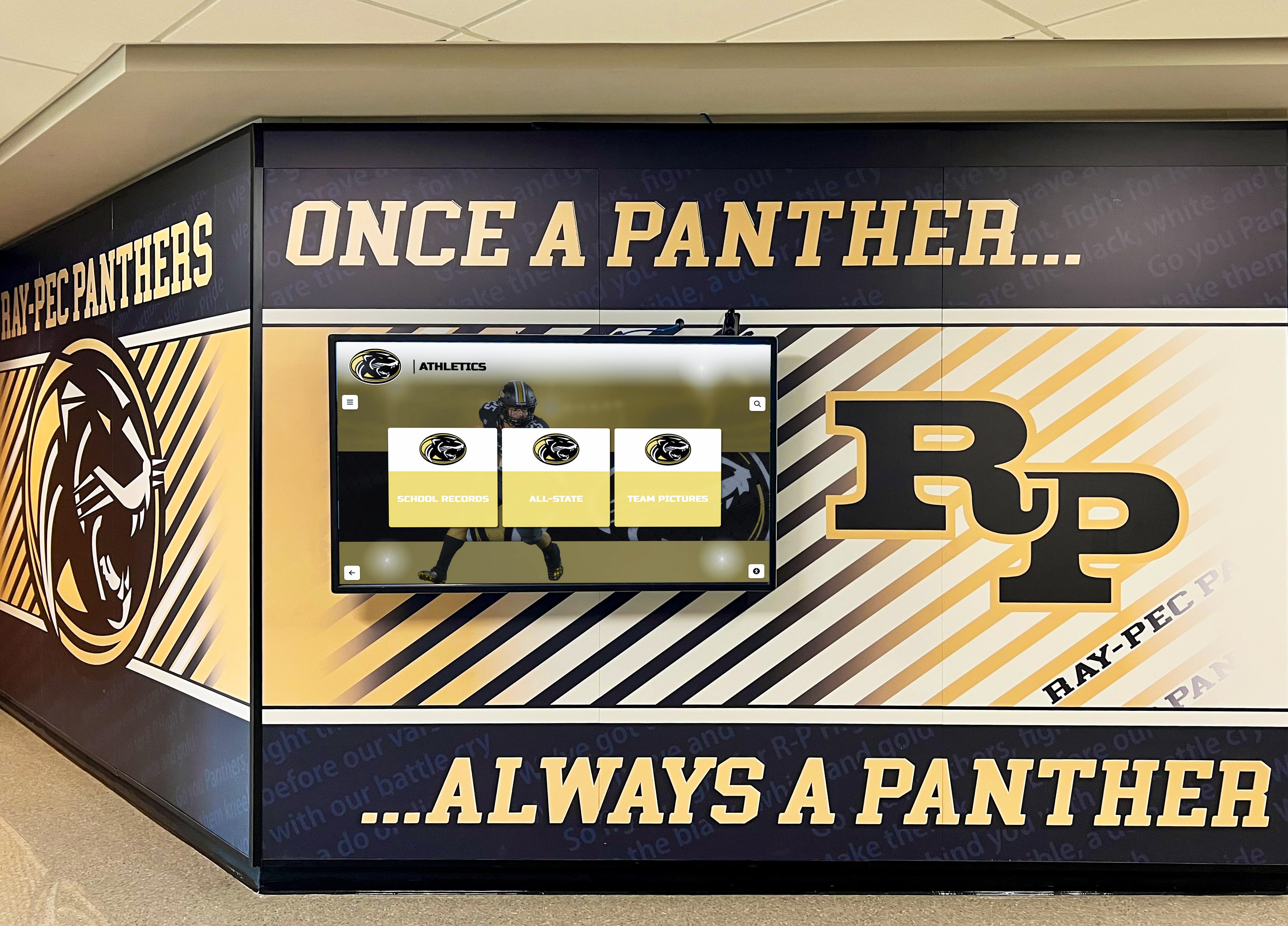
Permanently installed recognition displays benefit from static IPv6 address assignment, which eliminates SLAAC dependency and provides a stable, predictable IPv6 configuration that IT staff can document and reference during future troubleshooting
Dual-Stack Fallback Behavior and When It Masks NDP Issues
Most recognition display CMS platforms are reachable over both IPv4 and IPv6. The display’s operating system follows Happy Eyeballs (RFC 6555) address selection, which attempts IPv6 and IPv4 connections in parallel and uses whichever completes first. On a network where IPv6 NDP is partially broken — for example, where the display has a valid global unicast address but gateway NUD probes intermittently fail — the display will often fall back to IPv4 transparently.
This fallback behavior is useful for maintaining uptime, but it can conceal an IPv6 NDP problem for months. When IPv4 connectivity is later removed (as schools migrate to IPv6-primary networks), the previously concealed NDP issue causes an apparent sudden connectivity failure that IT staff trace with difficulty because the display appeared to work correctly for an extended period.
Running the validation procedure in this guide on any recognition display connected to a dual-stack network — regardless of whether visible connectivity problems exist — identifies NDP issues before a forced IPv6-only migration causes them to surface as emergencies. Schools planning recognition upgrades that include athlete recovery and wellness hub content or other time-sensitive health-related programming benefit particularly from ensuring IPv6 connectivity is validated in advance, since those content types require continuous and reliable CMS sync.
IPv6 NDP Validation in a Preventive Maintenance Schedule
For schools with multiple recognition displays installed across campus — lobby kiosks, corridor athletic record boards, gymnasium donor walls, and cafeteria community heroes displays — a structured preventive maintenance schedule reduces the probability of NDP issues going undetected until a content failure becomes visible to students and visitors.
Recommended validation frequency:
| Event | NDP Validation Action |
|---|---|
| Initial display installation | Full Steps 1–6 validation; record gateway address, neighbor cache state, and CMS reachability result |
| Display relocated to a new switch port | Steps 1–4 immediately after reconnect; verify global address autoconfigures within 60 s |
| Network switch replaced or reconfigured | Steps 1–4 on all displays connected to the affected switch within 24 hours |
| School-wide OS update applied | Step 1 (address confirmation) after first reboot; confirm no IPv6 settings were reset |
| Semester start or network VLAN reorganization | Full Steps 1–4 on all displays; compare against baseline documentation |
| CMS sync failure reported by program coordinator | Steps 2 and 4 immediately; check gateway reachability before escalating to display vendor |
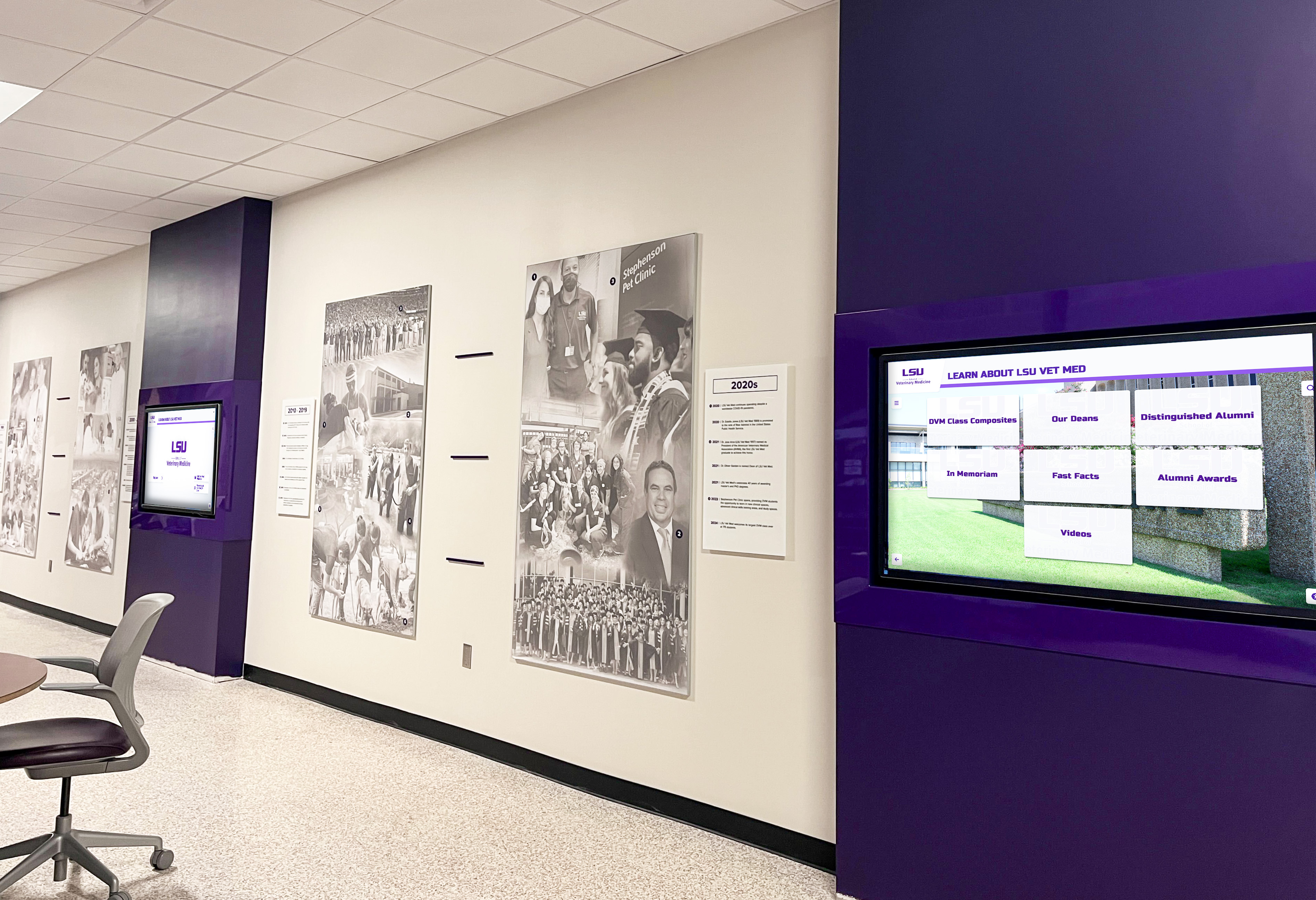
Schools with multiple recognition displays across campus should schedule NDP validation checks after any switch replacement, VLAN reorganization, or major OS update to catch configuration changes before they cause visible content failures
Building a Baseline Documentation Record
After completing the validation procedure, record the following information in a display network baseline document maintained by the IT team alongside other infrastructure records:
- Display location and asset tag
- Switch name, port number, and VLAN assignment
- IPv6 address (SLAAC-derived or static) and prefix length
- Default gateway IPv6 address (link-local and global unicast)
- Gateway NDP cache state observed during validation (REACHABLE, STALE)
- Idle ICMPv6 round-trip time to gateway
- CMS hostname, AAAA record, and ICMPv6 reachability result
- Date of validation and name of IT staff member
- Any remediation steps taken and their outcome
This documentation supports the broader goal of maintaining reliable recognition infrastructure. Schools that integrate network documentation with their recognition platform configurations — including the athletic archive data lineage records that track how historical achievement data flows from source to display — create a complete audit trail covering both the data and the network path that delivers it.
Frequently Asked Questions
Does IPv6 Neighbor Discovery affect recognition displays that use Wi-Fi instead of Ethernet?
Yes. NDP operates identically over IEEE 802.11 Wi-Fi links as over Ethernet. The same ICMPv6 message types — RS, RA, NS, NA — are exchanged over the wireless medium. Additional considerations apply to Wi-Fi: access points that operate in client isolation mode may block NS and NA messages between wireless clients and the wired gateway, and some enterprise Wi-Fi controllers apply proxy ARP/NDP that intercepts Neighbor Solicitations on behalf of clients. If a display connected via Wi-Fi experiences NDP issues, check the wireless controller or access point configuration for client isolation and proxy NDP settings in addition to the switch-level checks in Steps 5 and 6.
Can a recognition display have a working IPv4 connection and a broken IPv6 NDP configuration simultaneously?
Yes, and this is the most common scenario. Dual-stack displays have independent IPv4 (ARP-based) and IPv6 (NDP-based) address resolution mechanisms. A switch configuration that blocks ICMPv6 while permitting ARP traffic will allow IPv4 to function normally while completely preventing IPv6 address resolution. The display will use IPv4 for all CMS traffic via Happy Eyeballs fallback. Running the validation procedure on a working dual-stack display is still worthwhile to confirm IPv6 is functioning correctly before the school transitions to IPv6-primary networking.
How long does a complete IPv6 NDP validation take for a single display?
Steps 1 through 4 typically take 10–15 minutes on a single display where commands are run directly at the media PC terminal or keyboard. If remote access to the display is available via RDP or SSH, the same steps can be completed in approximately the same time without physical presence. Steps 5 and 6 — switch configuration review and packet capture — add 15–30 minutes if issues are found in Steps 1–4, and are not required if all four initial steps confirm a healthy NDP state.
What is the difference between SLAAC and DHCPv6 for recognition displays, and which is better?
Stateless Address Autoconfiguration (SLAAC) generates an IPv6 address on the display from the network prefix advertised in Router Advertisements, combined with the display’s interface identifier (usually derived from the MAC address). It requires no central DHCPv6 server and is simpler to deploy at scale. Stateful DHCPv6 assigns IPv6 addresses from a managed pool, similar to IPv4 DHCP, and provides IT teams with a central lease record. For permanently installed recognition displays, either approach works reliably when NDP is functioning correctly. Static IPv6 addressing — assigning the address manually rather than relying on SLAAC or DHCPv6 — is generally preferred for displays because it ensures the address does not change if the DHCP lease expires or SLAAC regenerates, which simplifies firewall rules and DNS records pointing to the display.
Should recognition displays be on their own IPv6 prefix or share the student network prefix?
Placing recognition displays on a dedicated VLAN with its own IPv6 prefix and subnet provides several practical advantages: it prevents student device traffic from exhausting the neighbor cache on the access switch, it allows RA Guard and ICMPv6 ACL policies to be tuned specifically for display traffic without affecting student devices, and it enables QoS policies that prioritize display CMS traffic during peak network hours. The dedicated VLAN approach also simplifies security policy for display network traffic — relevant when the school manages data privacy policies that specify how recognition program data must be handled on the school network.
A recognition display platform that maintains complete digital award histories, searchable athlete profiles, and championship records deserves a network foundation that is validated, documented, and reliable. If your school is evaluating interactive recognition display solutions and wants to understand how leading platforms handle cloud connectivity, content management, and network requirements, schedule a live demo with Rocket Alumni Solutions to see how a modern recognition platform performs on a school network environment similar to yours.