A school recognition display that exposes a local HTTP management endpoint on the campus LAN — even one that is never intentionally opened to browsers — may be reachable from a student’s laptop through a DNS rebinding attack. Intent: demonstrate — this guide walks school IT coordinators and network administrators through a school recognition display DNS rebinding protection check: the structured process of confirming that any web-accessible interface served by a hall-of-fame kiosk, athletic record board, or donor recognition wall is hardened against DNS rebinding before the display enters unattended operation.
DNS rebinding is a technique in which an attacker controls a public domain whose DNS record initially resolves to a legitimate server, then rapidly changes — or “rebinds” — that record to a private IP address such as the recognition display’s LAN address. A student’s browser, having established trust with the attacker’s domain, then allows subsequent requests from that domain to reach the display’s local HTTP service as if they were same-origin. The result is that a web page can read or write to a local management interface on the display without the IT team’s knowledge, using only the student’s browser as a relay and requiring no software to be installed on any school device.
School recognition displays are a relevant target because many CMS platforms and embedded media players include a local HTTP health-check or configuration endpoint — sometimes on a well-known port such as 8080 or 9090 — that is never intended to receive browser requests from the student VLAN but is reachable from it in the absence of explicit firewall rules. Running this check before commissioning, and again after any OS or CMS software update, keeps those endpoints protected without changing any content or disrupting authorized cloud CMS delivery.
The quick answer: on the display PC, run netstat -ano (Windows) or ss -tlnp (Linux) to identify which TCP ports are listening. For each port that serves HTTP, send a curl request to http://127.0.0.1:<port> with a spoofed Host header — for example, curl -H "Host: attacker.example.com" http://127.0.0.1:<port>/ — and confirm the server either rejects the request with a 400 Bad Request or returns no meaningful data. Verify that the school’s DNS resolver blocks responses containing RFC 1918 private addresses for public domain queries. Confirm the display’s management ports are not reachable from the student VLAN. If any of those checks fail, apply Host header allowlisting on the local server, enable DNS rebinding protection on the school’s resolver, or restrict port access at the switch ACL or Windows Firewall level before the display goes live.
This procedure applies to any Windows- or Linux-based recognition display PC running a CMS client, embedded media player, or local management agent that listens for inbound HTTP connections. It does not require disabling cloud CMS connectivity or modifying content delivery configuration.
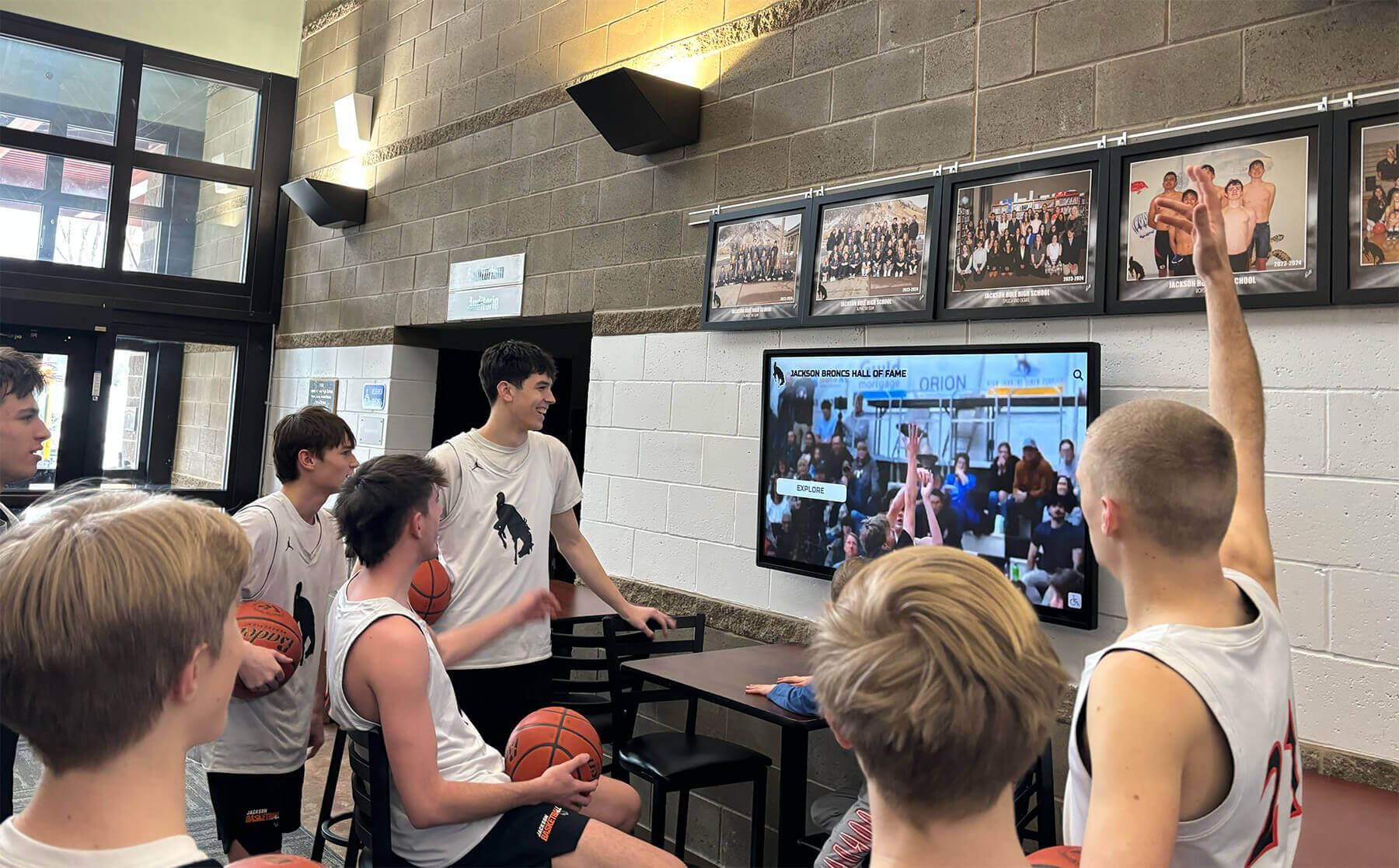
A recognition display serving video highlights, athlete records, and live data from a cloud CMS may simultaneously expose a local HTTP endpoint that is never intended to receive browser requests from the student VLAN — DNS rebinding protection keeps that endpoint secured without affecting cloud content delivery
What DNS Rebinding Is and Why It Matters for Recognition Displays
DNS rebinding exploits the browser same-origin policy by tricking a browser into treating a locally accessible resource as if it belongs to a public domain the attacker controls. The attack proceeds in three stages.
Stage 1 — Initial resolution. The victim’s browser visits a page on the attacker’s domain, such as attack.example.com. The attacker’s DNS server responds with the real public IP of the attacker’s server, with a very short time-to-live (TTL), commonly one second. The browser loads the page and establishes same-origin trust with attack.example.com.
Stage 2 — Rebind. When the browser’s DNS cache expires after the short TTL, the page makes a new request to attack.example.com. The attacker’s DNS server now responds with a private IP address — for example, 192.168.40.25, the recognition display’s address on the school LAN. The browser’s DNS cache is updated with the new binding.
Stage 3 — Private network access. The attacker’s JavaScript, running in the browser and still tagged as same-origin with attack.example.com, makes HTTP requests that the browser now routes to the private address. The recognition display’s local HTTP service receives those requests and, if it does not validate the Host header or require authentication, responds with configuration data, management controls, or content modification endpoints that the attacker reads through the browser.
Why recognition display endpoints are a concrete target. Many embedded CMS clients and media players include a local HTTP listener for one or more of the following purposes: device health reporting, playback status queries, local network configuration UI, diagnostic logging endpoints, and software update hooks. These listeners are designed to be reached by the CMS agent on the same machine or by the IT team’s management tools over the LAN, not by browser JavaScript. When a school recognition display sits on the same VLAN as student devices — or when a student’s browser is present on the campus guest network and the firewall does not block lateral access to the display — the local HTTP listener becomes a potential DNS rebinding target.
Schools that deploy recognition programs for academic excellence awards and athletic hall-of-fame recognitions hold personally identifiable information about students and alumni in their CMS platforms. A DNS rebinding attack does not directly target the cloud CMS — it targets the local interface on the display PC. Depending on the CMS client’s local API, an attacker might read the device registration token, modify the active content playlist, or access diagnostic endpoints that expose the display’s internal IP schema and software version — information useful for subsequent reconnaissance.
Which Local Endpoints School Recognition Displays Typically Expose
Understanding what may be listening before running the check focuses the procedure and avoids testing ports that are irrelevant to DNS rebinding.
| Endpoint Type | Common Ports | Purpose | DNS Rebinding Risk |
|---|---|---|---|
| CMS client local API | 8080, 9090, 7777, or vendor-specific | Receives playback commands and configuration pushes from the cloud CMS | High if the endpoint accepts arbitrary Host headers and is reachable from the student VLAN |
| Embedded media player web UI | 80, 443, 8443 | Browser-accessible configuration and status page bundled with the player software | High — designed for browser access, which is exactly the surface DNS rebinding exploits |
| Local health check endpoint | 8888, 9999, or custom | Returns device status, uptime, and connectivity signals for monitoring integrations | Medium — typically read-only but may disclose IP addresses, software versions, and CMS credentials in JSON responses |
| Windows Remote Management (WinRM) | 5985 (HTTP), 5986 (HTTPS) | PowerShell remoting and remote management for Windows-based display PCs | Medium — WinRM has its own authentication layer but an unexpected listener on port 5985 is worth confirming and restricting |
| Display-local update server | 3000, 4000, or vendor-specific | Local staging point for software updates pushed from the CMS | Low to medium depending on authentication — an unauthenticated update server is a high-severity finding |
| No local HTTP listener | None (cloud-only CMS client) | Some CMS clients make only outbound HTTPS connections and maintain no inbound listener | None — DNS rebinding requires an inbound listener; confirm this is the case before closing the check |
If the display PC runs only an outbound HTTPS CMS client with no inbound listener on any port, the DNS rebinding attack surface is absent and this check can be closed after Step 1 confirms no unexpected listeners are present. Schools that have already verified display networking through a technical display commissioning checklist can integrate this DNS rebinding check into the same session without running a separate maintenance window.
Tools Required for the DNS Rebinding Protection Check
| Tool | Purpose in the Check | Notes |
|---|---|---|
Windows PowerShell or Command Prompt (netstat, Get-NetTCPConnection) | Inventory all TCP ports listening on the display PC and identify which process owns each port | Run as Administrator to see process IDs for all listeners; netstat -ano shows process IDs, Get-Process -Id <PID> identifies the owning process |
curl (Windows 10+ built-in or Linux) | Send HTTP requests to local listeners with spoofed Host headers to test whether the server validates the Host field | Windows 10 and Windows 11 include curl as a built-in; run from Command Prompt or PowerShell without installing additional software |
Windows Firewall with Advanced Security (wf.msc) or Get-NetFirewallRule | Review existing inbound firewall rules to confirm HTTP management ports are restricted to authorized source addresses | Run on the display PC; confirm that inbound rules for management ports specify source IP restrictions rather than allowing any source |
| Network test laptop on the student VLAN | Verify that the display's management ports are unreachable from the student or guest VLAN — confirming the firewall or ACL boundary is effective | Use Test-NetConnection <display_IP> -Port <port> from the test device; a result of TcpTestSucceeded: False confirms port inaccessibility from that VLAN |
DNS resolver test utility (nslookup, dig, or PowerShell Resolve-DnsName) | Query the school's DNS resolver with a test domain that resolves to a private IP and confirm the resolver blocks or modifies the response | Some routers and DNS appliances implement DNS rebinding protection by returning NXDOMAIN or a safe IP when a public domain resolves to an RFC 1918 address; this step confirms that protection is active |
| CMS management portal | Confirm that cloud CMS connectivity remains fully functional after any firewall rule changes made during remediation | A display that passes DNS rebinding protection steps but loses CMS connectivity has a firewall rule that is too restrictive — check outbound TCP 443 rules alongside the inbound management port rules |
Pre-Check: Document the Display’s Local HTTP Services
Before running individual check steps, record the expected configuration so each step has an unambiguous pass criterion.
- Identify the recognition display PC’s local IP address: run
ipconfig /all(Windows) orip addr show(Linux) and record the Ethernet adapter IP. - Identify the CMS platform and media player software installed on the display. Note the vendor and software version — the vendor’s documentation or release notes may list which ports the software uses for local listeners.
- Retrieve the school’s network documentation for the display VLAN. Note which IP ranges are in the student VLAN and guest VLAN — these are the source ranges you will test from in Step 5.
- Note the DNS resolver IP the display uses. This is the server you will test in Step 3 — it is commonly the school’s gateway or a district DNS appliance, visible in
ipconfig /allas the DNS Server field. - If the CMS platform vendor publishes a security hardening guide for their media player software, retrieve it now. Vendor guidance on Host header allowlisting or local listener configuration takes precedence over generic recommendations when vendor-specific settings are available.
Record all five items before beginning Step 1.
Documenting the display PC's IP, CMS software version, and expected port usage before running the check gives each step a clear pass criterion and reduces troubleshooting time when a listener appears that the IT team did not expect
Recognition Display DNS Rebinding Protection Check Procedure
Step 1: Inventory All Listening TCP Ports on the Display PC
Establish the complete list of inbound HTTP listeners before testing any of them.
- On the display PC, open PowerShell as Administrator.
- Run the following command to list all listening TCP ports with their owning process IDs:
Get-NetTCPConnection -State Listen | Select-Object LocalAddress, LocalPort, OwningProcess | Sort-Object LocalPort
- For each listener, identify the owning process:
Get-Process -Id <OwningProcess>
- Alternatively, run the traditional
netstatcommand, which is also available in PowerShell and Command Prompt:
netstat -ano | findstr "LISTENING"
- Build a list of all listening ports. For each port, record: the port number, the local address (0.0.0.0 means it binds on all interfaces; 127.0.0.1 means loopback-only), and the owning process name.
- Separate the list into two categories: loopback-only listeners (127.0.0.1 or [::1]) and all-interface listeners (0.0.0.0 or [::]). Loopback-only listeners are not reachable from the network and are not a DNS rebinding surface. All-interface listeners are reachable from any source that can reach the display’s IP and require examination in subsequent steps.
- For each all-interface listener, confirm whether the owning process is the expected CMS client, media player, or a known system service. An unexpected listener — one not associated with a recognized process — is a separate security finding that should be investigated before this check proceeds.
Pass criteria: Every listening port is identified and associated with a known process; no unexpected listeners are present on all-interface bindings.
Step 2: Test Host Header Validation on Each HTTP Listener
For each all-interface HTTP listener identified in Step 1, test whether the server validates the Host header in incoming requests. A server that accepts requests with an arbitrary Host header is vulnerable to DNS rebinding because an attacker’s page can send requests to any domain and the rebinding attack makes them route to the display’s local IP.
- From the display PC itself (to isolate the Host header test from firewall or VLAN effects), open Command Prompt and run the following for each HTTP port. Replace
<port>with the actual port number:
curl -v -H "Host: attacker.invalid" http://127.0.0.1:<port>/
Examine the response:
- Pass: The server returns
400 Bad Request, closes the connection without a response body, or returns an error that does not include application data. This indicates the server rejected the unrecognized Host header. - Fail: The server returns
200 OKwith application content, a JSON API response, or any data from the management interface. This confirms the server accepts arbitrary Host headers and is vulnerable to DNS rebinding.
- Pass: The server returns
If the server accepts an arbitrary Host header, test whether it accepts the display’s own IP address as the Host value, which is the canonical form a DNS rebinding attack uses after the rebind occurs:
curl -v -H "Host: 192.168.40.25" http://127.0.0.1:<port>/
A server that accepts its own IP as the Host value and returns application data confirms the attack surface is present.
If the CMS or media player vendor documentation specifies a Host header allowlist configuration option, apply it following the vendor’s instructions. The allowlist should permit only the localhost names and IP addresses the legitimate CMS cloud infrastructure uses when communicating with the local listener — typically
localhost,127.0.0.1, and the display’s static LAN IP if the CMS cloud agent connects to it by IP.If the software does not provide a Host header configuration option, document the finding and escalate to the CMS platform vendor for guidance. The interim mitigation is to firewall the port at the Windows Firewall or switch ACL level so it is unreachable from any non-authorized source.
Pass criteria: Every all-interface HTTP listener returns 400 Bad Request or no application data when sent a request with an arbitrary Host header.
Step 3: Verify the School’s DNS Resolver Blocks Private-Address Responses
DNS rebinding relies on a public domain returning a private IP address in its DNS response. Many enterprise DNS resolvers and security-focused home routers implement DNS rebinding protection by detecting and blocking responses where a public domain name resolves to an RFC 1918 private address (10.0.0.0/8, 172.16.0.0/12, 192.168.0.0/16) or a link-local address (169.254.0.0/16).
Testing whether the school’s resolver implements this protection requires a domain that genuinely resolves to a private IP — which an attacker would control, but which IT teams can simulate using a known test resource or by temporarily adding a DNS record in a test zone.
Practical approach for school IT teams. Rather than constructing a live DNS rebinding test domain, confirm the resolver’s configuration directly:
Identify the DNS resolver the display uses (from
ipconfig /all). Log in to the resolver’s management interface — commonly the school’s gateway router, a district DNS appliance (Cisco Umbrella, Infoblox, Windows DNS Server with filtering), or a filtering DNS service.Search the resolver’s settings for options labeled “DNS rebinding protection,” “private address filtering,” “RFC 1918 response filtering,” or “bogon filtering.” On pfSense and OPNsense routers, this option appears in Services → DNS Resolver as “Rebind Protection.” On consumer routers and many enterprise gateways, it appears in the DNS or firewall section.
If the resolver does not implement DNS rebinding protection natively, evaluate whether a filtering DNS service such as Cisco Umbrella or Cloudflare Gateway — both of which the school may already use for content filtering — applies rebinding protection at the DNS layer. Consult the service’s documentation for the specific setting.
If no resolver-level protection is available, note this gap in the check record. Resolver-level protection is a defense-in-depth measure; it is not a substitute for Host header validation (Step 2) and port access controls (Step 5), but it reduces the window during which the attack can succeed even when a server has a Host header validation gap.
Pass criteria: The DNS resolver implements rebinding protection (blocks or rewrites responses where a public domain resolves to an RFC 1918 or link-local address), OR resolver-level protection is unavailable and the finding is documented with a note that Steps 2 and 5 are the primary controls in place.
Step 4: Confirm Chrome Private Network Access Requirements Are Met
Since Chrome 98 (released February 2022), Google Chrome enforces the Private Network Access specification, which requires that requests from public-origin web pages to private-network IP addresses be preceded by a CORS preflight request. The display’s local HTTP endpoints must respond to that preflight correctly, or Chrome refuses the main request — effectively blocking DNS rebinding attempts in the Chrome browser.
This step does not replace Step 2 or Step 5, because other browsers (Firefox, Safari, and older Chrome versions) may not enforce the same requirement. It is a useful additional verification for schools where Chrome is the dominant student browser.
From a Chromebook, Windows laptop, or any device running Chrome 98 or later on the student VLAN, open Chrome DevTools (F12) and navigate to the Network tab.
Open a simple test page — the school’s internal test page or any publicly accessible site — and from the browser console, attempt a fetch to the display’s IP and management port:
fetch('http://192.168.40.25:<port>/')
  .then(r => r.text())
  .then(console.log)
  .catch(console.error);
Replace the IP and port with the display’s actual values from Step 1.
Examine the DevTools Network tab. If Chrome’s Private Network Access enforcement is blocking the request, the Network tab shows a preflight request with status 0 or a CORS error, and the console shows a message referencing “private network access” or “Access-Control-Allow-Private-Network.” This is the expected behavior — Chrome is preventing the unauthenticated cross-origin request to the private address.
If the fetch succeeds and returns data from the display’s local interface, Chrome’s Private Network Access enforcement is not blocking the request for this particular endpoint. This may mean the display’s local server is responding with the correct CORS headers (which is one valid approach), or it may mean the endpoint is not being protected at the browser layer. Return to Step 2 to confirm Host header validation is in place as the primary server-side control.
Note that Private Network Access enforcement applies only to non-secure (HTTP) origins accessing private network resources, and only in Chrome. A recognition display’s local HTTP endpoint should rely on Host header validation and port access controls — not solely on browser-side enforcement — as the primary DNS rebinding protection.
Pass criteria: Chrome’s fetch attempt from the student VLAN either fails with a CORS/private network access error, or the display’s local server correctly handles the preflight request with appropriate headers and still validates the Host header as confirmed in Step 2.
Step 5: Confirm Firewall and ACL Rules Restrict Management Port Access
Even with Host header validation in place, limiting which network sources can reach the display’s management ports reduces the DNS rebinding attack surface to zero for sources that cannot reach the port at all. This step confirms that Windows Firewall rules (on the display PC) and switch ACL rules (on the school network) enforce port-level access controls.
- On the display PC, open PowerShell as Administrator and review the current inbound firewall rules for HTTP-related ports:
Get-NetFirewallRule -Direction Inbound -Action Allow | Where-Object { $_.Enabled -eq 'True' } | Select-Object DisplayName, LocalPort, RemoteAddress | Sort-Object LocalPort
For each management port identified in Step 1, locate the corresponding firewall rule. Confirm the
RemoteAddressfield specifies the authorized source — typically the IT management VLAN subnet, such as192.168.10.0/24— rather thanAny. A rule withRemoteAddress: Anyfor a management port allows any source to attempt to reach the listener.If a management port has an overly permissive inbound rule, restrict it to the authorized source range using:
Set-NetFirewallRule -DisplayName "<rule name>" -RemoteAddress "192.168.10.0/24"
Replace the subnet with the actual IT management VLAN range and <rule name> with the rule’s display name from the previous query.
After updating any firewall rules, test from a workstation on the IT management VLAN that the port is still reachable (
Test-NetConnection <display_IP> -Port <port>should return TcpTestSucceeded: True from the management VLAN).From the student VLAN test laptop, repeat the same connection test. The result should be TcpTestSucceeded: False — the port should time out or be actively refused from the student network.
If the school also uses a switch-level ACL to control inter-VLAN traffic (as verified during the VLAN tagging test), confirm the ACL explicitly denies student VLAN access to the display’s management port. A Windows Firewall rule and a switch ACL both restrict access but from different enforcement points; having both provides defense in depth.
Pass criteria: All HTTP management ports on the display PC have inbound Windows Firewall rules that specify the authorized source subnet; management ports are unreachable (TcpTestSucceeded: False) from the student VLAN test device.
Step 6: Record Results and Make a Go / No-Go Decision
Document the complete check before releasing the display to unattended operation.
| Check Item | Expected Result | Actual Result | Pass / Fail | Tested By | Date |
|---|---|---|---|---|---|
| Listening port inventory complete — all processes identified | Every listener associated with a known, expected process; no unexpected all-interface listeners | ||||
| Host header validation — each HTTP listener | 400 Bad Request or no application data for arbitrary Host header | ||||
| DNS resolver rebinding protection | Resolver blocks or rewrites responses where a public domain resolves to RFC 1918 address, OR gap documented with compensating controls noted | ||||
| Chrome Private Network Access enforcement | Fetch from student VLAN Chrome browser fails with CORS/private network access error, or endpoint correctly handles preflight with Host header validation in place | ||||
| Windows Firewall inbound rules — management ports | RemoteAddress restricted to IT management VLAN subnet, not Any | ||||
| Management port access — from student VLAN | TcpTestSucceeded: False for all management ports from student VLAN test device | ||||
| Management port access — from IT management VLAN | TcpTestSucceeded: True for management ports from IT management workstation | ||||
| Cloud CMS connectivity after remediation | Display shows online in CMS management portal; content synchronization functioning normally |
Go / No-Go rule: The display should not enter unattended operation until all items with a host-header or port-access finding are resolved or have a documented interim mitigation with a follow-up date. A display running an HTTP listener that accepts arbitrary Host headers from the student VLAN represents an active DNS rebinding surface; resolving it before the display goes live is significantly simpler than remediating it after the display has been in public operation.
See how a cloud-managed recognition display handles security and IT setup without exposing local HTTP management endpoints. A live demonstration shows how Rocket Alumni Solutions manages school hall-of-fame kiosks and athletic record boards with outbound-only CMS connectivity, reducing the local attack surface while keeping content reliably updated.
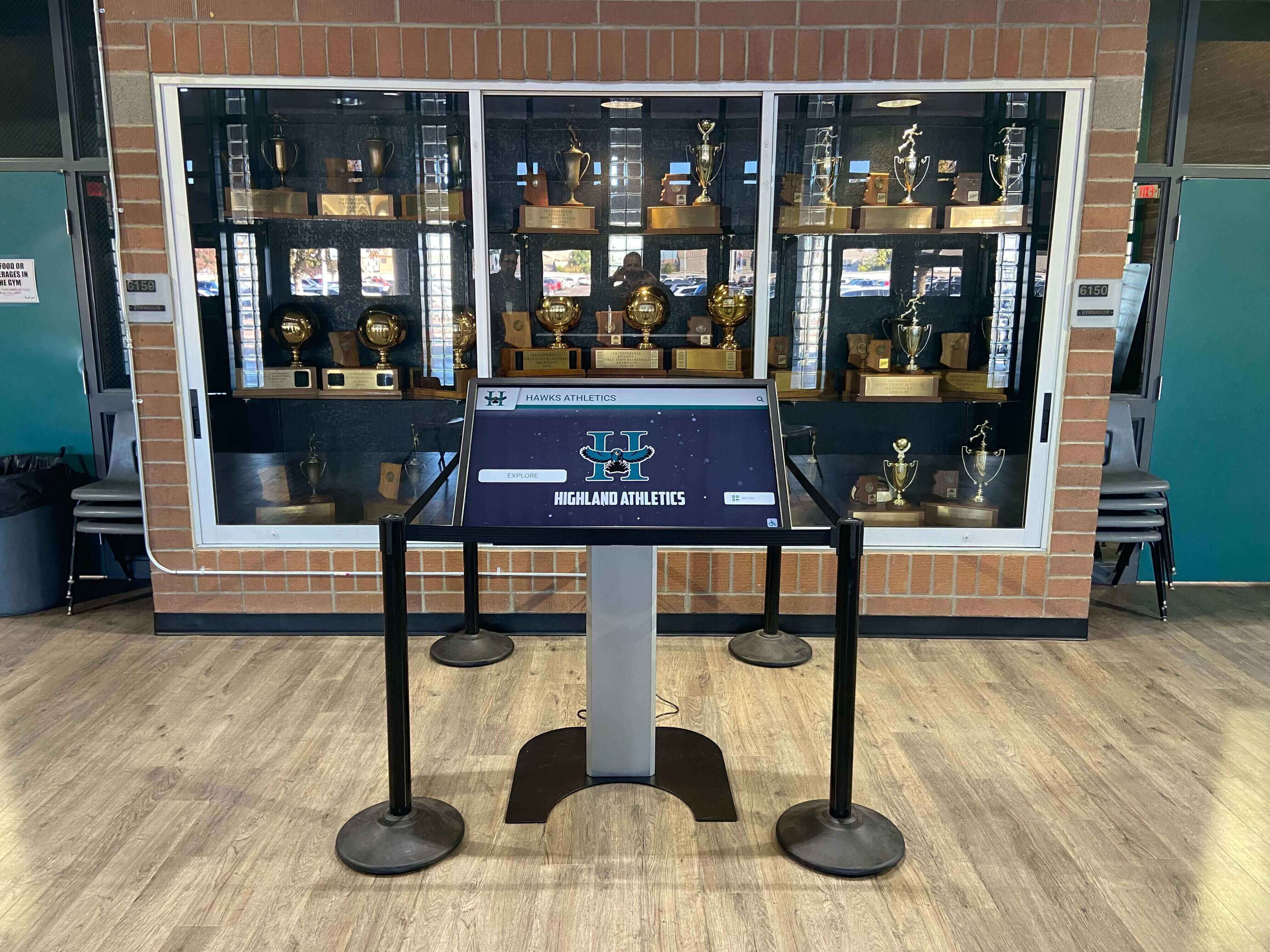
Completing the DNS rebinding protection check before a recognition display enters unattended operation prevents a class of browser-based attacks that can reach local management endpoints through student devices on the campus network
Troubleshooting Common DNS Rebinding Protection Failures
| Finding | Probable Cause | Resolution |
|---|---|---|
| HTTP listener returns 200 OK with application data when sent an arbitrary Host header | The CMS client or media player does not implement Host header validation; it accepts all inbound requests regardless of the Host field | Consult the CMS platform vendor's security hardening documentation for a Host header allowlist setting; if none exists, apply a Windows Firewall inbound rule restricting the port to the loopback address (127.0.0.1) or the IT management VLAN subnet, and open a support request with the vendor to add Host header validation in a future release |
| Unexpected all-interface listener found — process is not the CMS client or a recognized system service | A secondary application, update agent, or pre-installed software has opened a listening port that the IT team did not configure | Identify the process using Get-Process -Id <PID> and research its purpose; if the listener is unnecessary, disable or uninstall the software; if it is required by a system service, add an inbound firewall rule restricting it to authorized sources before the display goes into production |
| Management port reachable from student VLAN after Windows Firewall rule is applied | The Windows Firewall rule is correctly configured but an upstream switch ACL or a routing policy is routing student VLAN traffic to the display without hitting the firewall; or the display is on the same VLAN as students rather than an isolated display VLAN | Verify VLAN isolation at the switch level: confirm the display is on a dedicated display VLAN and the student-to-display-VLAN inter-VLAN routing ACL denies the relevant ports; a Windows Firewall rule is a last-resort control — switch-level ACL enforcement is the preferred boundary |
| DNS resolver does not have a rebinding protection setting | The school uses a basic DNS forwarder or ISP-provided DNS that does not implement RFC 1918 response filtering | This is a gap in defense-in-depth, not an independently critical finding — Host header validation (Step 2) and port access controls (Step 5) are the primary controls. Document the gap and consider migrating to a filtering DNS service such as Cisco Umbrella or Cloudflare Gateway, both of which implement rebinding protection and are commonly deployed in school district networks for content filtering |
| Chrome Private Network Access test succeeds (fetch returns data from the display) | The display's local server is responding with Access-Control-Allow-Private-Network: true, which Chrome accepts as the correct preflight response; or Chrome's enforcement is not triggered because the test page itself is served over HTTP rather than HTTPS | If the server is returning PNA headers, confirm that Host header validation is still enforced — the two are independent controls. If the server is granting PNA access to all origins rather than only the authorized CMS origin, the CORS configuration should be tightened to restrict the Access-Control-Allow-Origin header to the specific CMS domain |
| Cloud CMS shows display offline after Windows Firewall rules are updated | A firewall rule change blocked an outbound or inbound port that the CMS client requires; commonly, an inbound rule restricting a management port was applied too broadly and is now blocking the CMS cloud agent's callback to the display | Review outbound firewall rules to confirm TCP 443 (HTTPS) remains unrestricted for the display PC; check whether the CMS agent requires an inbound connection from the cloud (unusual for most platforms) or whether it operates solely via outbound HTTPS; restore connectivity by correcting the overly broad inbound rule rather than reverting all firewall changes |
Keeping the Check Current After Software and OS Updates
A one-time DNS rebinding protection check establishes the correct baseline at commissioning. Three practices keep the check results valid through the display’s operating life.
Re-run Step 1 after every CMS or media player software update. Software updates frequently add or remove listening ports. A CMS update that adds a new local API listener on a new port may re-introduce an unvalidated Host header surface even if the previous listeners were correctly hardened. Running netstat -ano after each software update and comparing the port list to the baseline from commissioning takes under five minutes and catches new listeners before they are present in production for an extended period.
Include the display in the change impact review for network modifications. Changes to inter-VLAN ACLs, firewall policies, or DNS resolver configuration — made for entirely unrelated network purposes — can inadvertently re-open a management port to the student VLAN or disable rebinding protection at the resolver. Adding “Does this change affect the display VLAN or its DNS resolver?” to the IT team’s network change review checklist costs nothing and prevents silent regressions.
Request vendor security advisories for the CMS and media player software. When a CMS platform vendor issues a security advisory that addresses local API vulnerabilities or adds Host header validation to a previously unvalidated endpoint, the fix is delivered as a software update. Subscribing to the vendor’s security advisory list — available for most commercial CMS platforms — ensures the IT team knows when a locally relevant fix is available rather than discovering it on a routine update cycle.
How DNS Rebinding Protection Fits the Broader Recognition Display Security Program
The DNS rebinding check addresses one specific vector in the local attack surface of a recognition display. Several adjacent checks complete a comprehensive security baseline.
VLAN isolation. DNS rebinding protection at the host level is most effective when the display VLAN is properly isolated from student and guest networks. A display on a dedicated VLAN with a correctly configured inter-VLAN ACL limits the DNS rebinding attack to sources that can reach the display’s IP — which, on a correctly isolated VLAN, should be only the IT management subnet and the cloud CMS. Schools that have not yet run a VLAN tagging test for their recognition displays should treat that check as a prerequisite to the DNS rebinding check, since VLAN isolation is the network-layer control that most directly restricts which devices can attempt DNS rebinding against the display.
Switch port security. A student who has physical access to an unused switch port near the recognition display could connect a device directly to the display VLAN rather than arriving through the student VLAN. Switch port security — unused port shutdown, MAC address binding, and 802.1X port authentication — closes this path without affecting the display’s operation.
Content delivery reliability. Security hardening should not compromise the recognition display’s content delivery function. After every firewall change in this check, confirm the cloud CMS shows the display as online and content is synchronizing correctly. Schools that maintain ongoing athletic recognition programs and alumni engagement content need the display to be both secure and reliably updated — a hardened display that has lost CMS connectivity resolves one problem while creating another.
Periodic re-verification. Scheduled quarterly or at the start of each school year, running Steps 1, 2, and 5 of this check — port inventory, Host header validation, and port access confirmation — keeps the baseline current without requiring a full commissioning-level procedure. These three steps collectively take under thirty minutes on a display that has already been commissioned and documented.

DNS rebinding protection affects only the display's local HTTP management surface — it has no impact on the interactive recognition content, athlete profiles, and hall-of-fame records that visitors interact with through the touchscreen
Frequently Asked Questions
What is DNS rebinding and why does it affect school recognition displays specifically?
DNS rebinding is an attack technique in which a malicious web page manipulates DNS resolution to route browser requests to a private IP address — such as the recognition display’s LAN address — by changing the DNS record for a public domain after the browser has loaded a page from that domain. School recognition displays are a relevant target because many CMS clients and embedded media players open local HTTP listeners on the display PC’s LAN interface for health checks, configuration, or management commands. If those listeners accept requests with arbitrary Host headers and the student VLAN can reach the display’s IP, a student’s browser can be used as a relay to reach the local management API without any software installation or elevated privileges.
Will this check interfere with the recognition display’s cloud CMS content delivery?
No — cloud CMS content delivery uses outbound HTTPS connections from the display PC to the CMS platform. This check addresses inbound HTTP listeners on the display PC, which are separate from the outbound CMS connection. The one exception is remediation that applies Windows Firewall rules: after any firewall change, Step 6 of this procedure includes confirming that the CMS portal shows the display as online. If a firewall rule change inadvertently blocks the CMS, correcting the rule restores connectivity without reverting the security improvement.
What if the CMS or media player vendor says the local HTTP listener is required for operation?
Some CMS platforms require a local inbound listener to receive content update pushes from the cloud agent or to accept management commands. In these cases, the listener cannot be disabled. The remediation is to ensure the listener implements Host header validation — accepting requests only from localhost, 127.0.0.1, and the display’s own static LAN IP — and to apply a Windows Firewall inbound rule restricting the port to the CMS cloud platform’s IP range or to the loopback address if the cloud agent connects locally. Contact the CMS vendor to confirm the correct Host header allowlist and source IP restrictions for their specific architecture.
Does DNS rebinding protection need to be checked on every recognition display in the school, or just one?
Each recognition display should be checked independently. While displays running the same CMS software version typically have the same port configuration, individual differences in software versions, update timing, Windows configuration, and installed agents can produce different listener configurations on physically adjacent display PCs. Schools with multiple recognition installations across a building — lobby kiosk, athletics corridor, and donor wall — should run Step 1 on each display to confirm the port inventory matches expectations before assuming the configuration is uniform.
Is DNS rebinding a theoretical concern or has it been actively exploited against school network devices?
DNS rebinding as a technique has been demonstrated against a range of devices that expose local HTTP management interfaces on LAN-accessible ports, including home routers, IoT devices, and enterprise management endpoints. The general class of attack — using a browser as a relay to reach local services — is well-documented in security research. Recognition display endpoints are not commonly cited as targeted assets in known incidents; however, they share the same structural characteristics — a local HTTP listener on a shared network, sometimes without authentication — that have been exploited against other device categories. Running the check is a low-cost preventive measure that closes a structural gap regardless of whether recognition displays have been specifically targeted.
Should this check be run on Wi-Fi-connected recognition displays as well as wired ones?
Yes. A Wi-Fi-connected display has the same local HTTP listener surface as a wired display — DNS rebinding targets the display’s IP address regardless of whether the connection is wired or wireless. The additional consideration for Wi-Fi displays is that wireless SSID-to-VLAN mapping must correctly isolate the display SSID from the student SSID, which is the wireless equivalent of the VLAN isolation checked in Step 5. A wired Ethernet connection remains the recommended choice for recognition displays that run multi-stream content or require reliable CMS synchronization, but the DNS rebinding check applies equally to both connection types.
Choosing a Recognition Display Platform That Minimizes Local Attack Surface
The DNS rebinding protection steps in this guide address the local HTTP listener that exists on many recognition display PCs. Some CMS platforms are architected to eliminate that surface by design — operating the display client entirely as an outbound HTTPS process with no inbound listener on the LAN. In these architectures, Step 1 of the check confirms that no all-interface listeners are present, and the check closes with a pass on the primary concern before the Host header validation steps are even needed.
When evaluating a recognition display platform for a new installation, IT teams should ask the vendor directly whether the media player client requires any inbound listening port on the display’s LAN interface. A platform that manages hall-of-fame kiosks, athletic record boards, and donor recognition walls using outbound-only cloud communication reduces the local attack surface to zero for DNS rebinding and simplifies every network security check the IT team needs to run at commissioning and on an ongoing basis.
Looking for a recognition display platform built for school IT environments? Rocket Alumni Solutions provides cloud-managed interactive recognition displays for schools — hall-of-fame kiosks, athletic record boards, and donor walls — with a CMS designed for reliable outbound cloud connectivity and minimal local configuration overhead. Request a demo to see how the platform handles display management, security, and content updates for school recognition programs.
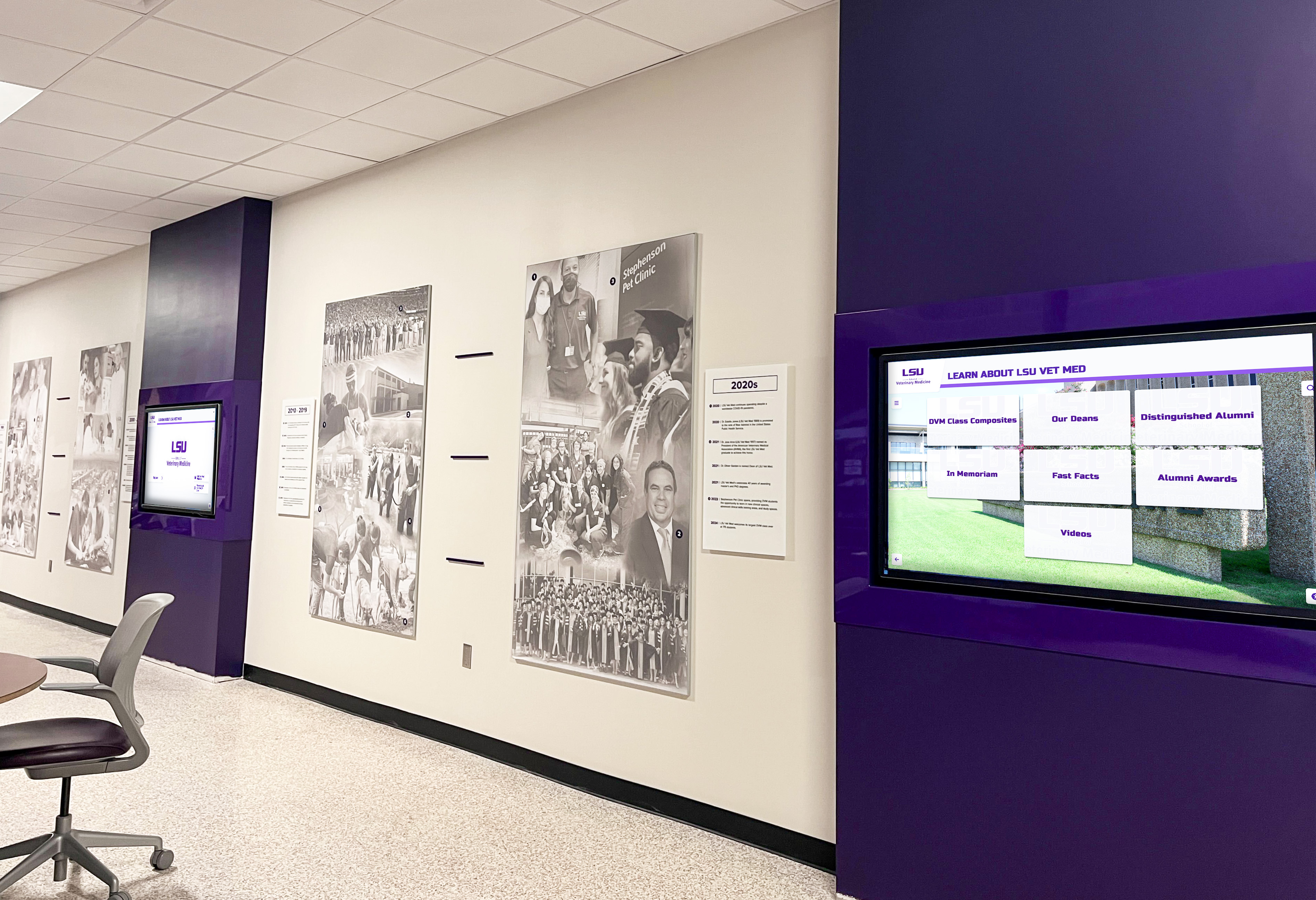
Schools running recognition displays across multiple hallways and common areas benefit from a CMS platform architecture that reduces the local HTTP attack surface on each display PC, making the DNS rebinding protection check faster to run and easier to maintain throughout the school year