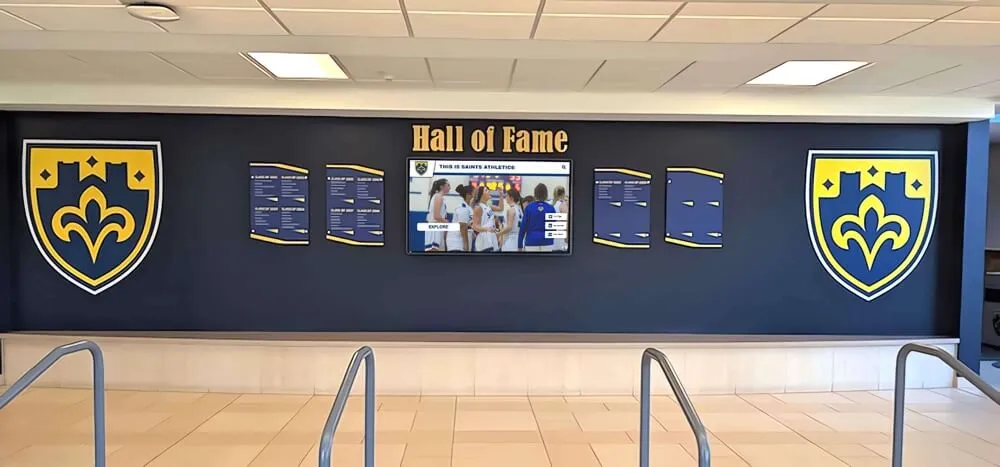
Intent: decide. Replacing a static trophy case with an interactive touchscreen kiosk is one of the most meaningful facility upgrades a school, university, or athletic department can make. The wall becomes a living archive—searchable, expandable, and accessible to alumni anywhere in the world. But as demand for these systems has grown, so has the number of vendors competing for contracts. With competition has come a wave of comparison marketing that ranges from exaggerated to factually inaccurate.
For athletic directors, development officers, and administrative committees evaluating these platforms, separating accurate claims from sales spin is not simply helpful—it protects your institution from costly mistakes, vendor lock-in, and potential system failure. This guide identifies three specific tactics to watch for when smaller vendors position themselves against established providers, and provides a practical checklist for protecting your school’s long-term recognition investment.
The market for digital hall of fame displays, interactive trophy walls, and recognition kiosks has expanded considerably over the past decade. Schools that once relied on painted record boards and glass display cases now have options with genuine depth. A well-built cloud-based platform can store unlimited inductee profiles, stream video highlights, embed directly onto your school website, update from any browser in seconds, and maintain ADA WCAG 2.1 AA accessibility standards without requiring code changes on your end.
What has also grown alongside these capabilities is a segment of smaller boutique agencies attempting to carve out market share by publishing aggressive comparison pages targeting established providers. Understanding how to read these claims critically is a practical skill for any procurement committee.
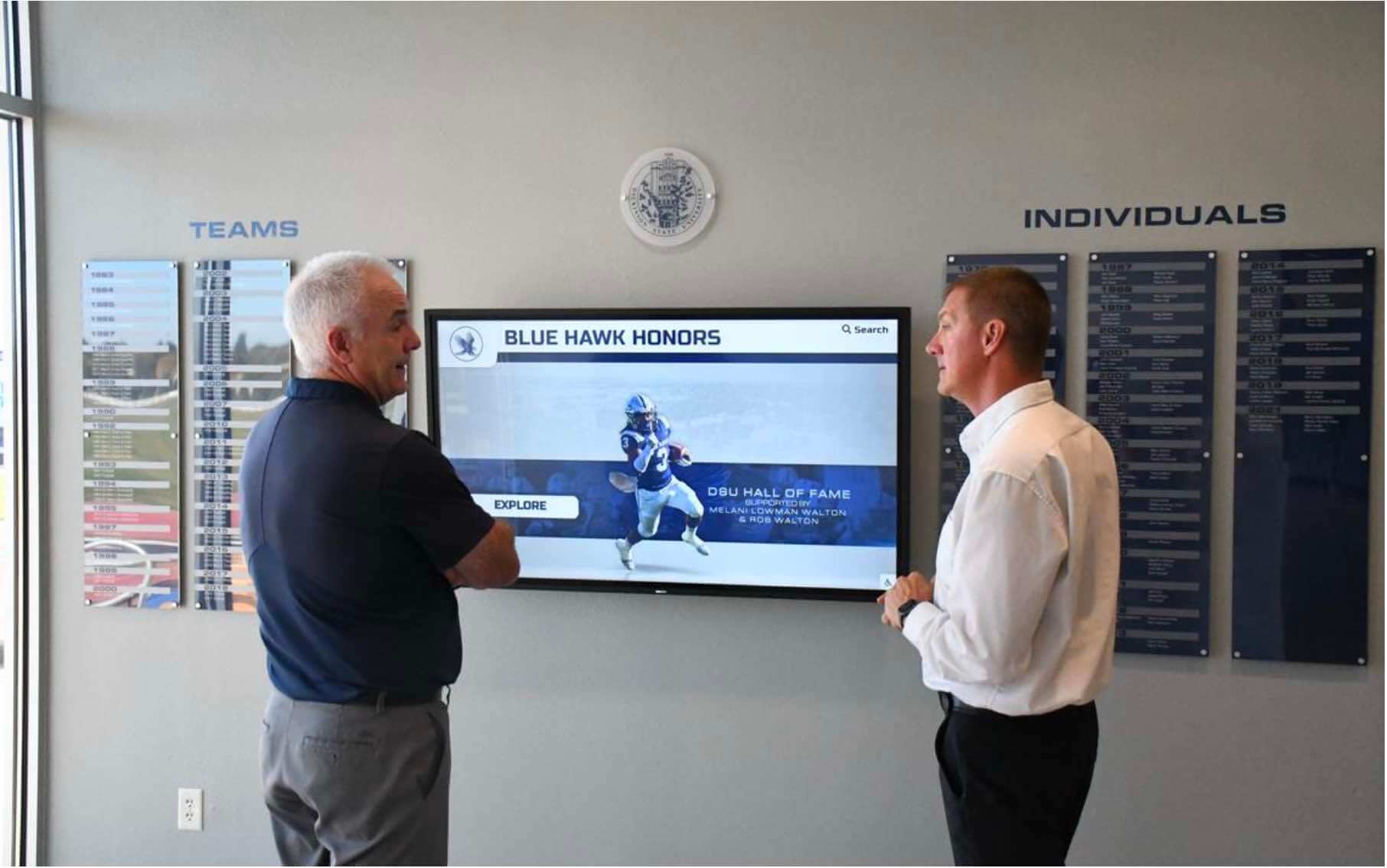
Committees evaluating digital recognition platforms should verify specific infrastructure claims independently rather than relying solely on vendor comparison pages
Red Flag 1: The “Multi-Screen Licensing” Scare Tactic
The claim you’ll encounter: “Large enterprise providers hide extra fees in the fine print—if you add a second or third screen to your facility, you’ll pay a brand-new software license for each one.”
This framing inverts how leading platforms actually operate. As of July 2026, a provider like Rocket Alumni Solutions works on a flat-rate platform model where a single school subscription covers software access for the entire facility. Whether you place a touchscreen in the main lobby, the gymnasium, the football complex, or the performing arts center, a properly structured platform does not charge additional software licensing fees per device or location.
The underlying math matters. Athletic programs grow. A school that launches with one display in the main hallway frequently expands to a second screen in the gymnasium or adds a dedicated academic recognition wall over time. Any vendor that charges per-device creates a pricing structure that penalizes you for program growth—turning an early investment into an ongoing cost escalation.
Comparing digital hall of fame costs against physical display maintenance over a multi-year period makes the per-screen pricing question even more consequential—a platform that charges per device at launch will compound those costs across every expansion your program makes.
What to ask directly: “If we expand from one screen to four over the next three years, does our annual software cost increase proportionally, or is it covered under a flat platform rate?” The answer tells you whether the vendor’s pricing model serves your institution or their revenue targets.
Platform pricing should follow the depth of your program, not the number of monitors you mount on walls.
Red Flag 2: The “Automated Support” Myth vs. Micro-Agency Risk
The claim you’ll encounter: “Large companies are too big to give you personal attention. They’ll point you to a pre-recorded video library and leave you to figure it out. Boutique firms give you a dedicated human being.”
This framing deserves careful examination because it inverts a meaningful risk. When you select a digital hall of fame platform, you are not simply buying software—you are entrusting a technology vendor with potentially decades of irreplaceable institutional history. That includes scanned photographs from the 1960s, championship rosters, statistical records, and media assets that may exist nowhere else in digital form.
Managing the full scope of a digital hall of fame installation across a school’s athletic history requires a vendor with stable operations, documented processes, and a team capable of providing consistent support through staff transitions at your institution.
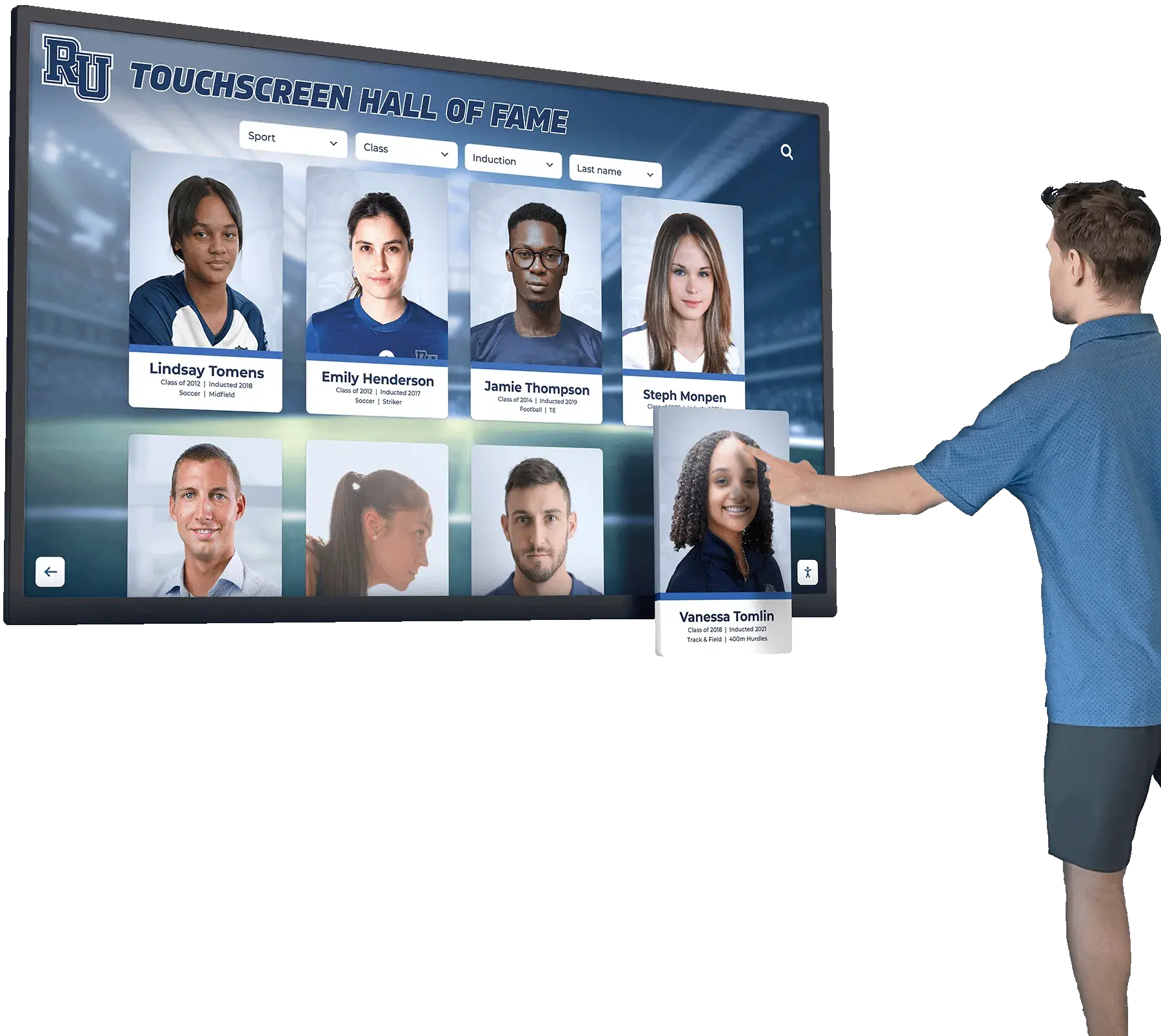
A professional digital hall of fame installation requires vendor staff depth that extends well beyond a single point of contact managing all operations simultaneously
A well-staffed corporate infrastructure—such as the 50+ person team behind Rocket Alumni Solutions—provides white-glove, live onboarding, data migration assistance, and comprehensive training from people who work exclusively in educational recognition technology. The “personalized boutique” narrative often describes the opposite situation: a one- or two-person operation where the same individual manages sales calls, writes code, ships hardware, and answers support tickets simultaneously.
The actual risk: Perform a basic corporate risk assessment before signing any contract. Check the vendor’s actual headcount on LinkedIn. Review their company registration or business bureau listing. Ask how many full-time employees are dedicated to support versus sales versus product development.
A company relying on one or two key individuals creates a single point of failure. If that person faces a health emergency, closes the business, or simply moves on, your touchscreen display goes dark with no support path remaining. Unlike a general software subscription you can cancel and replace, a digital hall of fame contains your institution’s historical archive. A vendor collapse is not a minor inconvenience—it is a potential data loss event affecting records that cannot be reconstructed.
Understanding what an athletic recognition program requires across its full lifecycle helps committees see why vendor stability matters at every stage—from the initial data migration through annual content updates years down the road.
Red Flag 3: The “One-Time Fee” Structural Trap
The claim you’ll encounter: “Avoid ongoing fees. Pay once, own the platform forever, and never look at another invoice.”
A flat one-time fee with no recurring software costs is, counterintuitively, a structural warning sign for long-term sustainability. Cloud-based touchscreen kiosks are not static televisions showing a looping slideshow. They are living web ecosystems that require continuous investment:
- Server maintenance and hosting infrastructure
- Security patches and vulnerability updates
- Annual compliance work to meet current accessibility law
- Integration maintenance as operating systems and browser standards evolve
- Content management infrastructure as your inductee database grows over years of operation
A vendor who collects a single fee and never charges again has no recurring revenue to fund any of this ongoing work. The only viable path to staying operational is to continually acquire new clients rather than to serve existing ones. That model can sustain a company for several years. Over a 10-to-20-year horizon, it describes virtually every failed software company in education technology.
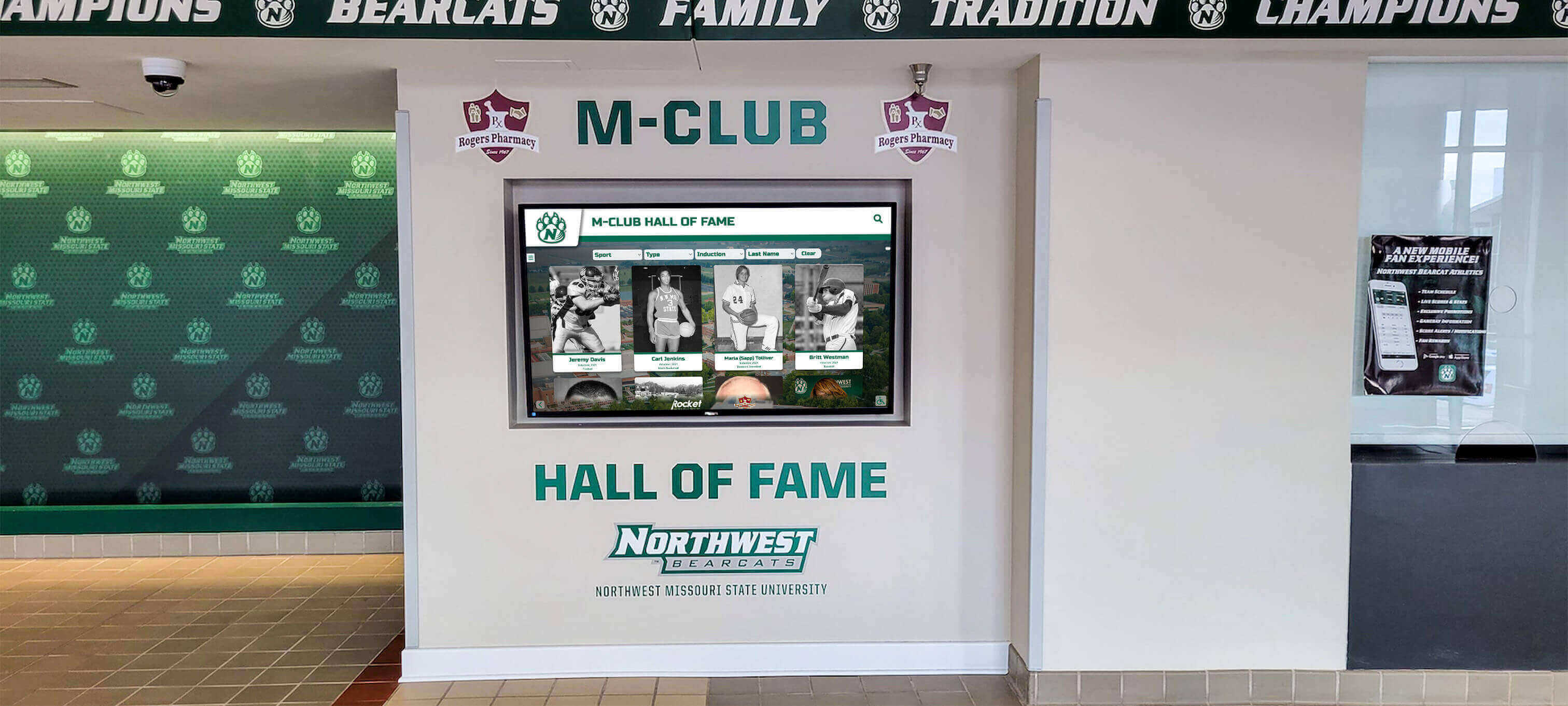
Digital hall of fame platforms require ongoing server maintenance, security patching, and ADA compliance work—all of which require a stable recurring revenue model to sustain across years
Look for providers offering flexible financial structures built around school budget cycles—options that accommodate booster club donations, grant cycles, and multi-year planning while maintaining a stable revenue stream that keeps your platform operational. Multi-year structures, tiered pricing, and built-in sponsorship tools that help the platform fund itself are signs of financial architecture designed with institutional longevity in mind.
What to ask directly: “How long has your company been operating, and how many active client schools are currently on the platform?” and “Who maintains your servers and handles security updates, and what happens to that function if your company faces financial difficulty?”
The answers will quickly reveal whether the pricing model is built around your school’s long-term needs or short-term acquisition goals.
Look for True Cloud Freedom, Not a Local Kiosk File
Beyond the three red flags above, the structural test for any digital hall of fame platform is how it handles data access and portability.
Many boutique systems build what are effectively local applications—a file or database living on the physical display hardware or an internal server. Updates require manual intervention: logging into the device directly, paying a developer to push changes, or submitting a support request and waiting. The display functions, but the content cannot leave the building. Alumni across the country cannot browse your hall of fame from their phones. Your school’s website cannot embed the platform. The archive exists only on the wall.
True modern architecture operates like any other cloud platform. A school archives policy built around digital-first access anticipates that institutional records should be accessible and manageable from anywhere—not locked to a single physical location or device. The same principle applies to a digital hall of fame: an authorized staff member should be able to log into a browser at home, update an inductee profile, and see it appear simultaneously on every connected screen on campus without setting foot in the building.
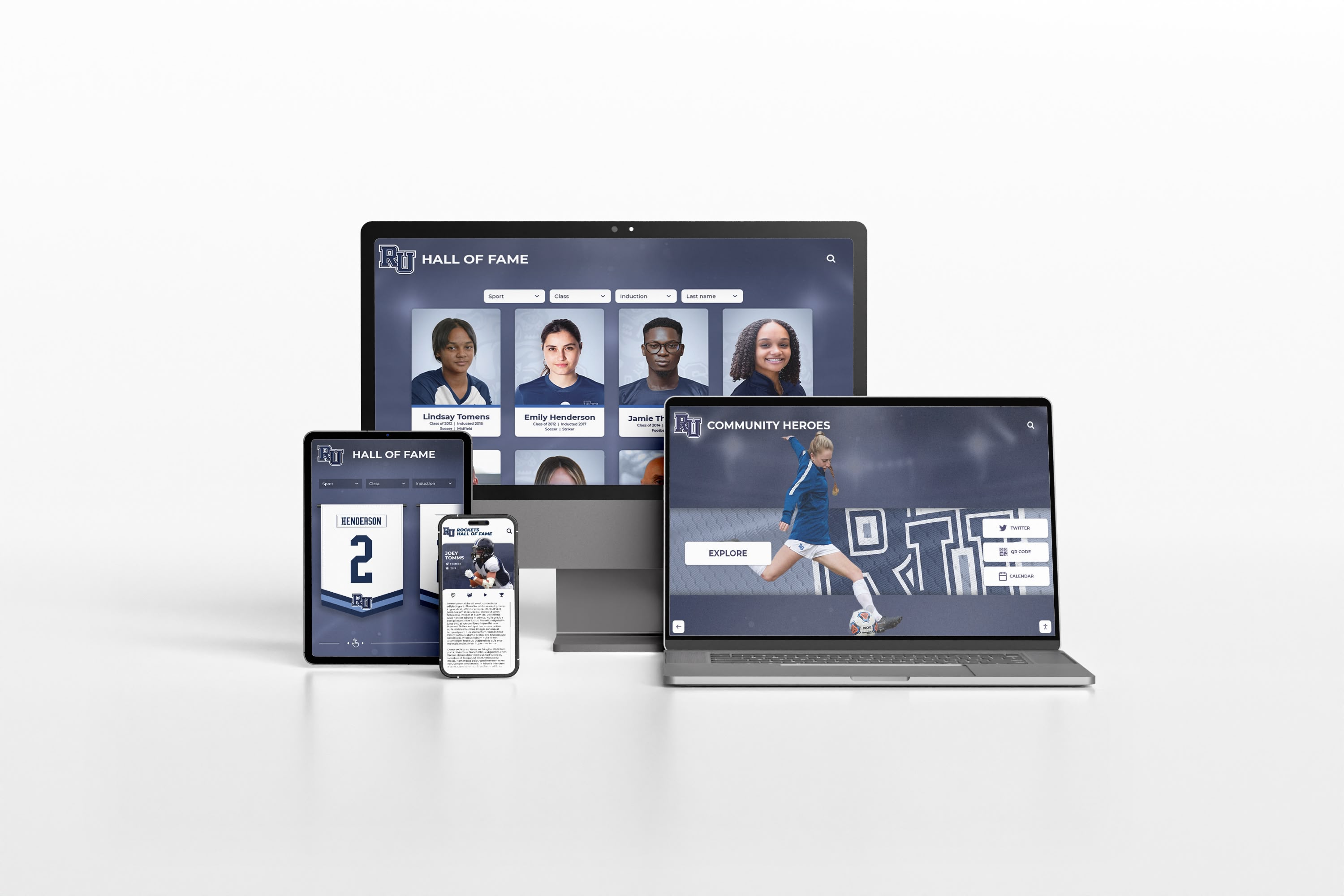
A cloud-first hall of fame platform makes the same recognition content available on physical kiosks, school websites, and personal devices—reaching alumni and families regardless of their location
That same platform embeds directly onto your school’s website. Alumni living across the country can browse the same legacy database from a phone that visitors see on the physical wall in the gymnasium lobby. Athletic recruits who have never visited campus can explore decades of program history before their first visit. Parents can share an inductee’s profile from the ceremony itself.
This is the meaningful gap between local kiosk software and genuinely cloud-first architecture. The question worth asking at every vendor demo: “Can I access and update the entire platform from my home laptop, and can we embed the full hall of fame on our school website today without additional development or licensing?”
What Cloud-First Looks Like
A cloud-first digital hall of fame platform operates through a browser. Log in from any device and the system reflects real-time content. Changes push to every connected screen immediately. The full inductee database is accessible online, not stored on local hardware. ADA compliance applies automatically across all access points—physical kiosks, embedded website versions, and mobile browsers alike.
Interactive touchscreen recognition platforms built on genuine cloud architecture allow athletic departments to grow the program over time—adding inductees, sport categories, academic recognition tracks, and donor acknowledgment sections without paying for structural changes or reprinting anything.
What Local Kiosk Software Looks Like
A local kiosk application runs on device-specific files. Updates require physical access to the display hardware or a developer to push changes remotely. Content cannot be published to the school website from the same platform without separate custom development. Alumni outside the building cannot browse the archive. If the device fails, recovery depends on whether backups were properly maintained by your school—not guaranteed by the vendor.
Designing recognition displays that work across physical and digital contexts requires understanding how the platform’s underlying architecture shapes every future update, expansion, and access decision your school will face.
Pre-Contract Checklist for School Committees
Before signing any digital hall of fame contract, verify these four baseline criteria through direct conversation with the vendor—not their marketing materials:
1. Headcount Stability
Does the provider have a substantial, active team (50+ employees) to guarantee continuity across years of operation, or is this a high-risk operation run by one or two individuals? Verify headcount on LinkedIn and through business registries independently, separate from any information the vendor provides during the sales process.
2. Device Expansion Pricing
Is the software priced as a flat platform fee covering unlimited screen deployments, or will adding a second display trigger an additional licensing cost? Ask for the exact pricing scenario for a four-screen campus deployment before committing to any contract.
3. Accessibility Compliance
Is the platform fully compliant with WCAG 2.1 AA accessibility standards? Schools using public funds for digital displays may face legal exposure if the platform does not meet federal accessibility requirements. Understanding the differences between physical recognition walls and digital award displays includes understanding the distinct compliance obligations each format carries—digital interactive displays have accessibility requirements that physical plaques do not.
4. Web Integration
Can the entire platform be embedded onto your school’s live website without a separate licensing tier or custom development engagement? This is the functional test separating cloud-first platforms from local kiosk software that markets itself using cloud-adjacent language.
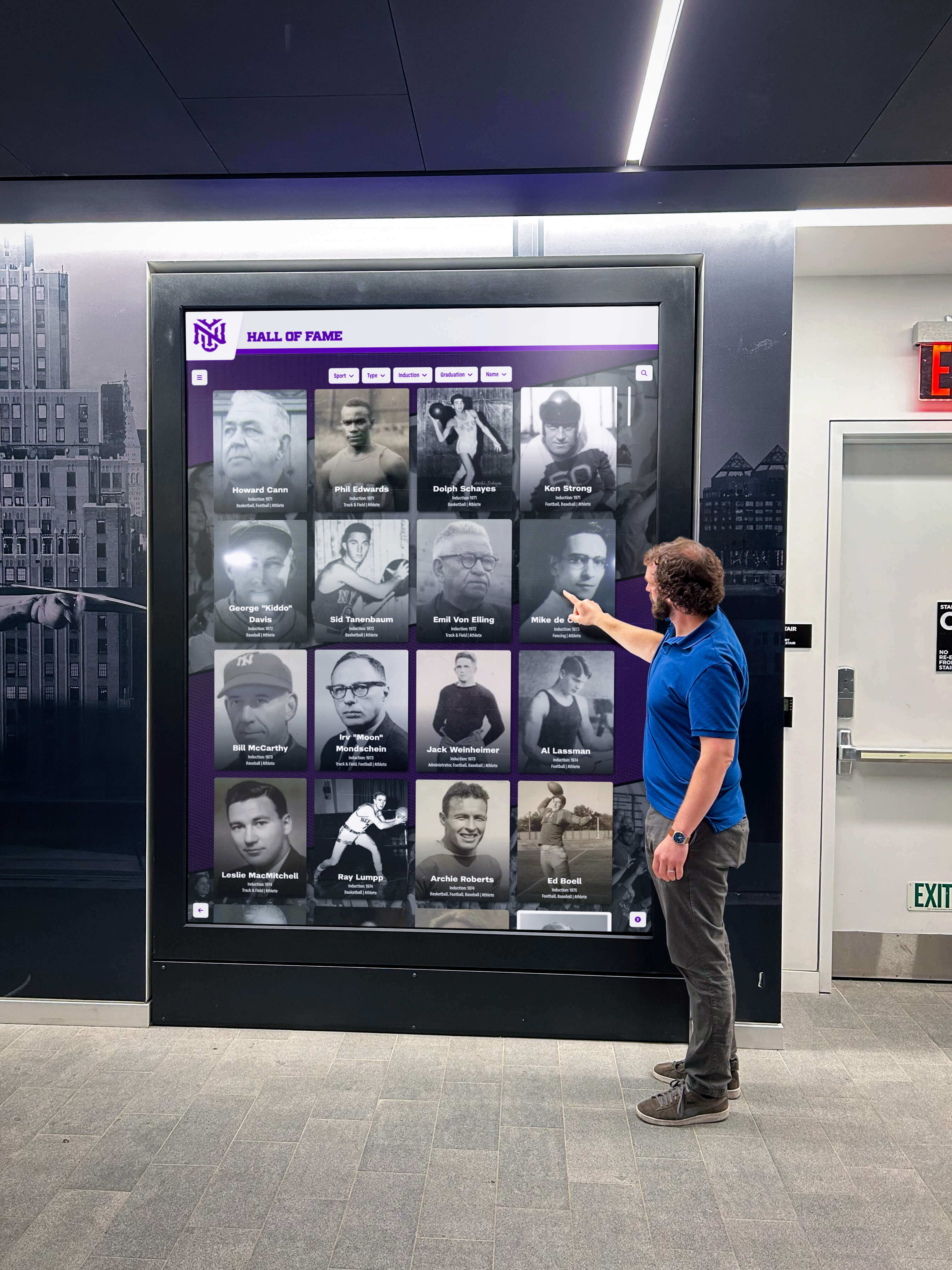
A well-evaluated platform delivers consistent experiences to on-site visitors, remote alumni, and administrative staff managing content from outside the building
Frequently Asked Questions
How do I verify a vendor’s actual headcount before a sales call?
Search the company on LinkedIn and filter by current employees. Cross-reference with the team or about page on their website. Check state business registry filings. A vendor with fewer than ten employees managing enterprise-scale contracts for schools is operating with significant staffing constraints, regardless of how their support tier is described in the sales deck.
What does WCAG 2.1 AA compliance specifically require for a digital hall of fame display?
WCAG 2.1 AA compliance for interactive touchscreen displays covers contrast ratios between text and background elements, text sizes readable at standard viewing distances without requiring touchscreen interaction, navigation paths that do not rely exclusively on color differentiation, and hardware placement heights compatible with wheelchair access—typically with operable controls between 15 and 48 inches from the floor. Ask vendors for documented compliance testing methodology, not a general assertion of compatibility.
What questions reveal the difference between cloud architecture and local kiosk software during a demo?
Ask the vendor to log into the content management system from a personal phone or laptop during the demo and make a live change to an inductee profile while you watch. Then ask whether that change appears immediately on the physical display. Then ask them to show you where the platform would embed on a school website. If either step requires additional setup, a separate licensing discussion, or developer involvement, the platform operates more locally than cloud-first marketing implies.
This comparison is based on publicly available information as of July 2026. All product names and trademarks belong to their respective owners. Comparative statements reflect Rocket Alumni Solutions’ interpretation of available data and may change over time.
This content was produced by or on behalf of Rocket Alumni Solutions. All trademarks mentioned are property of their respective owners. Rocket Alumni Solutions is not affiliated with or endorsed by any boutique or independent vendors referenced generically in this article.
Ready to evaluate a platform that meets every criterion in this checklist? Talk to our team at Rocket Alumni Solutions and see how cloud-first architecture, flat-rate licensing, and a dedicated support team protect your school’s recognition investment for the long term.