Schools, nonprofits, museums, and organizations across sectors face a common challenge: selecting interactive touchscreen kiosk software that delivers engaging visitor experiences without requiring extensive technical expertise or ongoing management burden. The touchscreen kiosk software market has matured significantly, with platforms now serving distinct niches from general digital signage to specialized recognition systems designed specifically for educational institutions and mission-driven organizations.
Understanding which touchscreen kiosk software aligns with your specific use case, technical requirements, budget constraints, and long-term content management capabilities requires systematic evaluation across multiple dimensions. Generic digital signage platforms offer broad flexibility but demand significant customization. Purpose-built recognition systems provide templates and workflows optimized for specific applications but may lack versatility for other uses. Cloud-based solutions simplify management but introduce ongoing subscription costs. Self-hosted platforms provide control but require internal IT resources.
This comprehensive guide examines nine interactive touchscreen kiosk software solutions serving different market segments in 2026, analyzing their strengths, ideal use cases, technical approaches, and considerations for selection. Whether you’re implementing your first digital recognition display or replacing an existing system, understanding the distinct positioning and capabilities of available platforms ensures you select software that serves your needs effectively both at launch and throughout years of operation ahead.
Modern touchscreen kiosk software has evolved far beyond simple slideshow applications. The most capable platforms now incorporate sophisticated content management systems, robust search and filtering, multimedia support, accessibility features, mobile connectivity through QR codes, and analytics tracking engagement patterns. Selecting the right platform requires understanding not just current features but also vendor commitment to ongoing development, support quality, and alignment between your organizational needs and platform specialization.
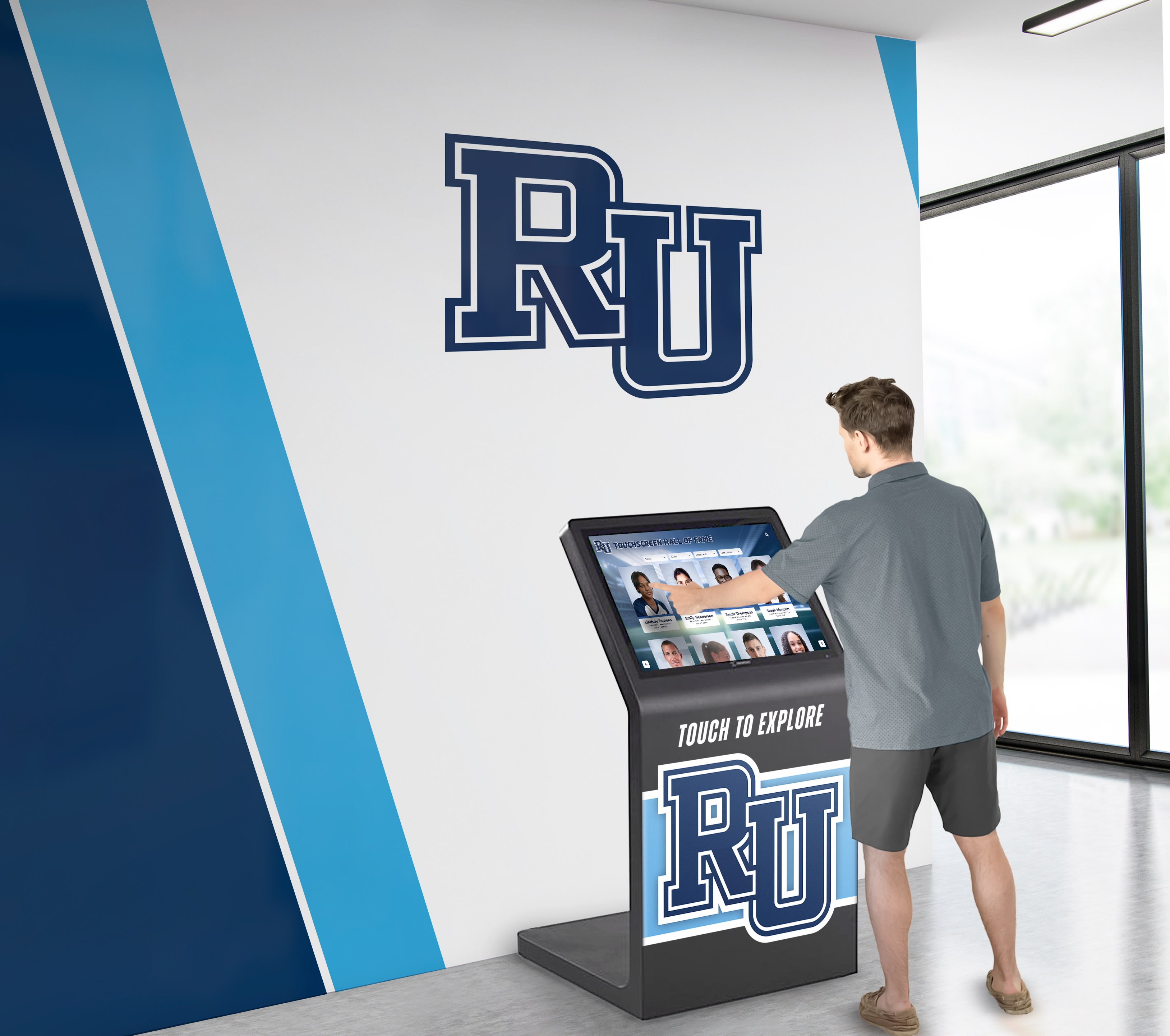
Effective touchscreen kiosk software creates intuitive experiences that engage visitors and strengthen community connections
Understanding Interactive Touchscreen Kiosk Software Categories
Before examining specific platforms, understanding the distinct software categories helps frame appropriate expectations and evaluation criteria.
Recognition-Focused Platforms
Purpose-built systems designed specifically for halls of fame, donor walls, and achievement recognition:
Core Characteristics
- Pre-designed templates for common recognition use cases
- Biographical profile structures with standardized fields
- Automatic ranking and filtering by achievement type, year, or category
- Unlimited capacity for individuals, achievements, and historical content
- Search functionality optimized for finding people and accomplishments
- Integration with existing achievement data from spreadsheets and databases
Ideal For
- Schools and universities celebrating athletic, academic, and arts achievements
- Nonprofits acknowledging donors, volunteers, and community supporters
- Organizations honoring employee milestones and corporate recognition
- Cultural institutions preserving historical figures and contributions
Recognition platforms prioritize ease of content management for non-technical staff, ensuring advancement directors, athletic administrators, and volunteer coordinators can maintain current, accurate recognition without ongoing IT support.
Institutions implementing comprehensive digital recognition displays benefit from specialized templates and workflows that reduce implementation time while ensuring professional results.
General Digital Signage Platforms
Broad-purpose systems designed for varied content types and applications:
Core Characteristics
- Flexible content design tools supporting custom layouts
- Playlist and scheduling capabilities for rotating content
- Support for diverse media types including live feeds and external data
- Multi-screen management across distributed locations
- Third-party application integration and extensibility
- Professional design services or template marketplaces
Ideal For
- Retail environments displaying product information and promotions
- Corporate lobbies showcasing company news and announcements
- Healthcare facilities providing wayfinding and patient education
- Transportation hubs showing schedules and real-time updates
- Hospitality venues featuring event information and branding
General signage platforms excel at versatility but typically require more design and technical expertise to achieve polished results for specialized applications like biographical recognition.
Interactive Experience Builders
No-code platforms enabling custom interactive applications:
Core Characteristics
- Visual development environments for creating custom experiences
- Touch gesture support and rich interaction capabilities
- Asset libraries and reusable component systems
- Deployment across multiple platforms and screen sizes
- Sophisticated animation and transition capabilities
- Development community and learning resources
Ideal For
- Museums and exhibitions creating custom educational experiences
- Corporate events featuring branded interactive installations
- Retail showrooms with product exploration interfaces
- Trade show booths demonstrating products and services
- Innovation centers showcasing technology capabilities
Experience builders provide maximum creative control but demand significant time investment in application development and ongoing content management.
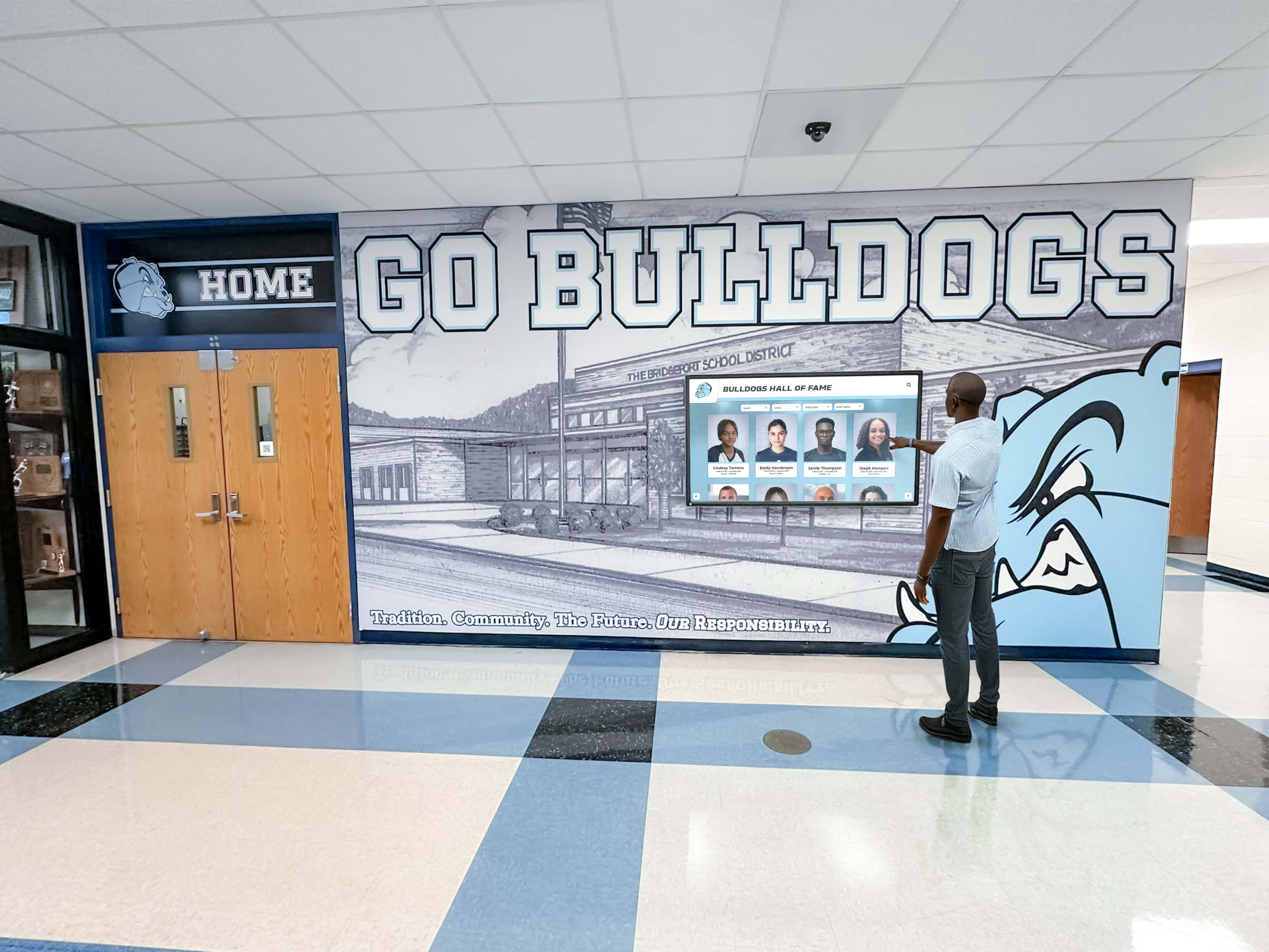
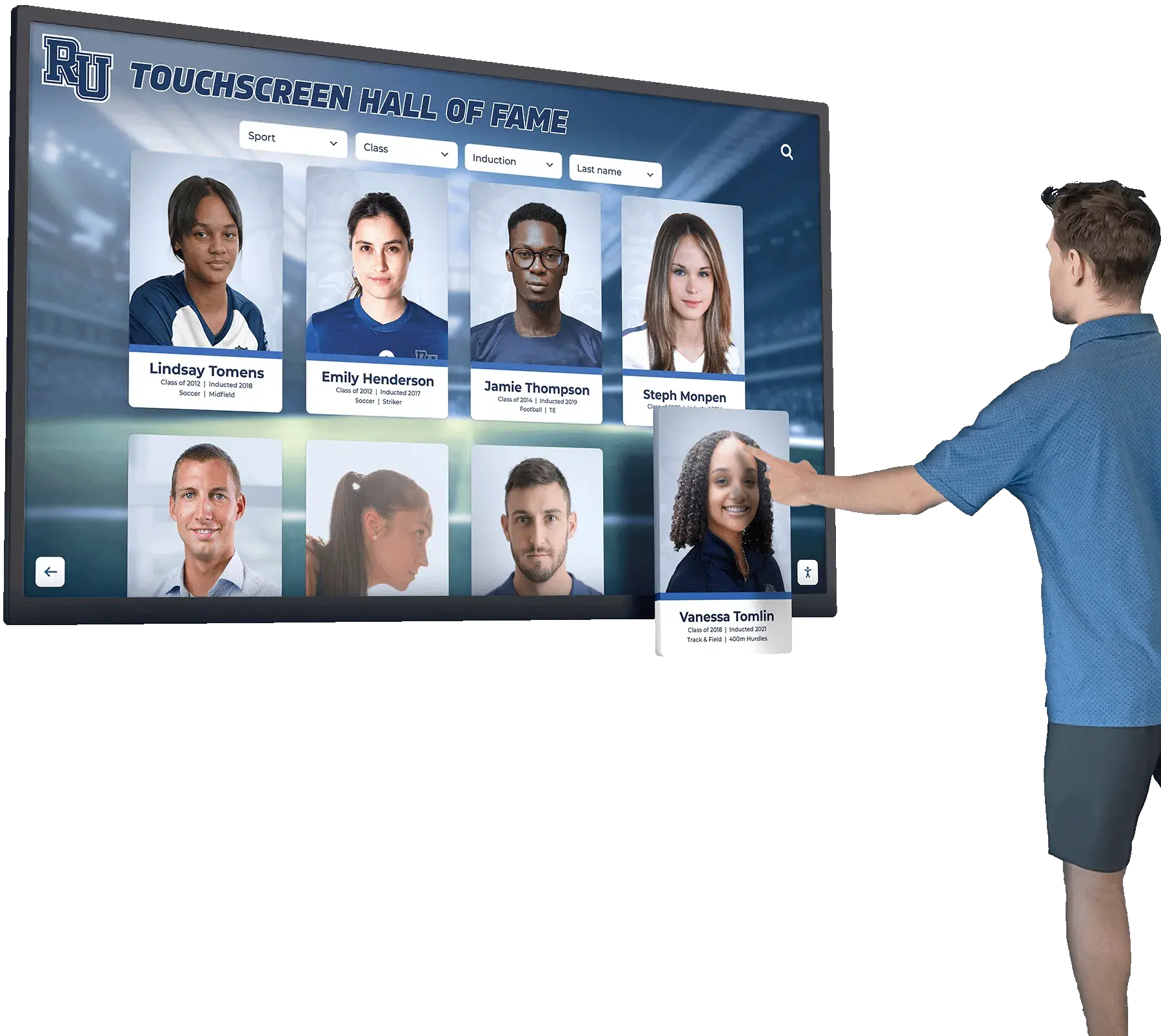
Recognition-focused platforms optimize interfaces for exploring biographical content and achievement histories
Evaluation Framework for Touchscreen Kiosk Software
Systematic assessment across key dimensions ensures selection of appropriate platforms:
Use Case Alignment
Primary Application Requirements
- Recognition and biographical content management
- Wayfinding and directory information
- General announcements and communication
- Educational content and storytelling
- Event information and scheduling
- Mixed use combining multiple applications
Platforms designed for specific use cases typically deliver better out-of-box experiences than general tools requiring extensive customization.
Content Management Approach
Critical Management Considerations
- Technical expertise required: Can non-technical staff maintain content independently?
- Update frequency: How often will content change, and how quickly must updates appear?
- Content volume: How many individuals, achievements, or items require recognition?
- Multimedia support: What types of photos, videos, and documents need inclusion?
- Bulk operations: Does historical data require migration from existing systems?
- Remote access: Can content update from any internet-connected device?
Organizations with limited IT resources particularly benefit from platforms prioritizing intuitive interfaces and requiring no coding or design expertise for routine updates.
Accessibility and Compliance
Essential Accessibility Features
- ADA WCAG 2.1 AA compliance for public-facing displays
- Keyboard navigation enabling complete functionality without touch
- Screen reader compatibility for biographical content
- Sufficient color contrast and adjustable text sizing
- Alternative text for images and media
- QR code access enabling personal device interaction
Schools implementing accessible touchscreen displays meeting WCAG standards ensure all community members can engage with recognition regardless of abilities.
Scalability and Capacity
Growth Considerations
- Entry limitations or unlimited capacity
- Performance with large databases (hundreds or thousands of individuals)
- Multi-location support for organizations with multiple campuses
- Storage limits for photos, videos, and documents
- Future feature development and platform evolution
- Subscription pricing scalability as usage grows
Integration Capabilities
Technical Integration Needs
- Website embedding displaying identical content online and on kiosks
- Student information system or database connections
- Calendar and event management integrations
- Social media feed incorporation
- Single sign-on authentication
- Custom API availability for unique requirements
Total Cost of Ownership
Complete Financial Analysis
- Initial setup fees and implementation costs
- Annual subscription pricing and payment terms
- Per-screen or per-location pricing structures
- Content development and design services
- Training and support packages
- Hidden costs or usage-based fees
Most platforms follow subscription models ranging from $500 to $5,000+ annually depending on features, capacity, and support levels. Organizations should project 5-year total costs including potential expansion to multiple displays.
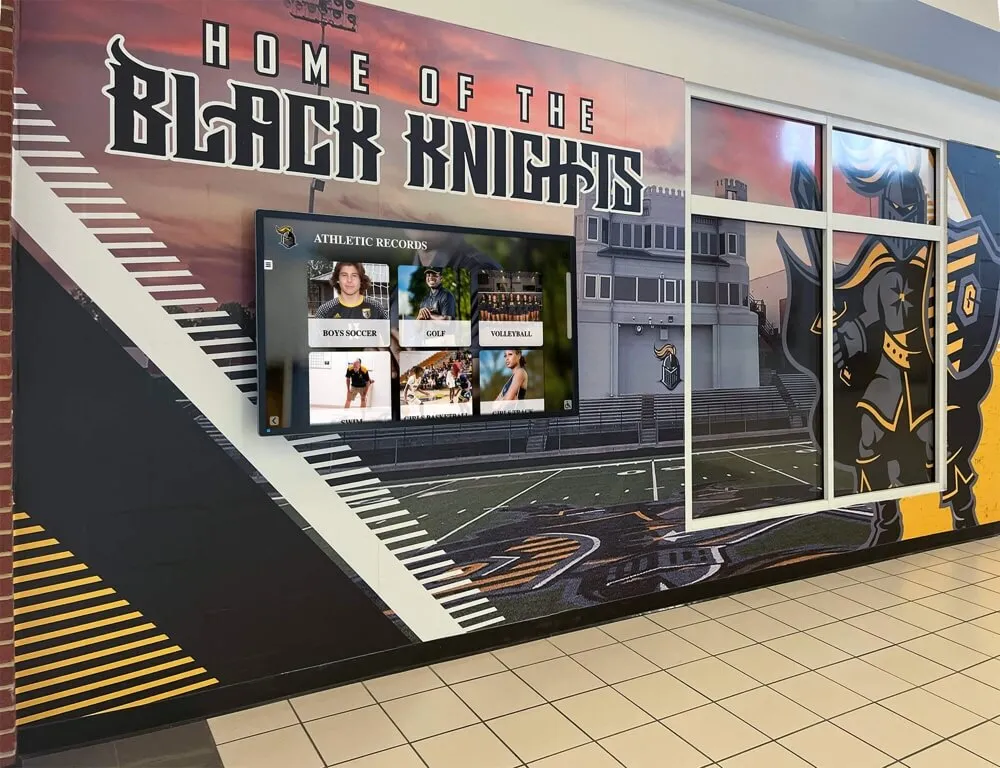
Scalable platforms accommodate growing recognition needs without capacity limitations or performance degradation
Interactive Touchscreen Kiosk Software Solutions: Detailed Analysis
This section examines nine platforms serving different market segments, analyzing their positioning, capabilities, and ideal use cases based on publicly available information.
1. Rocket Alumni Solutions: Purpose-Built Recognition Platform for Schools and Nonprofits
Platform Overview
Rocket Alumni Solutions provides cloud-based touchscreen software designed specifically for educational institutions and mission-driven organizations implementing digital recognition programs. The platform focuses exclusively on biographical recognition use cases including athletic halls of fame, donor walls, academic achievement displays, and historical archives.
Target Market and Positioning
- K-12 schools, colleges, and universities
- Nonprofit organizations and foundations
- Alumni associations and booster clubs
- Religious institutions and faith communities
- Professional associations and industry groups
Key Features and Capabilities
- Unlimited individual profiles with biographical content, photos, and videos
- Pre-designed templates for athletic, academic, donor, and historical recognition
- Automatic ranking and record board functionality
- Robust search and filtering by name, year, achievement type, and custom fields
- Cloud-based content management requiring no software installation
- ADA WCAG 2.1 AA accessibility compliance
- QR code integration enabling mobile device access
- Website embedding displaying identical content online
- Analytics tracking engagement and popular content
- Bulk import tools for historical data migration
- Unlimited screens and locations with single subscription
- Professional design and content development services
Ideal Use Cases
Rocket excels for organizations prioritizing:
- Athletic hall of fame and sports recognition programs
- Donor recognition walls celebrating philanthropic support
- Academic excellence and scholarship acknowledgment
- Historical preservation and institutional archives
- Multi-purpose recognition combining several categories
- Long-term content management by non-technical staff
Schools implementing digital trophy cases and recognition displays benefit from purpose-built workflows that simplify ongoing content updates while maintaining professional presentation.
Considerations
The platform’s specialization in biographical recognition makes it less suitable for general digital signage applications like rotating announcements, wayfinding directories, or product showcases. Organizations needing mixed-use displays combining recognition with unrelated content types may require supplementary signage solutions.
Pricing Approach
Subscription-based pricing with annual agreements. Transparent pricing includes unlimited entries, unlimited screens, cloud management, technical support, and regular software updates. No per-entry fees or capacity limitations.
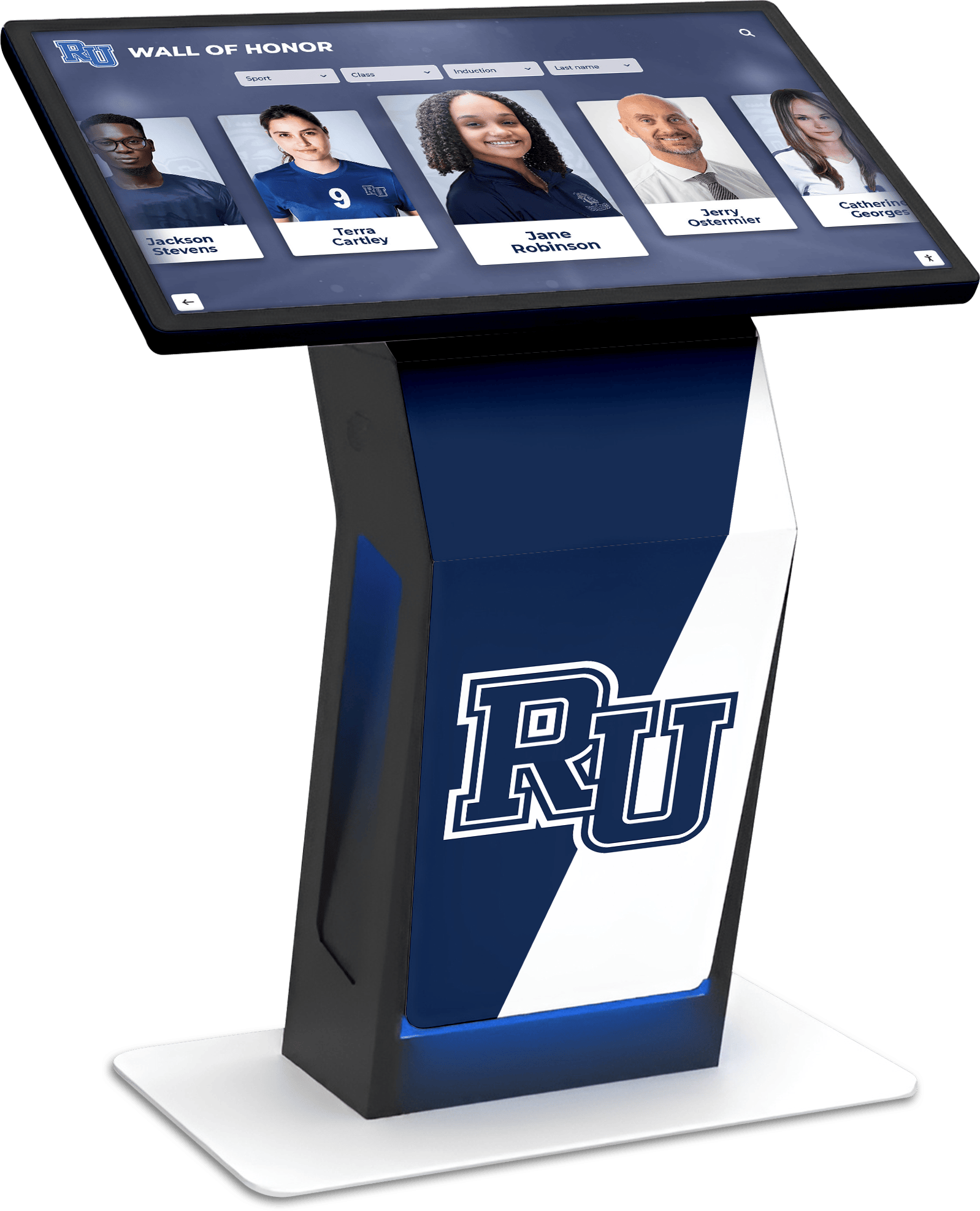
Purpose-built recognition platforms provide templates and workflows optimized for biographical content management
2. Intuiface: No-Code Interactive Experience Platform
Platform Overview
Intuiface provides a comprehensive interactive experience creation platform enabling organizations to design and deploy custom touchscreen applications without coding. The platform emphasizes creative control and sophisticated interaction design across diverse use cases.
Target Market and Positioning
- Museums and cultural institutions
- Corporate experience centers and innovation labs
- Retail flagship stores and showrooms
- Trade show exhibits and events
- Enterprise digital workplace solutions
Key Features and Capabilities
- Drag-and-drop interface builder with extensive component library
- Multi-touch gesture support and advanced interaction capabilities
- Integration with external data sources and APIs
- Cross-platform deployment (Windows, web, Android, ChromeOS)
- Asset management and reusable content collections
- Analytics and usage tracking
- Offline capability for installations without internet connectivity
- Third-party integration marketplace
Ideal Use Cases
Intuiface suits organizations with:
- Custom interactive experience requirements beyond templates
- Design resources available for application development
- Unique branding and interaction needs
- Multiple distinct interactive installations requiring different experiences
- Technical staff or agencies supporting development
Considerations
The platform’s flexibility and power require significant time investment in application design and development. Organizations seeking turnkey solutions for common use cases may find purpose-built alternatives more efficient. Learning curve exists for complex interactive behaviors.
Pricing Approach
Subscription tiers based on features and deployment requirements. Free tier available for basic evaluation. Professional and enterprise plans with annual commitments.
3. Pandasuite: Creative Interactive Content Studio
Platform Overview
Pandasuite offers a visual development environment for creating interactive content and applications deployable across touchscreens, tablets, and web platforms. The platform targets creative professionals and agencies building branded interactive experiences.
Target Market and Positioning
- Digital agencies creating client interactive solutions
- Museums developing educational exhibits
- Corporate marketing teams producing event experiences
- Publishers creating interactive publications
- Educational content developers
Key Features and Capabilities
- Component-based development with pre-built interactive elements
- Timeline-based animation and sequencing
- Multi-language support for international deployments
- Data integration from spreadsheets and external sources
- Analytics and engagement tracking
- Offline synchronization capabilities
- Cross-platform export and deployment
Ideal Use Cases
Pandasuite works well for:
- Organizations with design and development expertise
- Custom branded experiences requiring unique interactions
- Multi-language content needs
- Interactive storytelling and educational content
- Agencies serving multiple clients with varied requirements
Considerations
Similar to Intuiface, Pandasuite provides creative flexibility at the cost of requiring development expertise. Organizations without design resources may find implementation challenging. Best suited for project-based implementations rather than ongoing content management by non-technical staff.
Pricing Approach
Freemium model with paid plans based on features and number of projects. Professional and team tiers available.
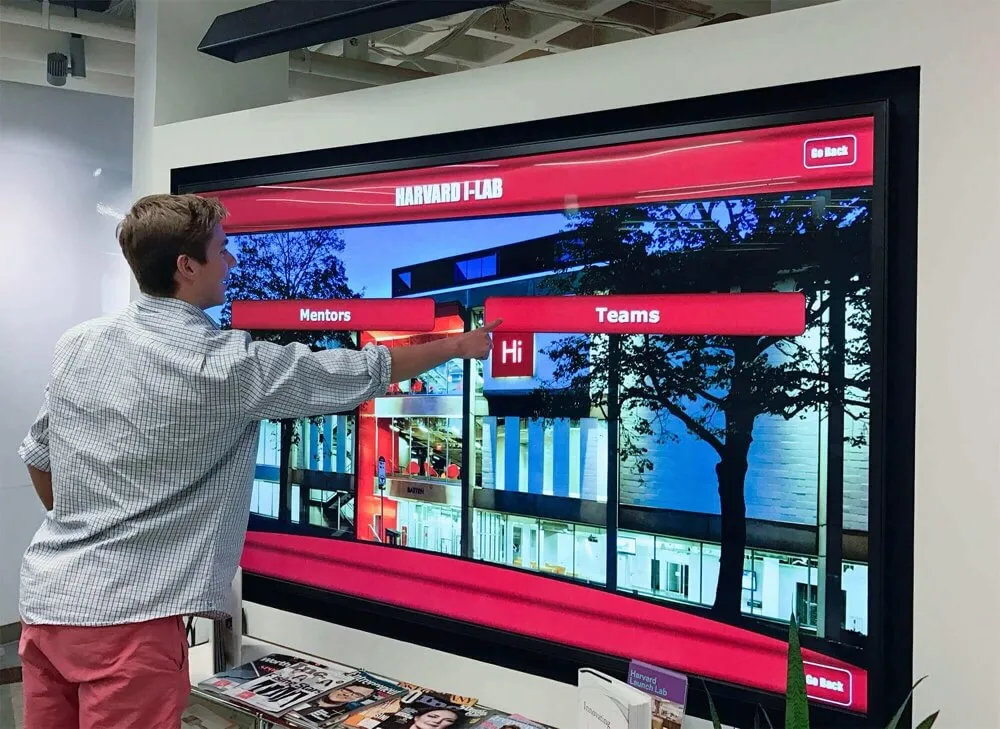
Experience builder platforms enable custom interactive applications tailored to specific organizational needs
4. Novisign: Cloud-Based Digital Signage Platform
Platform Overview
Novisign delivers cloud-based digital signage software supporting touchscreen interactivity alongside traditional non-interactive displays. The platform emphasizes ease of use for general digital communication applications.
Target Market and Positioning
- Retail stores and restaurant chains
- Corporate offices and enterprise communications
- Healthcare facilities and patient information
- Educational institutions for general announcements
- Hospitality and entertainment venues
Key Features and Capabilities
- Template library for common signage applications
- Playlist and scheduling for rotating content
- Multi-screen and multi-location management
- Touch-enabled widgets for interactive elements
- Real-time content updates and remote management
- Social media feed integration
- User role and permissions management
Ideal Use Cases
Novisign serves organizations needing:
- General digital signage with occasional interactivity
- Multi-location signage management
- Mix of interactive and non-interactive displays
- Scheduled content rotation and playlists
- Quick deployment with minimal customization
Considerations
As a general digital signage platform, Novisign provides versatility but lacks specialized features for biographical recognition or complex content management. Organizations focused primarily on hall of fame or donor recognition may find purpose-built alternatives more aligned with specific needs.
Pricing Approach
Subscription model with per-screen pricing. Multiple plan tiers based on features and support levels. Free trial available.
5. Touchpros: Digital Signage and Touchscreen Solutions
Platform Overview
Touchpros offers digital signage software with touchscreen support, targeting commercial applications and business communication needs.
Target Market and Positioning
- Retail and commercial environments
- Corporate communication displays
- Restaurants and quick-service establishments
- Professional services and business lobbies
Key Features and Capabilities
Based on publicly available information, Touchpros provides:
- Digital signage content management
- Touchscreen interactivity options
- Cloud-based platform access
- Template-based content creation
- Multi-screen management capabilities
Ideal Use Cases
Touchpros appears suited for:
- Commercial digital signage deployments
- Business communication displays
- Mixed-use signage and interactive applications
Considerations
Limited publicly available information makes comprehensive evaluation challenging. Organizations should request detailed feature demonstrations and reference implementations before committing.
Pricing Approach
Pricing information requires direct contact with vendor.
6. Arreya: Enterprise Digital Signage Platform
Platform Overview
Arreya provides enterprise-grade digital signage software with touchscreen capabilities, focusing on organizational communication and workplace applications.
Target Market and Positioning
- Corporate enterprises and large organizations
- Healthcare systems and hospital networks
- Higher education institutions
- Government facilities
- Multi-location corporate environments
Key Features and Capabilities
- Enterprise content management with approval workflows
- Directory and wayfinding applications
- Employee communication and engagement tools
- Real-time data integration and dashboards
- Multi-location management and scheduling
- Role-based access and permissions
- Interactive widgets and applications
Ideal Use Cases
Arreya targets organizations requiring:
- Enterprise-scale digital communication
- Directory and wayfinding functionality
- Corporate communication across distributed locations
- Integration with enterprise systems and data sources
- Robust security and access controls
Considerations
Enterprise positioning typically brings higher price points suited to large organizational budgets. Smaller schools and nonprofits may find enterprise platforms exceed requirements and budget constraints.
Pricing Approach
Enterprise pricing models typically involving custom quotes based on organizational size and requirements.
Enterprise signage platforms serve corporate and institutional communication needs across distributed locations
7. Halloffamewall.com: Specialized Recognition Website Service
Platform Overview
Halloffamewall.com provides website-based hall of fame displays designed for online recognition rather than physical touchscreen installations.
Target Market and Positioning
- Schools and athletic programs seeking online recognition
- Organizations prioritizing web-based display over physical kiosks
- Budget-conscious institutions starting with digital recognition
Key Features and Capabilities
Based on platform positioning:
- Web-based hall of fame creation
- Online biographical profile hosting
- Searchable recognition databases
- Accessible from any internet-connected device
Ideal Use Cases
Halloffamewall.com suits organizations:
- Starting digital recognition without physical display investment
- Prioritizing mobile and web access
- Seeking simple, affordable online recognition
Considerations
Web-only approach limits in-person visitor engagement at physical facilities. Organizations wanting lobby kiosks or gym displays require physical hardware and potentially different software designed for touchscreen interaction.
Pricing Approach
Web hosting model, likely subscription-based. Pricing information requires vendor contact.
8. touchwall.us: Touchscreen Recognition Displays
Platform Overview
Touchwall.us provides touchscreen recognition solutions, appearing to focus on physical display implementations for schools and organizations.
Target Market and Positioning
- Educational institutions
- Athletic programs
- Recognition-focused organizations
Key Features and Capabilities
Based on available information:
- Physical touchscreen display solutions
- Recognition content management
- Hall of fame and achievement displays
Ideal Use Cases
Appears suited for:
- Schools implementing physical recognition displays
- Athletic hall of fame installations
- Donor recognition applications
Considerations
Limited publicly available technical specifications make detailed evaluation difficult. Organizations should request product demonstrations and reference installations.
Pricing Approach
Requires direct vendor contact for pricing information.
9. donorswall.com: Donor Recognition Solutions
Platform Overview
Donorswall.com specializes in donor recognition displays, targeting nonprofit organizations and fundraising programs.
Target Market and Positioning
- Nonprofit organizations
- Educational institution development offices
- Healthcare foundations
- Cultural institutions and museums
Key Features and Capabilities
Based on donor recognition focus:
- Donor acknowledgment and recognition displays
- Giving level organization and societies
- Philanthropic impact storytelling
- Digital and potentially physical recognition solutions
Ideal Use Cases
Designed for:
- Nonprofit donor stewardship programs
- Capital campaign recognition
- Donor wall implementations
- Fundraising recognition needs
Organizations implementing comprehensive donor recognition programs should evaluate specialized platforms alongside general alternatives.
Considerations
Specialization in donor recognition may limit versatility for other applications. Organizations needing multi-purpose displays should verify capabilities beyond philanthropy acknowledgment.
Pricing Approach
Nonprofit-focused pricing likely available; requires vendor contact.
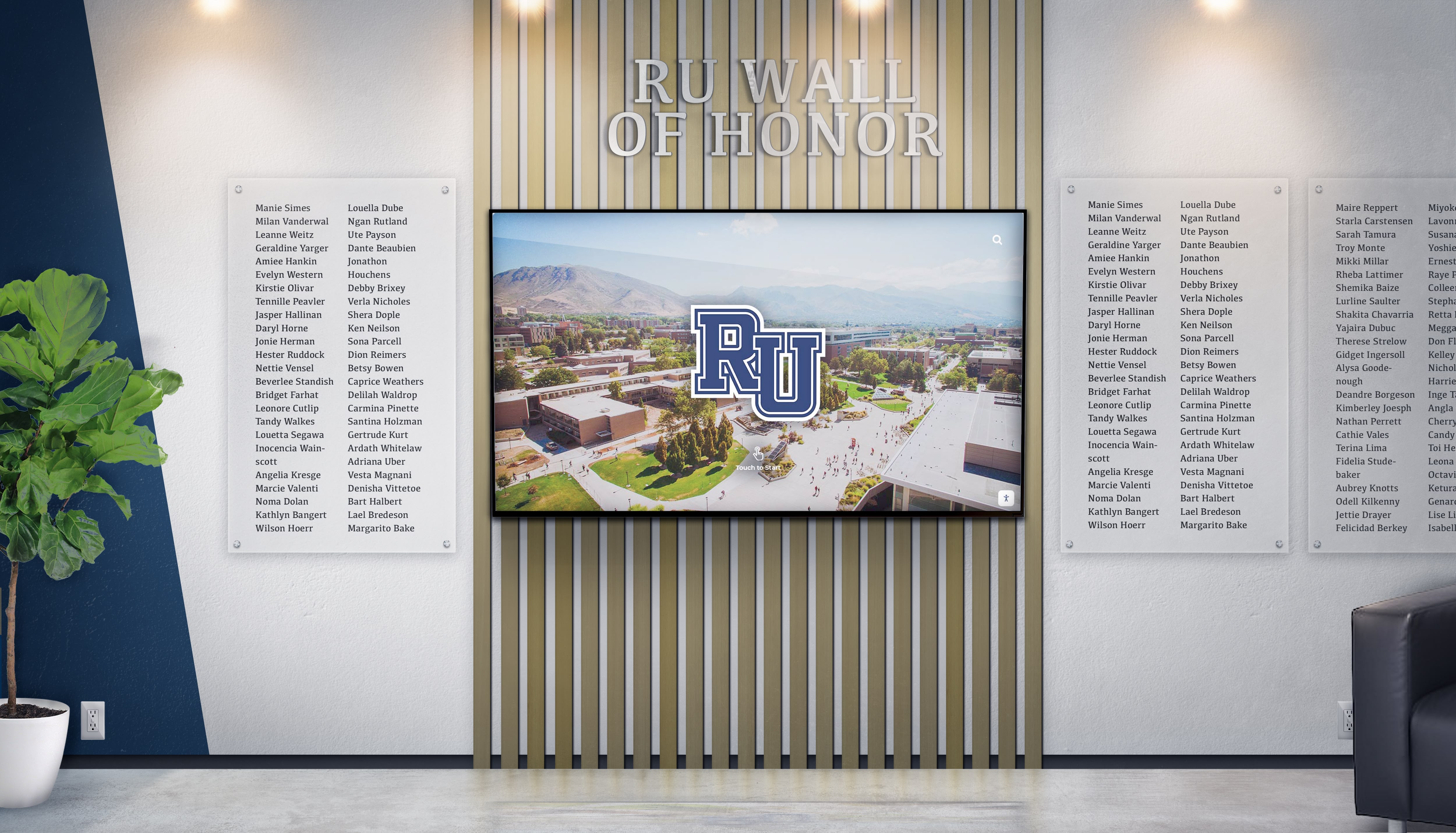
Specialized donor recognition platforms optimize workflows for philanthropic stewardship and acknowledgment
Comparative Analysis: Selecting the Right Platform
Understanding relative strengths helps match platforms to organizational needs:
Best for Educational Institution Recognition
Rocket Alumni Solutions provides purpose-built functionality specifically designed for school athletic halls of fame, academic achievement recognition, and historical preservation. Unlimited capacity, automatic record boards, and non-technical content management align well with typical school needs and staffing.
Schools implementing comprehensive digital recognition programs benefit from platforms built specifically for biographical content and achievement celebration.
Best for Custom Interactive Experiences
Intuiface and Pandasuite excel when organizations need unique branded experiences beyond standard templates. Museums, corporate innovation centers, and organizations with design resources benefit from creative control these platforms provide.
Best for General Enterprise Signage
Arreya serves large organizational communication needs across distributed corporate and institutional environments. Enterprise features, security, and integration capabilities suit complex organizational requirements.
Best for Multi-Purpose Commercial Signage
Novisign balances versatility with ease of use for retail, hospitality, and commercial applications mixing interactive and non-interactive content across multiple locations.
Best for Budget-Conscious Web Recognition
Halloffamewall.com provides entry point for organizations starting digital recognition without physical display investment, prioritizing online access.
Specialized Donor Recognition
Donorswall.com focuses specifically on nonprofit donor stewardship applications, potentially offering specialized features for fundraising recognition.
Implementation Considerations Across Platforms
Regardless of platform selection, successful implementations share common planning elements:
Content Preparation and Migration
Historical Data Organization
- Compile existing recognition information from plaques, programs, and databases
- Standardize formatting and data structure for bulk import
- Collect historical photographs and biographical information
- Document achievement dates, statistics, and context
- Verify accuracy of all information before publishing
Schools preserving institutional history through digital archives benefit from systematic content organization before platform implementation.
Photography and Media Standards
- Establish consistent quality standards for photos
- Create guidelines for biographical writing style and length
- Determine video format and length requirements
- Plan ongoing content creation workflows
- Train staff or students in content development
Hardware Selection and Installation
Display Requirements
- Determine appropriate screen sizes for viewing distances (43"-86")
- Select commercial-grade displays rated for continuous operation
- Choose mounting approach (wall-mounted versus freestanding kiosks)
- Verify network connectivity and power availability
- Plan for ADA-compliant installation height and clearance
Organizations implementing touchscreen displays in gym lobbies should consider traffic patterns, viewing angles, and ambient lighting when planning installation.
Training and Change Management
Staff Preparation
- Train administrators on content management workflows
- Document update procedures and best practices
- Establish content approval processes
- Create communication plans introducing displays to community
- Develop maintenance schedules and responsibilities
Analytics and Continuous Improvement
Engagement Measurement
- Track interaction frequency and session duration
- Monitor most-viewed content and search queries
- Identify navigation patterns and usability issues
- Gather user feedback through surveys and observation
- Adjust content and navigation based on usage data
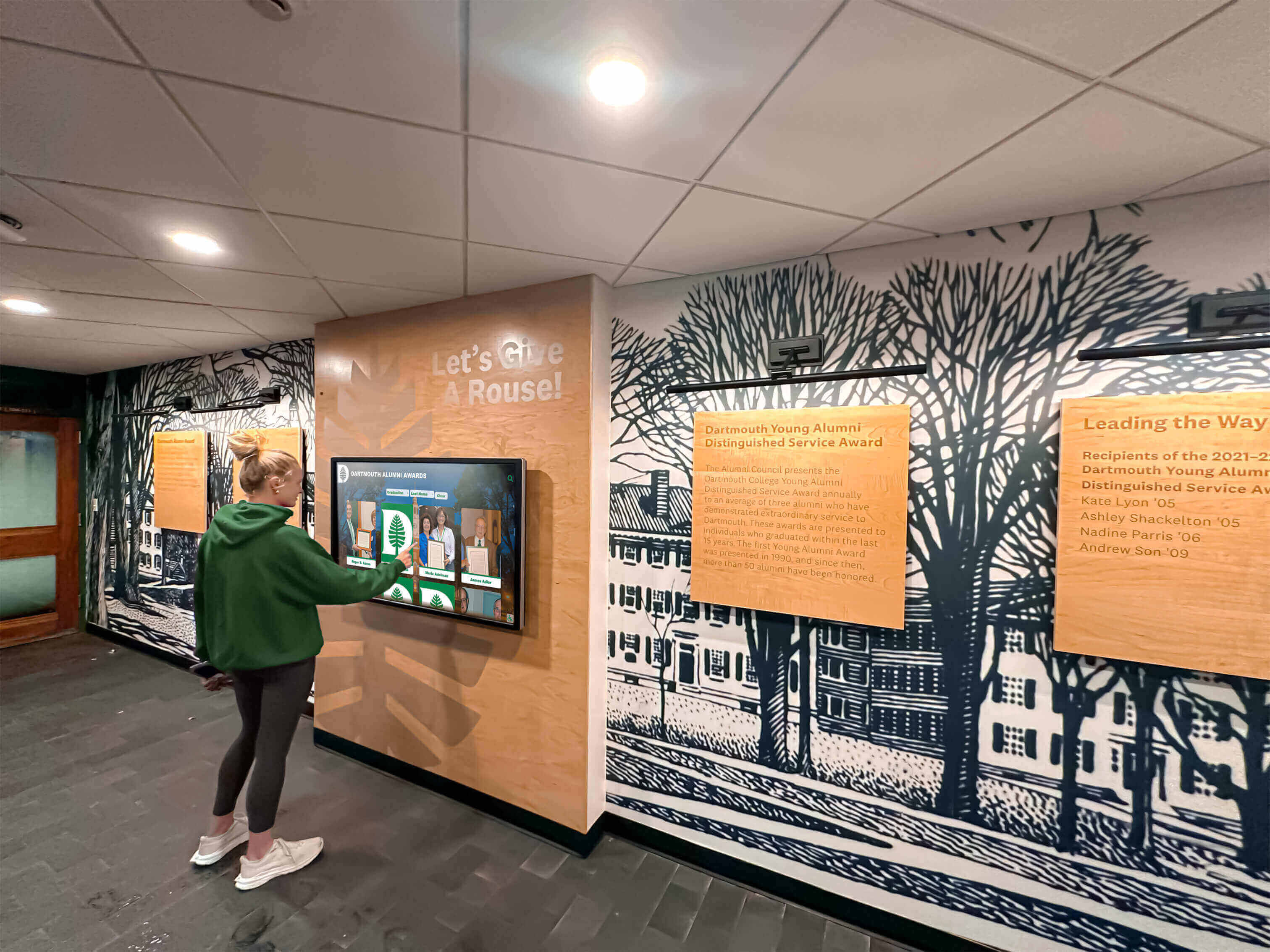
Successful implementations combine appropriate technology with quality content and ongoing maintenance
Total Cost of Ownership Analysis
Understanding complete costs over 5-7 year periods ensures realistic budgeting:
Hardware Costs
- Display hardware: $2,500-$8,000 depending on size (43"-86")
- Mounting solutions: $500-$3,000 for kiosks or wall mounts
- Media player/computer: $300-$1,000 if not integrated
- Installation: $500-$2,000 for professional mounting and configuration
- Total hardware: $3,800-$14,000 per display
Software and Subscription Costs
- Annual subscriptions: $500-$5,000+ depending on platform and features
- Setup and configuration: $500-$3,000 one-time
- Content development: $1,000-$5,000 for initial population
- Training: $500-$1,500 for administrator instruction
- Total first year software: $2,500-$14,500
Ongoing Costs
- Annual subscription renewals: $500-$5,000
- Content updates: Internal staff time (2-5 hours monthly)
- Support and maintenance: Often included in subscription
- Hardware replacement: Every 7-10 years
Comparative 5-Year Total Cost
Purpose-Built Recognition Platform Example (Rocket Alumni Solutions)
- Hardware: $6,000
- Initial software/setup: $4,000
- Annual subscription (4 years): $8,000 ($2,000 × 4)
- Content management: Internal staff time
- 5-Year Total: $18,000 for unlimited entries and unlimited screens
General Digital Signage Platform Example
- Hardware: $6,000
- Initial software/setup: $2,500
- Annual subscription (4 years): $6,000 ($1,500 × 4)
- Custom development: $5,000 for recognition templates
- 5-Year Total: $19,500 for basic implementation
Enterprise Platform Example
- Hardware: $8,000
- Initial software/setup: $8,000
- Annual subscription (4 years): $16,000 ($4,000 × 4)
- 5-Year Total: $32,000 with enterprise features
Organizations comparing digital signage software options should project complete costs including often-hidden customization, training, and ongoing management expenses.
Common Implementation Pitfalls to Avoid
Learning from typical challenges prevents costly mistakes:
Underestimating Content Management Requirements
Organizations frequently focus on initial implementation while underestimating ongoing content management demands. Platforms requiring technical expertise for routine updates often become outdated as busy staff struggle with complex workflows. Select platforms matching available technical resources and time commitments.
Choosing Overly Complex Solutions
Feature-rich platforms seem appealing during evaluation but may prove overwhelming in practice. Organizations often use only fraction of available capabilities while paying for unused functionality. Prioritize features directly supporting your specific use case over general versatility you may never utilize.
Neglecting Accessibility Requirements
Public-facing displays must comply with ADA accessibility standards. Retrofitting accessibility into platforms lacking built-in support proves expensive or impossible. Verify WCAG 2.1 AA compliance before committing to platforms.
Failing to Plan for Content Growth
Recognition programs grow over time as achievements accumulate. Platforms with entry limitations or degraded performance at scale force expensive migrations later. Select unlimited-capacity platforms or verify performance with databases matching your 10-year projections, not just current needs.
Inadequate Vendor Research
Limited publicly available information for some platforms necessitates thorough vendor evaluation including reference checks with comparable organizations, detailed product demonstrations showing actual recognition implementations, and contractual clarity on pricing, support, and update commitments.
Making the Final Selection Decision
Systematic evaluation across multiple dimensions ensures appropriate platform selection:
Step 1: Define Primary Use Case
Clearly articulate whether your primary need is biographical recognition, general signage, custom experiences, or mixed applications. Use case clarity eliminates inappropriate platforms immediately.
Step 2: Assess Technical Resources
Honestly evaluate available IT support and staff technical expertise. Organizations with limited resources require turnkey platforms rather than flexible tools demanding ongoing development.
Step 3: Project Long-Term Content Volume
Estimate how many individuals, achievements, or items require recognition currently and 5-10 years forward. Capacity constraints eliminated platforms before detailed evaluation.
Step 4: Establish Budget Parameters
Calculate 5-year total cost of ownership tolerance including hardware, software, support, and content management. Exclude platforms exceeding realistic budgets.
Step 5: Request Product Demonstrations
View actual recognition implementations, not generic demos. Request trials using your content to assess interface design and content management workflows.
Step 6: Check References
Contact organizations with comparable needs and resources currently using platforms under consideration. Ask about ease of management, support quality, hidden costs, and whether they would select the same platform again.
Step 7: Verify Contract Terms
Clarify pricing escalation policies, support response times, update frequency, data ownership, and migration options if changing platforms later. Document all commitments before signing agreements.
Conclusion: Selecting Interactive Touchscreen Kiosk Software for Long-Term Success
Interactive touchscreen kiosk software selection represents a strategic decision affecting recognition programs, visitor engagement, and organizational communication for years ahead. The platforms examined in this guide serve distinct market segments with varying approaches to content management, technical complexity, pricing, and specialization.
Organizations prioritizing biographical recognition for halls of fame, donor walls, and achievement celebration benefit from purpose-built platforms like Rocket Alumni Solutions providing templates, workflows, and features specifically designed for these applications. Schools and nonprofits typically find specialized recognition platforms more aligned with needs and technical resources compared to general tools requiring extensive customization.
Institutions needing custom interactive experiences beyond standard recognition benefit from creative platforms like Intuiface and Pandasuite, trading turnkey simplicity for complete design control. Large organizations requiring enterprise communication capabilities across distributed locations should evaluate platforms like Arreya designed for organizational scale and integration complexity.
The most important selection factors remain alignment between platform specialization and your specific use case, match between technical complexity and available resources, and realistic assessment of total cost of ownership over multi-year periods. Beautiful platforms prove worthless if content management proves too complex for available staff, while affordable solutions fail if lacking critical features your application requires.
Start by defining your primary use case clearly, honestly assessing your technical resources and budget constraints, then systematically evaluate platforms designed for your specific needs rather than attempting to force general tools into specialized applications. Request demonstrations using your actual content, check references with comparable organizations, and verify all pricing and support commitments before committing.
Your recognition displays and interactive kiosks represent long-term institutional investments in community engagement, achievement celebration, and organizational communication. Thoughtful platform selection ensures these displays deliver meaningful value throughout years of service ahead while remaining manageable with available resources and expertise.
Ready to explore purpose-built touchscreen kiosk software designed specifically for educational recognition, donor acknowledgment, and institutional achievement celebration? Discover how Rocket Alumni Solutions delivers unlimited recognition capacity, intuitive content management, and comprehensive support that makes professional digital recognition achievable for schools and organizations of all sizes.
This comparison is based on publicly available information as of March 2026. All product names and trademarks belong to their respective owners. Comparative statements reflect interpretation of available data and may change over time. This content was produced by Best Touchscreen, an independent educational resource.