Organizations invest in digital displays expecting engagement, yet many installations fall short. Screens cycle through content that visitors barely notice, interactive features go unused, and expensive technology becomes little more than glorified bulletin boards. The difference between effective interactive digital signage and wasted potential lies not in hardware specifications but in strategic implementation that prioritizes genuine engagement over simple content broadcasting.
Modern interactive digital signage transforms passive viewing into active discovery. Visitors control their experience through touchscreen interaction, exploring recognition archives at their pace, searching for specific achievements or individuals, accessing multimedia content that tells richer stories, and connecting with institutional history in personally meaningful ways. These systems create bidirectional communication rather than one-way information delivery.
Organizations succeeding with interactive digital signage understand that engagement stems from content relevance, interface intuitiveness, strategic placement, and authentic value delivery. Schools create recognition systems that honor decades of achievements without space constraints. Nonprofits implement donor walls that showcase giving impact through compelling narratives. Businesses deploy wayfinding systems that guide visitors while highlighting organizational culture. Each application shares common principles that distinguish genuinely engaging displays from disappointing installations.
This comprehensive guide explores how organizations create interactive digital signage that audiences actually use, examining content strategies, technology decisions, implementation approaches, and proven engagement principles that transform displays from ignored screens into valued community resources.
Creating engaging interactive digital signage requires understanding audience motivations, designing for discovery rather than broadcasting, and maintaining content freshness that rewards repeated interaction. Organizations treating displays as dynamic engagement platforms rather than static signage achieve dramatically different outcomes.
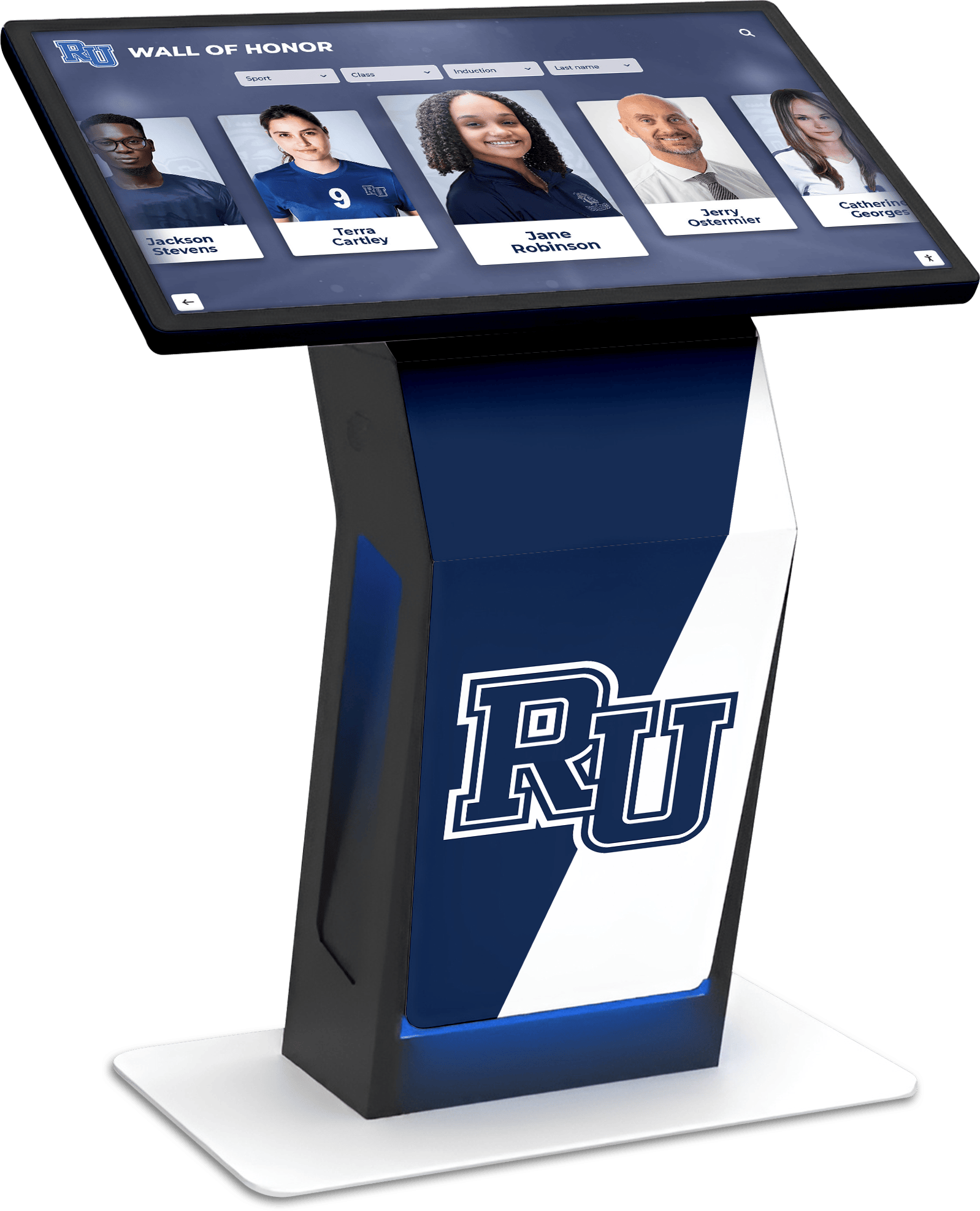
Interactive digital signage creates engagement through touchscreen exploration rather than passive viewing
Understanding Interactive Digital Signage Fundamentals
Before implementing specific strategies, understanding what distinguishes genuinely interactive displays from basic digital screens helps organizations make foundational decisions correctly.
What Makes Digital Signage “Interactive”?
True interactive digital signage enables visitor control over content discovery and exploration:
Core Interactive Capabilities
- Touch-based navigation: Users tap, swipe, and gesture to explore content following personal interests
- Search functionality: Visitors find specific individuals, achievements, or information without browsing chronologically
- Content filtering: Users narrow results by category, year, department, or other relevant criteria
- On-demand multimedia: Videos, photo galleries, and audio content play based on user selection
- QR code integration: Visitors continue exploration on personal devices after leaving kiosks
- Real-time updates: Content reflects current information rather than stale historical snapshots
This interactivity fundamentally changes how audiences engage. Passive viewers spending 10-15 seconds glancing at traditional displays become active explorers spending 3-5 minutes discovering personally relevant content through touchscreen interaction.
Why Organizations Choose Interactive Digital Signage
The investment in interactive systems addresses critical institutional challenges while creating new opportunities:
Space Limitations and Scalability Physical recognition walls, trophy cases, and bulletin boards face rigid capacity constraints. Traditional plaques fill available wall space within years, forcing organizations to remove older recognition to accommodate new honorees. Interactive digital signage eliminates these limitations entirely—a single 55" touchscreen displays unlimited individuals, achievements, or information without ever running out of space.
Schools implementing digital record boards for athletics solve the perpetual problem of painted record boards requiring expensive updates whenever records fall. Digital systems automatically update rankings and preserve complete achievement histories.
Update Flexibility and Currency Printed directories, paper announcements, and static displays become outdated immediately upon installation. Correcting errors or adding new information requires physical replacement at significant cost and delay. Cloud-based interactive digital signage updates remotely in minutes, ensuring visitors always access current, accurate content.
Engagement Depth and Personalization Traditional displays present identical content to every viewer regardless of individual interests. Interactive systems enable personalized discovery pathways where different visitors explore different content based on unique connections and curiosities. This personalization dramatically increases engagement compared to one-size-fits-all broadcasting.
Organizations installing interactive donor walls and recognition displays create engagement opportunities impossible with traditional plaque systems. Donors explore giving impact through stories, photos, and videos rather than simply seeing names on walls.
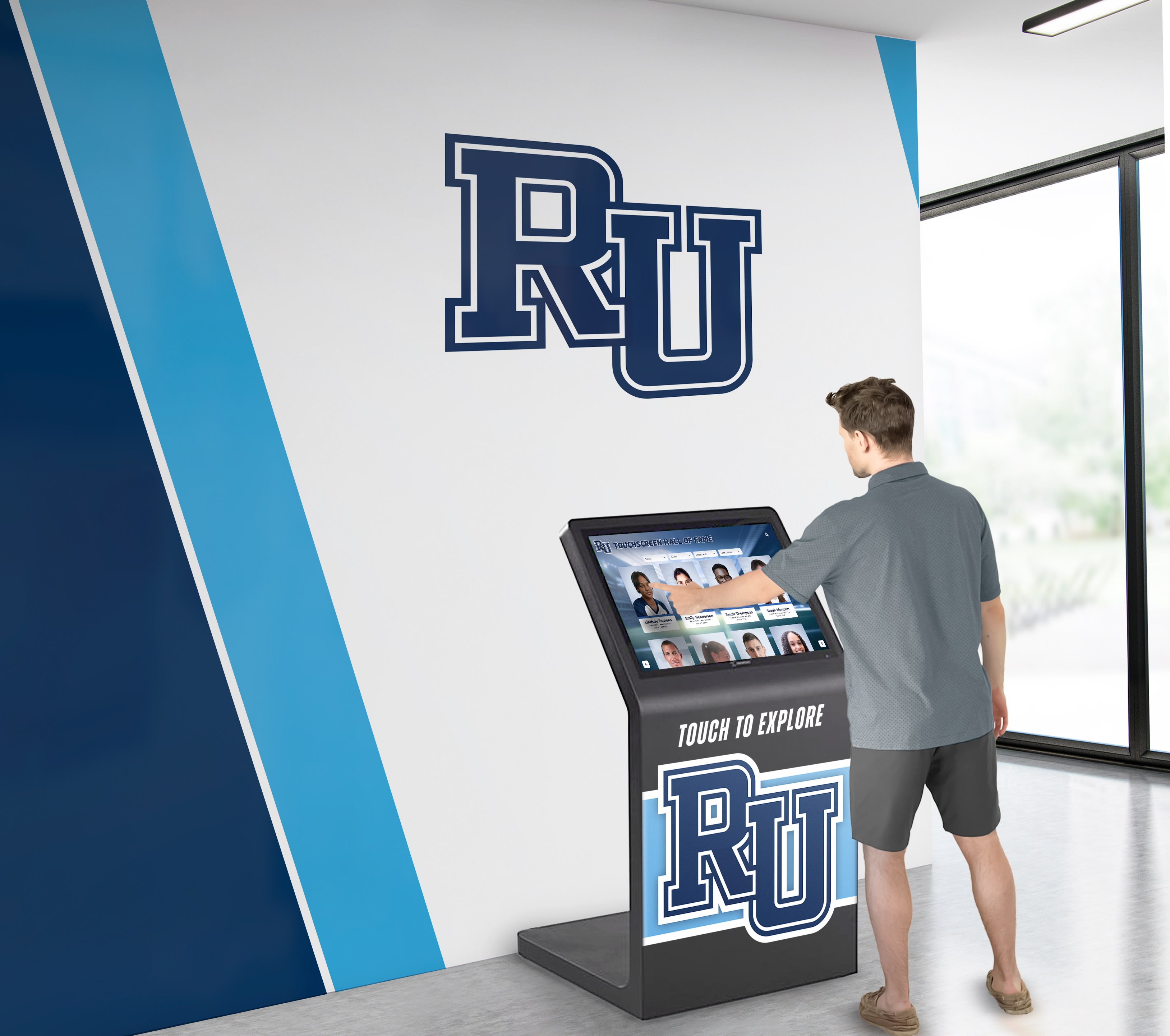
Interactive digital signage empowers visitors to discover personally relevant content independently
Content Strategies That Drive Engagement
Technology alone does not create engagement. Content strategy determines whether visitors actively explore displays or walk past disinterested.
Recognition and Achievement Content
Recognition content consistently generates high engagement because visitors actively seek personal connections:
Athletic Recognition Systems Sports programs generate decades of achievements deserving celebration—championships, individual records, hall of fame inductees, and milestone moments. Interactive digital signage transforms sports recognition from static trophy cases into comprehensive archives:
- Complete team rosters with individual athlete profiles and career statistics
- Championship season highlights with game-by-game results and memorable moments
- Record progression showing how performances evolved over decades
- Searchable databases enabling visitors to find specific athletes or years quickly
- Video highlights preserving championship games and signature performances
- Coach recognition honoring program leadership and milestone achievements
Schools implementing digital trophy case systems solve space constraints while creating deeper engagement through multimedia storytelling impossible with physical trophies alone.
Academic Excellence Recognition Academic achievement deserves equal visibility to athletic accomplishments. Interactive systems create parity through comprehensive recognition:
- Honor roll displays showing current and historical academic excellence
- Academic competition achievements across subjects and grade levels
- National Merit Scholars and commended students with future plans
- Valedictorian and salutatorian archives extending back decades
- Scholarship recipient profiles connecting donors to student success
- College acceptance and matriculation information showing outcomes
Organizations can showcase student achievement programs that build recognition culture across entire institutions rather than limiting visibility to physical bulletin boards.
Arts, Activities, and Club Recognition Beyond athletics and academics, interactive digital signage celebrates diverse contributions:
- Theatre production histories with cast lists and performance photos
- Music competition results and concert recordings
- Student art galleries with artist statements and medium details
- Club leadership recognition and activity highlights
- Community service hours and volunteer impact stories
- Student organization achievements across diverse interests
This comprehensive recognition approach demonstrates institutional values beyond traditional academic and athletic focus.
Historical Archives and Storytelling
Interactive digital signage excels at preserving and presenting institutional history:
Timeline Presentations
- Foundational moments and milestone events
- Leadership changes and administrative eras
- Facility expansions and campus development
- Historic photos showing institutional evolution
- Oral histories and recorded memories
- Notable alumni and their post-graduation achievements
Photo and Video Archives Interactive systems preserve decades of institutional memory:
- Digitized yearbook archives accessible by year and individual
- Class composite photos with searchable student identification
- Event documentation from graduations, ceremonies, and celebrations
- Candid campus life photography showing daily experiences
- Historical documents, letters, and primary sources
- Video interviews with alumni, staff, and community leaders
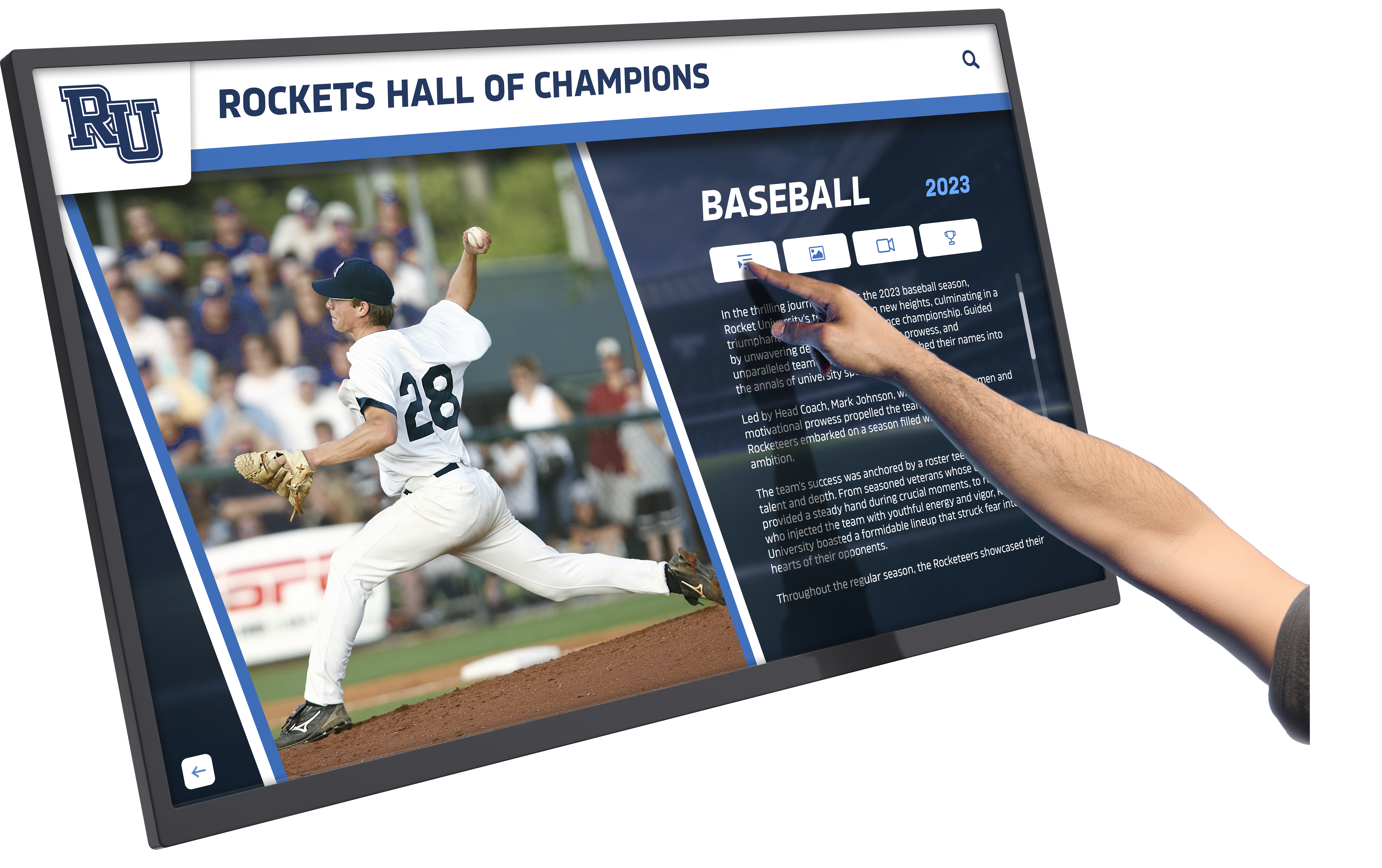
Touch interaction enables detailed exploration of individual achievements and career highlights
Organizations implementing historical timeline displays create engaging experiences that connect current community members with institutional heritage in personally meaningful ways.
Real-Time Information and Updates
Beyond historical content, interactive digital signage serves practical daily purposes:
Daily Operations Content
- Event calendars with searchable upcoming activities
- Daily schedules showing current programming
- Directory information for wayfinding and navigation
- Weather and emergency alerts for safety
- Menu information for dining facilities
- Transportation schedules and routes
Community Announcements
- Achievement celebrations and congratulations
- Upcoming deadlines and important dates
- Club and organization meeting information
- Volunteer opportunities and service projects
- Fundraising campaign progress and goals
- Alumni event invitations and reunion information
The key to engagement is balancing evergreen recognition content with timely information that changes regularly, giving visitors reasons to return repeatedly.
Design Principles for Engaging Interfaces
Content strategy matters little if visitors cannot navigate interfaces intuitively. Design decisions significantly impact engagement levels.
Intuitive Navigation Patterns
Effective interactive digital signage follows familiar interaction patterns that visitors understand immediately:
Clear Visual Hierarchy
- Large, readable typography visible from expected viewing distances (typically 4-8 feet)
- High contrast ratios ensuring readability in various lighting conditions
- Logical content organization following user mental models
- Consistent button sizing and placement across screens
- Visual feedback confirming touch interactions
- Progress indicators showing content loading and transitions
Accessible Design Standards Interactive displays in public spaces must serve all community members:
- WCAG 2.2 Level AA compliance for digital accessibility
- Text sizing options for vision-impaired visitors
- Screen reader compatibility for blind users
- Alternative input methods beyond touch for mobility-limited individuals
- Color schemes that remain distinguishable for colorblind visitors
- Clear language and simple instructions avoiding jargon
Schools and nonprofits should prioritize accessible touchscreen implementations that welcome all visitors rather than creating barriers for people with disabilities.
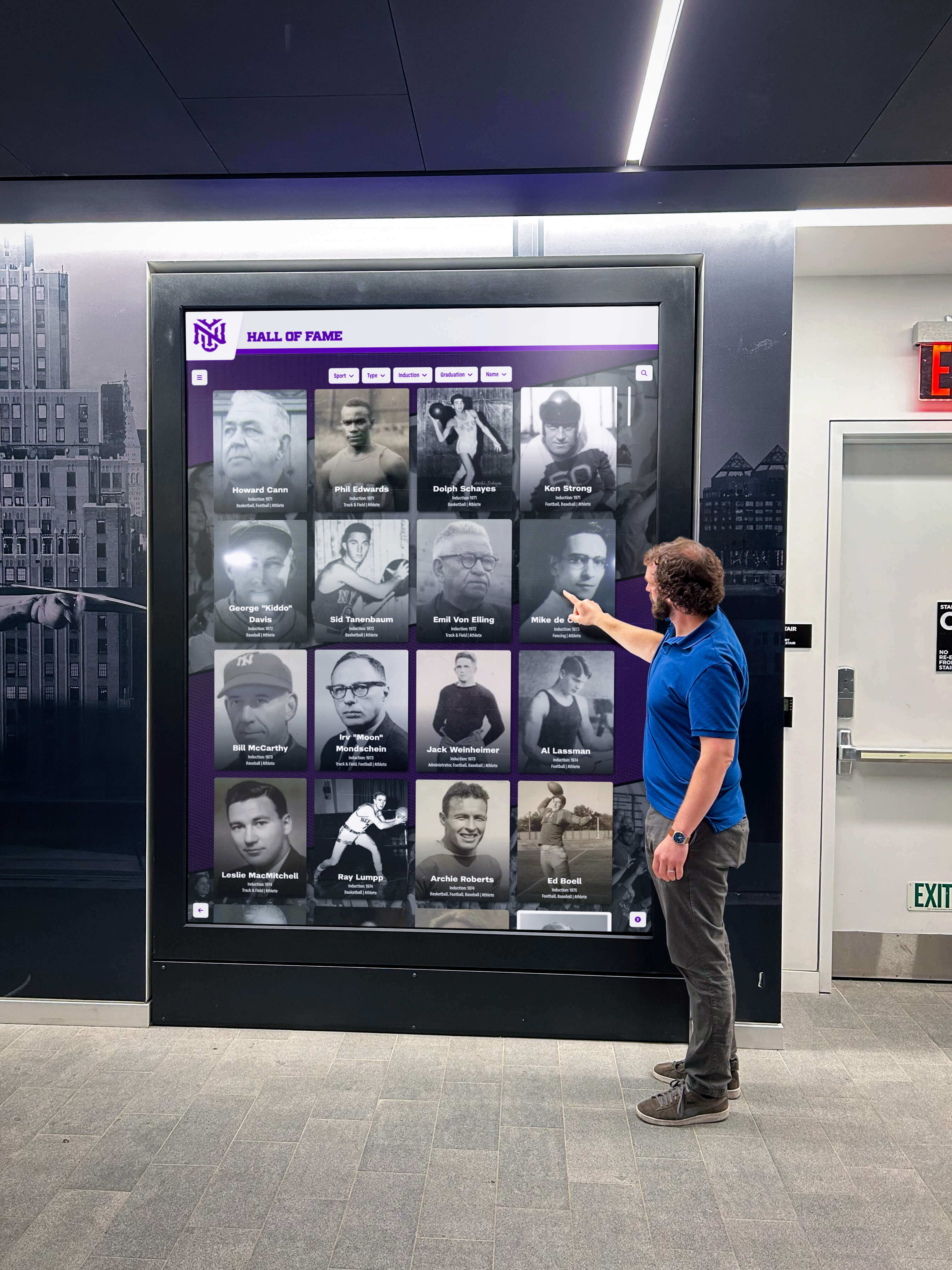
Intuitive interfaces enable visitors of all ages and abilities to explore content independently
Search and Discovery Features
Visitors engage most when they can find personally relevant content quickly:
Robust Search Capabilities
- Name search finding individuals across all content types
- Year filtering showing achievements from specific time periods
- Category browsing by sport, activity, achievement type, or department
- Keyword search identifying content matching specific terms
- Related content suggestions guiding continued exploration
- Recent addition highlights showcasing newly added content
Engaging Browse Experiences Not all visitors arrive seeking specific information. Browse features encourage discovery:
- Featured content rotating periodically to maintain freshness
- “Did you know?” facts highlighting interesting historical details
- Random profile generators introducing visitors to unknown achievements
- Decade comparisons showing institutional evolution over time
- Popular content indicators showing frequently viewed profiles
- Interactive quizzes testing institutional knowledge
These discovery features transform interactive digital signage from reference tools into engaging experiences that teach visitors about institutional history and achievements they never knew existed.
Technology Considerations and Implementation
Strategic technology decisions affect long-term success, maintenance requirements, and total cost of ownership.
Hardware Selection and Placement
Hardware choices impact durability, usability, and engagement:
Display Sizing and Resolution
- 55" displays work well for lobby installations with 6-8 foot viewing distances
- 65"-75" screens suit larger spaces with 10-15 foot approach distances
- 4K resolution maintains text readability across screen sizes
- Commercial-grade displays withstand continuous operation better than consumer TVs
- Anti-glare treatments reduce reflections in naturally lit spaces
- Landscape or portrait orientation based on content and mounting location
Mounting and Accessibility
- Wall mounting saves floor space but limits mobility-impaired access
- Freestanding kiosks provide flexible placement and accessible mounting heights
- Angled mounting (10-15 degrees) improves touchscreen ergonomics
- Lower screen positioning (30-42 inches from floor) accommodates wheelchair users
- Protective enclosures prevent unauthorized access to hardware
- Cable management systems maintain professional appearance
Organizations should consult touchscreen kiosk implementation guides when planning installations to avoid common mistakes affecting usability and accessibility.
Software and Content Management
Software decisions determine content flexibility, update workflows, and long-term maintenance:
Cloud-Based vs. Local Systems
- Cloud platforms enable remote content management from any location
- Automatic software updates maintain security and feature currency
- Multiple administrator access with role-based permissions
- Centralized management when deploying multiple displays across locations
- Offline fallback modes ensuring displays function during connectivity issues
Content Management Requirements Effective platforms support diverse content types and update workflows:
- Intuitive content editors requiring no technical expertise
- Bulk upload capabilities for adding multiple entries simultaneously
- Scheduled content publishing for future activation
- Version history and rollback capabilities
- Media library management organizing photos, videos, and documents
- Template systems ensuring visual consistency across entries
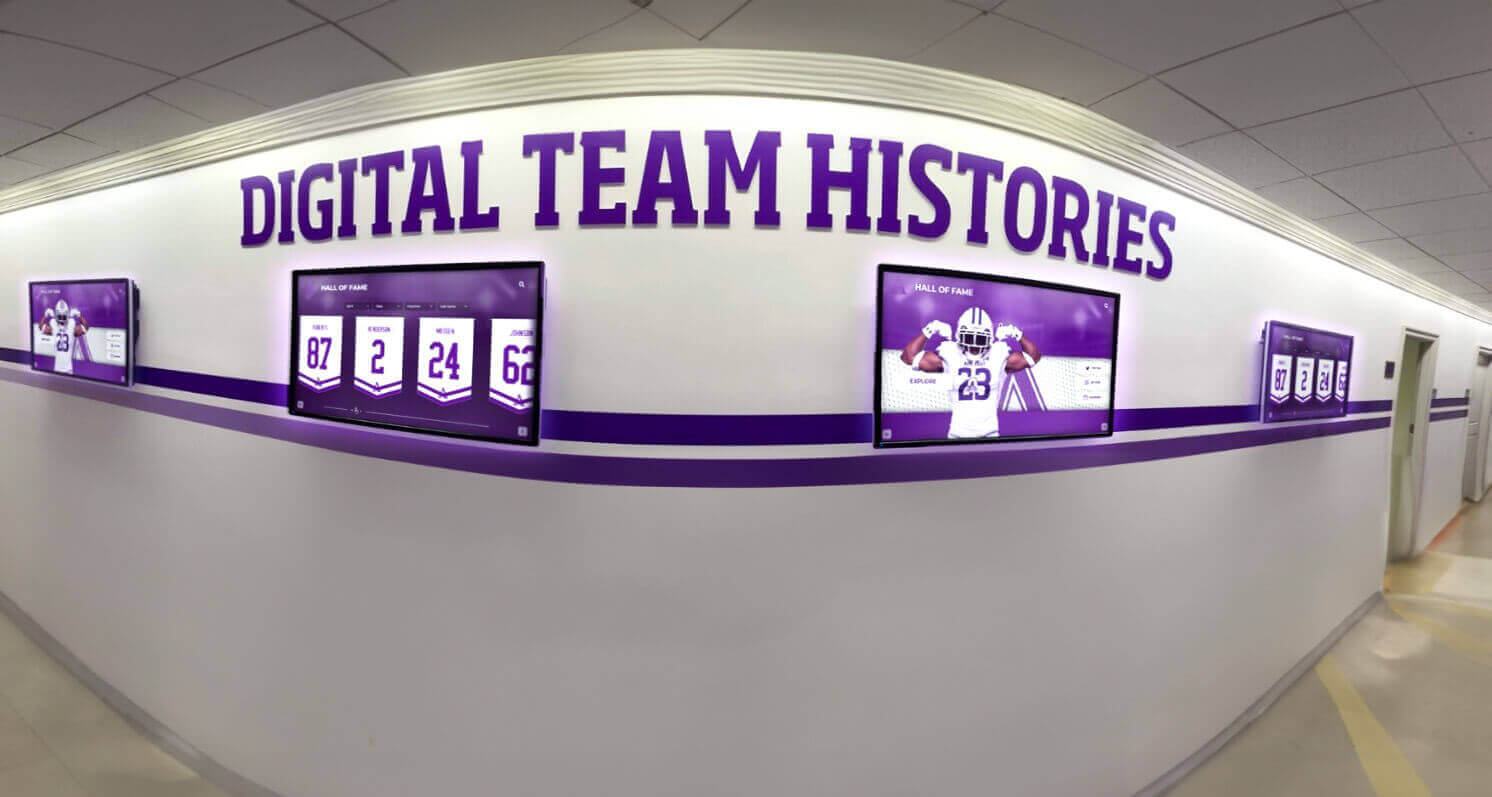
Strategic placement of multiple displays extends engagement opportunities throughout facilities
Integration with Existing Systems
Interactive digital signage works best when connected to other institutional systems:
Database Integrations
- Student information systems providing academic recognition data automatically
- Athletic management platforms feeding competition results and statistics
- Alumni databases enabling recognition updates as achievements occur
- Donor management systems updating giving recognition in real-time
- Event calendars syncing activities and schedules automatically
- Social media feeds displaying community content dynamically
Mobile and Web Connectivity QR codes bridge physical displays and personal devices:
- Visitors scan codes to continue exploration on smartphones
- Content sharing via text, email, or social media
- Mobile-responsive websites providing identical content remotely
- Analytics tracking which content generates mobile engagement
- Remote access enabling alumni anywhere to explore institutional history
Measuring Engagement and Optimizing Performance
Successful interactive digital signage requires continuous measurement and improvement:
Key Engagement Metrics
Organizations should track metrics revealing how visitors actually use displays:
Interaction Metrics
- Sessions per day showing total visitor engagement
- Average session duration indicating content depth
- Interaction rate (touches per session) revealing active exploration
- Search queries identifying what visitors seek
- Most viewed content highlighting popular profiles and achievements
- Bounce rate showing visitors leaving immediately vs. exploring
Content Performance Analysis
- Video completion rates showing multimedia engagement
- Category preferences revealing which content types attract interest
- Time-of-day usage patterns informing content scheduling
- QR code scans measuring mobile engagement extension
- Return visitor rate indicating whether content merits repeated visits
Optimization Strategies
Data-driven improvements increase engagement over time:
Content Freshness
- Regular additions giving visitors new discoveries during return visits
- Seasonal content rotation highlighting timely achievements
- Feature rotations preventing display stagnation
- Historical anniversary content connecting past and present
- User-generated content through submission portals
Interface Refinements
- A/B testing different navigation approaches
- Search query analysis informing better filtering options
- Heatmap tracking showing where visitors touch most frequently
- Session recording revealing navigation confusion points
- Accessibility testing with diverse user groups
Real-World Applications Across Organization Types
Interactive digital signage serves diverse institutions through adapted implementations:
Educational Institutions
Schools and universities deploy interactive systems for:
- Athletic hall of fame programs honoring sports excellence
- Academic recognition celebrating intellectual achievements
- Alumni connection maintaining graduate engagement
- Institutional history preserving heritage and traditions
- Donor recognition acknowledging philanthropic support
- Admissions engagement impressing prospective students and families
Educational institutions benefit from comprehensive digital showcase solutions that highlight achievements across academics, athletics, arts, and service.
Nonprofit Organizations
Nonprofits leverage interactive digital signage for:
- Donor walls showcasing giving impact through stories and multimedia
- Volunteer recognition celebrating community service contributions
- Mission communication explaining organizational impact and programs
- Event promotion highlighting upcoming fundraising and community activities
- Historical archives documenting organizational evolution and achievements
- Testimonial displays sharing beneficiary stories and outcomes
Organizations can implement digital donor recognition systems that demonstrate giving impact more compellingly than traditional plaque walls.
Businesses and Professional Organizations
Companies deploy interactive displays for:
- Employee recognition celebrating achievements and milestones
- Company history showcasing organizational heritage and evolution
- Product information providing detailed specifications and demonstrations
- Wayfinding helping visitors navigate complex facilities
- Brand storytelling communicating values and culture
- Customer testimonials sharing satisfaction and results
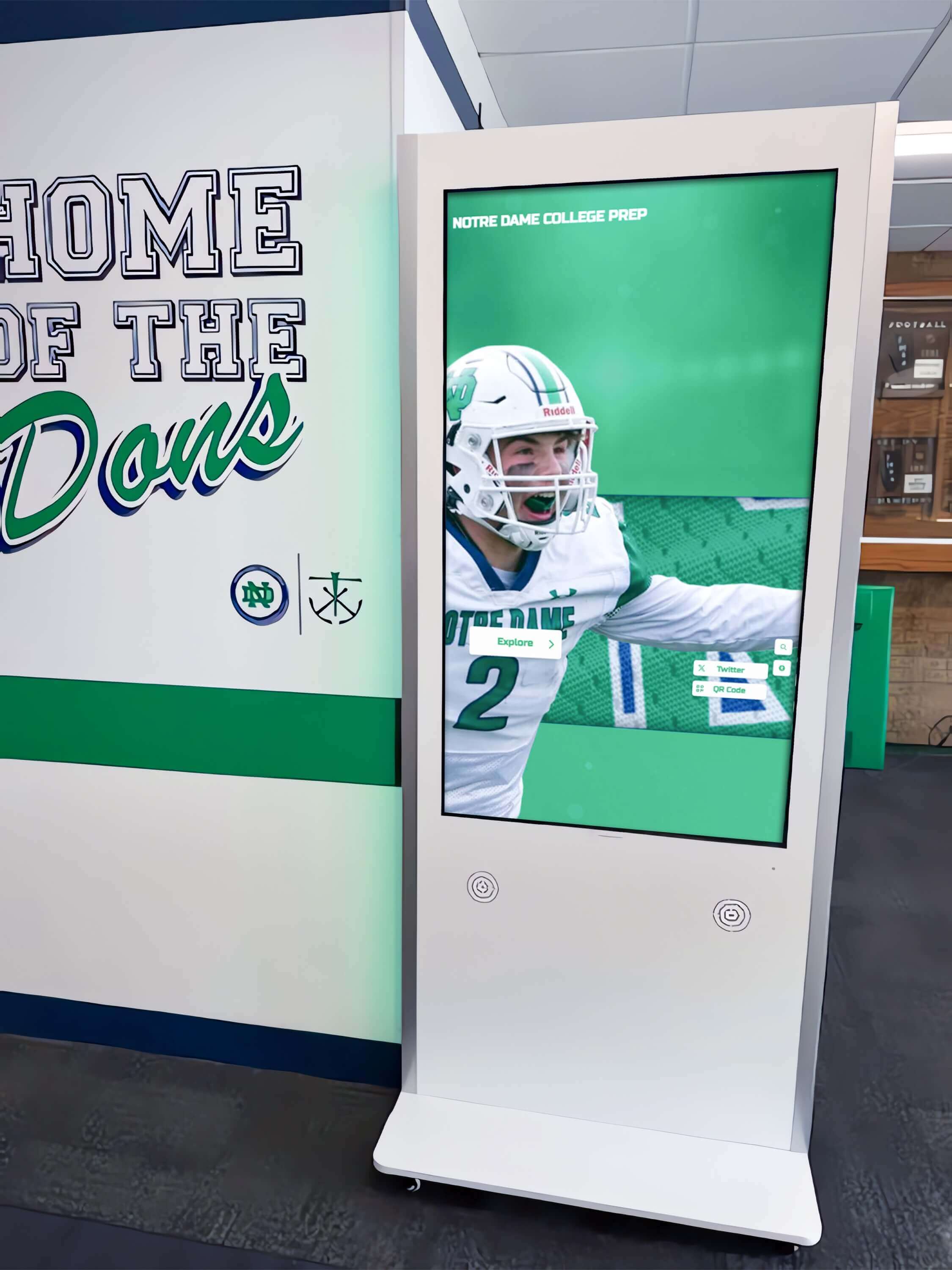
Freestanding kiosks provide flexible placement options and accessible mounting heights
Cultural Institutions
Museums, libraries, and cultural centers use interactive systems for:
- Collection information providing detailed object descriptions and context
- Exhibition guides enhancing visitor experiences with multimedia
- Historical timelines presenting chronological narratives interactively
- Oral histories preserving community voices and memories
- Educational programming delivering learning content engagingly
- Accessibility features making collections available to diverse audiences
These institutions benefit from interactive touchscreen implementations that transform static displays into engaging educational experiences.
Implementation Best Practices
Organizations succeeding with interactive digital signage follow proven approaches:
Planning and Goal Setting
Clear objectives guide implementation decisions:
Define Primary Purposes
- What problems does interactive digital signage solve?
- Which audiences will use displays most frequently?
- What content types deliver highest value?
- How does digital signage support broader institutional goals?
- What success metrics matter most?
Assess Content Readiness
- What existing content can be digitized and displayed?
- What new content needs creation?
- Who maintains content currency long-term?
- What content submission and approval workflows are needed?
Content Strategy Development
Successful implementations begin with content, not technology:
Content Inventory and Organization
- Catalog existing photos, documents, and multimedia assets
- Identify content gaps requiring creation or acquisition
- Develop taxonomy and categorization systems
- Establish metadata standards for searchability
- Plan digitization workflows for physical archives
- Create content style guides ensuring consistency
Editorial Calendars
- Schedule regular content additions maintaining freshness
- Plan seasonal and event-based content rotations
- Assign content creation and maintenance responsibilities
- Establish quality control and approval processes
- Set update frequency standards by content type
Training and Change Management
Technology succeeds only when people adopt it:
Staff Training Programs
- Content management system tutorials
- Media creation and editing workshops
- Quality standards and style guide reviews
- Troubleshooting and support procedures
- Accessibility compliance requirements
Community Engagement
- Launch events introducing displays to communities
- Submission portals inviting content contributions
- Recognition programs celebrating featured individuals
- Social media promotion driving awareness
- Feedback mechanisms capturing improvement suggestions
Future Trends in Interactive Digital Signage
Technology evolution continues expanding engagement possibilities:
Artificial Intelligence and Personalization
AI enables more sophisticated personalization:
- Facial age estimation suggesting age-appropriate content
- Voice interaction allowing hands-free navigation
- Natural language search understanding conversational queries
- Recommendation engines suggesting related content based on behavior
- Automated content tagging reducing manual metadata entry
Mobile Integration and Continuity
Seamless experiences bridge physical and digital worlds:
- Personalized QR codes remembering visitor preferences
- Mobile apps syncing with kiosk interactions
- Push notifications alerting when new relevant content appears
- Social sharing encouraging content distribution
- Virtual reality extensions providing immersive historical experiences
Enhanced Accessibility
Emerging technologies remove remaining barriers:
- Voice navigation for vision-impaired visitors
- Gesture control for mobility-limited users
- Real-time translation supporting multilingual communities
- Customizable interfaces adapting to individual needs
- Biometric authentication enabling personalized experiences
Choosing Interactive Digital Signage Solutions
Organizations evaluating systems should consider several factors:
Evaluation Criteria
Content Flexibility
- Unlimited content capacity without artificial restrictions
- Support for diverse media types (photos, videos, documents, audio)
- Flexible layouts accommodating various content structures
- Easy content updates requiring minimal technical expertise
Technology Reliability
- Commercial-grade hardware with proven durability
- Cloud-based architecture with automatic backups
- Responsive technical support and maintenance
- Regular software updates maintaining security and features
Accessibility Compliance
- WCAG 2.2 Level AA conformance for digital accessibility
- Physical accessibility through appropriate mounting and hardware
- Alternative interaction methods beyond touchscreen-only
- Documentation demonstrating compliance for legal requirements
Cost Structure
- Transparent pricing without hidden fees
- Reasonable subscription models matching organizational budgets
- Hardware options across price points
- Training and support included vs. additional charges
Organizations like Rocket Alumni Solutions offer comprehensive interactive digital signage platforms specifically designed for recognition applications in schools, nonprofits, and institutions. These purpose-built solutions provide unlimited content capacity, built-in accessibility compliance, and intuitive content management that non-technical staff can confidently use. By focusing on recognition use cases rather than general-purpose digital signage, specialized platforms deliver better engagement results than adapting generic solutions to recognition applications.
Vendor Questions
Organizations should ask potential vendors:
- How many active installations does your platform currently support?
- What content management training and ongoing support do you provide?
- How does your platform ensure WCAG accessibility compliance?
- What happens to our content if we discontinue service?
- Can we export our content and data in standard formats?
- What customization options maintain our institutional branding?
- How do software updates roll out, and can we test before deploying?
- What redundancy and backup systems protect our content?
Conclusion: Creating Engagement Through Strategic Implementation
Interactive digital signage succeeds when organizations prioritize engagement over technology, understanding that hardware and software matter less than content strategy, interface design, and authentic value delivery to visitors. The most engaging displays share common characteristics: personally relevant content that visitors actively seek, intuitive navigation requiring no instructions, comprehensive archives spanning decades of achievements, regular updates that reward repeated visits, and accessible design welcoming all community members.
Organizations planning interactive digital signage should begin with clear goals, honest content assessments, and realistic maintenance plans rather than leading with technology selection. The best platform becomes ineffective without quality content, trained administrators, and institutional commitment to long-term updates. Conversely, organizations treating displays as dynamic engagement tools rather than one-time installations achieve transformative results that strengthen communities, honor achievements, preserve history, and welcome visitors in ways impossible through traditional static displays.
Interactive digital signage represents an investment in community engagement and institutional memory. Organizations implementing thoughtfully—with attention to content strategy, accessible design, intuitive interfaces, and continuous improvement—create valued resources that deliver engagement and connection for years to come.
Ready to explore how interactive digital signage can strengthen your organization’s community connections and recognition programs? Learn more about comprehensive touchscreen display solutions designed specifically for schools, nonprofits, and institutions seeking engaging recognition systems that celebrate achievements while preserving institutional heritage.