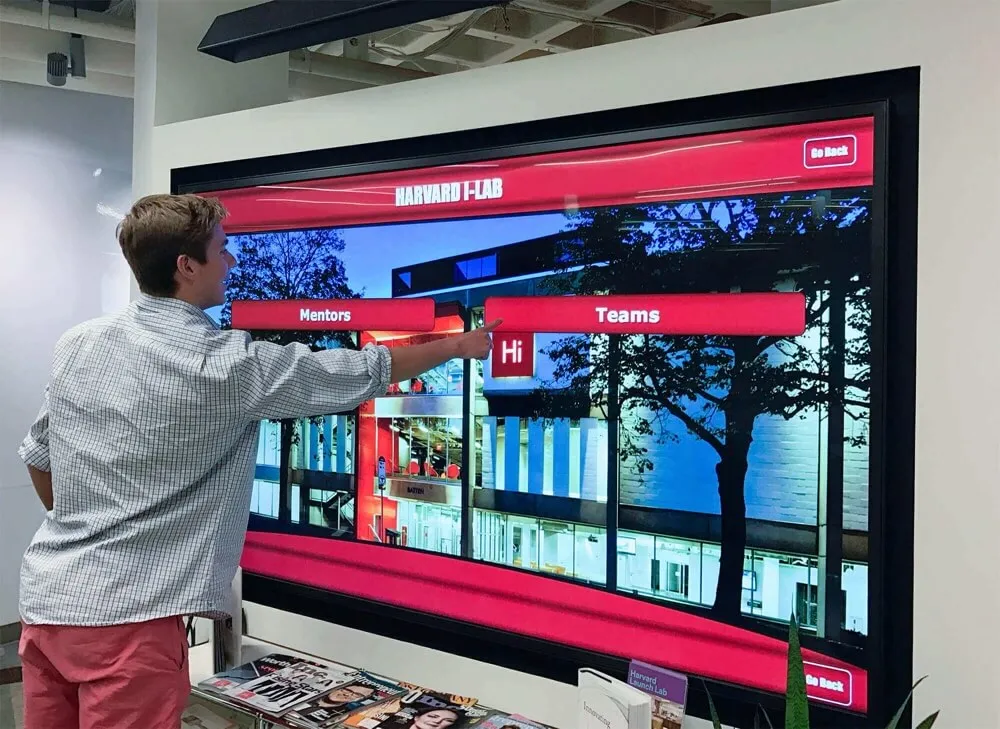
About This Resource
Best Touchscreen is published by Rocket Alumni Solutions. We help schools, universities, and organizations understand touchscreen display software and provide buying questions they can use with every vendor.

Touchscreen displays are transforming how organizations showcase achievements and recognition.
What We Provide
Industry Education
We explain touchscreen display technology, common features, implementation considerations, and use cases so you can understand what solutions are available and how they might fit your organization's needs.
Feature Guides
Our guides detail the key features to look for when evaluating touchscreen software—from accessibility compliance and content management to hardware compatibility and support options.
Best Practices
Learn about recognition program strategies, implementation timelines, content management approaches, and ways to maximize engagement with digital displays.
Comparison Frameworks
We provide frameworks for comparing different solutions, helping you ask the right questions and evaluate vendors based on your specific requirements.
Topics We Cover
Hardware Options
- Touchscreen display sizes and types
- Commercial vs. proprietary hardware
- Installation considerations
- Kiosk and wall-mount options
Software Features
- Content management systems
- Cloud-based vs. local platforms
- Accessibility and ADA compliance
- Integration capabilities
Use Cases
- Athletic halls of fame
- Donor recognition walls
- Academic achievement displays
- Digital trophy cases
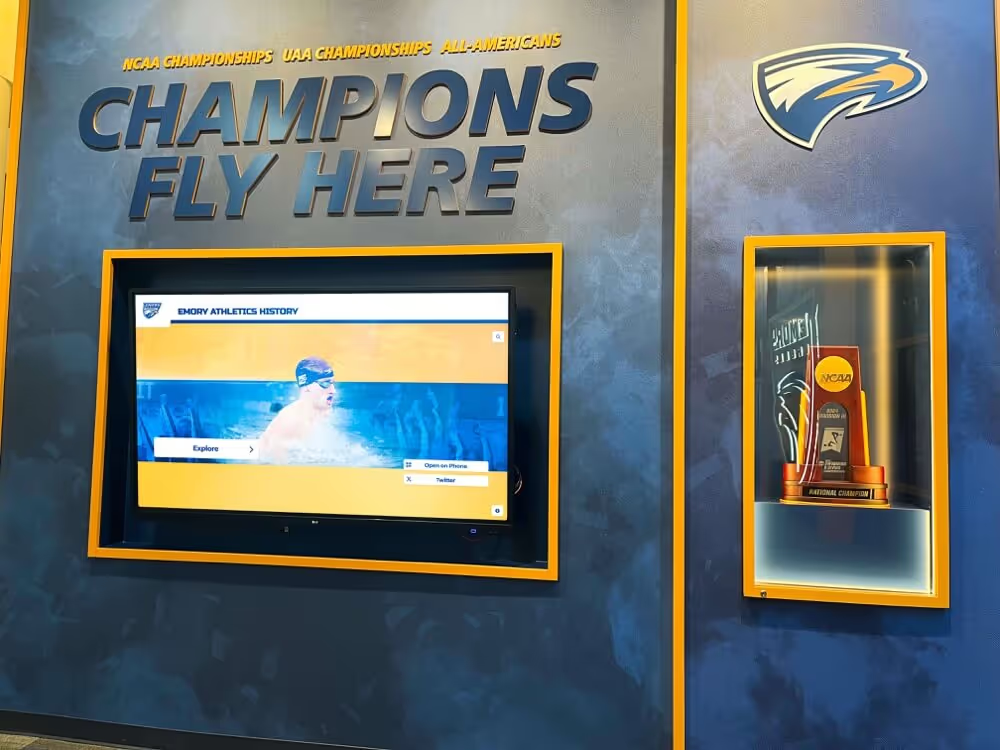
Universities and colleges use touchscreen displays for athletics, donor recognition, and alumni engagement.
Our Editorial Approach
Our guides explain general buying criteria and identify Rocket product details when they appear.
- Educational content focused on helping readers understand their options
- Industry insights based on common features and best practices
- Practical guidance for evaluation and implementation
- Recognition program strategies and best practices
Frequently Asked Questions
What is touchscreen display software?
Touchscreen display software is specialized software that powers interactive digital displays for recognition programs. It typically includes a content management system (CMS) for adding and organizing content, display software for the touchscreen interface, and often web accessibility so content can be viewed on other devices. These systems are used for halls of fame, donor walls, trophy cases, and other recognition displays.
What touchscreen sizes are typically available?
Commercial touchscreen displays commonly range from 55 inches to 86 inches or larger. Most touchscreen software is hardware-agnostic, meaning it works with displays from various manufacturers rather than requiring proprietary hardware. This gives organizations flexibility in choosing displays that fit their space and budget.
What is ADA compliance for touchscreen displays?
ADA compliance for touchscreen displays typically refers to meeting WCAG 2.1 AA accessibility standards. This includes screen reader compatibility, keyboard navigation support, and making content accessible on mobile devices (not just the physical touchscreen). Web-based platforms can achieve full accessibility compliance more easily than kiosk-only systems.
How long does touchscreen display implementation typically take?
Most touchscreen display implementations take 2-4 weeks from contract signing to launch. This includes custom design work, content migration assistance, administrator training, and technical setup. Complex installations with extensive historical data may take longer.
What should I look for in a touchscreen software vendor?
Key considerations include: hardware flexibility (works with any commercial display), content capacity (unlimited or capped entries), accessibility compliance (full ADA/WCAG support), ease of content management, support options, pricing structure (bundled vs. à la carte features), and web accessibility (content viewable beyond the physical touchscreen).
Explore Our Resources
Continue learning about touchscreen display software and recognition solutions.
Best Touchscreen is published by Rocket Alumni Solutions.